

Boots Review Scraper ⭐️
Pricing
from $0.80 / 1,000 results
Boots Review Scraper ⭐️
Extract the complete customer review history from any Boots.com product — rating, full text, author, date, pros/cons, and key flags like verified purchase, incentivized, and syndicated. Paginates to the end of the review history, not just page one. Batch by URL or product ID. No login required.
Pricing
from $0.80 / 1,000 results
Rating
0.0
(0)
Developer

MrDoe
Maintained by CommunityActor stats
0
Bookmarked
2
Total users
1
Monthly active users
22 days ago
Last modified
Categories
Share
What it does
Boots Review Scraper pulls the complete customer review history for any Boots.com product. Give it a product URL (or just the number at the end of that URL) and it returns one row per review: star rating, title, full text, author nickname and location, date, verified-purchase and incentivised flags, recommendation, helpful/not-helpful counts, pros and cons, and — for syndicated reviews — the original source and its logo. Each row also carries the product's aggregate rating and rating breakdown.
No account, no login.
Why use it
- Every review, not a page-one sample. The Actor paginates to the end of the review history for each product.
- The flags that matter for analysis —
verifiedPurchase,incentivized,syndicated,recommended— are all first-class fields. - Batch-friendly. Pass a list of products and a single
maxItemscap to control spend across the whole run. - Fast and light. It reads Boots' review data directly, so runs finish in seconds per product, not minutes.
- Honest nulls. Missing fields are
null, never invented.
What makes this different
Boots' on-page review widget only shows a handful of reviews at a time and hides the rest behind lazy loading. This Actor goes straight to the structured review feed that powers that widget, so you get the full set — including reviews syndicated from brand sites — with consistent fields on every row.
Data you get
| Group | Fields |
|---|---|
| Product | productId, productTitle, brand, overallRating, totalReviewCount, productUrl |
| Review | reviewId, rating, title, reviewText, submissionTime, lastModificationTime |
| Author | authorNickname, authorLocation |
| Flags | recommended, verifiedPurchase, incentivized, syndicated |
| Syndication | syndicationSource, syndicationSourceLogo, originalProductName |
| Extras | pros, cons, helpfulCount, notHelpfulCount, totalFeedbackCount, commentCount, photoCount, secondaryRatings, contentLocale |
How to use
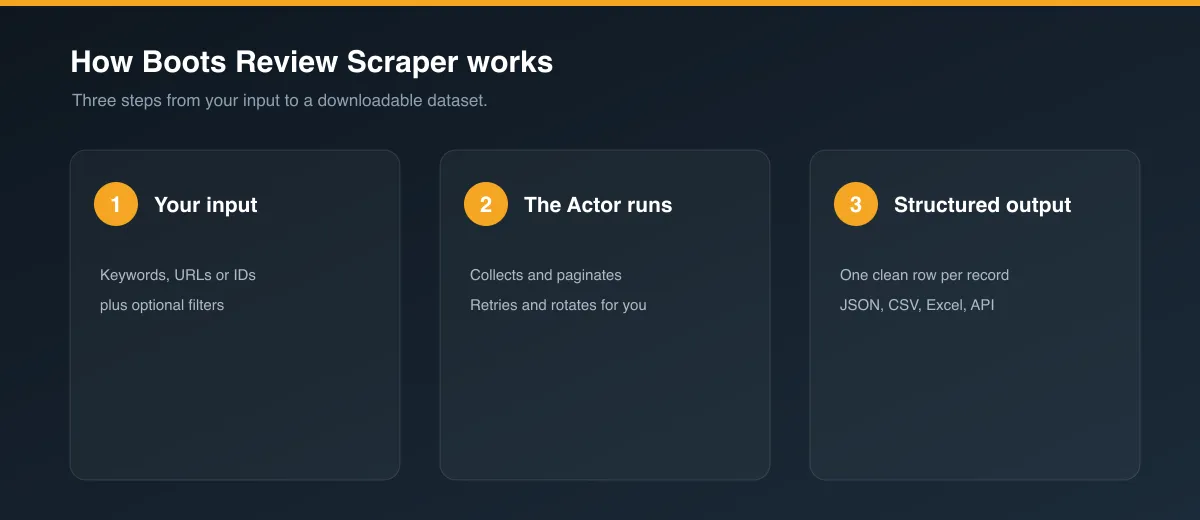
- Paste a Boots product URL into Product URL or product id (or add several to the batch list).
- Choose a Sort order and a Max reviews cap.
- Run. Results stream into the dataset.
Input
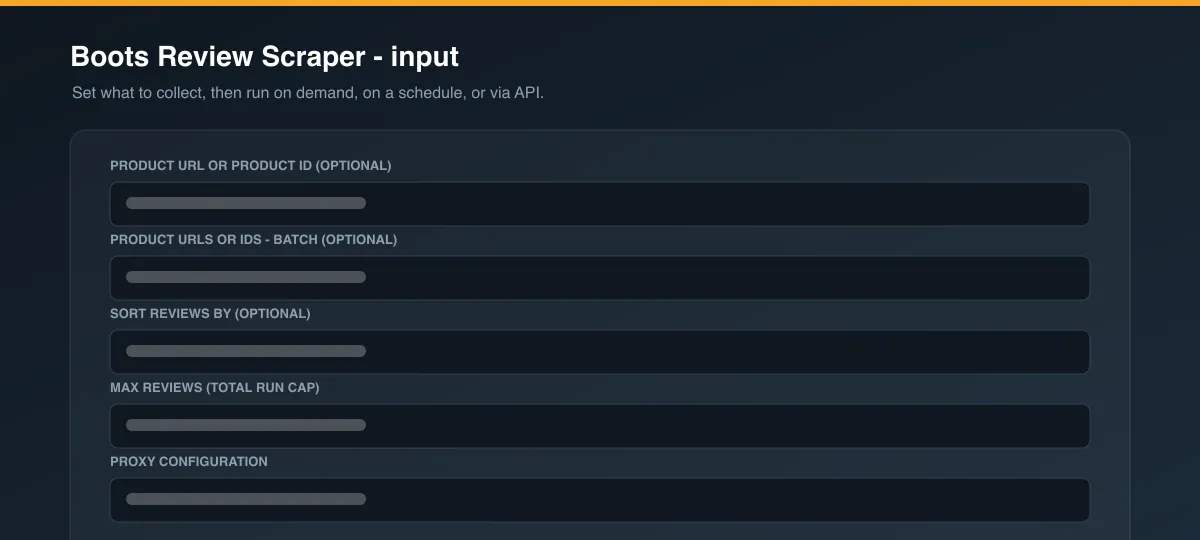
| Field | Type | Notes |
|---|---|---|
productUrl | string | Boots product URL or the trailing numeric id (e.g. 10356777). |
productUrls | array | Many URLs / ids in one run. Wins over productUrl. |
sort | string | submissiontime:desc (newest, default), submissiontime:asc, rating:desc, rating:asc, helpfulness:desc. |
maxItems | integer | Total review-row cap across the whole run. Default 20 — raise it to pull full history. |
proxyConfiguration | object | Proxy recommended for sustained volume. |
Output
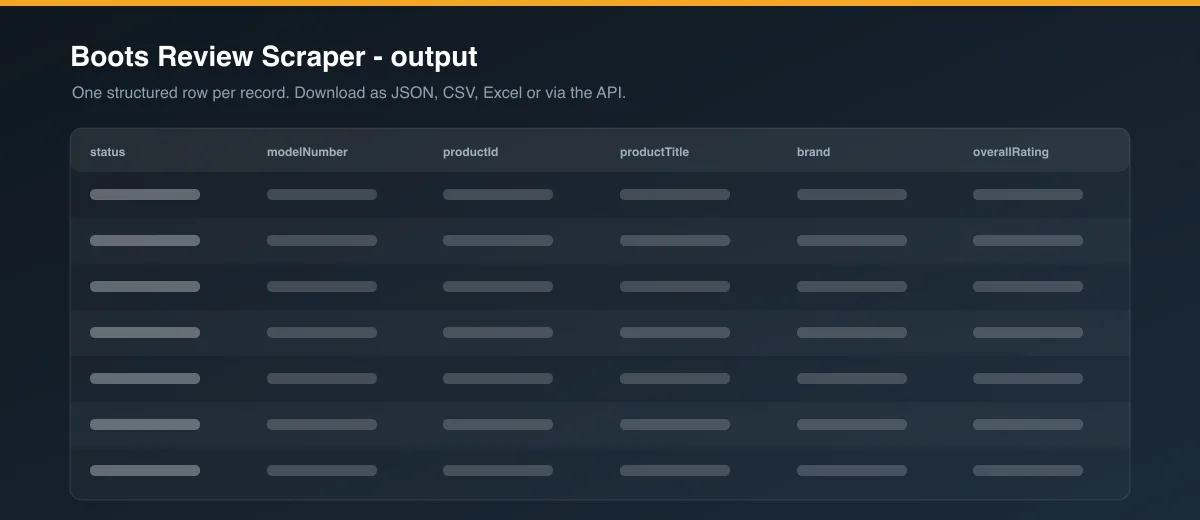
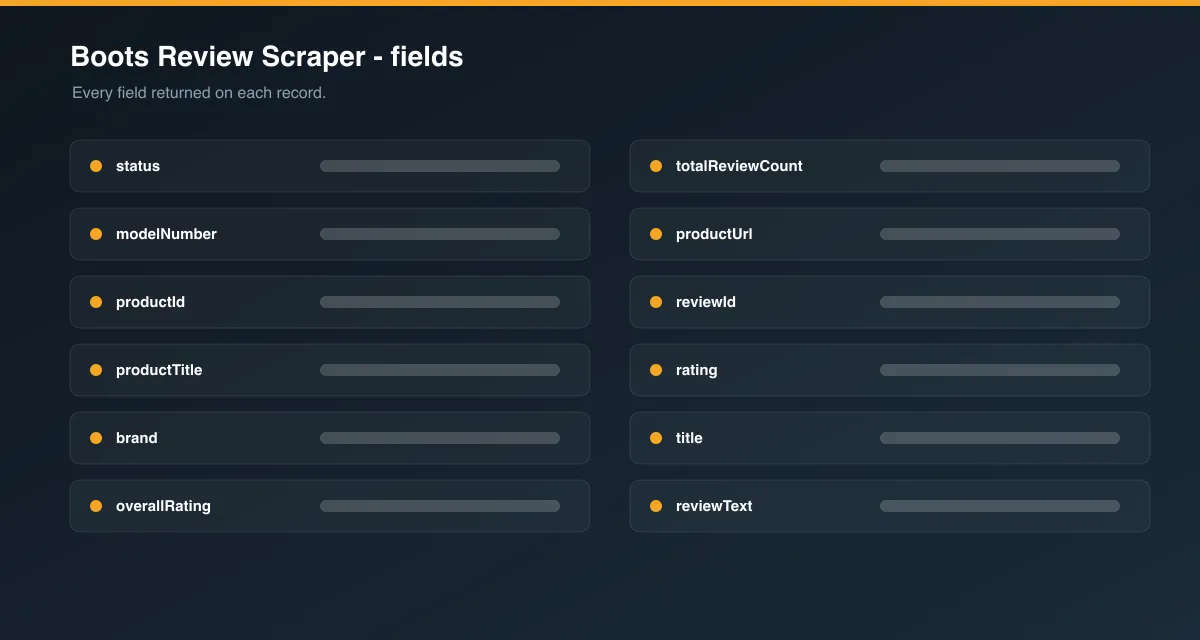
One example row:
Usage examples
Full history, newest first
Worst reviews across a set of products
Known limitations
- Reviews come from Boots' review platform, which includes reviews syndicated from brand websites — the
syndicatedandsyndicationSourcefields tell you which. Set them aside if you only want reviews written on boots.com. pros/consandsecondaryRatingsare only present when the reviewer filled them in — usuallynull.- The review platform serves English-locale reviews for the UK/IE/US/CA/AU/EU storefronts; other-language reviews are not included.
authorLocationis self-reported and often blank.- A brand-new product with no reviews yet returns a single row with
status: "no_reviews".
FAQ
How do I get the product id? It's the number at the end of the product URL: .../loreal-...-400ml-10356777 → 10356777. You can pass either the full URL or just that number.
Does maxItems cap per product or per run? Per run, across all products — so a batch of 50 products with maxItems: 500 returns at most 500 rows total.
Will it get every review? Yes, up to maxItems. Set a high cap to pull the entire history.
Legal
Use this Actor for lawful purposes and in line with Boots' Terms of Use and applicable law. Reviews are user-generated public content; authorNickname and authorLocation are pseudonymous values the reviewer chose to publish. Handle any personal data you collect in accordance with GDPR and other applicable rules, and only for legitimate purposes.


