

🚘 cardirect car data scraper US 🇺🇸
Pricing
from $1.70 / 1,000 results
🚘 cardirect car data scraper US 🇺🇸
one of the largest used-car marketplaces in the US. Give it one or more listing search pages and it collects every vehicle shown across as many pages as you like, then visits each vehicle's own page to pull price, mileage, VIN, trim, specs, and dealer information.
Pricing
from $1.70 / 1,000 results
Rating
0.0
(0)
Developer

MrDoe
Maintained by CommunityActor stats
0
Bookmarked
3
Total users
2
Monthly active users
a month ago
Last modified
Categories
Share
What does CarsDirect Used Car Scraper do?
CarsDirect Used Car Scraper extracts used car listings from carsdirect.com, one of the largest used-car marketplaces in the US. Give it one or more listing search pages and it collects every vehicle shown across as many pages as you like, then visits each vehicle's own page to pull price, mileage, VIN, trim, specs, and dealer information. Try it by pasting a CarsDirect search URL into the Input tab and clicking Start.
Because it runs on the Apify platform, you get the results as structured data you can pull over the API, schedule to run daily or weekly, pipe straight into Google Sheets/Airtable/Make/Zapier, and monitor for failures - all without maintaining any scraping infrastructure yourself.
Why use CarsDirect Used Car Scraper?
Used car listing sites change inventory constantly, and pulling that data by hand doesn't scale. This Actor is useful for:
- Market research - track how many listings, and at what price, exist for a given make/model/trim across dealers.
- Pricing intelligence - build a dataset of asking prices and mileage to spot underpriced or overpriced vehicles.
- Dealer/inventory monitoring - keep an eye on a specific dealer's stock or a specific model's availability over time.
- Lead generation and lakehouse feeds - feed vehicle listings into your own search tool, CRM, or analytics warehouse.
How to use CarsDirect Used Car Scraper
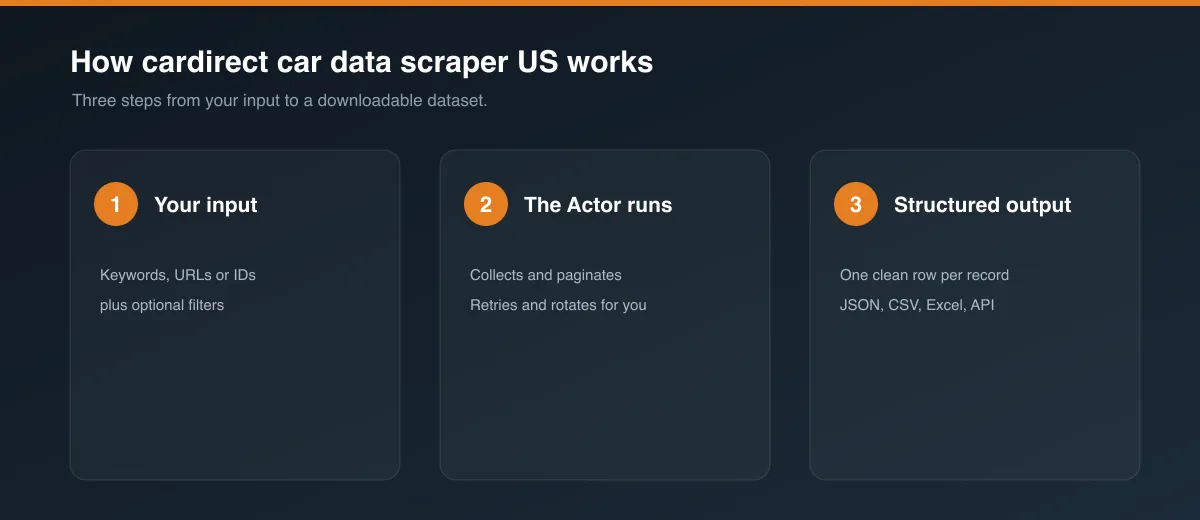
- Open the Actor's Input tab.
- Paste one or more CarsDirect used-car listing search URLs into Listing start URLs (for example, a search filtered by make, model, or location on carsdirect.com).
- Optionally adjust how many pages to paginate through and how many vehicles to collect - see Input below.
- Click Start and wait for the run to finish.
- Open the Dataset tab (or the Output tab) to view, filter, and export the results as JSON, CSV, Excel, or HTML.
Input
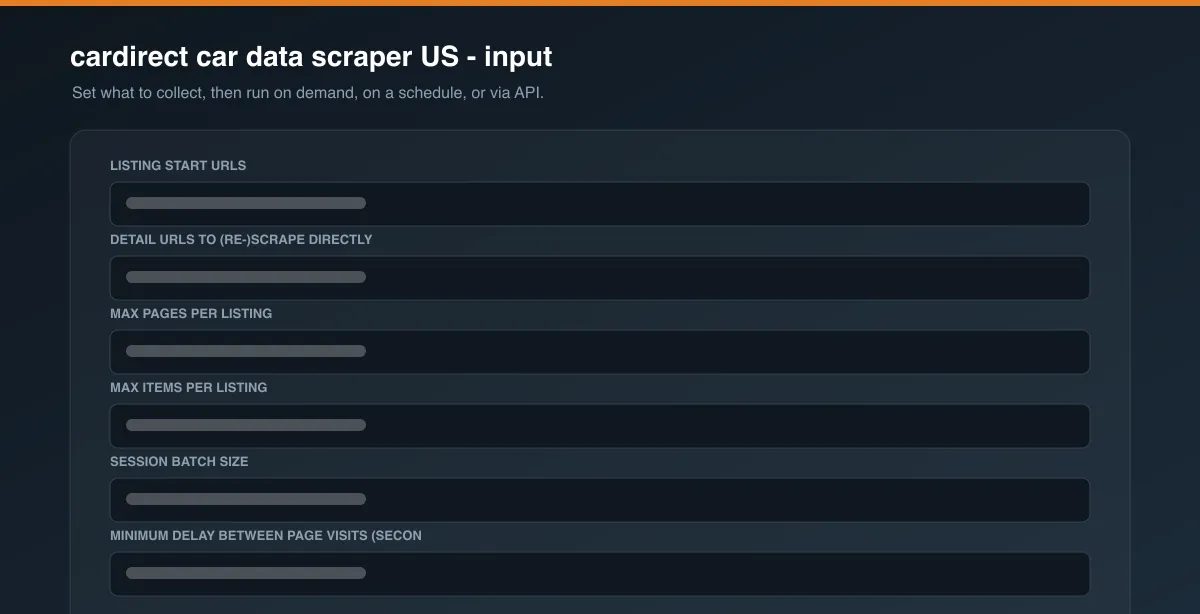
The Actor accepts the fields below - all are configurable from the Input tab's form, no code required. See a full example on the Input tab of this Actor, or in .actor/input_schema.json.
| Field | What to put there |
|---|---|
| Listing start URLs | One or more carsdirect.com used-car listing search URLs. Apply whatever filters (make, model, zip code, price range, etc.) you want on carsdirect.com itself, then copy that search URL in here. |
| Detail URLs to (re-)scrape directly | Optional. Paste specific vehicle detail-page URLs here to re-scrape just those vehicles - handy for retrying the handful of items that came back as blocked/error in a previous run's dataset, without redoing the whole listing scrape. |
| Max pages per listing | How many listing pages to page through per start URL. Stops automatically once a page has no more vehicles. |
| Max items per listing | Cap on how many vehicles to collect per start URL (0 = no cap). |
| Session batch size | Advanced. How many pages to visit before the Actor rotates to a fresh browser session. The default works well; lower it if you see more blocked items in your results. |
| Minimum/Maximum delay between page visits | Advanced. Randomized pacing between page visits, in seconds. |
| Page timeout | Advanced. How long to wait for a single page to load before retrying it. |
| Max retries per page | Advanced. How many times to retry a page after a network error. |
| Max/Min concurrency | Advanced. How many listing URLs are processed in parallel. |
| Proxy configuration | Defaults to Apify's residential proxies, which this site needs reliably - datacenter proxies are much more likely to get denied. |
Output
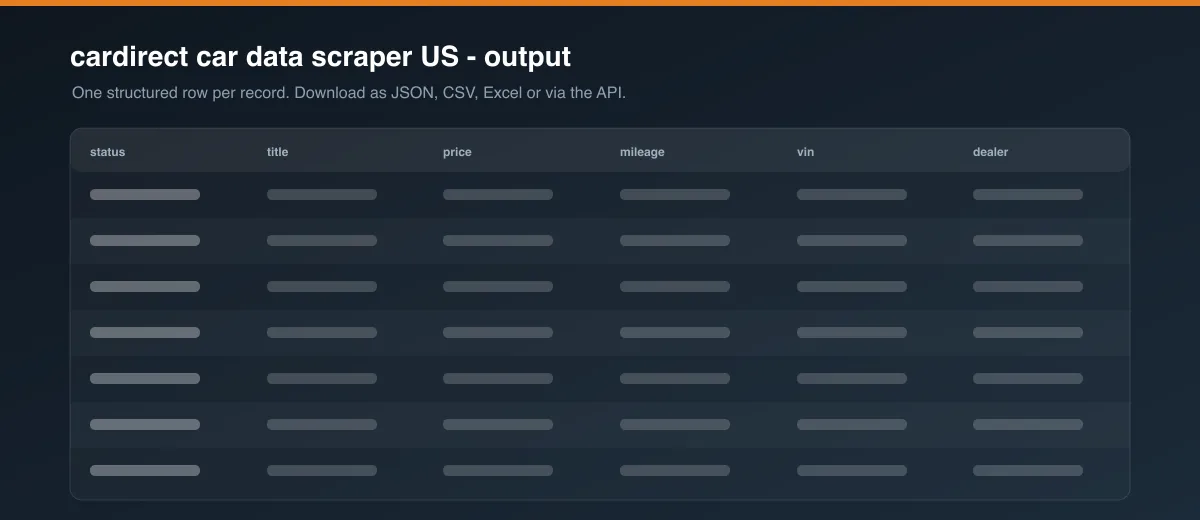
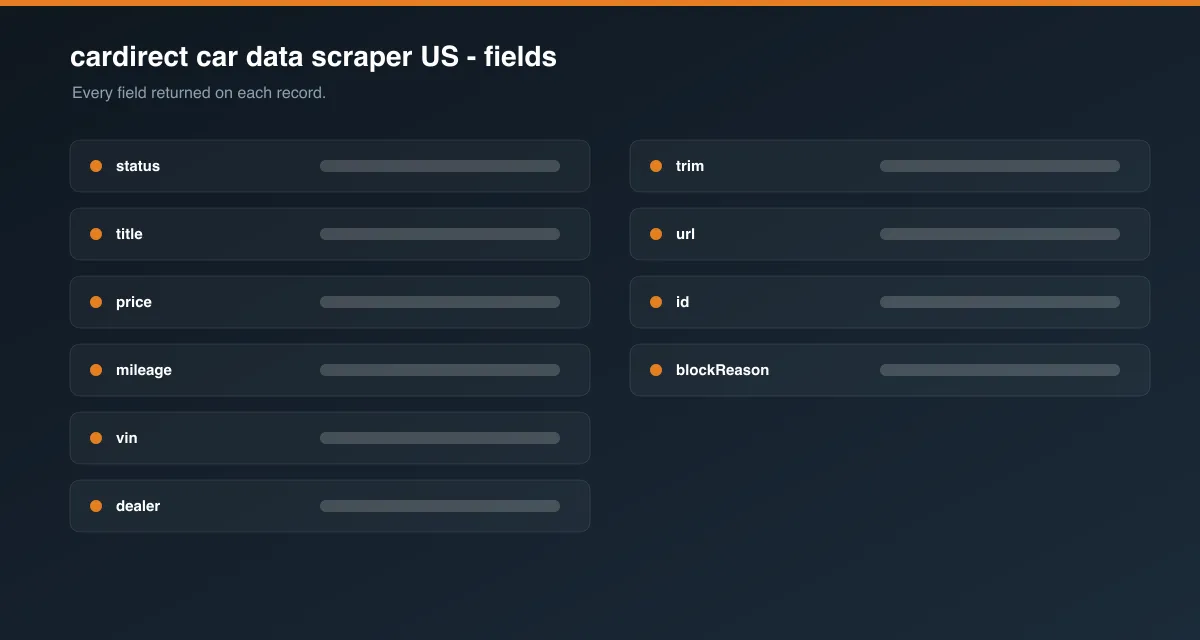
Each scraped vehicle is a single item in the dataset, combining a quick preview from its listing tile with the fuller detail-page data. A simplified example:
You can download the dataset in various formats such as JSON, HTML, CSV, or Excel from the Dataset/Output tab, or fetch it via the Apify API for your own integration.
Data table
| Field | Description |
|---|---|
id | CarsDirect's internal listing ID for the vehicle. |
url | Link to the vehicle's detail page. |
status | ok, blocked, or error - see FAQ below. |
title | Year, make, and model. |
trim | Trim level, if listed. |
price | Asking price as shown on the detail page. |
mileage | Odometer reading as shown on the detail page. |
vin | Vehicle Identification Number. |
stockId | Dealer's stock/inventory ID. |
dealer | Selling dealer name and distance. |
specs | Additional vehicle specs (transmission, engine, doors, certified-pre-owned status, etc.) as key/value pairs. |
carfaxOwners | Owner-count summary, if CarsDirect shows one. |
imageUrl | URL of the vehicle's primary photo. |
listingPrice, listingDealer, listingMileage, listingColor | The same fields as seen on the listing tile, kept as a fallback/cross-check alongside the detail-page values. |
Pricing / Cost estimation
This Actor runs on the Apify platform's compute-based pricing - you pay for the compute units and proxy usage a run consumes. Every run needs residential proxy traffic and a real browser per page visited, so cost scales with the number of vehicles you collect and the number of listing pages you paginate through. Start with a small Max items per listing value to estimate cost before scaling up to a full run. New Apify accounts include free monthly usage credits, which comfortably cover test runs.
Tips or Advanced options
- Keep Max items per listing and Max pages per listing as low as you need - the run scales roughly linearly with vehicle count.
- If you see a noticeable share of
blockeditems in a run, lower Session batch size so browser sessions rotate more often. - Use Detail URLs to (re-)scrape directly to cheaply retry just the failed handful of vehicles from a prior run instead of re-running the whole listing scrape.
- Raise Max concurrency to process multiple listing URLs (e.g. several different search filters) in parallel, at the cost of more simultaneous proxy/compute usage.
FAQ, disclaimers, and support
Is it legal to scrape carsdirect.com? Publicly available data can generally be scraped, but you're responsible for complying with carsdirect.com's Terms of Service and applicable law in your jurisdiction, and for how you use the collected data. This Actor doesn't collect any personal data about private individuals - only public vehicle listings and dealer information.
Known limitations: carsdirect.com's page layout and available fields can change at any time, which may require this Actor to be updated. Very large runs (many listing pages/vehicles) will naturally take longer and use more platform credits.
Found a bug or have a feature request? Please use this Actor's Issues tab on Apify Store - that's the fastest way to reach support. Custom modifications or a bespoke version of this scraper are also available on request.


