

Century 21 Australia Scraper
Pricing
from $1.00 / 1,000 results
Century 21 Australia Scraper
Collect property listings from Century 21 Australia: price, address, beds/baths/car spaces, images and listing URLs for sale and rental properties.
Pricing
from $1.00 / 1,000 results
Rating
0.0
(0)
Developer

MrDoe
Maintained by CommunityActor stats
0
Bookmarked
2
Total users
1
Monthly active users
6 days ago
Last modified
Categories
Features
Share
What it does
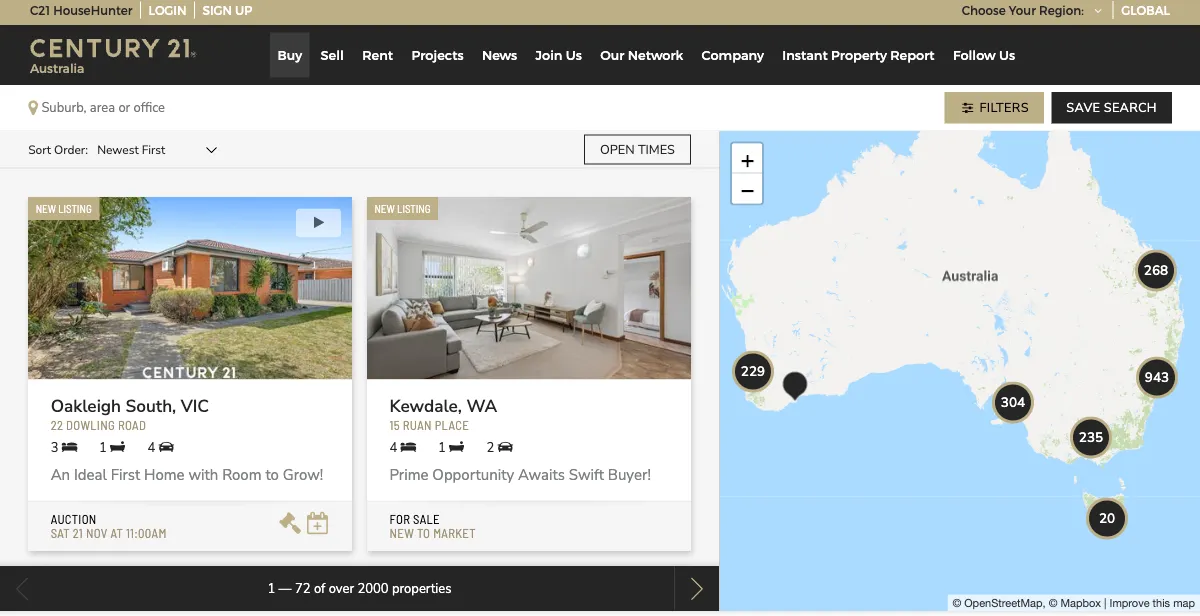
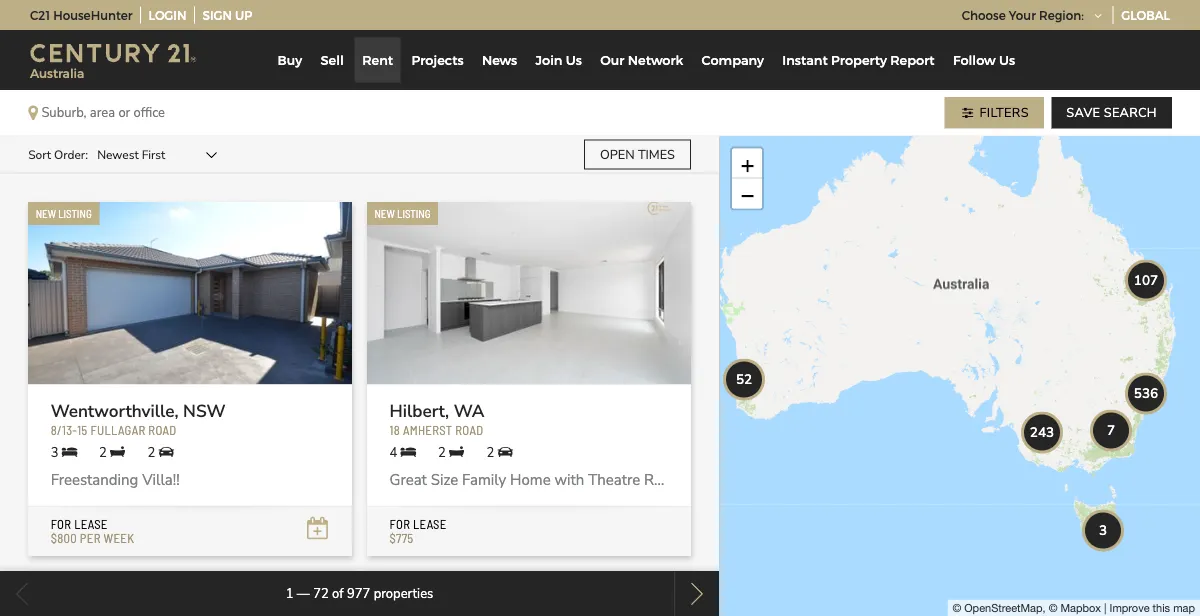
Century 21 Australia Property Scraper collects property listings straight from Century 21's national search across Australia. Pick For Sale or For Rent, and it returns one row per property: suburb, street address, price, bedrooms/bathrooms/car spaces, a photo and the listing URL.
No account, no login, no API key to request.
Why use it
- Direct from the network - Century 21's own franchise listings, nationwide.
- Real structured data, not guessed text - price, address and bed/bath/car counts are read straight off each listing card.
- Two listing types - For Sale and For Rent, a simple input switch.
- Honest nulls - a field Century 21 doesn't show for a given listing comes back
null, never guessed.
Data you get
| Group | Fields |
|---|---|
| Identity | propertyId, title, propertyUrl |
| Price | priceText |
| Property | listingType, bedrooms, bathrooms, carSpaces |
| Location | streetAddress, suburb, state |
| Media | image |
How to use
- Pick a Listing type: For Sale or For Rent.
- Optionally fill Suburb filter to narrow results to one suburb or town.
- Set Max results if you want more or fewer than 20 rows.
- Run. No proxy is required.
Input
| Field | Type | Notes |
|---|---|---|
listingType | string | buy or rent. Default buy. |
suburbKeyword | string | Optional substring match on the listing's suburb name. |
maxItems | integer | Total row cap for the run. Default 20. |
proxyConfiguration | object | Optional - not required in testing, left off by default. |
Output
One example row:
Usage examples
Scan For Sale listings nationwide
Find rentals in one suburb
Known limitations
- Filtering is nationwide plus an optional suburb-name substring match - price-range, property-type and bed/bath filters are not currently exposed as inputs.
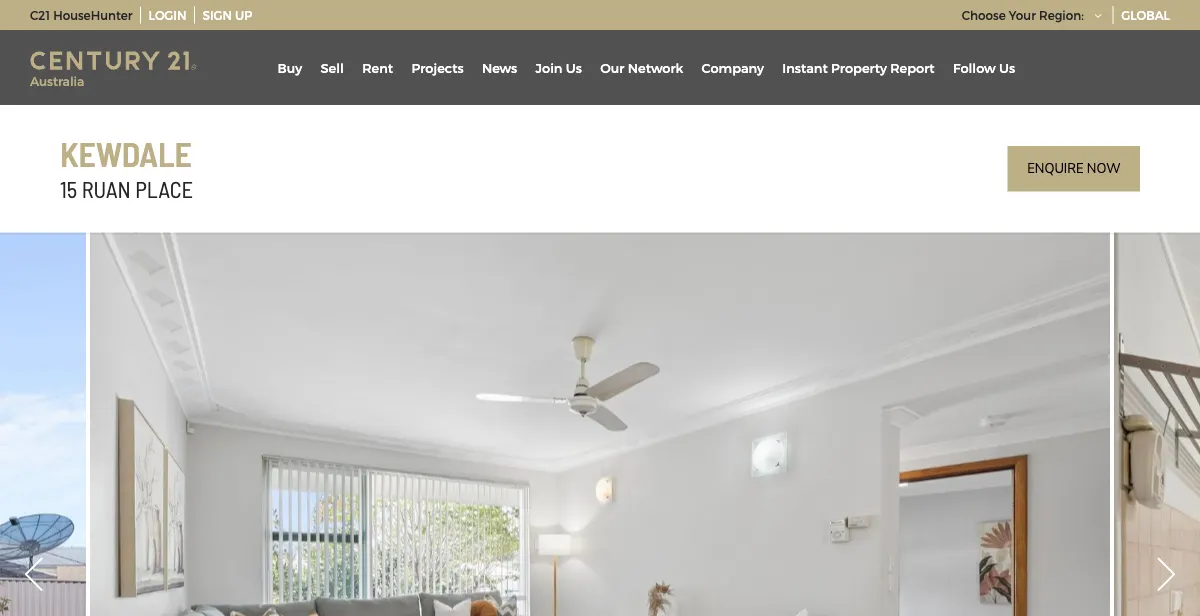
- Full listing descriptions and agent contact details are only shown on each listing's own page and are not currently included;
propertyUrllinks straight to the full listing for that detail. - Very large result sets are capped by
maxItems; raise it to go deeper, at proportional runtime.
FAQ
Do I need an account? No.
Does this cover other real estate agencies? No - this Actor is scoped to Century 21's own network only.
Why no proxy by default? Century 21's listing search has not required one in testing. One can still be configured if needed.
Legal
Use this Actor for lawful purposes and in line with Century 21 Australia's Terms of Use and applicable law. It collects only publicly available listing information already shown on Century 21's public website, and no personal data. You are responsible for how you use the data you collect.


