

College Basketball Team Ratings: Efficiency & Tempo
Pricing
from $1.00 / 1,000 row returneds
College Basketball Team Ratings: Efficiency & Tempo
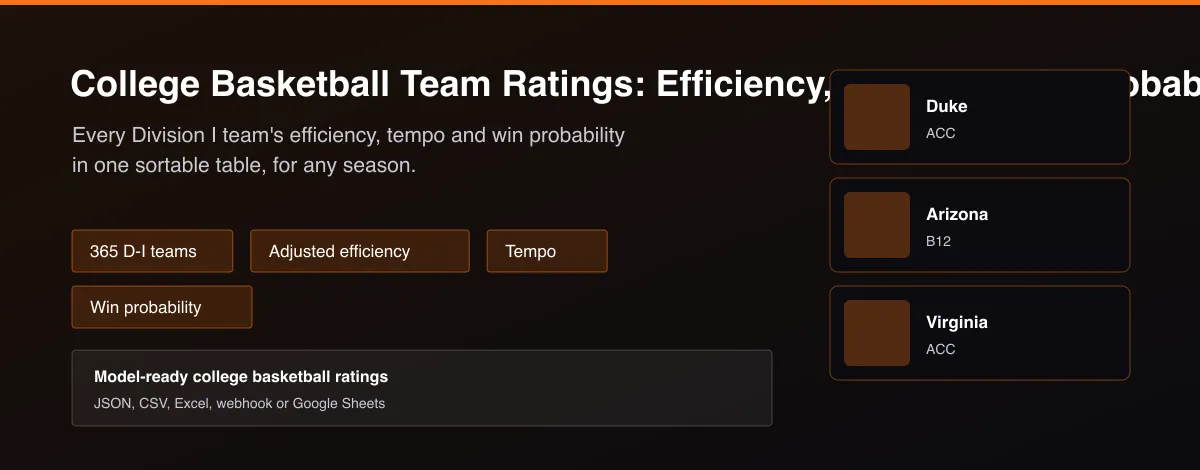
Every NCAA Division I men's basketball team rated by adjusted offensive and defensive efficiency, tempo, win probability against an average team and wins above bubble. Current and past seasons.

What does College Basketball Team Ratings: Efficiency, Tempo & Win Probability do?
College Basketball Team Ratings returns tempo-free efficiency ratings for every NCAA Division I men's basketball team: adjusted offensive and defensive efficiency (points per 100 possessions against an average opponent), the efficiency margin between them, the probability of beating an average Division I team, adjusted tempo, and wins above bubble. It covers the latest published season and past seasons back to 2008, filtered by conference or team name, with no login.
Why use College Basketball Team Ratings: Efficiency, Tempo & Win Probability?
- All 365 Division I teams in one table.
- Efficiency, tempo and win probability side by side.
- Any season since 2008 in one run.
- Filter by conference or team name.
- Ready for spread and total models.
What makes this different
Team ratings normally sit on web tables you copy by hand. This Actor returns them as clean rows across many seasons at once, with the efficiency margin and win probability already computed, ready to join to odds or schedules.
How it works
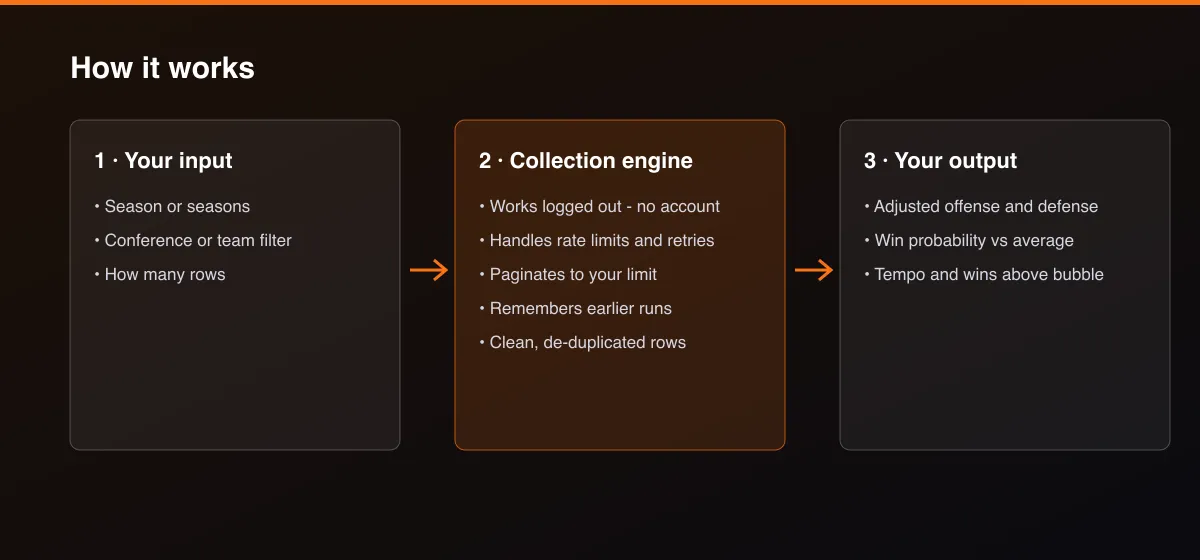
- Your input — choose the season or seasons and any filters.
- The Actor collects it — the Actor reads the published ratings for each season.
- Your output — you get one row per team per season.
What data can you extract?
The dataset has 18 fields per row:
| Field | Type | Description |
|---|---|---|
season | integer | Season end year. |
rank | integer | Overall rating rank. |
team | string | Team name. |
conference | string | Conference code. |
record | string | Win-loss record. |
wins | integer | Wins. |
losses | integer | Losses. |
conferenceRecord | string | Conference win-loss record. |
adjOffense | number | Adjusted offensive efficiency: points scored per 100 possessions against an average defense. |
adjOffenseRank | integer | Rank of adjusted offense. |
adjDefense | number | Adjusted defensive efficiency: points allowed per 100 possessions against an average offense. |
adjDefenseRank | integer | Rank of adjusted defense. |
adjEfficiencyMargin | number | Adjusted offense minus adjusted defense. |
winProbabilityVsAverage | number | Chance of beating an average Division I team (0-1). |
winProbabilityRank | integer | Rank of that win probability. |
adjTempo | number | Adjusted possessions per 40 minutes. |
winsAboveBubble | number | Wins above a bubble-level team. |
winsAboveBubbleRank | integer | Rank of wins above bubble. |
How to use College Basketball Team Ratings: Efficiency, Tempo & Win Probability
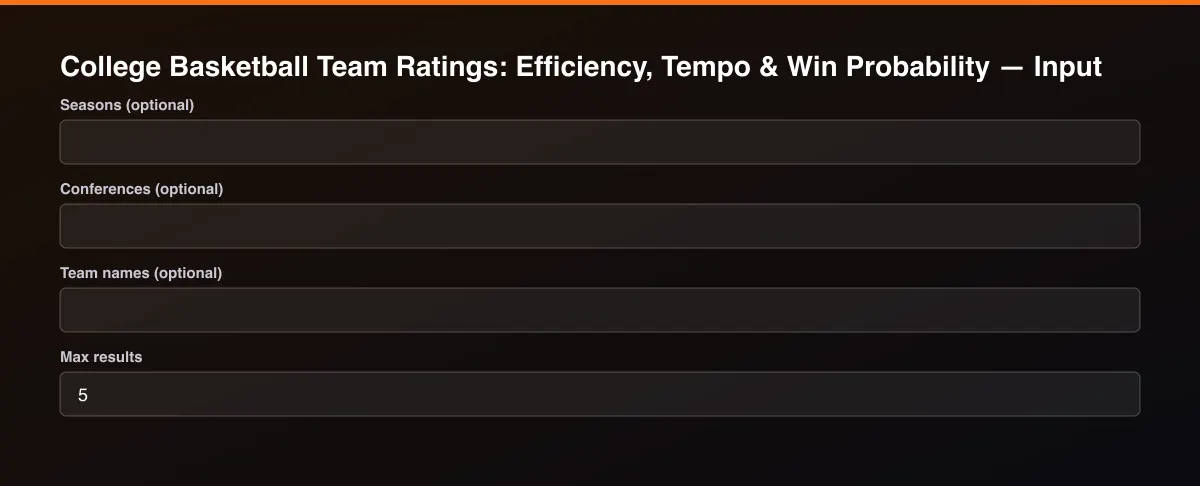
- Open the Actor and go to the Input tab.
- Press Start for the latest season, or add Seasons (for example 2025) for past years. Filter by Conferences or Teams, and set Max results to 0 for every team.
- Optionally set filters and a Max results limit.
- Click Start. A default run finishes in under a minute.
- Open the Output tab, then download the dataset or connect it to your tools.
Input Parameters
| Parameter | Type | Required | Default | Description |
|---|---|---|---|---|
seasons | array | No | [] | Season end years, for example 2025 for the 2024-25 season. Leave empty for the latest published season. |
conferences | array | No | [] | Only keep these conference codes, for example B10, SEC, B12, ACC, BE. |
teams | array | No | [] | Only keep teams whose name contains one of these words, for example Duke or Kansas. |
maxResults | integer | No | 5 | Maximum number of team rows returned. Default is 5 for a quick test; set 0 to return everything available. |
proxyConfiguration | object | No | {"useApifyProxy":false} | Optional. The data is public and works without a proxy. |
Output Data
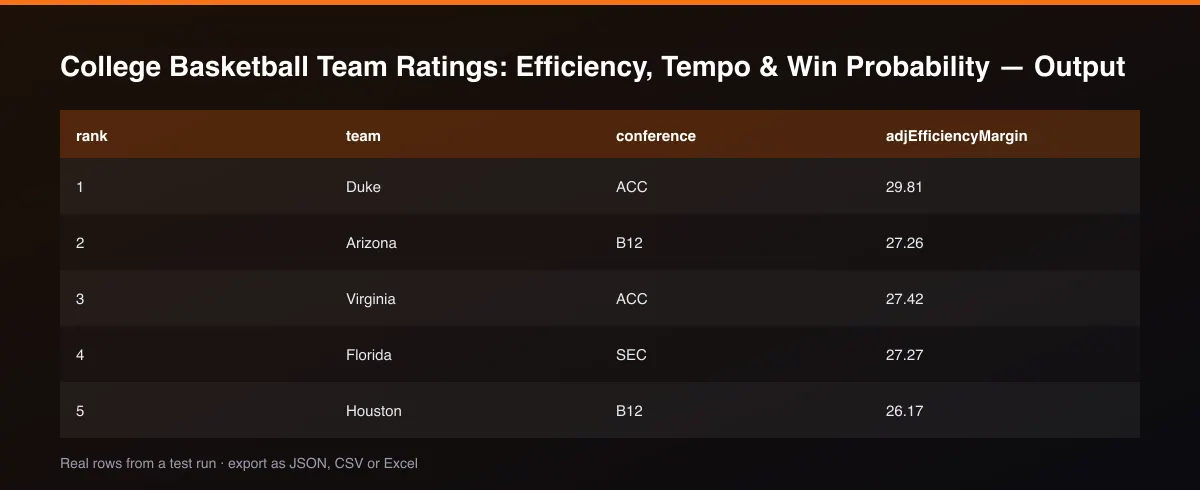
adjOffense and adjDefense are points per 100 possessions against an average opponent; adjEfficiencyMargin is their difference. winProbabilityVsAverage is the chance of beating an average Division I team, and adjTempo is possessions per 40 minutes.
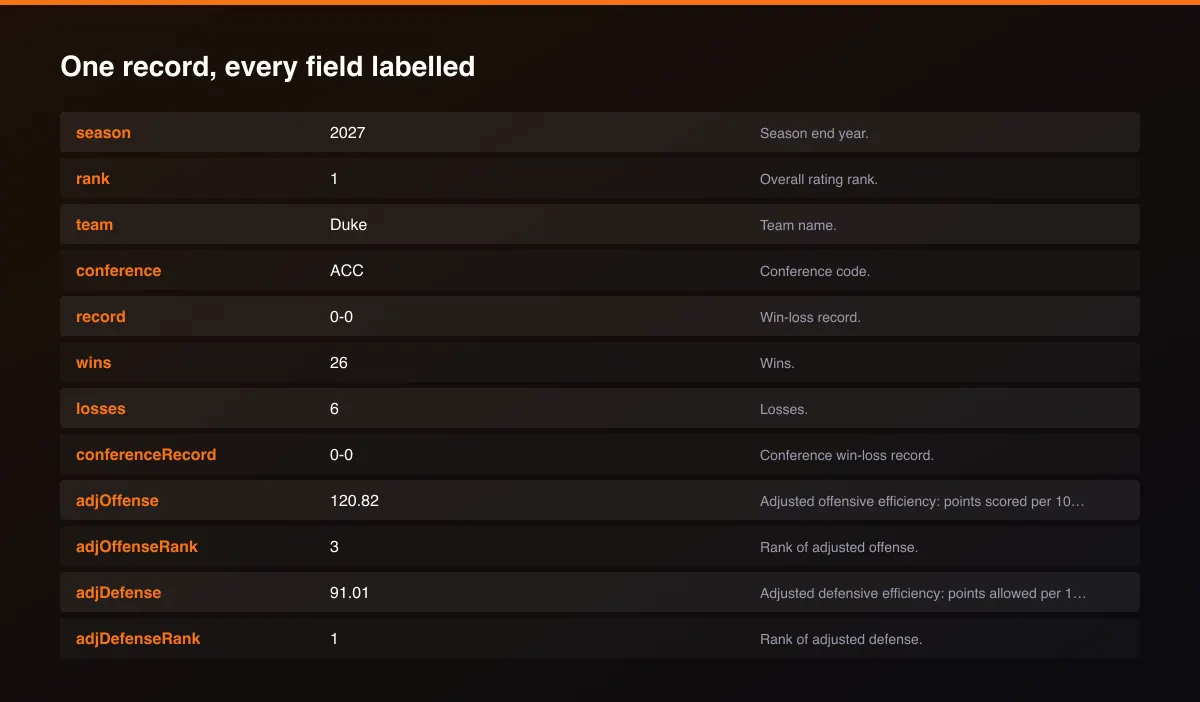
A real dataset item:
Usage Examples
Latest ratings, all teams
Big Ten teams, 2025
Duke across five seasons
Tips for Best Results
- Default is 5 results for a fast test. Set the max to 0 to return everything available.
Known Limitations
- Ratings are the end-of-day published numbers, so they change while the season is running.
- Player-level and game-by-game data are not included.
- Before a new season starts, the latest season shown is the previous one.
- Team names follow the source's spelling, for example Mississippi Valley St.
Integrations
Run it from the Apify API, on a schedule, or from a webhook. Send results straight to Google Sheets, Make, Zapier, Slack or your own database with Apify's built-in integrations.
Export Formats
Download the dataset as JSON, CSV, Excel, XML, HTML table or RSS from the Output tab or the API.
Frequently Asked Questions
Does it need an account or API key?
No. The Actor reads public data and needs no account or key.
Am I charged for failed results?
No. You are only charged for results that are written to the dataset.
Do I need an account or login?
No. The Actor reads public data and needs no account or key.
Am I charged for failed runs or empty results?
You are only charged for results that are actually written to the dataset.
Can I run it on a schedule?
Yes. Create a Task with your input and add a schedule in Apify Console. With monitor mode on, each scheduled run returns only what changed since the previous one.
Support
Questions or a missing field? Open an issue from the Issues tab on this Actor's page and it will be looked at.
Legal / Responsible Use
You are responsible for using the data in line with the source's terms and applicable law. The Actor collects publicly available data only and is not affiliated with the source.


