Doctify Scraper
Pricing
from $5.90 / 1,000 results
Doctify Scraper
Scrape clinic and practitioner listings from Doctify - ratings, reviews, specialties, and locations. No login required, built for healthcare market research and competitor analysis. Give it a search or specialty URL and get one row per provider.
Pricing
from $5.90 / 1,000 results
Rating
0.0
(0)
Developer

MrDoe
Maintained by CommunityActor stats
0
Bookmarked
3
Total users
2
Monthly active users
a month ago
Last modified
Categories
Share
What does Doctify Scraper do?
Doctify Scraper collects healthcare provider profiles from Doctify and returns them as clean, structured data. Run a search on Doctify, open a directory page, paste the URL, press Start, and download a dataset with the provider's name, title, qualifications, specialty, location, average rating, review count, peer recommendations, conditions treated, consultation fees, accepted insurers, languages, professional registrations, phone, email, and the practices they work from with full addresses. Use it for healthcare market research, provider directories, referral lists, and competitor analysis.
Why use Doctify Scraper?
- Directory to dataset – point it at a specialty-and-location search and it collects every provider profile.
- Deep profile data – 25+ fields per provider, including data other tools miss: phone, email, addresses, consultation fees, and the full conditions list with review counts.
- Ratings and recommendations – average rating, total reviews, the review breakdown, and peer recommendation counts.
- Structured practices – each provider's clinics with street address, city, and postcode.
- Clean, normalised output – numbers as numbers,
nullfor missing values, deduplicated by provider. - Automation ready – schedule runs and connect results to Google Sheets, Make, Zapier, or your own API.
What makes this different?
This Actor reads Doctify's own structured profile data, so hard-to-collect fields — direct phone and email, consultation fees, accepted insurers, professional registration numbers, and every practice address — come through consistently rather than being scraped out of page text. It pairs each directory result with its full profile in a single pass.
What data can you extract?
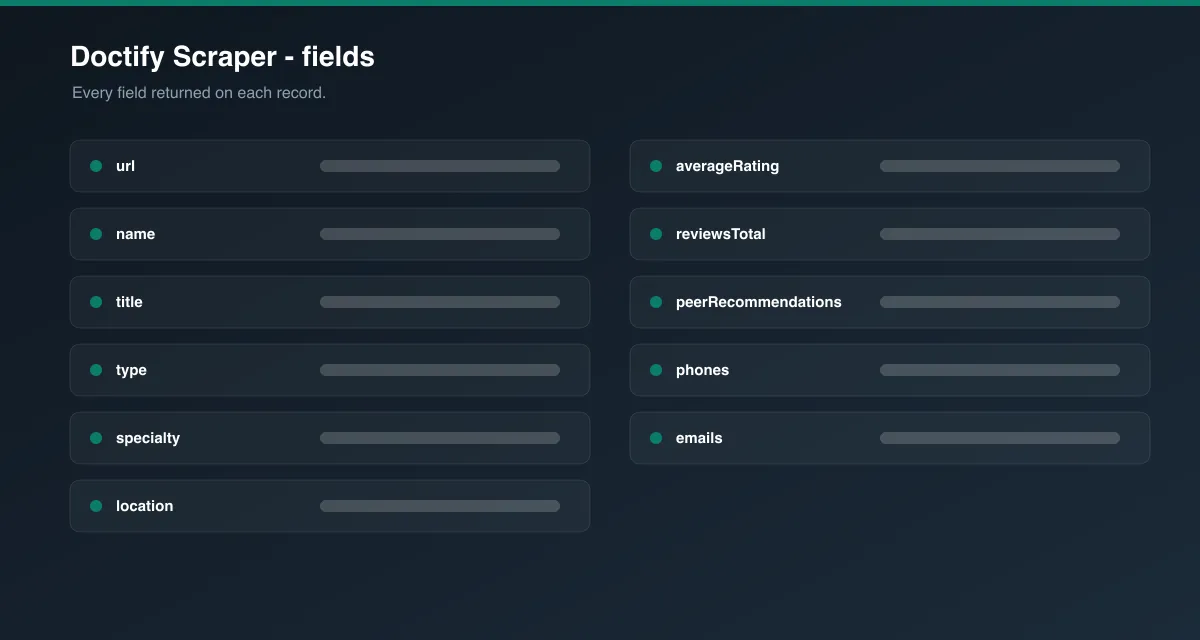
| Field | Description |
|---|---|
url / slug / id | Profile URL, Doctify slug, and internal ID |
type | specialist or practice |
name | Provider or practice name |
title | Honorific, e.g. "Mr", "Dr", "Professor" |
qualifications | Post-nominal qualifications, e.g. "MBBS, BSc, MD" |
gender | Provider gender, when published |
specialty | Primary specialty |
location | Primary city or area |
about | Profile biography (plain text) |
averageRating | Average patient rating |
reviewsTotal | Number of patient reviews |
peerRecommendations | Number of peer recommendations from other clinicians |
reviewBreakdown | Sub-scores: overall experience, bedside manner, explanation |
conditions | Conditions and procedures, each with its review count |
phones / emails | Listed contact details |
website / bookingLink | Provider website and external booking link, when listed |
consultationFees | { new, followUp, currency } where published |
insurers | Accepted private medical insurers |
languages | Languages spoken |
registrations | Professional bodies with registration number, e.g. GMC |
education | Degrees with institution and year |
practices | Clinics worked from: name, address, city, postcode |
imageUrl | Profile photo or logo URL |
scrapedAt | ISO timestamp of collection |
Everything beyond url, slug, and type needs Open each profile for full details switched on.
How to use Doctify Scraper
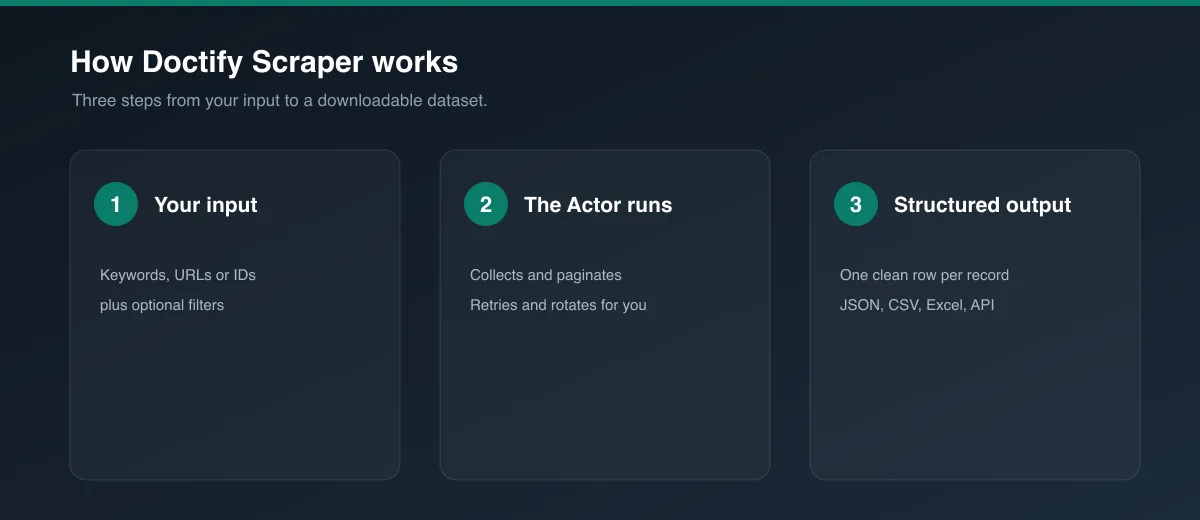
- Open the Actor.
- On doctify.com, search for a specialty and location and open the results page (its URL looks like
/uk/find/<specialty>/<location>/specialists). Copy the URL from your browser. - Paste it into Start URLs. Add more URLs to combine several specialties or areas.
- Set Max profiles per start URL and choose whether to open each profile.
- Press Start.
- Download the dataset as JSON, CSV, Excel, or XML, or use the API.
Input Parameters
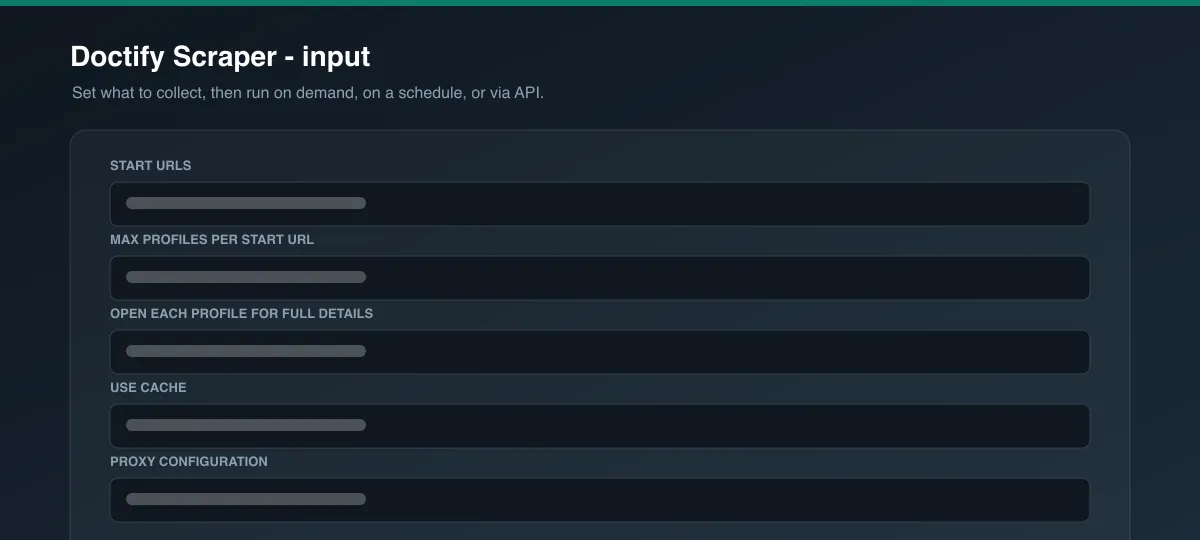
| Parameter | Type | Required | Default | Description |
|---|---|---|---|---|
startUrls | Array | Yes | Dermatologists in London | Doctify directory pages, or individual profile URLs. |
maxItems | Integer | No | 20 | Maximum profiles to collect per start URL. Ignored for single profile URLs (always one row each). |
scrapeDetails | Boolean | No | true | Open each profile for the full field set. Turn off to only collect the profile URLs. |
useCache | Boolean | No | false | Reuse profiles collected in an earlier run to speed up recurring runs. |
proxyConfiguration | Object | No | UK residential proxy | Proxy settings. A UK residential proxy is used by default and strongly recommended. |
Output Data
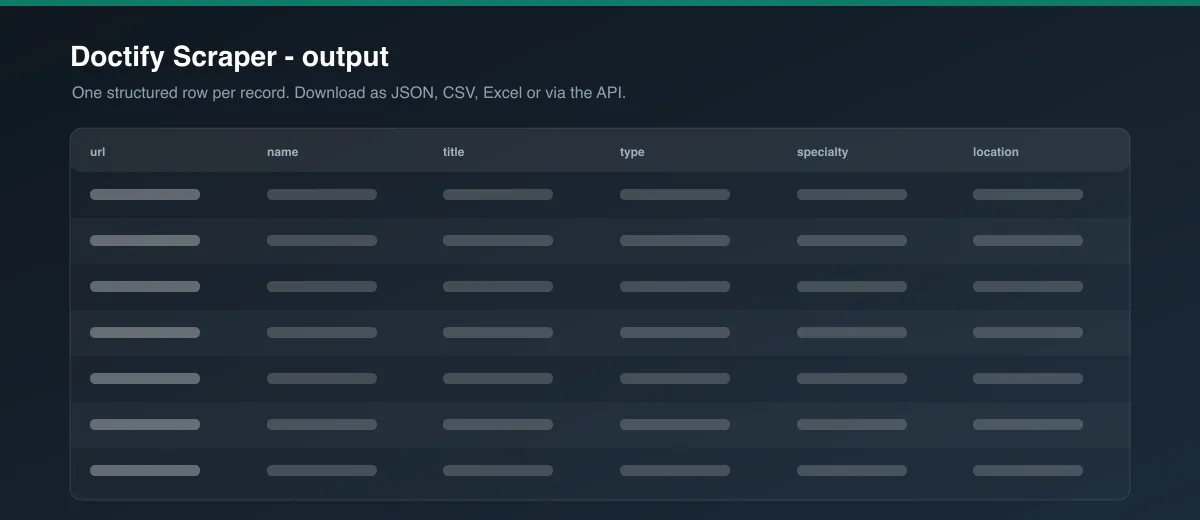
Each dataset item is one provider. Example (trimmed):
Usage Examples
Every dermatologist in a city
- Start URL: a Doctify "dermatology /
maxItems: 500,scrapeDetails: true
Practice directory for a region
- Start URL: a
/uk/find/all/<region>/practicespage maxItems: 300,scrapeDetails: true
Refresh a shortlist
- Start URLs: several
/uk/specialist/<slug>URLs scrapeDetails: true
Tips for Best Results
- Search on Doctify with both a specialty and a location before copying the URL – it keeps the run focused.
- Add several start URLs to cover multiple specialties or cities in one run;
maxItemsapplies to each separately. - Keep the default UK residential proxy on.
- For monitoring, schedule the Actor and enable Use cache.
Known Limitations
- A UK residential proxy is required in practice; the site is behind a CDN with bot protection.
- Directory pagination depth varies by specialty and location; split broad searches into narrower ones for full coverage.
- Contact details, fees, and insurers are only present when the provider has published them.
- Review text is summarised on the profile; this Actor collects the ratings and counts, not every individual review.
- Data reflects what Doctify publishes at run time.
Integrations
Connect results to Google Sheets, Make, Zapier, Slack, or your own systems via the Apify API and webhooks. Schedule runs to keep a dataset current.
Export Formats
JSON, CSV, Excel, and XML from the Dataset tab or the Apify API.
Frequently Asked Questions
How many profiles can I get per run?
Up to maxItems per start URL, within the directory's own pagination depth. Use multiple start URLs for wider coverage.
Can I scrape practices as well as individual specialists?
Yes. Directory pages ending in /practices and individual /uk/practice/<slug> URLs are both supported.
How are duplicates handled? Providers are deduplicated by profile URL within a run.
Why are some fields null?
The provider has not published that information on Doctify, or detail scraping was turned off.
Can I schedule it? Yes, with Apify Schedules. Combine with Use cache to refresh only what changed.
How fresh is the data? Every run loads live pages at run time, unless a profile is served from your cache.
Support
Found a problem or need an extra field? Open an issue on the Actor's Issues tab in the Apify Console.
Legal / Responsible Use
You are responsible for how you use this Actor and the data it collects, including compliance with Doctify's Terms of Use and applicable laws. Provider profiles contain personal data such as names, photos, phone numbers, and email addresses; if you collect personal data you are responsible for complying with applicable data-protection law (for example the UK GDPR), including having a lawful basis and honouring individuals' rights. Do not use the data for unsolicited marketing.
Preview