

Norway Betting Data Scraper
Pricing
from $10.00 / 1,000 product returneds
Norway Betting Data Scraper
Fixtures, markets and real decimal odds from Norway's state sportsbook, covering football and other sports. Flat, one-row-per-selection output ready for spreadsheets, BI tools and betting-data pipelines.

What does Norway Betting Data Scraper do?
Norway Betting Data Scraper reads Norway's state sportsbook and returns real fixtures with their markets and decimal odds. Each row is one selection within one market within one event - home win, draw, over 2.5 goals, and so on - so a single match can produce many rows, one per outcome you can bet on. Football is covered in the most depth (match-winner, half-time result, handicap, both-teams-to-score and total-goals markets), and the same pipeline also collects other sports the source carries (ice hockey, handball, tennis, golf, basketball, Formula 1, American football, snooker, curling and esports), with results varying by what is actually in season.
Why use Norway Betting Data Scraper?
- Build betting-odds datasets, dashboards or alerts without manually checking the sportsbook.
- Flat one-row-per-selection output drops straight into a spreadsheet, SQL table or BI tool.
- Covers multiple real markets per match for football, not just the headline result.
- Clean, de-duplicated rows with stable identifiers for repeat runs.
- No account or login needed.
What makes this different
Reads directly from the sportsbook's own live pages rather than a delayed aggregator, so odds reflect what the book is showing right now. The flat schema keeps every market and selection as its own row with consistent field names across sports, so you can filter, pivot or join the data without reshaping it first.
How it works
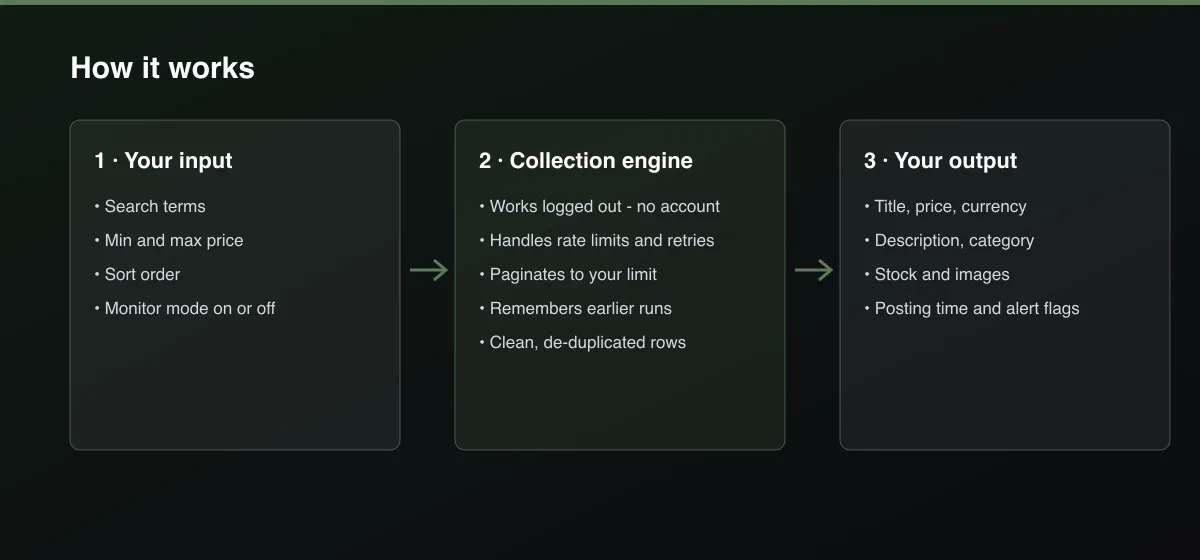
- Your input — choose which sports to collect and how many events/results you want.
- The Actor collects it — the Actor opens the sportsbook's real fixture list for each sport and reads the matches and markets it finds.
- Your output — you get one flat row per selection, with event, market and odds fields filled from what the source actually showed.
What data can you extract?
The dataset has 41 fields per row:
| Field | Type | Description |
|---|---|---|
eventId | string | Normalized event identifier, derived from team names and start time. |
sport | string | Sport name as shown by the source. |
sportId | string | Always null - the source doesn't expose an internal sport ID. |
competition | string | Competition or league name. |
competitionId | string | Always null - the source doesn't expose an internal competition ID. |
country | string | Country associated with the competition. |
eventName | string | "Home team - Away team". |
homeTeam | string | Home team or player name. |
awayTeam | string | Away team or player name. |
participants | array | [homeTeam, awayTeam]. |
startTime | string | Scheduled kickoff time, ISO 8601. |
startTimeUtc | string | Same as startTime - the source's displayed time. |
eventStatus | string | "upcoming" for every row in this version - live events are not collected. |
isLive | boolean | Always false in this version. |
isPrematch | boolean | Always true in this version. |
eventUrl | string | Always null - the source is a single-page app without stable per-event URLs. |
marketId | string | Normalized market identifier. |
marketName | string | Market name as shown by the source. |
marketType | string | Normalized market type: match_winner, handicap, both_teams_to_score, total_points, or null if not classified. |
marketPeriod | string | full_time, first_half, second_half, or null. |
marketStatus | string | "open" for every row collected - suspended markets are detected best-effort via isSuspended. |
marketLine | number | The line value for handicap/total markets, if applicable. |
handicap | number | Handicap value for handicap markets. |
totalPoints | number | Total/line value for over-under markets. |
selectionId | string | Normalized selection identifier. |
selectionName | string | Selection label as shown by the source (e.g. a team name, "Uavgjort" for draw, or an over/under line). |
selectionType | string | home, away, draw, over, under, or null. |
decimalOdds | number | The source's real decimal odds for this selection. |
fractionalOdds | string | Decimal odds converted to fractional form. |
americanOdds | number | Decimal odds converted to American form. |
previousOdds | number | Always null in this version - requires comparing across runs. |
oddsChange | number | Always null in this version. |
isSuspended | boolean | Whether the source currently shows this selection as suspended (best-effort detection). |
isAvailable | boolean | Whether this selection currently has a bettable price. |
bookmaker | string | Always "Norsk Tipping". |
sourceUrl | string | The page this row was read from. |
sourceTimestamp | string | When this row's data was read, ISO 8601 UTC. |
scrapedAt | string | When this run started, ISO 8601 UTC. |
dataAgeSeconds | number | Seconds between sourceTimestamp and scrapedAt. |
scrapeRunId | string | Identifier shared by every row from the same run. |
sourceExtraFields | object | Extra context the source shows that doesn't map to a standard column (e.g. broadcast information), or null. |
How to use Norway Betting Data Scraper
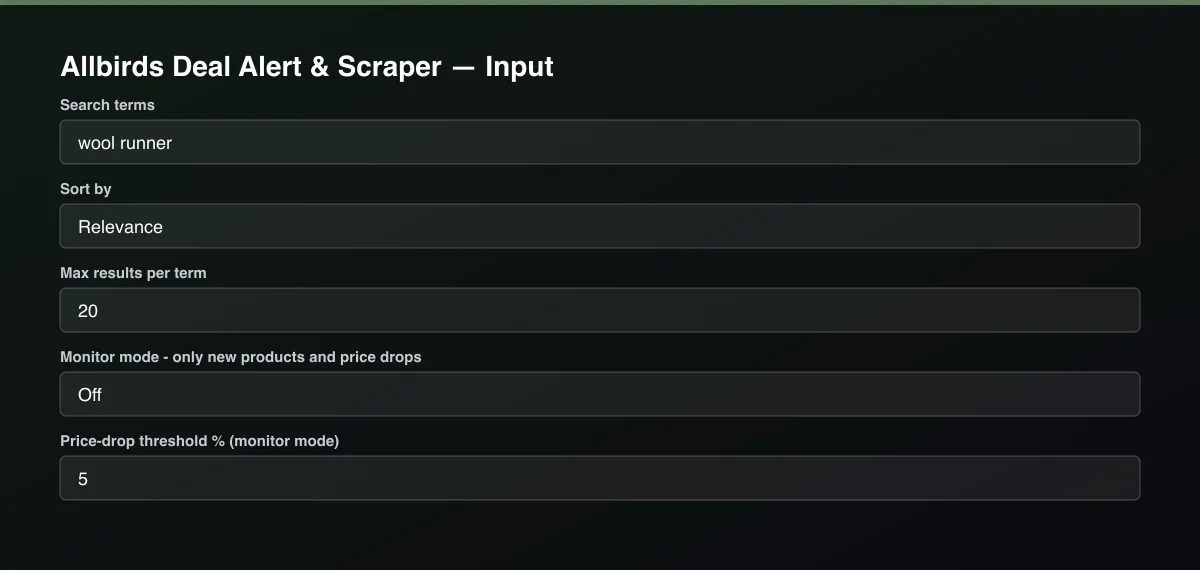
- Open the Actor and go to the Input tab.
- Pick one or more Sports (football is the default and most deeply covered).
- Optionally set filters and a Max results limit.
- Click Start. A default run finishes in under a minute.
- Open the Output tab, then download the dataset or connect it to your tools.
Input Parameters
| Parameter | Type | Required | Default | Description |
|---|---|---|---|---|
sports | array | No | ["fotball"] | Which sports to collect (matched against the source's own real sport names, e.g. "fotball", "ishockey", "handball", "tennis"). Leave empty for football only (the most thoroughly verified source in this build). |
eventStatus | string | No | "upcoming" | "upcoming" (default, verified) or "all". A dedicated live/in-play view exists on the source but was not verified in this build - requesting it returns upcoming events instead rather than guessing at live data. |
markets | array | No | [] | Filter by market name substring (e.g. "over/under", "handicap", "begge lag scorer"). Leave empty for all markets found on each event. |
maxEvents | integer | No | 5 | Maximum number of events to open for full market detail. Each one costs a real page load, so keep this bounded. |
maxResults | integer | No | 100 | Maximum number of selection rows written to the dataset. |
includeSourceExtraFields | boolean | No | true | Include a small sourceExtraFields object per row with extra context the source shows (e.g. broadcast info) that doesn't map to a standard column. |
includeSuspendedMarkets | boolean | No | true | Include markets/selections the source currently shows as suspended (no bettable price) rather than dropping them. Suspension detection is best-effort. |
proxyConfiguration | object | No | {"useApifyProxy":false} | Real testing found no proxy requirement for this source - left off by default. Enable if you hit access issues. |
requestTimeoutSecs | integer | No | 30 | Timeout for each page navigation. |
maxRetries | integer | No | 2 | Retry attempts for a failed navigation or interaction. |
maxConcurrency | integer | No | 2 | Number of browser pages crawled in parallel. |
Output Data
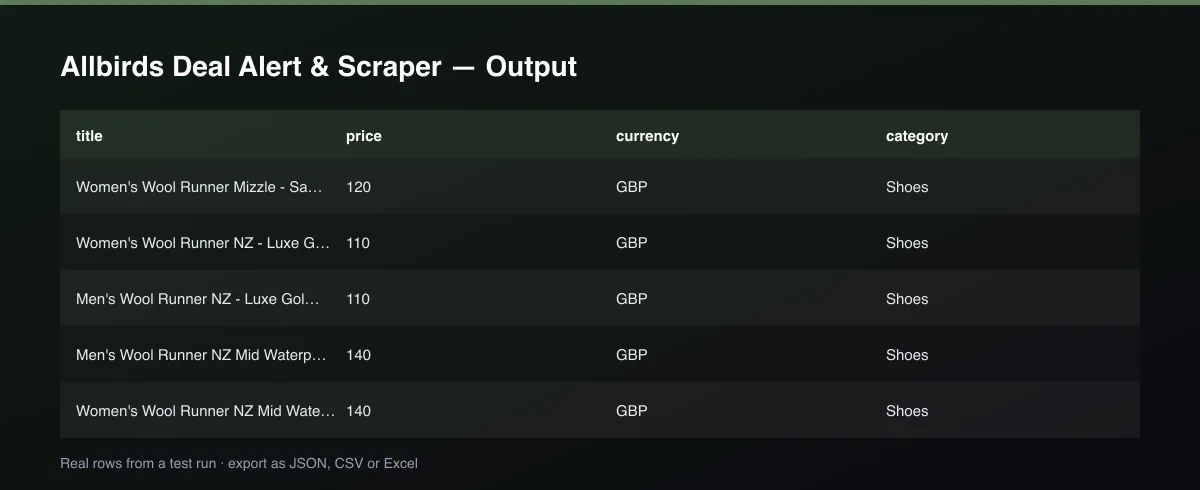
decimalOdds is the source's own price; fractionalOdds and americanOdds are derived from it. Fields the source doesn't expose for a given row (e.g. previousOdds, oddsChange on a first run) are null rather than guessed.
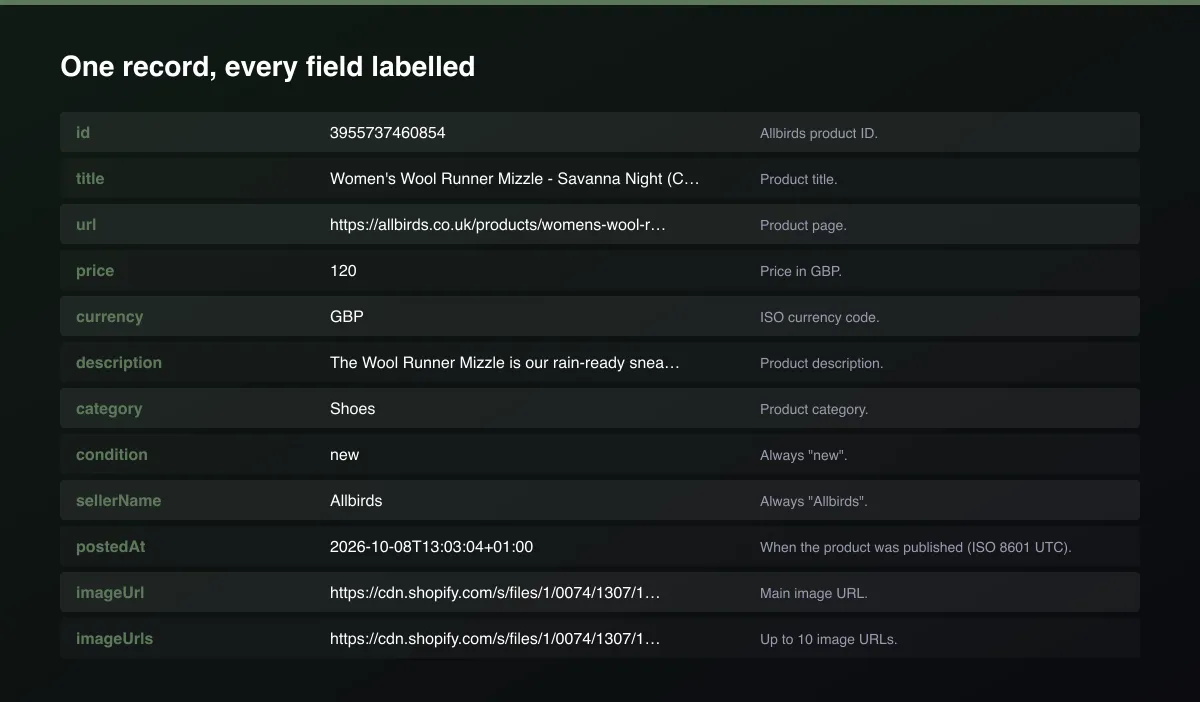
A real dataset item:
Usage Examples
Quick football test
Multiple sports, headline odds only
All available event statuses
Tips for Best Results
- Set
maxEventsto 1 to collect only the fast headline (match-winner) odds for every event (just one event gets the slower per-match detail pass). - Filter the
marketsinput to a substring (e.g. "over/under") to keep only one market type. - Football has the deepest market coverage - start there if you need more than just the match-winner price.
- Default is 5 results for a fast test. Set the max to 0 to return everything available.
Known Limitations
- Only football's market depth is thoroughly verified; other sports use the same pipeline but return mainly headline odds.
- Live/in-play odds are not collected - this covers upcoming, pre-match events.
- Opening an event for its full set of extra markets succeeds most but not every run; that event then keeps its headline-only row instead of the fuller breakdown. This is a normal, honestly-reported outcome, not missing or fabricated data.
previousOddsandoddsChangeare only meaningful across repeated runs - track them yourself if you need odds-movement history.- Any field the source doesn't expose is left
nullrather than guessed.
Integrations
Run it from the Apify API, on a schedule, or from a webhook. Send results straight to Google Sheets, Make, Zapier, Slack or your own database with Apify's built-in integrations.
Export Formats
Download the dataset as JSON, CSV, Excel, XML, HTML table or RSS from the Output tab or the API.
Frequently Asked Questions
Which sports are covered?
Football, ice hockey, handball, tennis, golf, basketball, Formula 1, American football, snooker, curling and esports, depending on what is in season. Football has the deepest market coverage.
How many markets does one match return?
Football matches typically return several markets (match-winner, half-time result, handicap, both-teams-to-score, total goals); other sports typically return the headline match-winner market.
Does it cover live/in-play odds?
Not in this version - it covers upcoming, pre-match events.
Why did I get fewer rows than maxResults?
The source may simply not have that many real events or markets available right now for the sports you chose.
Does it need an account or API key?
No. The Actor reads public odds pages and needs no account, cookies or API key.
Am I charged for failed or empty results?
No. You are only charged for selection rows that are actually written to the dataset.
Do I need an account or login?
No. The Actor reads public odds pages and needs no account, cookies or API key.
Am I charged for failed runs or empty results?
You are only charged for results that are actually written to the dataset.
Can I run it on a schedule?
Yes. Create a Task with your input and add a schedule in Apify Console. With monitor mode on, each scheduled run returns only what changed since the previous one.
Support
Questions or a missing field? Open an issue from the Issues tab on this Actor's page and it will be looked at.
Legal / Responsible Use
This Actor reads publicly accessible pages. You are responsible for using the collected data in line with the source's own terms of service and your local laws and licensing requirements, particularly around gambling-related data. This Actor does not place bets, create accounts, or interact with any betting functionality - it only reads public odds information.


