

🍾 🍷danmurphys liquor scraper
Pricing
from $1.00 / 1,000 results
🍾 🍷danmurphys liquor scraper
extracts product data — price, brand, rating, and more — from any category, brand, or search results page
Pricing
from $1.00 / 1,000 results
Rating
0.0
(0)
Developer

MrDoe
Maintained by CommunityActor stats
0
Bookmarked
1
Total users
1
Monthly active users
12 days ago
Last modified
Categories
Security
Limited permissionsShare
What does Dan Murphy's Product Scraper do?
Dan Murphy's Product Scraper extracts product data — price, brand, rating, and more — from any category, brand, or search results page on danmurphys.com.au, Australia's largest liquor retailer. Just give it a listing URL like https://www.danmurphys.com.au/white-wine/chardonnay and it returns structured JSON for every product on that page, automatically clicking through the site's "Show more" pagination button to collect as many items as you need.
Because it runs on the Apify platform, you get automatic proxy rotation to avoid blocking, one-click scheduling for recurring price checks, an API for pulling results into your own systems, and full run monitoring — no infrastructure to manage.
Why use Dan Murphy's Product Scraper?
- Price monitoring — track member vs. non-member pricing and special offers across wine, beer, and spirits ranges over time.
- Market research — compare brand assortment, ratings, and review counts across categories.
- Catalog enrichment — pull clean product names, images, volumes, and SKUs to enrich your own product database.
- Competitor analysis — benchmark your pricing against Dan Murphy's listed prices.
How to use Dan Murphy's Product Scraper
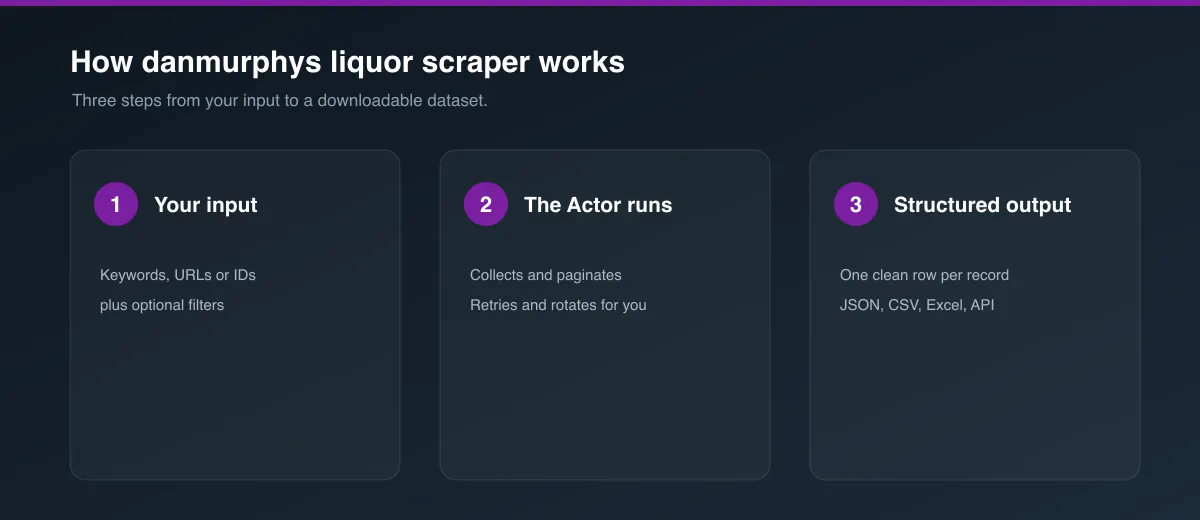
- Click Try for free or Run on the Actor page.
- In the Start URLs field, paste one or more Dan Murphy's category, brand, or search URLs (e.g.
https://www.danmurphys.com.au/white-wine/chardonnay). - Optionally adjust Max products per start URL to control how much of each listing gets scraped. Leave it at
0to pull everything the category has. - Click Start and wait for the run to finish.
- Open the Dataset tab to preview, filter, and export your results.
Input
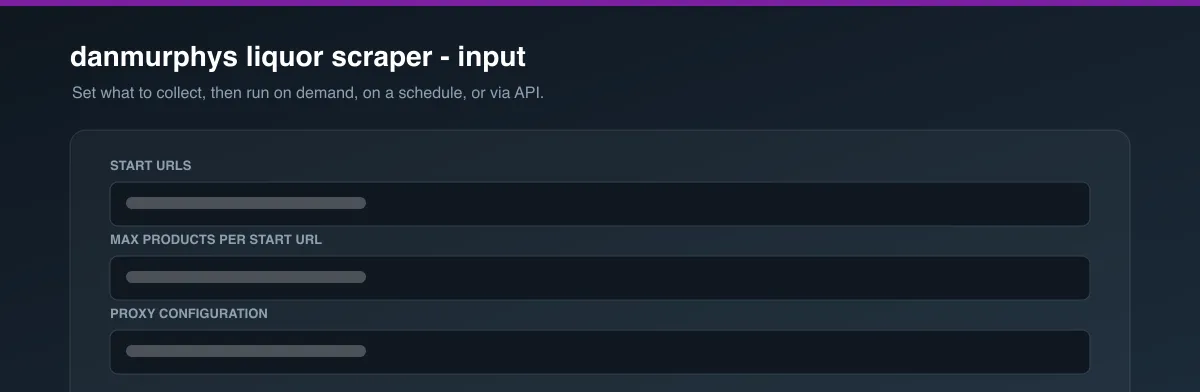
The Actor accepts a JSON input with the following fields (see the Input tab for the full form):
| Field | Type | Description |
|---|---|---|
startUrls | array | Category, brand, or search listing pages to scrape. |
maxItems | integer | Max products to collect per start URL. 0 = no limit — scrape the entire listing. |
proxyConfiguration | object | Proxy settings. Apify Proxy is recommended to avoid blocking. |
Example input:
Output
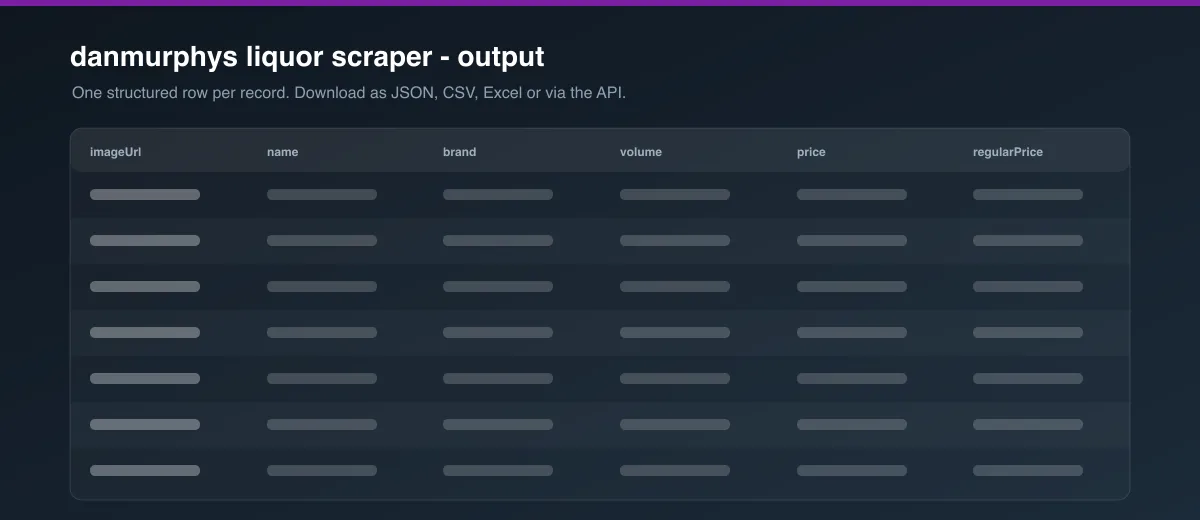
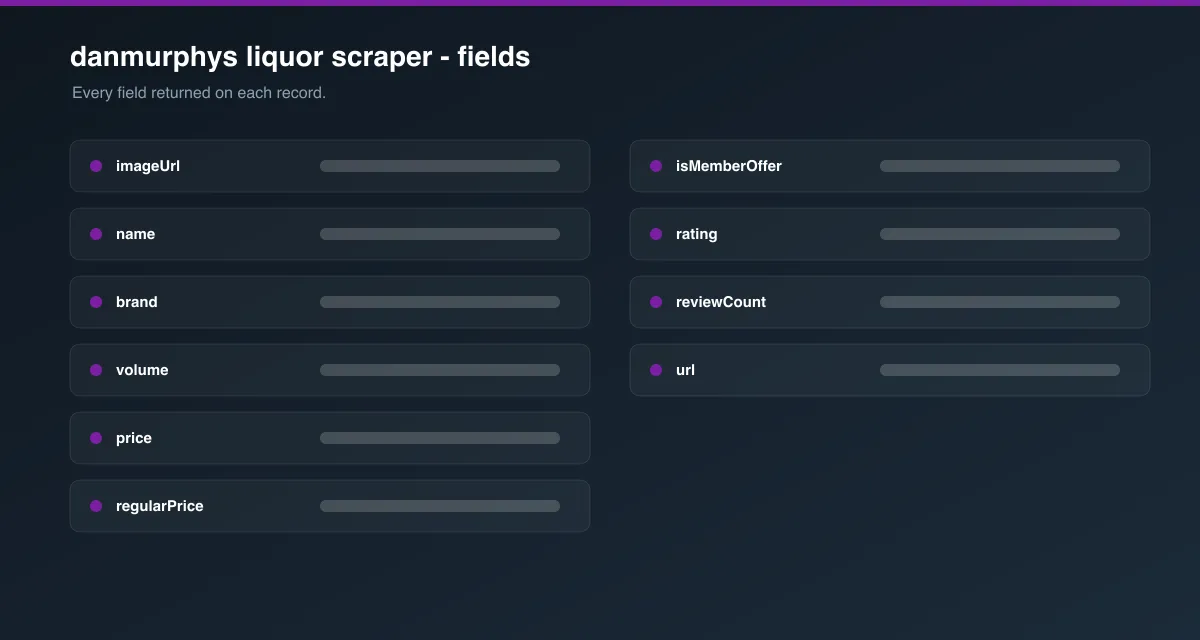
Each dataset item represents one product. You can download the dataset in various formats such as JSON, HTML, CSV, or Excel.
Data table
| Field | Description |
|---|---|
sku | Dan Murphy's internal product ID. |
name | Full product name. |
brand | Product brand/producer. |
url | Canonical product page URL. |
imageUrl | Product image URL. |
volume | Pack/bottle size (e.g. 750ML), when available. |
price | Price the customer pays now (member price if a member offer applies). |
regularPrice | Regular/non-member price. |
isMemberOffer | Whether price reflects a "MEMBER OFFER" discount. |
rating | Average star rating (0–5), when reviews exist. |
reviewCount | Number of customer reviews. |
badges | Promotional badges shown on the product (e.g. "Great Value Vino"). |
categoryUrl | The start URL this product was collected from. |
How much does it cost to scrape Dan Murphy's?
This Actor uses a headless browser (Playwright) because listing pages load more products via a "Show more" button rather than plain pagination links, so it's more compute-intensive than a plain HTTP scraper. A typical run scraping a few hundred products from one or two categories should use well within the free tier's monthly compute units. Use maxItems to keep runs small and predictable, or set it to 0 if you want every product in the category regardless of size.
Tips for best results
- Start with a specific category or search URL rather than the homepage — scraping is scoped per listing page.
- Set
maxItemsto only what you need; each "Show more" click loads roughly 24 more products. Leave it unset (or0) to fetch the full category. - Use Apify Proxy (residential, if available on your plan) if you scrape large volumes or run frequently, to reduce the chance of blocking.
FAQ, disclaimers, and support
This Actor only collects publicly visible product listing data. It does not create accounts, place orders, or access personal data. Always review Dan Murphy's Terms of Use and applicable laws before scraping, and use the data responsibly.
The site's markup can change at any time, which may affect field extraction. If you notice missing or incorrect data, please report it via the Issues tab on this Actor's page. Need a custom version — different fields, product detail pages, or another retailer? Reach out via the Issues tab to discuss a tailored solution.


