

Golf Leaderboard & Round Scores (PGA, DP World, LPGA)
Pricing
from $1.00 / 1,000 results
Golf Leaderboard & Round Scores (PGA, DP World, LPGA)
Golf tournament leaderboards for PGA Tour, DP World Tour, LPGA, Champions Tour and LIV: position, score to par, round-by-round strokes, total strokes and country for the whole field. Past and current events. No login.
Pricing
from $1.00 / 1,000 results
Rating
0.0
(0)
Developer

MrDoe
Maintained by CommunityActor stats
0
Bookmarked
3
Total users
2
Monthly active users
25 days ago
Last modified
Categories
Share
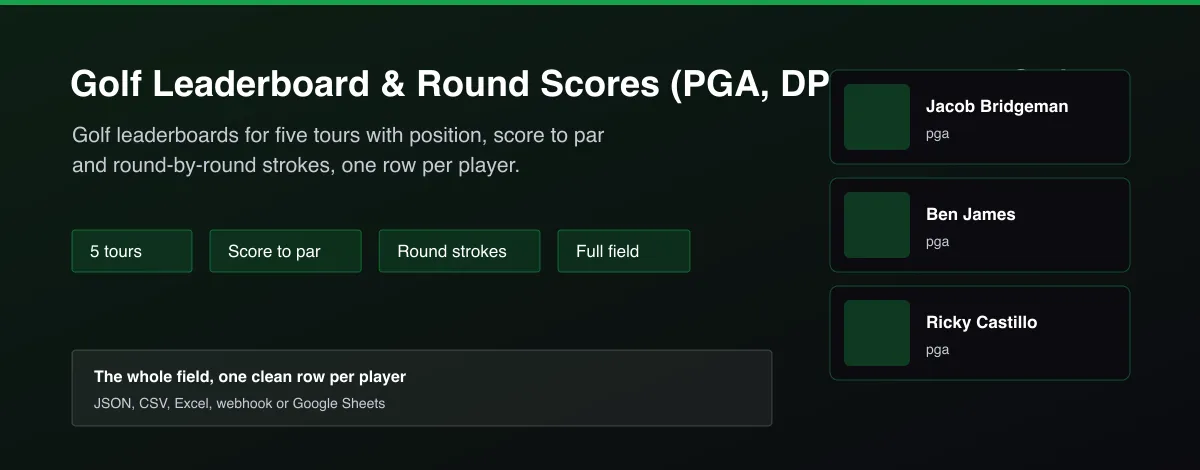
What does Golf Leaderboard & Round Scores (PGA, DP World, LPGA) do?
Golf Leaderboard & Round Scores returns the leaderboard of the current or a chosen golf tournament as one row per player. Choose the PGA Tour, DP World Tour, LPGA, PGA Tour Champions or LIV Golf. Each row has the tournament, status and round, the player, country, position, score to par, strokes for each round, total strokes and, optionally, every hole. Filter by country and pick a date to read past events.
Why use Golf Leaderboard & Round Scores (PGA, DP World, LPGA)?
- Five tours in one Actor and one schema.
- Round-by-round strokes and score to par as numbers, ready for models.
- Whole field, not just the top ten.
- Optional hole-by-hole scores.
- Works logged out; no key needed.
What makes this different
Golf sites show leaderboards as pages, not data. This Actor returns the full field for five tours as flat rows with numeric score to par and per-round strokes, so a leaderboard becomes a spreadsheet in one run.
How it works
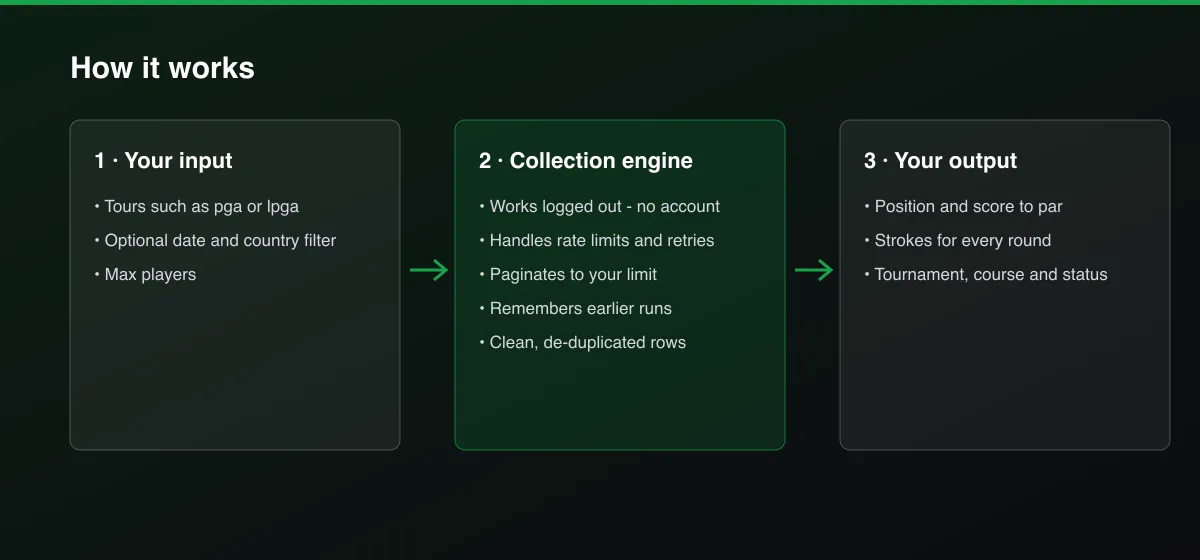
- Your input — choose tours and an optional date or country filter.
- The Actor collects it — the Actor reads the leaderboard for each tour.
- Your output — you get one clean row per player with position, score and round strokes.
What data can you extract?
The dataset has 22 fields per row:
| Field | Type | Description |
|---|---|---|
tour | string | Tour name. |
tourCode | string | Tour code such as pga. |
tournamentId | string | Tournament identifier. |
tournament | string | Tournament name. |
startDate | string | First day (ISO 8601). |
endDate | string | Last day (ISO 8601). |
status | string | Scheduled, In Progress or Final. |
round | number | Current or final round. |
course | string | Course name when published. |
purse | number | Purse when published. |
fieldSize | number | Players in the field. |
defendingChampion | string | Defending champion. |
playerId | string | Player identifier. |
player | string | Player name. |
country | string | Player country. |
position | number | Leaderboard position. |
scoreToPar | number | Total score to par. |
totalStrokes | number | Total strokes over completed rounds. |
rounds | array | Strokes and score to par for each round. |
holes | array | Strokes per hole when requested. |
earnings | number | Earnings when published. |
scrapedAt | string | Collection time (ISO 8601). |
How to use Golf Leaderboard & Round Scores (PGA, DP World, LPGA)
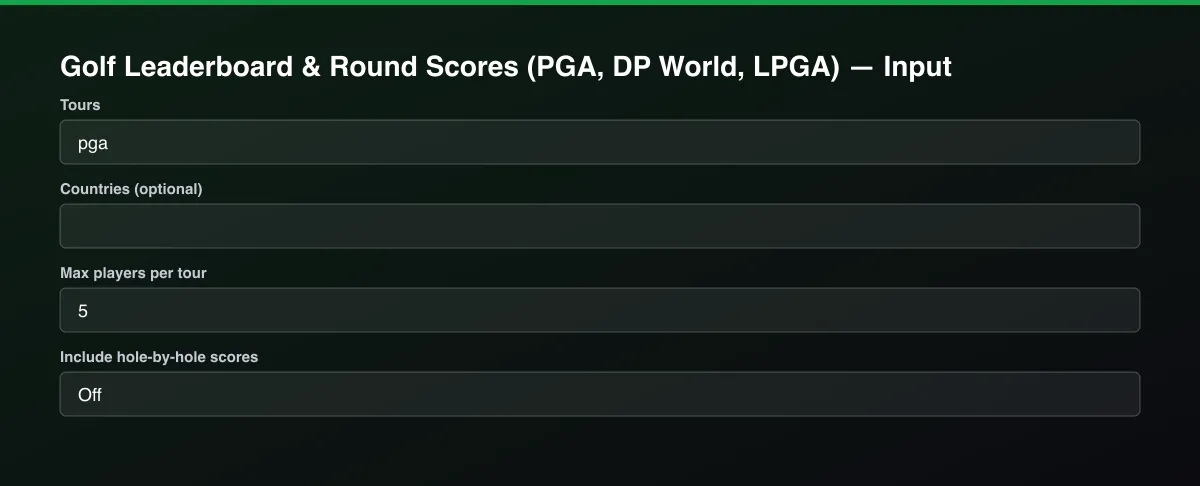
- Open the Actor and go to the Input tab.
- Choose one or more Tours, optionally set a Date inside the tournament week, and set Max players per tour.
- Optionally set filters and a Max results limit.
- Click Start. A default run finishes in under a minute.
- Open the Output tab, then download the dataset or connect it to your tools.
Input Parameters
| Parameter | Type | Required | Default | Description |
|---|---|---|---|---|
tours | array | No | ["pga"] | Tour codes: pga, eur (DP World Tour), lpga, champions (PGA Tour Champions), liv. Use ["all"] for every tour. |
date | string | No | — | A day inside the tournament week as YYYY-MM-DD, to read a past or upcoming event. Leave empty for the current event. |
countries | array | No | [] | Only players from these countries, for example USA, England, Japan. |
maxPlayers | integer | No | 5 | Maximum number of players returned for each tour. Default is 5 for a quick test; set 0 to return the whole field. |
includeHoleScores | boolean | No | false | Add strokes for every hole played (larger rows). |
proxyConfiguration | object | No | {"useApifyProxy":false} | Optional. The data is public and works without a proxy. |
Output Data
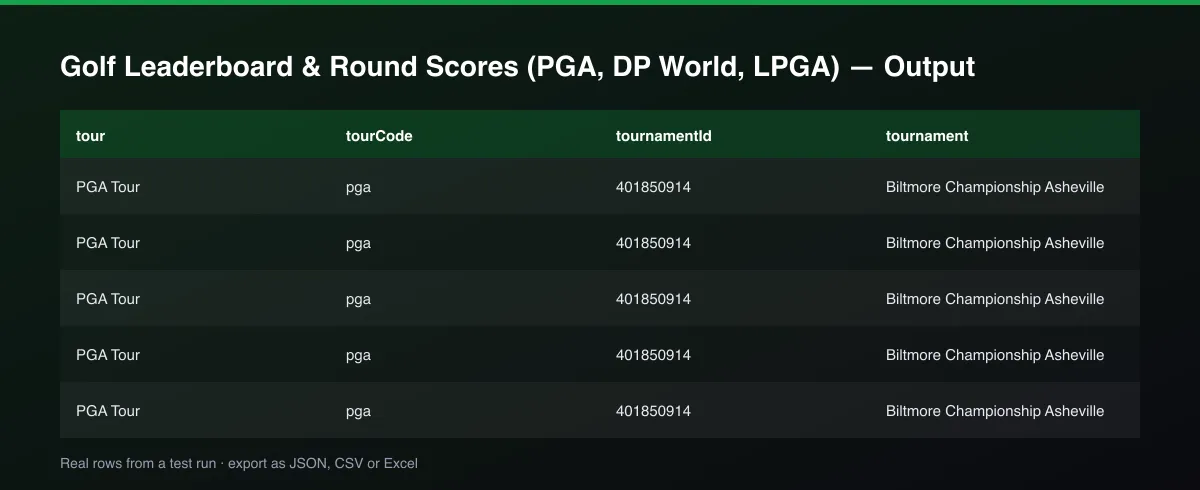
scoreToPar is a number: negative is under par, 0 is even. rounds lists strokes and score to par for each round played. holes is only filled when hole-by-hole scores are turned on. Fields the tour does not publish, such as purse or course, are null.
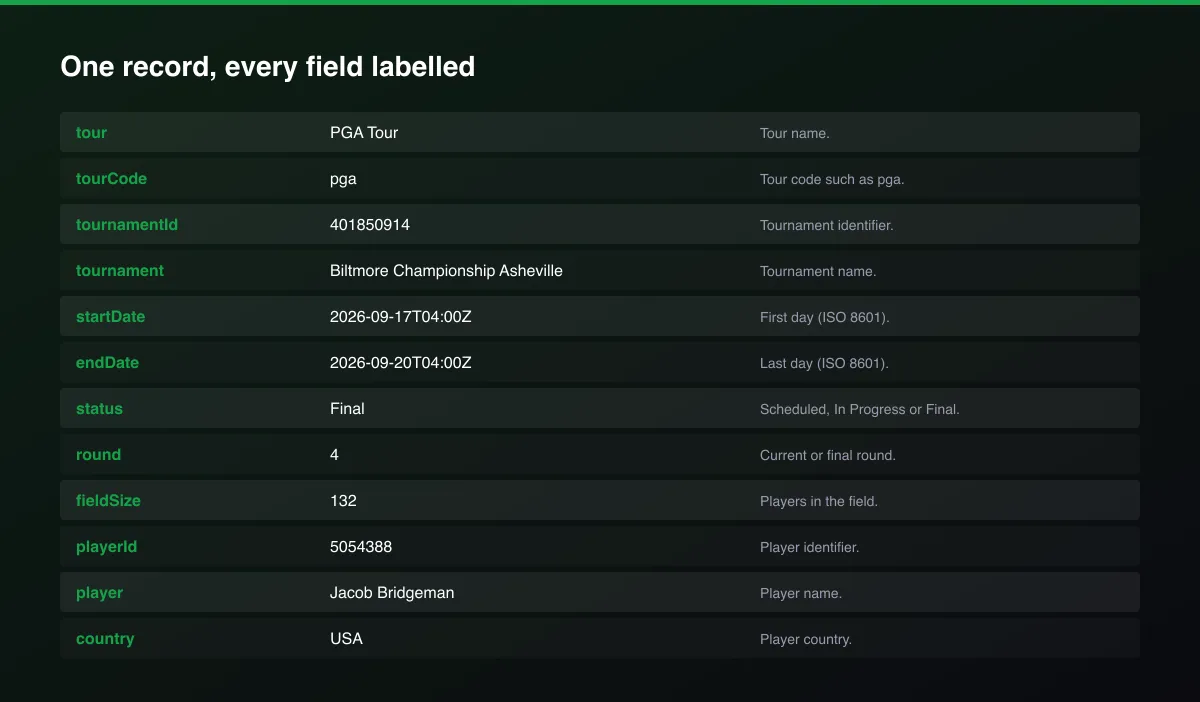
A real dataset item:
Usage Examples
Current PGA Tour leaderboard
LPGA and DP World Tour top five
A past event with hole scores
Tips for Best Results
- Default is 5 results for a fast test. Set the max to 0 to return everything available.
Known Limitations
- Only the current tournament of each tour, or the event containing the chosen date, is returned.
- Tours with no event that week return no rows.
- Course, purse and earnings are not published for every event.
- Positions are the finishing order; ties are not marked.
Integrations
Run it from the Apify API, on a schedule, or from a webhook. Send results straight to Google Sheets, Make, Zapier, Slack or your own database with Apify's built-in integrations.
Export Formats
Download the dataset as JSON, CSV, Excel, XML, HTML table or RSS from the Output tab or the API.
Frequently Asked Questions
Does it need an account or API key?
No. The Actor reads public data and needs no account or key.
Am I charged for failed results?
No. You are only charged for results that are written to the dataset.
Do I need an account or login?
No. The Actor reads public data and needs no account or key.
Am I charged for failed runs or empty results?
You are only charged for results that are actually written to the dataset.
Can I run it on a schedule?
Yes. Create a Task with your input and add a schedule in Apify Console. With monitor mode on, each scheduled run returns only what changed since the previous one.
Support
Questions or a missing field? Open an issue from the Issues tab on this Actor's page and it will be looked at.
Legal / Responsible Use
You are responsible for using the data in line with the source's terms and applicable law. The Actor collects publicly available data only and is not affiliated with the source.


