

YouTube Video Downloader - MP4 & MP3, Channels & Playlists
Pricing
from $1.00 / 1,000 results
YouTube Video Downloader - MP4 & MP3, Channels & Playlists
Download YouTube videos, Shorts, whole playlists and entire channels as MP4 (360p-4K) or MP3, with view, like and comment counts, duration, upload date and channel on every row.
Pricing
from $1.00 / 1,000 results
Rating
0.0
(0)
Developer

MrDoe
Maintained by CommunityActor stats
0
Bookmarked
19
Total users
9
Monthly active users
a month ago
Last modified
Categories
Share

YouTube Video Downloader — MP4 & MP3, whole channels and playlists
Give it a video, a Shorts link, a playlist, a whole channel, or just a search phrase — get back the video file as MP4 (360p up to 4K) or the audio as MP3, with view, like and comment counts, duration, upload date and channel on every row. No account, no login.
This Actor is a YouTube video downloader, a YouTube to MP3 converter, a playlist downloader and a channel downloader in one.
What does it do?
Paste one or more of:
- a video URL —
https://www.youtube.com/watch?v=… - a Shorts URL —
https://www.youtube.com/shorts/… - a playlist URL — every video in the playlist, up to your limit
- a channel URL or
@handle— the channel's videos, newest first, up to your limit - a plain search phrase — e.g.
lofi hip hop, takes the top results
Each video comes back as one dataset row with its metadata, plus the downloaded .mp4 or .mp3 saved to the run's key-value store with a direct link on the row.
Download a whole channel
Put a channel URL or @handle in the input, set Max videos, pick a quality, and press Start. The Actor walks the channel's video list and downloads each one — video and audio metadata (views, likes, comments, duration, upload date) on every row, and the media file in storage.
How it works
- Your input — video / Shorts / playlist / channel URLs or search phrases, a quality, and a max count.
- The Actor collects and downloads — it resolves playlists and channels to a video list, fetches each video's metadata, downloads the stream at the quality you asked for (or the next best available), and merges video + audio into a single MP4 (or extracts an MP3).
- Output — one dataset row per video, plus the
.mp4/.mp3files in the key-value store.
What data you get
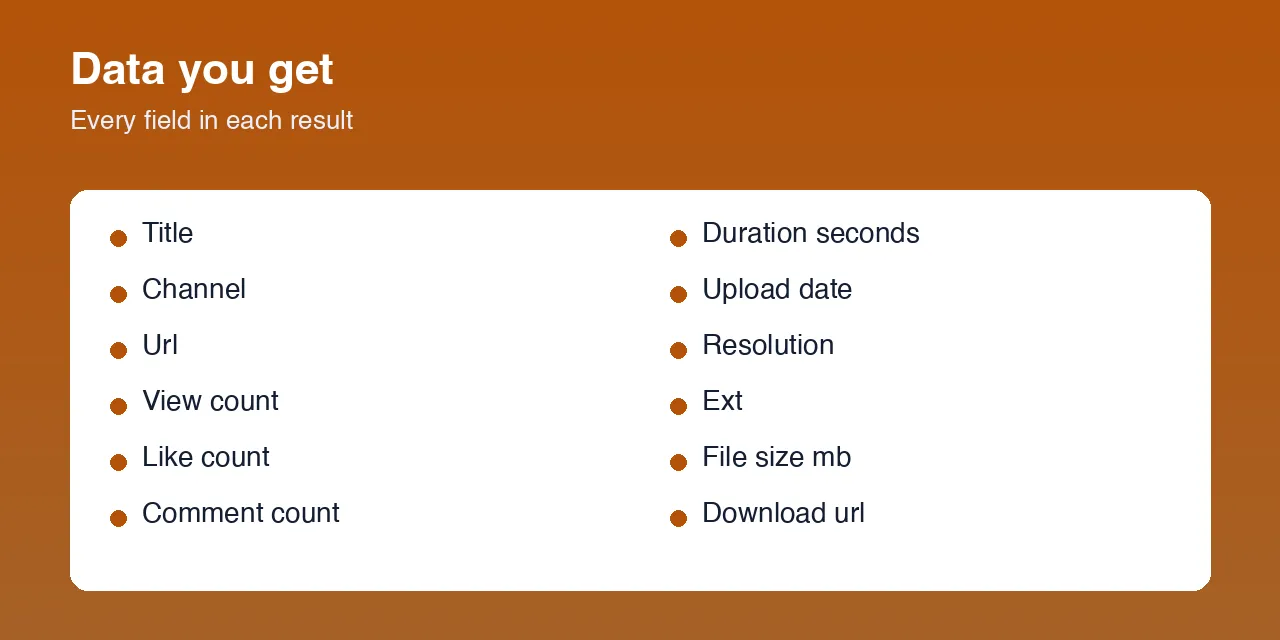
| Field | Description |
|---|---|
videoId / url | Video ID and canonical watch URL |
title | Video title |
channel / channelUrl / channelId | Uploading channel |
durationSeconds | Length in seconds |
viewCount | View count at collection time |
likeCount | Like count at collection time |
commentCount | Comment count at collection time |
shareCount | Always null — YouTube does not publish share or dislike counts anywhere |
uploadDate | Upload date, YYYYMMDD |
isShort | true for a Shorts URL |
resolution | Resolution of the file actually downloaded, e.g. 1920x1080 |
ext | mp4 or mp3 |
fileSizeMb | Size of the stored file |
downloadUrl | Permanent key-value-store link to the file |
thumbnail | Thumbnail image URL |
billedMinutes | Whole minutes of media delivered (rounded up, 1-minute minimum) |
status | SUCCESS, FAILED, or SKIPPED_TOO_LARGE |
Where do the downloaded files go?
Into the run's key-value store, as <videoId>.mp4 or <videoId>.mp3. Each dataset row carries the link in downloadUrl:
Those links are permanent for the life of the run's storage and need no auth for a public run. Browse every file under the run's Storage → Key-value store tab, or list them via the API.
Input parameters
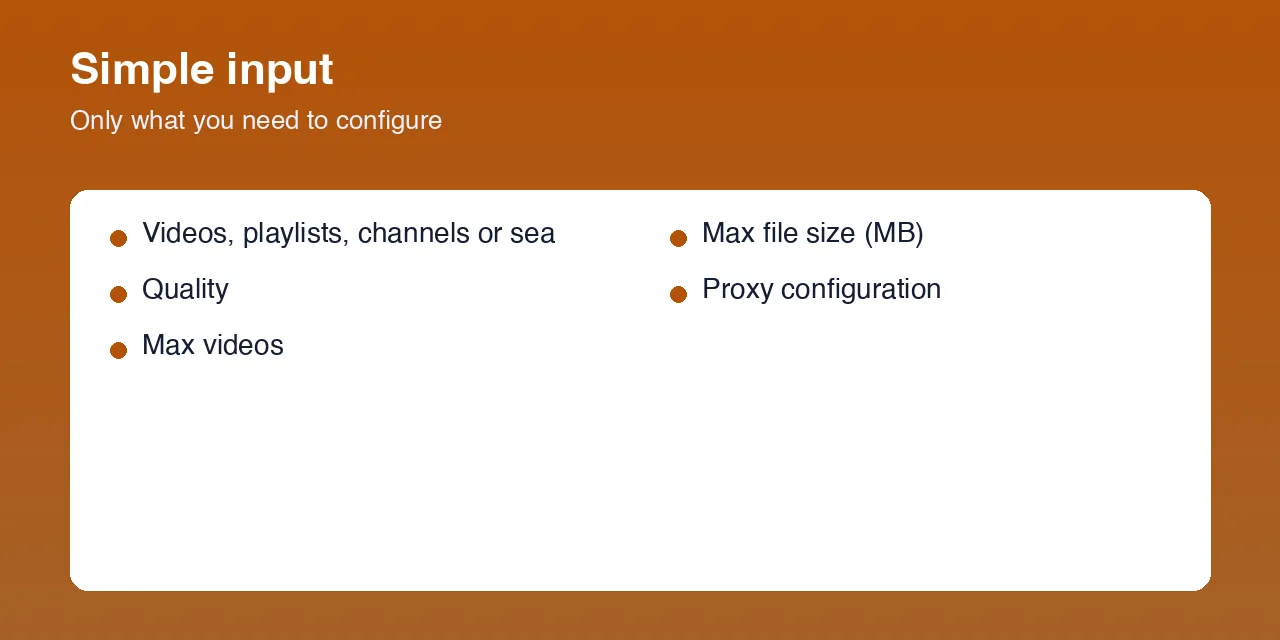
| Parameter | Type | Required | Default | Description |
|---|---|---|---|---|
startUrls | Array | Yes | — | Video / Shorts / playlist / channel URLs, @handles, or plain search phrases. One per line. |
quality | String | No | 720p | 360p, 480p, 720p, 1080p, 1440p, 2160p, or audio (MP3). Falls back to the next best if the exact resolution is missing. |
maxItems | Integer | No | 10 | Max videos to download in total across all inputs (applies to playlists, channels, searches). |
maxFileSizeMb | Integer | No | 500 | Skip any single file larger than this. Give the run at least 2× this in memory. |
proxyConfiguration | Object | Yes | Apify Residential | Required. YouTube blocks datacenter IPs — a residential proxy is strongly recommended. |
Example output
Download the dataset as JSON, CSV, Excel or XML, or pull it from the Apify API.
How to use

- Open the Actor's Input tab.
- Add one or more entries to
startUrls— a video URL, a channel@handle, a playlist, or a search phrase. - Pick a quality (or
audiofor MP3). - Set Max videos.
- Press Start. Rows appear in the Dataset tab; the media files land in the Key-value store tab.
Usage examples
One video in 1080p
A whole channel as MP3
A playlist in 4K
Top search results
Tips for best results
- Residential proxy, always. YouTube challenges datacenter IPs with "Sign in to confirm you're not a bot." A residential pool is the single biggest reliability factor.
- Memory. Files are held in memory while being stored. Give the run at least 2× your
maxFileSizeMb(e.g. 2048 MB for files up to ~1 GB), or lowermaxFileSizeMb. - Audio-only is much smaller and faster — use
quality: "audio"when you only need the sound. maxItemsis a total, not per input.
Limitations
- Public videos only. Private, members-only, deleted or region-locked videos return
FAILED. - Age-restricted videos may not be downloadable without a signed-in session, which this Actor does not use.
- A row is a snapshot at collection time; view / like / comment counts keep moving.
shareCountand dislike count are alwaysnull— YouTube removed them platform-wide.- Very long 4K videos can be multi-GB; use
maxFileSizeMbto keep runs bounded.
FAQ
Can I download a whole YouTube channel?
Yes. Put the channel URL or @handle in startUrls, set maxItems, and every video is downloaded with its stats.
Can I convert YouTube to MP3?
Yes. Set quality to audio — you get a 192 kbps MP3 per video in the key-value store.
Does it download playlists?
Yes. Paste the playlist URL; every video up to maxItems is downloaded.
Do I need a YouTube account or cookies?
No.
Why did a video fail?
Almost always a bot check (use a residential proxy), an age restriction, or a private / deleted / region-locked video. The row's error field and the run log say which.
How fresh are the counts?
Every run reads the live video page.
Support
Found a bug or a field that changed shape? Open an issue on the Actor's Issues tab in the Apify Console.
Legal / responsible use
Only download content you own, that is in the public domain or Creative Commons, or that you are otherwise authorized to download. Downloading may violate YouTube's Terms of Service. You are solely responsible for how you use this Actor and its output, including copyright in the videos and music you download and the data-protection laws that apply to you.


