Property Com Au Scraper
Pricing
from $15.00 / 1,000 results
Property Com Au Scraper
Scrape property listings from Property.com.au - price, address, bedrooms, bathrooms, land size, property type, and agent contact details. No login required, built for Australian real estate research, price tracking, and lead generation.
Pricing
from $15.00 / 1,000 results
Rating
0.0
(0)
Developer

MrDoe
Maintained by CommunityActor stats
0
Bookmarked
2
Total users
1
Monthly active users
a month ago
Last modified
Categories
Share
What does the property.com.au Property Data Scraper do?
The property.com.au Property Data Scraper extracts property research data from property.com.au, Australia's third-largest property portal. Paste a suburb or state Buy, Rent, or Sold page (or a direct property profile URL) and the Actor returns clean, structured data for every property: full address, price or price guide, bedrooms, bathrooms, car spaces, land size, sold date, listing status, council area, school catchment, planning overlays, and the matching realestate.com.au listing link. Use it for suburb market analysis, sold-price research, and property due diligence.
The easiest way to try it: open the Actor, keep the pre-filled example Sold search URL, and click Start.
Why use the property.com.au Property Data Scraper?
- Sold-price research — pull recently sold properties for a suburb with their sale dates in one table.
- Property due diligence — council area, school catchment, and bushfire / flood / heritage overlay flags per property.
- Cross-referenced listings — every record includes the matching realestate.com.au listing URL where one exists.
- Clean, structured output — numbers as numbers, missing values as
null, no raw HTML. - Automatic pagination — the Actor walks through every results page up to your limit.
- No code and no maintenance — runs on Apify's infrastructure with retries, scheduling, and integrations built in.
What makes this different?
This Actor targets property.com.au specifically — a research portal, not a listings marketplace — so it surfaces data that listing scrapers miss: council area, school catchment zones, planning overlays, and sold dates for off-market properties. It uses Australian residential IP addresses by default, which is what it takes to load the site reliably.
Pricing
This Actor uses pay-per-event pricing: a small fixed charge per run start, plus a per-property charge for each record returned. Exact rates are shown on the Actor's page in Apify Console.
What data can you extract?
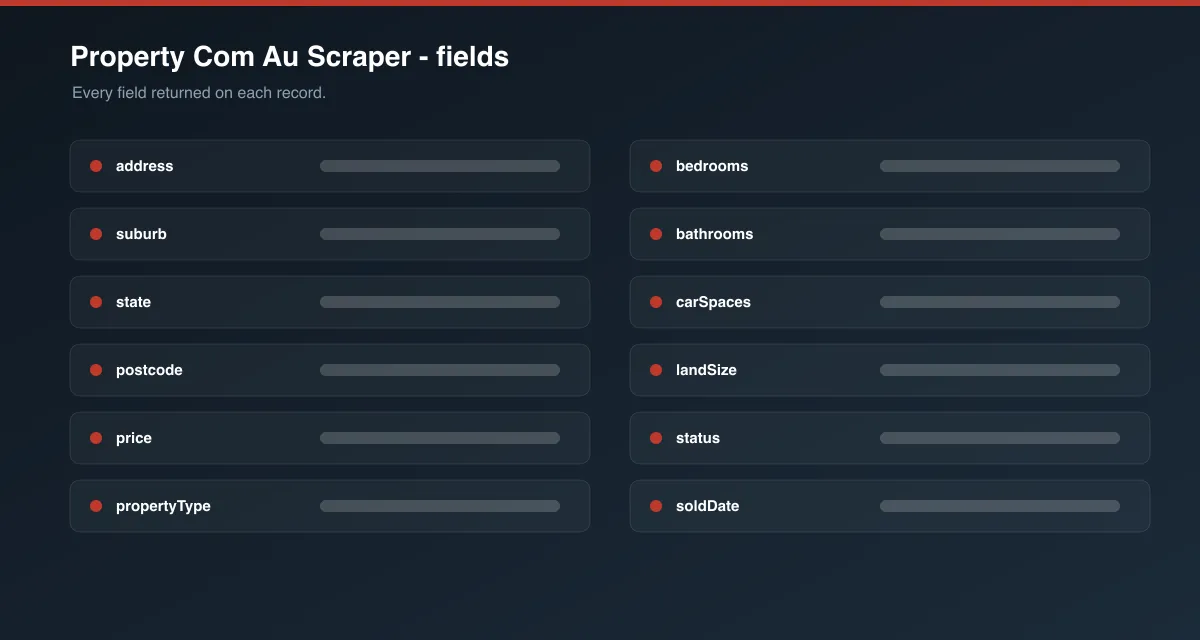
| Field | Description |
|---|---|
id | property.com.au property id |
url | Property profile page URL |
channel | buy, rent, or sold (from the search page) |
status | Listing status badge (e.g. "For sale", "Recently sold") |
address | Full property address |
suburb, state, postcode | Address components |
price | Price, price guide, or "Contact agent" text |
propertyType | House, Apartment, Unit, Townhouse, etc. |
bedrooms, bathrooms, carSpaces | Property features as numbers |
landSize | Land area with unit, where available |
soldDate | Sale date for sold properties (YYYY-MM-DD) |
image | Property photo URL |
listingUrl | Matching realestate.com.au listing URL, where one exists |
description | The site's "About the property" summary |
councilArea | Local government area |
schoolCatchment | Public school catchment zones |
overlays | Detected planning overlays (bushfire, flood, heritage) |
listingAgency | Listing agency, for on-market properties |
listedDate | Date the property was listed |
scrapedAt | Timestamp the record was collected |
How to use the property.com.au Property Data Scraper
- Open the Actor in Apify Console.
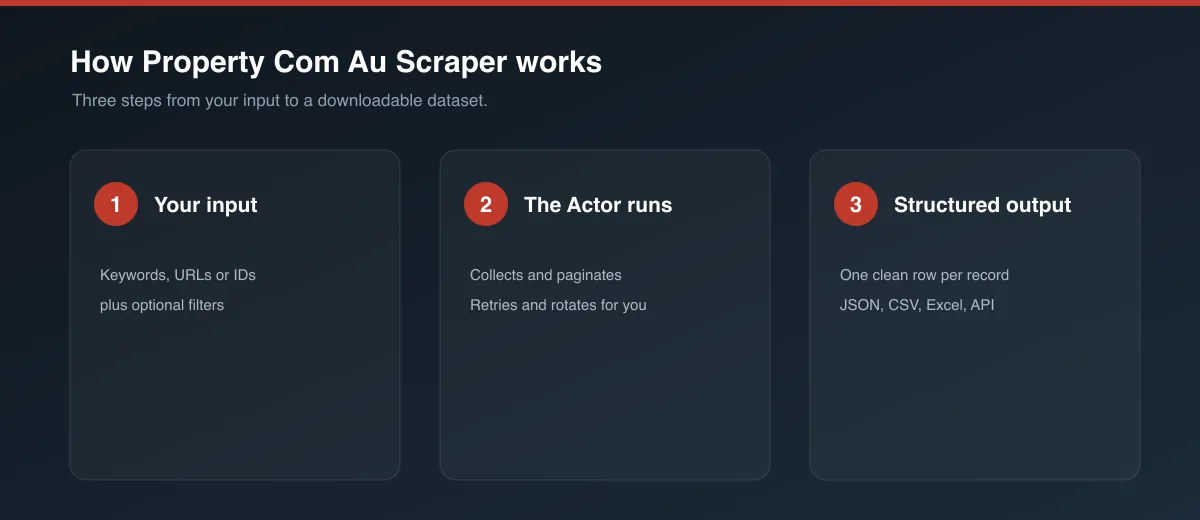
- On property.com.au, open the suburb and channel you want — for example the Sold page for a suburb — and copy the URL from your browser's address bar. Or copy a single property profile URL.
- Paste it into Start URLs. Add as many as you need.
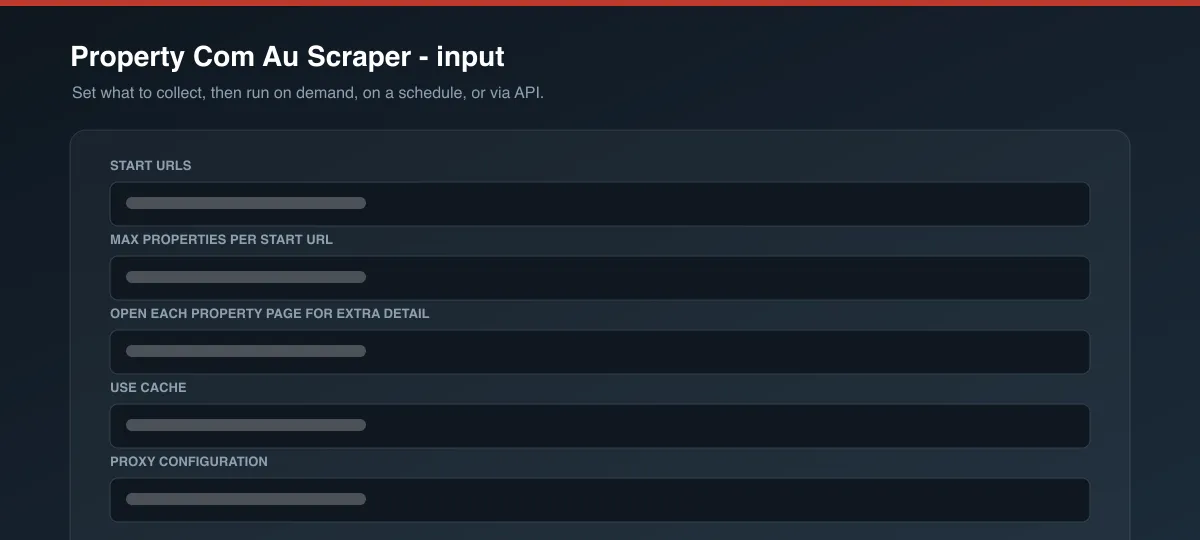
- Set Max properties per start URL.
- Leave Open each property page for extra details on for council area, school catchment, and overlays, or turn it off for a faster summary-only run.
- Click Start, then open the Dataset tab to view and export the results.
Input parameters
| Parameter | Type | Required | Default | Description |
|---|---|---|---|---|
startUrls | array | Yes | Example Bondi Beach Sold page | property.com.au suburb/state Buy, Rent, or Sold pages, or direct property profile URLs. |
maxItems | integer | No | 5 | Maximum properties to collect per start URL. The Actor paginates until this is reached. |
scrapePropertyDetails | boolean | No | true | When on, opens each profile page for description, council area, school catchment, overlays, and listing agency. |
useCache | boolean | No | false | Reuse data collected for a property in an earlier run. Off by default so results are always fresh. |
proxyConfiguration | object | No | Australian residential | Proxy settings. property.com.au blocks non-residential traffic, so Australian residential proxy is used by default. |
Output data
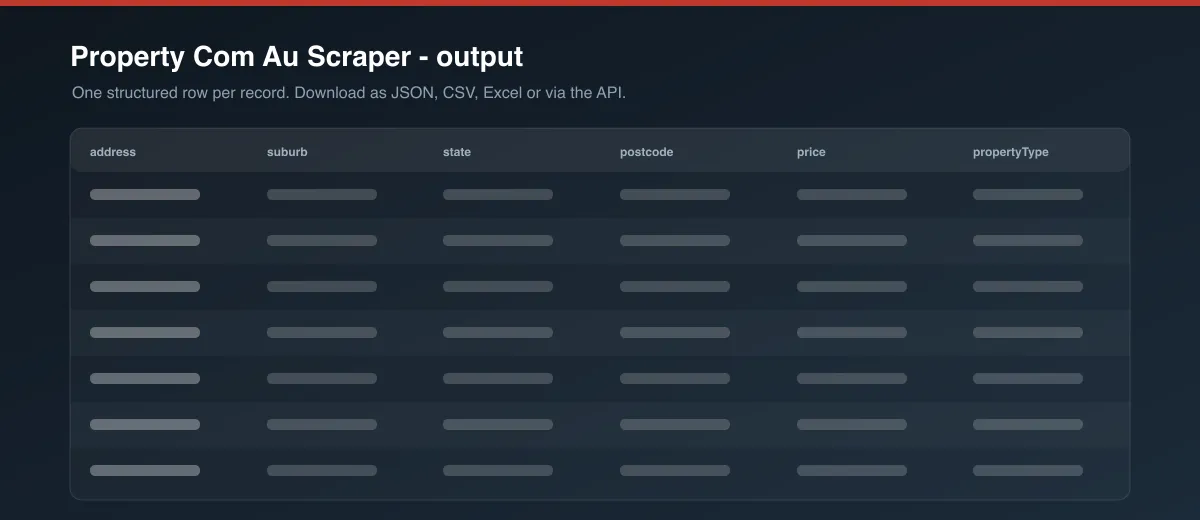
Each property is one dataset item. Download as JSON, CSV, Excel, or XML from the Dataset tab or the API.
Usage examples
Recently sold properties in a suburb
Properties for sale across a whole state
A single property profile
Tips for best results
- Use suburb-level pages (
/{state}/{suburb-postcode}/{channel}/) rather than state-wide pages for faster, focused runs. - Use the Sold channel for sale-price history research — each record carries the sale date.
- Turn off Open each property page for extra details when you only need address, price, and features across a large area — it is significantly faster.
Known limitations
- property.com.au uses strict bot protection. The Actor gets through with Australian residential proxy and automatic retries, but a rare individual page may be skipped — re-run if a result set looks short.
- property.com.au is a research portal: many properties have no live listing, so
price,bedrooms, andlistingUrlcan benull. - The "About the property" summary is written as prose;
councilArea,schoolCatchment, andoverlaysare a best-effort read of it and may be empty for some properties. - Detailed historical sale-price and rent timelines shown on the site behind "View historical data" are not included.
- Pagination is limited to the number of result pages property.com.au exposes for a search.
Integrations
Connect the Actor's output to Google Sheets, Make, Zapier, Slack, or your own systems via the Apify API and webhooks. Schedule runs to keep a dataset up to date.
Export formats
JSON, CSV, Excel, and XML — from the Dataset tab in Apify Console or via the API.
Frequently asked questions
How many properties can I collect?
As many as the search exposes. maxItems is applied per start URL, so add more start URLs to cover many suburbs in one run.
Can I use my own filters?
Yes. Any suburb or state Buy, Rent, or Sold URL from property.com.au works. Copy the URL after opening the page you want on the site.
Does it support individual property URLs?
Yes. Paste a property profile URL (one ending in -pid-<number>/) into Start URLs.
How are duplicates handled?
Each property is collected once per run, matched on its profile page URL.
Why are some fields null?
property.com.au does not publish every field for every property, and many properties are not currently listed for sale or rent. Missing values are returned as null rather than guessed.
How fresh is the data?
Each run collects live data from property.com.au at run time, unless Use cache is enabled.
Why did a run return few or no results?
property.com.au's bot protection is IP-sensitive and can occasionally block a run even with residential proxy. Re-run it, and keep searches narrow.
Support
Found a bug or need a change? Open an issue on the Actor's Issues tab in Apify Console, or reach out via Apify Console messaging.
Legal and responsible use
You are responsible for ensuring your use of this Actor and the collected data complies with property.com.au's Terms of Service, applicable laws, and any contractual obligations. This Actor can collect personal data such as listing agency names published on property pages; if you collect personal data you are responsible for handling it in line with applicable data-protection law, including the Australian Privacy Act and, where relevant, the GDPR.
Preview