

ZipRecruiter Jobs Scraper
Pricing
from $13.00 / 1,000 results
ZipRecruiter Jobs Scraper
Scrape job listings from ZipRecruiter (ziprecruiter.com) - title, company, location, salary, employment type, and posted date - by keyword and location.
Pricing
from $13.00 / 1,000 results
Rating
0.0
(0)
Developer

MrDoe
Maintained by CommunityActor stats
0
Bookmarked
3
Total users
2
Monthly active users
20 hours ago
Last modified
Categories
Share
What does ZipRecruiter Jobs Scraper do?
ZipRecruiter Jobs Scraper extracts job listings from ZipRecruiter - title, company, location, salary, employment type, and posted date. Point it at a keyword/location or a ZipRecruiter search URL and it scrapes every listing on the results, following pagination automatically until it has enough.
How to use ZipRecruiter Jobs Scraper
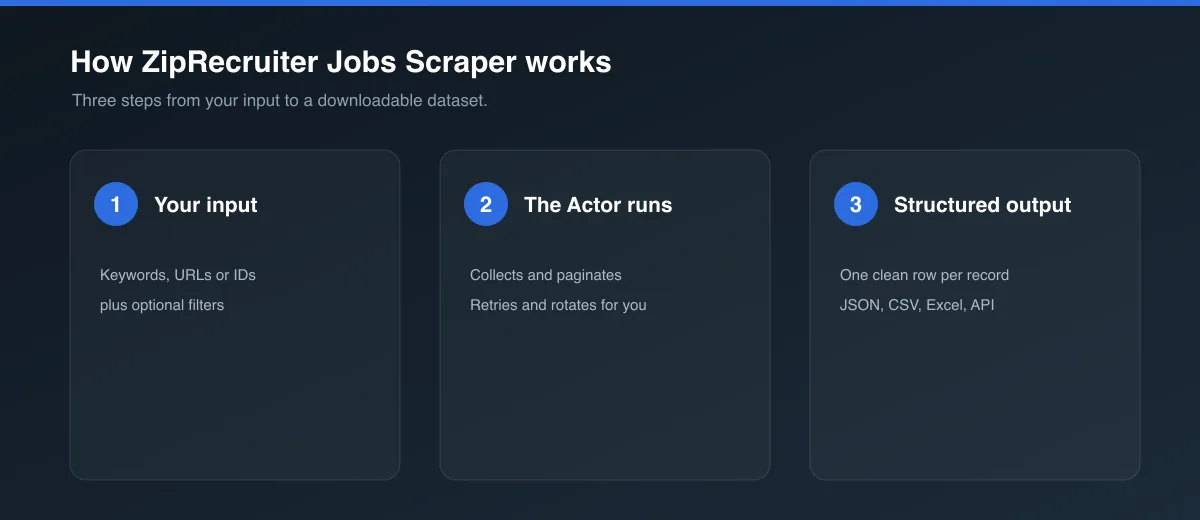
- Click Try for free (or Start) to open the Actor.
- Either:
- Set Keyword and Location to have the Actor build a search for you, or
- Go to ziprecruiter.com, search for the role/location you want, and paste the resulting URL into Start URLs (this takes priority when set).
- Optionally set Max jobs per start URL and Max search result pages.
- Click Start and wait for the run to finish, then open the Dataset tab to view, filter, and export the results.
Input
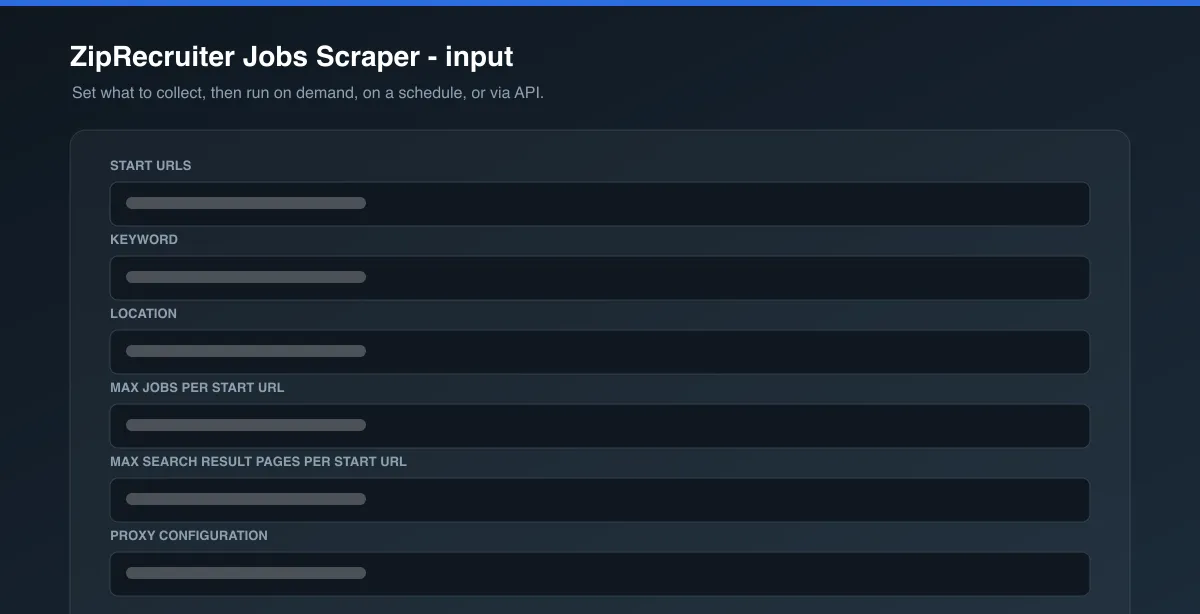
| Field | Type | Description |
|---|---|---|
startUrls | array (optional) | ZipRecruiter job search result page URLs. Takes priority over keyword/location. |
keyword | string (optional) | Job title/skill/keyword. Used to build a search URL when startUrls is empty. |
location | string (optional) | City, state, or "Remote". Used to build a search URL when startUrls is empty. |
maxItems | integer (optional) | Maximum job listings per start URL/search. Defaults to 20. |
maxPages | integer (optional) | Safety cap on search result pages to paginate through. Defaults to 3. |
proxyConfiguration | object (optional) | Proxy settings. Residential is on by default and required - see below. |
See the Input tab for the full schema.
Output
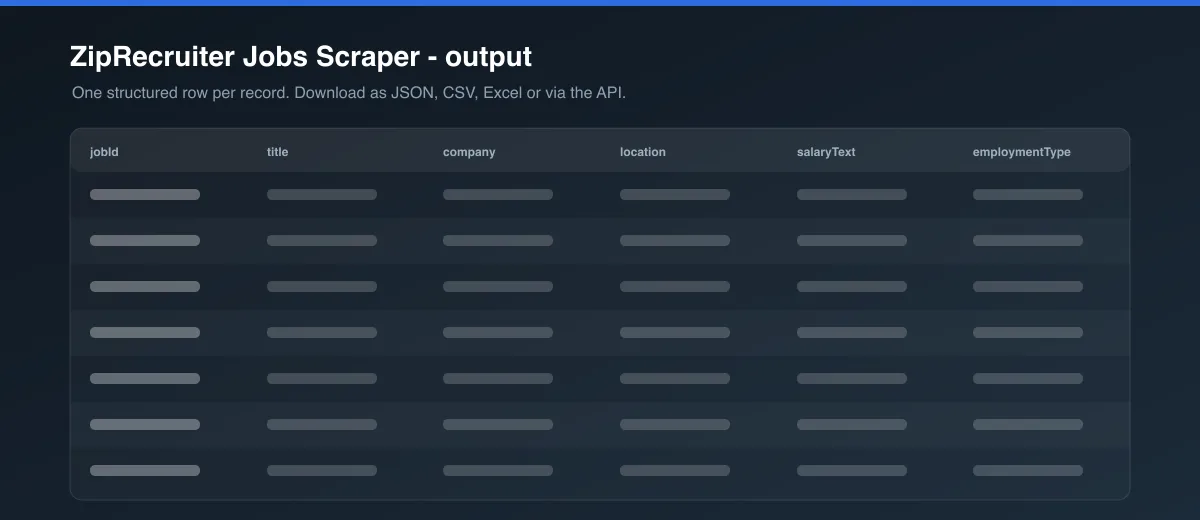
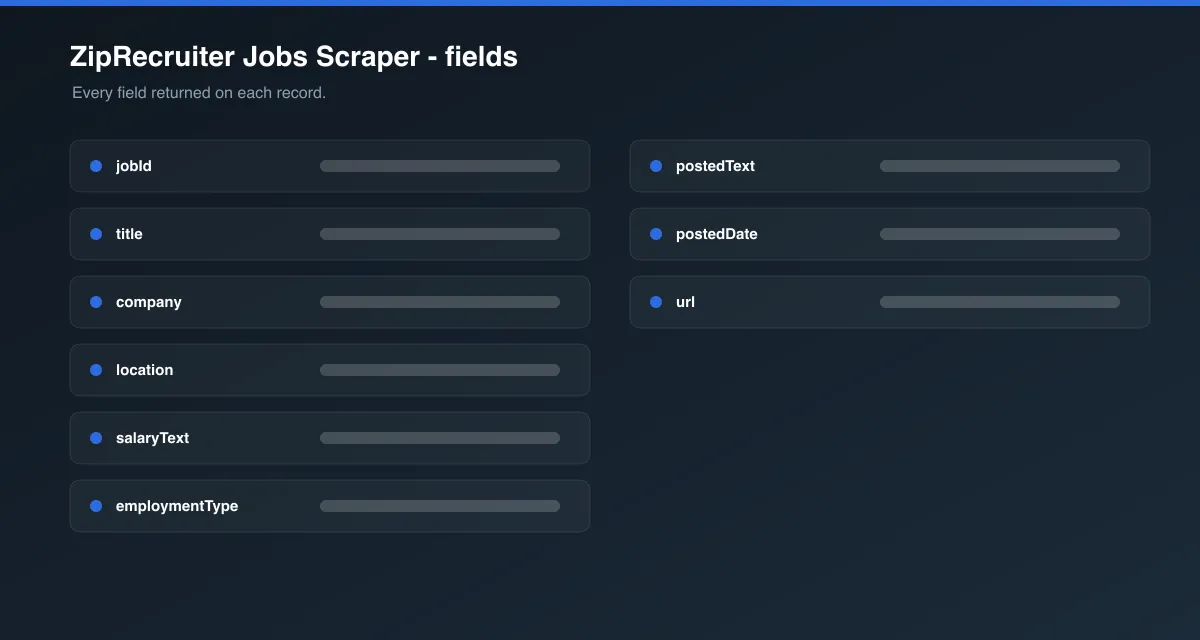
Each dataset item looks like this:
Data table
| Field | Description |
|---|---|
jobId | ZipRecruiter's internal job ID (the jid on the listing URL) |
title | Job title |
company | Hiring company name |
location | Job location as shown on the listing |
salaryText | Salary range as shown on the card, null if ZipRecruiter doesn't show one |
employmentType | e.g. "Full-time", "Part-time", "Contract" - null if not shown |
postedText | Raw "how long ago posted" text (e.g. "17 hours ago", "13 days ago") |
postedDate | postedText converted to an approximate ISO date, null if unrecognized |
url | Link to the live listing |
You can download the dataset in various formats such as JSON, HTML, CSV, or Excel.
Why this Actor requires a Residential proxy
ZipRecruiter sits behind a Cloudflare managed challenge. In live testing, a plain HTTP request and a browser without proxy+stealth both got an interstitial "Just a moment..." page instead of results, and Apify's default/datacenter proxy pool was blocked on every attempt. A stealth (Camoufox/hardened-Firefox) browser session on a Residential proxy group passed on every attempt tested. That's why proxyConfiguration defaults to Residential rather than the usual Apify auto-proxy - turning it off will likely make every request fail.
Tips
- Add multiple start URLs (different roles/locations) to cover more ground in a single run.
- Not every listing shows a salary or employment type on ZipRecruiter - those fields come back
nullwhen the site doesn't display them. locationaccepts city/state text (e.g."Austin, TX") or"Remote", same as ZipRecruiter's own search box.
FAQ, disclaimers, and support
This Actor only collects publicly listed ZipRecruiter data. It is not affiliated with or endorsed by ZipRecruiter. Respect ZipRecruiter's Terms of Service when using the scraped data. Found a bug or have a feature request? Use the Issues tab on this Actor's page. Custom scraper solutions are also available on request.


