

ZorgkaartNederland Provider Scraper
Pricing
from $0.50 / 1,000 results
ZorgkaartNederland Provider Scraper
Extract healthcare provider profiles from ZorgkaartNederland.nl, including provider name, profession, address, phone, website, ratings, and profile URLs. Useful for Dutch healthcare directories, market research, lead generation, and location analysis
Pricing
from $0.50 / 1,000 results
Rating
0.0
(0)
Developer

MrDoe
Maintained by CommunityActor stats
0
Bookmarked
3
Total users
2
Monthly active users
20 hours ago
Last modified
Categories
Share
Turn ZorgkaartNederland healthcare provider profiles into structured data in minutes - no coding, no manual copy-pasting. Get profession, practice address, phone, website, and patient ratings from ZorgkaartNederland.nl, the Dutch national healthcare review platform.
What does ZorgkaartNederland Provider Scraper do?
ZorgkaartNederland Provider Scraper collects healthcare provider profiles from ZorgkaartNederland.nl, the Patiëntenfederatie Nederland's platform for rating GPs, dentists, physiotherapists, and other healthcare professionals. Give it a profession + city listing URL (or a direct provider URL), and it pages through every matching provider, then visits each one's own page for gender, rating history, and recent reviews, and their practice's page for address, phone, and website.
Why use ZorgkaartNederland Provider Scraper?
- Healthcare directory building - compile a structured directory of providers by profession and region.
- Reputation monitoring - track a practice's or a specific provider's rating and recent patient reviews over time.
- Market research - map provider and practice density, contact details, and patient satisfaction by region.
How to use ZorgkaartNederland Provider Scraper
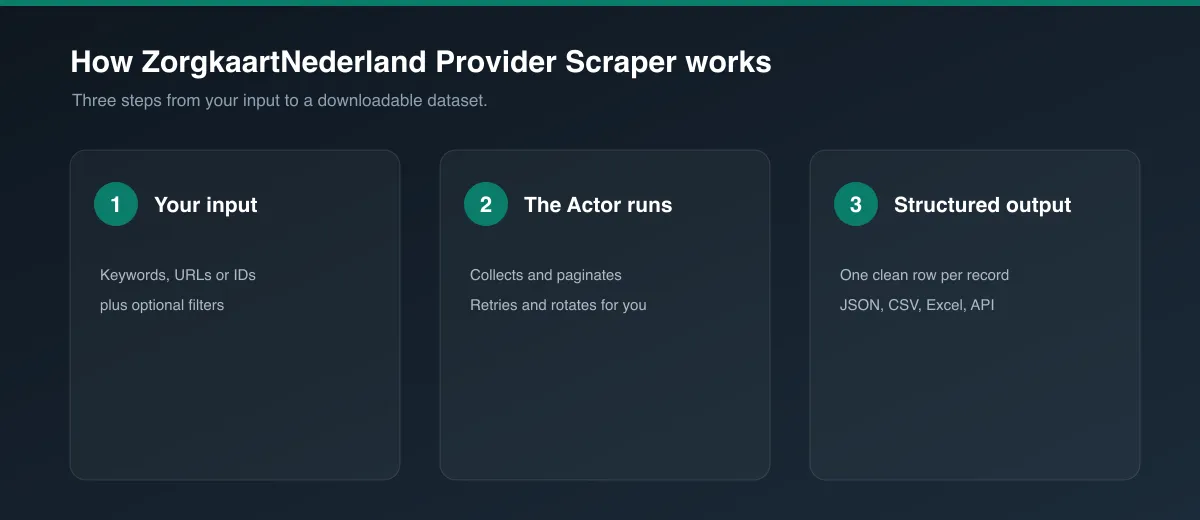
- In the Input tab, set Start URLs to a ZorgkaartNederland profession + city URL (e.g.
zorgkaartnederland.nl/huisarts/aalsmeer) or a direct provider URL. - Leave Enrich with detail pages on to collect full details per provider (recommended), or turn it off for a faster listing-only run.
- Set Max items / Max pages if you want to cap the run, or leave empty to collect everything the listing returns.
- Click Start and wait for the run to finish.
- Open the Dataset tab to preview, filter, and export your results.
Input
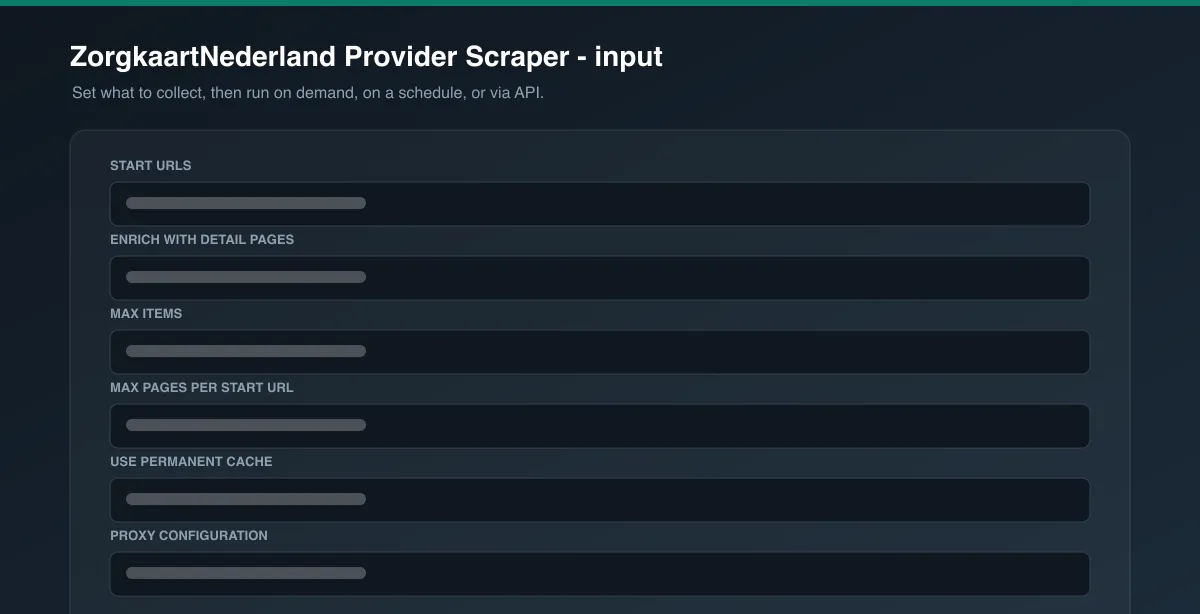
| Field | Type | Description |
|---|---|---|
startUrls | Array | ZorgkaartNederland profession/city listing URLs, or direct provider URLs. |
includeDetails | Boolean | Visit each provider's and their practice's own pages for full data (default: true). |
maxItems | Integer | Maximum providers to collect (default: unlimited). |
maxPages | Integer | Safety cap on result pages per start URL (default: unlimited). |
useCache | Boolean | Skip providers already collected by a previous run (default: true). |
proxyConfiguration | Object | Proxy settings. |
Example input:
Output
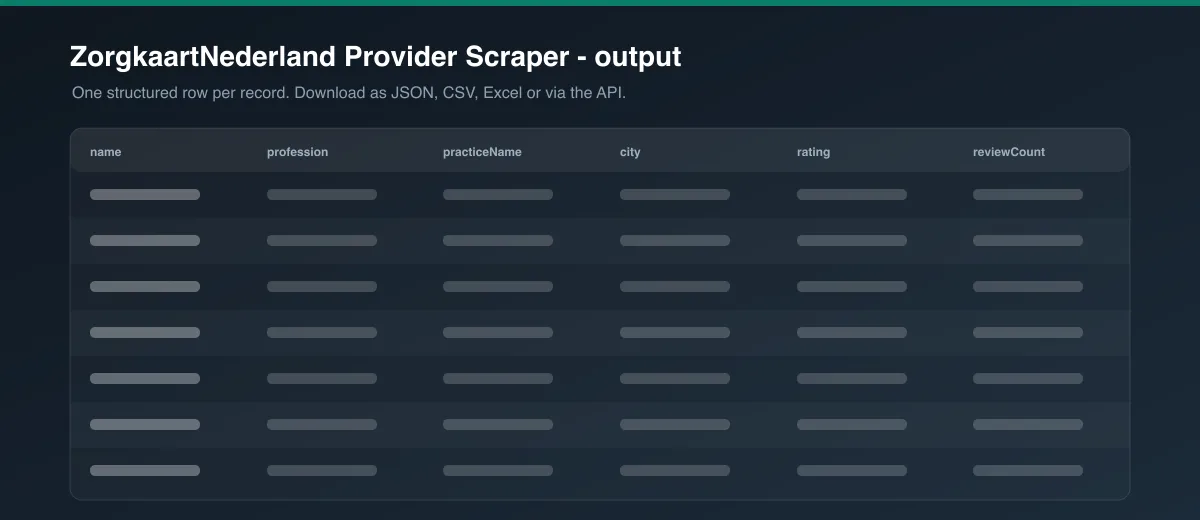
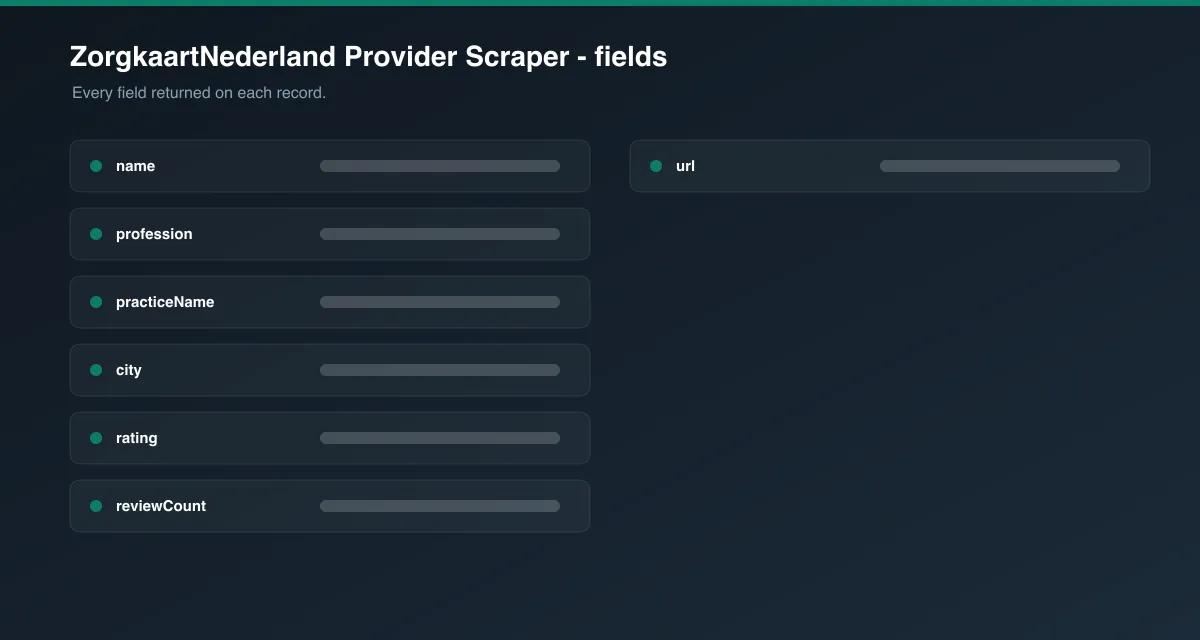
Each provider is saved as one item in the dataset, for example:
Field reference
| Field | Description |
|---|---|
providerId | ZorgkaartNederland's internal provider ID |
name, profession, gender | Provider name, profession/specialism, and gender as published |
practiceName, practiceUrl | The practice or institution the provider works at |
address, postalCode, city, latitude, longitude | The practice's location |
phone, website | The practice's published contact details |
rating, reviewCount | Overall patient rating (0-10 scale) and number of ratings |
ratingsByYear | Array of { year, score, count } - the rating history breakdown shown on the provider's page |
recentReviews | Array of { title, url, dateAndAuthor, text, score } - the most recent published patient reviews |
url, canonicalUrl | The provider's own page on ZorgkaartNederland |
Fields with no public data for a given provider are returned as null (or []/{} for arrays/objects) - never fabricated or guessed.
Detail enrichment
Listing pages only carry the provider's name, profession, practice name/city, and rating summary. With Enrich with detail pages on (default), the Actor visits each provider's own page for gender, rating history, and recent reviews, then visits their practice's page for the full address, phone number, and website. Providers who share a practice (common at group practices) only trigger one practice-page request per run - the result is reused for every provider at that practice.
Pagination
The Actor pages through results (20 providers per page) until it reaches the last page (based on ZorgkaartNederland's own result count), maxPages, or maxItems - whichever comes first.
Cache behavior
With useCache on (default), every successfully collected provider's ID is stored permanently in the Actor's key-value store - no expiration, no TTL. Re-running the Actor with the same or overlapping listing will skip providers already collected and only return new ones. Disable useCache to re-collect everything.
Cost / performance
Listing, provider, and practice pages are all plain server-rendered HTML - no browser is required, keeping cost per result low. Practice-page requests are deduplicated within each run, so providers sharing a practice don't multiply the request count. Combined with the permanent cache, repeated runs over the same listing only pay for genuinely new providers.
Troubleshooting
A run returns 0 providers. Check that the start URL follows ZorgkaartNederland's /{profession}/{city} pattern (e.g. /huisarts/aalsmeer) - a profession alone (e.g. /huisarts) lists cities, not providers.
Address, phone, or website is missing. Some practices don't publish full contact details on ZorgkaartNederland, or a provider works independently without a listed practice - these fields are left null rather than guessed.
FAQ / Disclaimer
Is this legal? This Actor only collects publicly visible provider and practice data. You are responsible for using the data in accordance with ZorgkaartNederland's Terms of Service and applicable law in your jurisdiction.
Found a bug or have a feature request? Please use the Issues tab on this Actor's page - feedback directly shapes future updates.


