

Boom Video Downloader | How to Download Boom Videos
Pricing
Pay per usage
Boom Video Downloader | How to Download Boom Videos
Keep the Boom videos you're watching without moving away from your browser tab.
Pricing
Pay per usage
Rating
0.0
(0)
Developer

pornvidsdownload
Maintained by CommunityActor stats
0
Bookmarked
2
Total users
1
Monthly active users
a month ago
Last modified
Categories
Features
Share
Keep the Boom videos you're watching without moving away from your browser tab.
The Boom page is open and the video is playing. Rather than digging through page code or turning to outside tools, open the extension. It inspects the current page and relies on playback detection to find a source that can be saved.
Get it Here
👉 Get it here: Boom Video Downloader
- ✅ Files go straight to your device and never pass through our servers
- ✅ Free of ads, tracking and analytics
- ✅ Runs on Windows, Mac and Linux
- ✅ Questions go by email to the team that made it
Preview
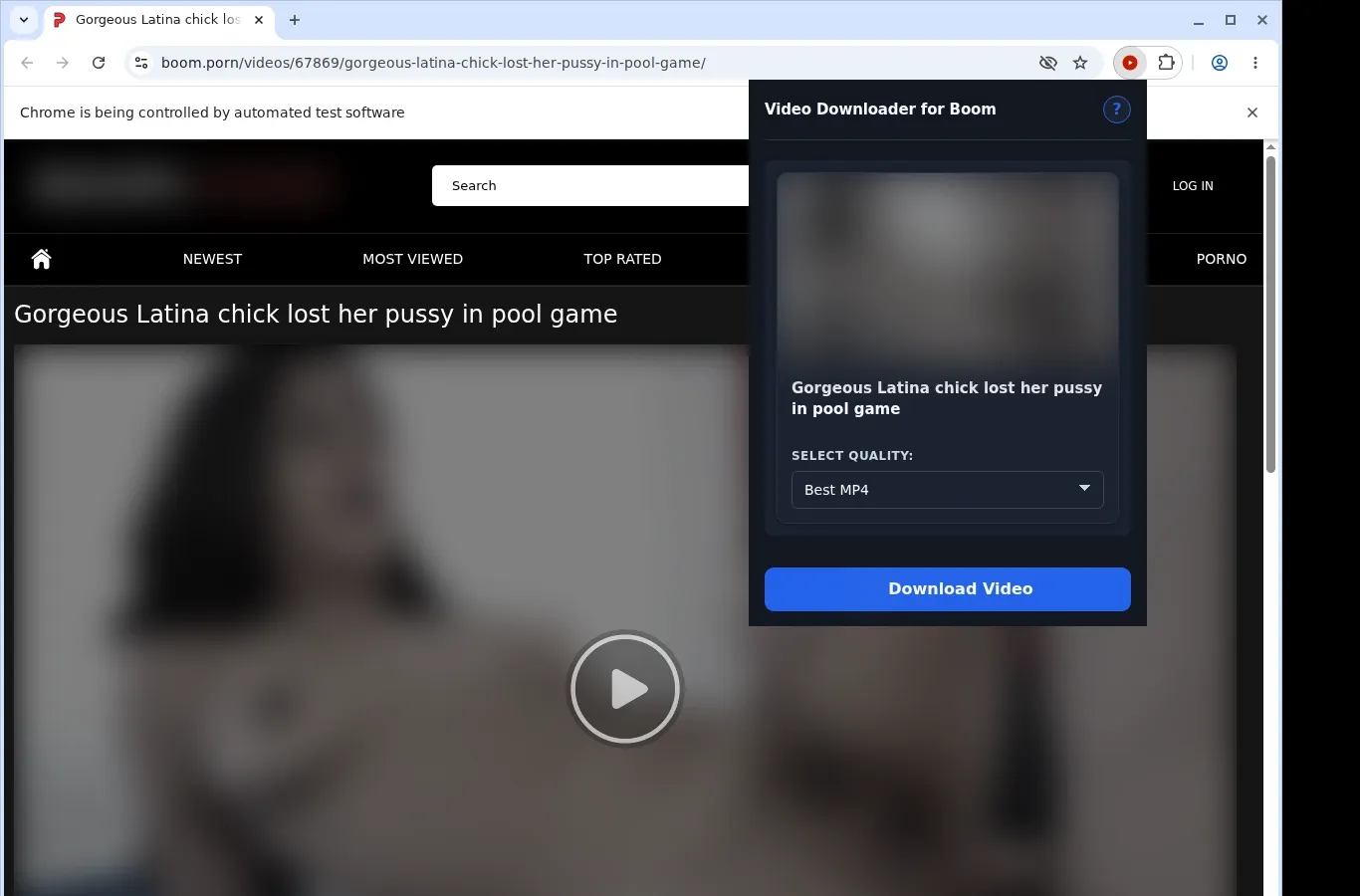
How It Works
- Visit the page: Open the Boom page with the video you want and let it load as it normally would.
- Find the source: Start the extension so it can locate the video source and show a download option for this page.
- Choose and save: Use the format menu to pick a file option, then store the completed video on your device.
What It Does
- MP4 videos from Boom are saved directly onto your device.
- The download button on the Boom video page you're viewing starts the save.
- The extension popup in the browser toolbar is another way in.
- One video is downloaded per run.
- The file is processed by your browser's native download manager.
- Status shows up in the browser's download list.
Boom Video Downloader vs. Online Downloader File Handling
MP4 videos stay on your device in a dedicated folder, so you needn't chase results around on web pages.
| Boom Extension File Handling | Online Downloader File Handling |
|---|---|
| Saved into a dedicated Boom folder | Results could be left on a download page |
| The downloaded file remains an MP4 | The output format differs between web tools |
| Finished MP4s open from your browser | Certain sites need more clicks to reach the file |
| Videos are kept on your device for later | Saved content can hinge on the site's uptime |
| Plays in any compatible video player | File names may be generic instead of Boom-specific |
Compatibility
Browsers: Chrome, Firefox, Edge, Brave, Opera, Whale, Yandex
Works With:
- Video pages on Boom
- Desktop browsers that support extensions
- Videos your current browser session can access
- Pages exposing a compatible source
- Windows, Mac and Linux systems
Not Designed For:
- Mobile browsers
- Safari
- DRM-protected streams
- Taken-down or unreachable videos
- Crawling in bulk or scraping galleries
- Bypassing access controls or regional limits
FAQ
What do I do to download a Boom video? Bring up the Boom video page and wait for it to load completely. Press the page's download button, or the toolbar popup, so the video is detected. Your browser then does the download.
Which format do the files come in? MP4, delivered just as Boom provides it. No conversion happens, so the file works in ordinary video players.
Is downloading two videos together possible? No. One download runs at a time, and the current one needs to end before you begin another from a different Boom page.
Where can I find my saved videos? In a dedicated Boom folder inside your browser's default download location. The browser's download list shows progress and finished files.
Know Before You Use It
- The page has to offer a video that can be saved
- The video must already be viewable in your browser
- You might need to start playback before a source is detected
- Available quality depends on the current player or host
Only download videos you own or have permission to save.


