

CollegeCumSluts Video Downloader
Pricing
Pay per usage
CollegeCumSluts Video Downloader
Download the CollegeCumSluts video you have open, right where it plays.
Pricing
Pay per usage
Rating
0.0
(0)
Developer

pornvidsdownload
Maintained by CommunityActor stats
0
Bookmarked
2
Total users
1
Monthly active users
a month ago
Last modified
Categories
Features
Share
CollegeCumSluts Video Downloader | How to Download CollegeCumSluts Videos
Download the CollegeCumSluts video you have open, right where it plays.
There's no need to leave CollegeCumSluts. After the player has loaded, the extension picks up the available source and offers a download straight away. Copying links or digging for hidden URLs is never part of it.
Get it Here
👉 Get it here: CollegeCumSluts Video Downloader
- ✅ Downloads bypass our servers entirely
- ✅ No ads, tracking or analytics
- ✅ Compatible with Windows, Mac and Linux
- ✅ Email support from the team that built it
Preview
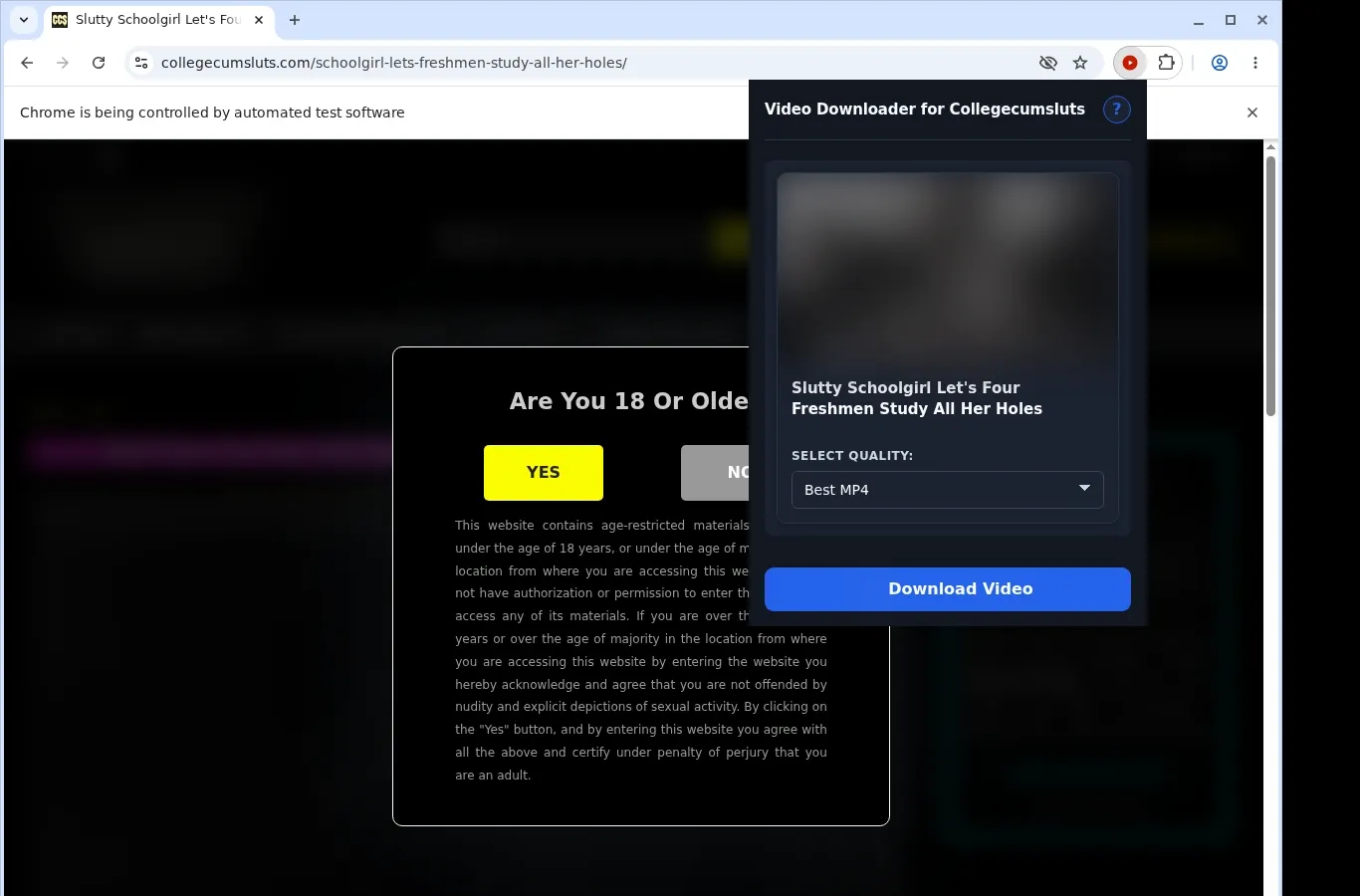
How It Works
- Visit the page: Navigate to the CollegeCumSluts page holding the video you want and let it finish loading in your browser.
- Find the source: Click the extension so it can look for the video source on the page and show you a download option.
- Select and save: Open the format menu, choose from the file options listed, and the completed video is stored on your device.
What It Does
- Keep CollegeCumSluts videos for offline watching at a later time.
- Begin saving with the download control that sits on the video page.
- Prefer the toolbar? Its popup is a second quick way to get started.
- Videos are handled singly, which keeps things simple.
- The browser's regular download system takes care of the file.
- Watch progress in the browser's own download list.
CollegeCumSluts Video Downloader vs. Separate online downloader website
The extension gives you two ways to start without leaving CollegeCumSluts, whereas sending the address to another site interrupts what you're doing.
| CollegeCumSluts Video Downloader | Separate online downloader website |
|---|---|
| A download button placed on the video page | No button on the page, so you copy the link |
| Toolbar popup as a second way to begin | Open another input page and paste the address in |
| Works on the video that's currently open | Pulls you off the watch page to an outside interface |
| Locates the MP4 source on the CollegeCumSluts page | A bare page link may not reach the embedded player |
| Files are stored in a Collegecumsluts folder of their own | Results often carry generic filenames |
Compatibility
Browsers: Chrome, Firefox, Edge, Brave, Opera, Whale, Yandex
Works With:
- Video pages on CollegeCumSluts
- Desktop browsers that support extensions
- Videos your current browser session can reach
- Pages exposing a usable video source
- Windows, Mac and Linux desktops
Not Designed For:
- Mobile browsers
- Safari
- Streams protected by DRM or encryption
- Videos that were removed or are unavailable
- Bulk crawling or scraping galleries
- Getting around private, paid, regional or age-gated restrictions
FAQ
What's the way to begin a save? Load the CollegeCumSluts page containing your video, then press the download button shown on it. You can instead start from the extension's toolbar popup.
What happens to the files after they download? Your browser's usual download flow puts them in a Collegecumsluts folder. They also show up in the browser's download list, where you can open them.
Is batch downloading possible? No, it handles a single video per run. Finish the download on the current CollegeCumSluts page before beginning another.
Which format do the saved videos use? MP4. No conversion happens: the extension takes the MP4 video the site delivers and keeps it in that format.
Know Before You Use It
- The page has to offer a video source that can be saved
- You need to be able to watch the video in your browser already
- You may have to start playback before the extension can spot the active source
- Available quality settings are whatever the player or host supplies
Only download videos you own or have permission to save.


