

JFK Flight Board Scraper
Pricing
from $0.67 / 1,000 flight board rows
JFK Flight Board Scraper
Scrape full-day departures and arrivals from the official JFK airport flight board. Export scheduled and revised times, airlines, terminals, gates, and live status for every movement on a chosen date. No login required.
Pricing
from $0.67 / 1,000 flight board rows
Rating
0.0
(0)
Developer

rainminer
Maintained by CommunityActor stats
0
Bookmarked
2
Total users
1
Monthly active users
a month ago
Last modified
Categories
Share
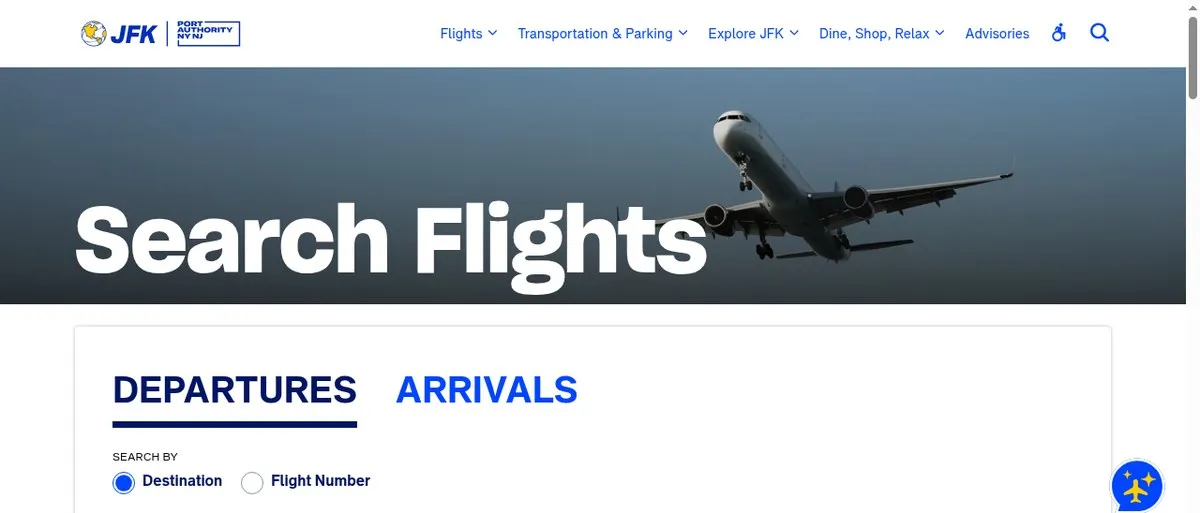
JFK Flight Board Scraper exports the full-day departures and arrivals board from the official JFK Airport website. Pick a date, choose departures, arrivals, or both, and download every scheduled movement with airline, terminal, gate, and live status — no login and no API key.
Run it on the Apify platform to schedule daily board snapshots, export JSON/CSV/Excel, monitor delays, and integrate flight rows via API.
What can JFK Flight Board Scraper do?
- Full-day boards — Export every departure or arrival listed for a calendar day at JFK.
- Live status — Capture On Time, Delayed, Cancelled, Departed, and other statuses as shown on the official board.
- Revised times — Get both scheduled and revised departure/arrival times when the airport publishes updates.
- Gate and terminal — Pull terminal and gate assignments for pickup planning and airport operations tools.
- Departures, arrivals, or both — Run one direction or scrape both boards in a single Actor run.
- Date selection — Target today or any future/past date the airport board still lists (America/New_York local date).
- Sibling airports — The same input also supports Newark (EWR), LaGuardia (LGA), and Stewart (SWF) Port Authority boards.
- Disruption filter — Optionally export only Delayed or Cancelled flights.
- Codeshare deduplication — Optionally collapse duplicate codeshare rows that share the same time, route, terminal, and gate.
- No-code export — Download JSON, CSV, Excel, or HTML from the dataset tab, or call the Actor via API.
- Apify platform — Schedule hourly runs, set webhooks on delayed flights, and keep a historical archive of board snapshots.
Why scrape the JFK airport flight board?
- Pickup and meeting tools — Show travelers the latest gate, terminal, and revised time for the flight they are meeting.
- On-time performance analytics — Build OTP dashboards from official airport status snapshots over time.
- Travel apps — Enrich itinerary screens with live airport-board data without negotiating airline feeds.
- Operations monitoring — Track cancellation and delay spikes across a full day of JFK movements.
- Competitive intelligence — Compare airline punctuality on specific routes using public board data.
- Historical archives — Schedule daily runs to build a time series of how a flight’s status evolved.
What data can you extract from the JFK flight board?
| Field | Description |
|---|---|
| airport | Airport IATA code (default JFK; also EWR, LGA, SWF) |
| direction | departures or arrivals |
| localDate | Board date in America/New_York (YYYY-MM-DD) |
| timeScheduled | Scheduled local time as shown on the board |
| timeRevised | Revised local time when published; null if unchanged |
| airlineCode | IATA airline code |
| airlineName | Marketing airline name |
| flightNumber | Flight number |
| counterpartAirport | Destination IATA (departures) or origin IATA (arrivals) |
| counterpartName | Destination or origin city/name |
| terminal | Terminal identifier |
| gate | Gate assignment; null when not published |
| status | Board status (e.g. On Time, Delayed, Cancelled, Departed) |
| scrapedAt | UTC timestamp when the row was collected |
How to scrape JFK airport departures and arrivals
- Open the Actor in Apify Console.
- Set Airport to
JFK(default). - Choose Direction — departures, arrivals, or both.
- Optionally set Date (
YYYY-MM-DDin New York local time); leave blank for today. - Set Max Items per Direction — use a high number (e.g. 3000) for a full-day export, or keep the default
5for a quick test. - Run the Actor and download results from the Dataset tab.
Input
| Field | Type | Default | Description |
|---|---|---|---|
| airport | string | JFK | Port Authority airport: JFK, EWR, LGA, or SWF |
| direction | string | departures | departures, arrivals, or both |
| date | string | today (NY) | Local board date YYYY-MM-DD |
| maxItems | integer | 5 | Max rows per direction |
| onlyDisrupted | boolean | false | Export only Delayed or Cancelled rows |
| deduplicateCodeshares | boolean | false | Dedupe codeshare rows by time, route, terminal, and gate |
| proxyConfiguration | object | no proxy | Optional Apify Proxy settings |
Output
Each dataset row is one flight movement on the official airport board:
Pricing
Pay per flight row exported to the dataset. Status, gate, and terminal data are included with each row — there is no separate status charge.
FAQ
How many flights does JFK publish per day?
A typical day lists roughly 2,300+ departures and a similar volume of arrivals. Set maxItems high enough to capture the full board, or schedule daily runs and store snapshots over time.
Does this scrape airline websites?
No. Data comes from the official Port Authority airport flight board — the same public board travelers see on jfkairport.com.
Are codeshares deduplicated?
By default, each marketing flight listed on the board is exported as its own row. Enable Deduplicate Codeshares to keep one row per scheduled movement (same time, route, terminal, and gate).
Do I need a proxy?
No. The official board is reachable with direct HTTP requests; proxy defaults to off.
Can I scrape Newark or LaGuardia?
Yes. Set airport to EWR, LGA, or SWF to use the same Actor against other Port Authority airports.
Integrations
Export dataset items via the Apify API, connect webhooks for automated alerts, or schedule recurring runs to build a historical flight-board archive.
Image Credit
Image credit: jfkairport.com


