

Collecting Cars Scraper — Online Car Auctions
Pricing
from $3.00 / 1,000 results
Collecting Cars Scraper — Online Car Auctions
Scrape auction listings and results from CollectingCars.com, a leading online auction platform for enthusiast and collector cars. Extract hammer prices, estimates, bid counts, lot details, and photos. Track auction trends and collector car values in real time.
Pricing
from $3.00 / 1,000 results
Rating
5.0
(1)
Developer

Rastriq — Structured data from the world
Maintained by CommunityActor stats
1
Bookmarked
16
Total users
2
Monthly active users
5 days ago
Last modified
Categories
Share
Collecting Cars Scraper — Extract Collector Car Auction Data
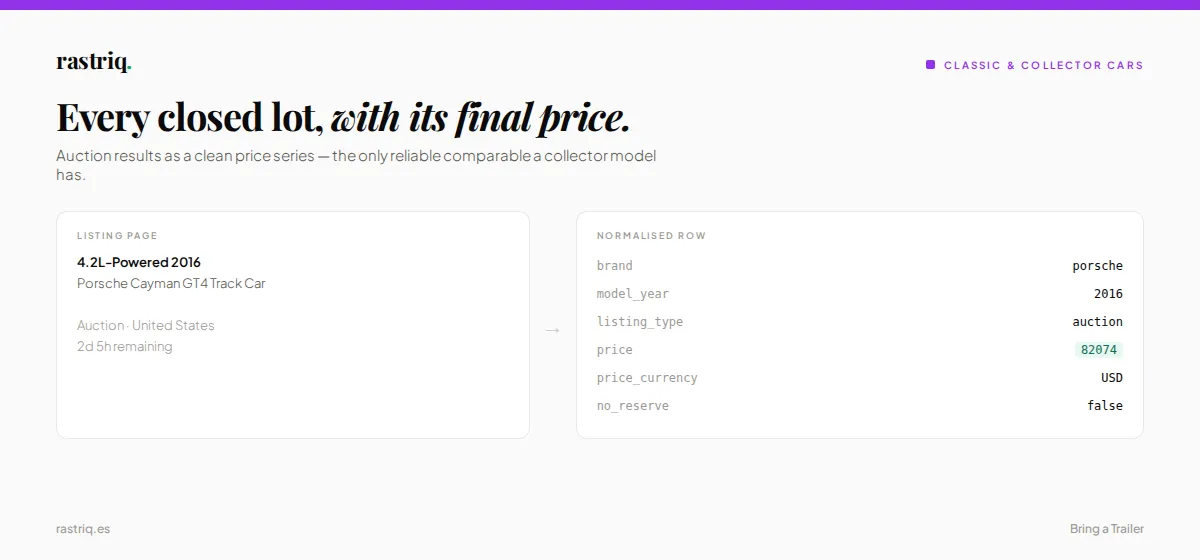
Extract auction listings and results from Collecting Cars — one of the UK's leading online auction platforms for enthusiast and collector cars. Get hammer prices, bid counts, auction status, vehicle specs, and photos for every listing.
Try it free — your first $5 of usage is on Apify. No credit card required.
What is Collecting Cars Scraper?
Collecting Cars Scraper extracts structured auction data from CollectingCars.com using a headless browser. Each listing returns up to 21 fields including make, model, year, price, auction status, bid history, and images.
Use Collecting Cars Scraper to:
- 🏎️ Auction price tracking — monitor hammer prices and bidding patterns for specific makes and models
- 📊 Collector car valuation — build datasets of auction results for investment analysis and price prediction
- 📈 Market intelligence — analyze which makes and models attract the most bids and highest prices
- 🔍 Inventory monitoring — detect new auction listings matching your target criteria
- 🔄 Automated data pipelines — schedule runs, set up webhooks, and keep your datasets fresh
The Apify platform gives Collecting Cars Scraper built-in scheduling, API access, proxy rotation, and integrations with Make, Zapier, Google Sheets, and more — all out of the box.
What data does Collecting Cars Scraper extract?
Each auction listing returns a structured record with up to 21 fields:
| Field | Description |
|---|---|
external_id | Unique auction listing ID from Collecting Cars |
url | Direct link to the auction listing |
marca | Vehicle manufacturer / make |
modelo | Vehicle model name |
año | Model year |
precio | Current bid or hammer price (null if no bids) |
moneda | Currency code (GBP, EUR, USD, AUD, CHF) |
auction_status | Auction state: live, sold, unsold, unknown |
auction_end_date | Auction closing date and time |
kilometraje | Odometer reading (when available) |
combustible | Fuel type |
transmision | Transmission type |
potencia_cv | Engine power in CV/HP |
color_ext | Exterior color |
color_int | Interior color |
ubicacion_pais | Country of sale |
vendedor | Seller name |
descripcion | Listing title and description |
img_url | Main listing image URL |
scraped_at | ISO 8601 extraction timestamp |
source | Always collecting_cars |
How to use Collecting Cars Scraper
Extracting collector car auction data takes under two minutes:
- Create a free Apify account at apify.com — your first $5 is free
- Open Collecting Cars Scraper in Apify Console or click Try for free on this page
- Choose your method — paste a URL from Collecting Cars or use the make filter
- Set limits — configure max listings to control cost
- Click Start and wait for results
- Download your results in JSON, CSV, Excel, XML, or HTML — or access them via API
Option 1: Paste a URL (easiest)
Copy any Collecting Cars make or model page URL from your browser and paste it in Start URLs:
Option 2: Use the make filter
Filter by car make without needing to find URLs:
Input parameters
| Parameter | Type | Default | Description |
|---|---|---|---|
startUrls | object[] | — | Collecting Cars make/model page URLs. Overrides make filter when set |
make_filter | string | "Ferrari" | Comma-separated list of car makes. Leave empty for all makes |
makes_only | boolean | true | true: only active + recently closed (fast). false: full historical data |
max_items | integer | 50 | Maximum listings to collect. Set to 0 for unlimited |
proxyConfiguration | object | Apify auto | Residential proxies recommended |
delay_min | number | 0.5 | Minimum delay between page loads (seconds) |
delay_max | number | 1.5 | Maximum delay between page loads (seconds) |
Output example
Each result is a structured JSON object. Here is a sample from a real auction listing:
Download results in JSON, CSV, Excel, XML, or HTML from the Output tab, or pull them programmatically using the Apify API.
Sample dataset: Preview real output in the collecting-cars-scraper-sample dataset.
How much does it cost to use Collecting Cars Scraper?
$3.00 per 1,000 listings (+ $0.05 per start). Your $5 free trial credit covers ~1,600 listings.
Integrations
Connect Collecting Cars Scraper to your workflow:
- API — call programmatically via Apify API (Python, JavaScript, cURL)
- Webhooks — trigger actions when a run completes
- Zapier / Make — connect to 5,000+ apps
- Google Sheets — export directly to a spreadsheet
- Schedule — run daily or weekly to track auction market trends
Related Rastriq Actors — Classic & Collector Cars
| Actor | Description |
|---|---|
| Car and Classic Scraper | Extract listings from Europe's largest classic car marketplace |
| Classic Trader Scraper | Extract premium European classic car listings |
| Bring a Trailer Scraper | Extract US auction results and sold prices |
| Classic.com Scraper | Extract classic car market analytics and price data |
| TheMarket Scraper | Extract curated classic car auction listings |
Copy to your AI assistant
Copy the Apify Store URL for this Actor and paste it into ChatGPT, Claude, or any LLM with web access:
The model will read the Actor description, input schema, and field list — then help you build the right API call or integration.
About the data
This Actor is built and maintained by Rastriq, a data intelligence company specializing in structured extraction for market research and competitive analysis. Browse our full field reference and methodology.
Frequently Asked Questions
What is Collecting Cars?
Collecting Cars is a leading online auction platform based in the UK, specializing in enthusiast and collector vehicles. Auctions run on a timed format with live bidding, covering everything from classic Porsches and Ferraris to modern performance cars and motorcycles.
Can I scrape sold auction results?
Yes. Set makes_only to false to access the full historical database including sold listings with hammer prices. This mode is slower but provides complete auction history.
Why are field names in Spanish?
The output uses Spanish field names (e.g. marca, modelo, precio) because Collecting Cars Scraper is part of Rastriq's unified data schema — a consistent structure shared across all Rastriq scrapers for seamless cross-marketplace analysis.
Is it legal to scrape Collecting Cars?
Collecting Cars Scraper extracts publicly available data from CollectingCars.com. As with any data collection, review the site's Terms of Service before using scraped data commercially. For guidance, see Apify's blog on the legality of web scraping.
I found a bug or my run failed. Where do I report it?
Please open an issue in the Issues tab. Include your input configuration and run ID so we can investigate quickly.
Changelog
v0.1.40 — 2026-09-01
Fix: Adapted to CollectingCars.com site update
CollectingCars.com updated their website structure, which caused runs to return 0 results. This version adapts the scraper to the new site layout. Makes, models, and active auction data are now extracted correctly again.
No input or output changes — existing integrations and scheduled runs work as before.


![Autotrader.co.uk [$0.85💰] | Unlimited | Richest output avatar](https://images.apifyusercontent.com/4EDmJ3W97qx5II7GNg1T34pCPB-YGPuwHE1GjxqldtQ/rs:fill:76:76/cb:1/aHR0cHM6Ly9hcGlmeS1pbWFnZS11cGxvYWRzLXByb2QuczMudXMtZWFzdC0xLmFtYXpvbmF3cy5jb20vbmduOHZSRVNUa3NleVdFNnAtYWN0b3ItQ2E3dEJxTmR1V2d5MkEycHEtbDlKZklyblFVbi1hdXRvdHJhZGVyLnBuZw.webp)


