
Npi Registry Doctor Lookup
Pricing
from $2.99 / 1,000 results
Npi Registry Doctor Lookup
NPI Registry Doctor Lookup is a Python tool designed to query the official CMS NPPES NPI Registry API. It extracts doctor names, NPI numbers, medical specialties, practice addresses, and contact info into structured CSV or JSON formats for healthcare data analysis.
Pricing
from $2.99 / 1,000 results
Rating
0.0
(0)
Developer

real-estate-api
Maintained by CommunityActor stats
0
Bookmarked
2
Total users
1
Monthly active users
2 days ago
Last modified
Categories
Share
NPI Registry Scraper – US Doctors and Healthcare Providers
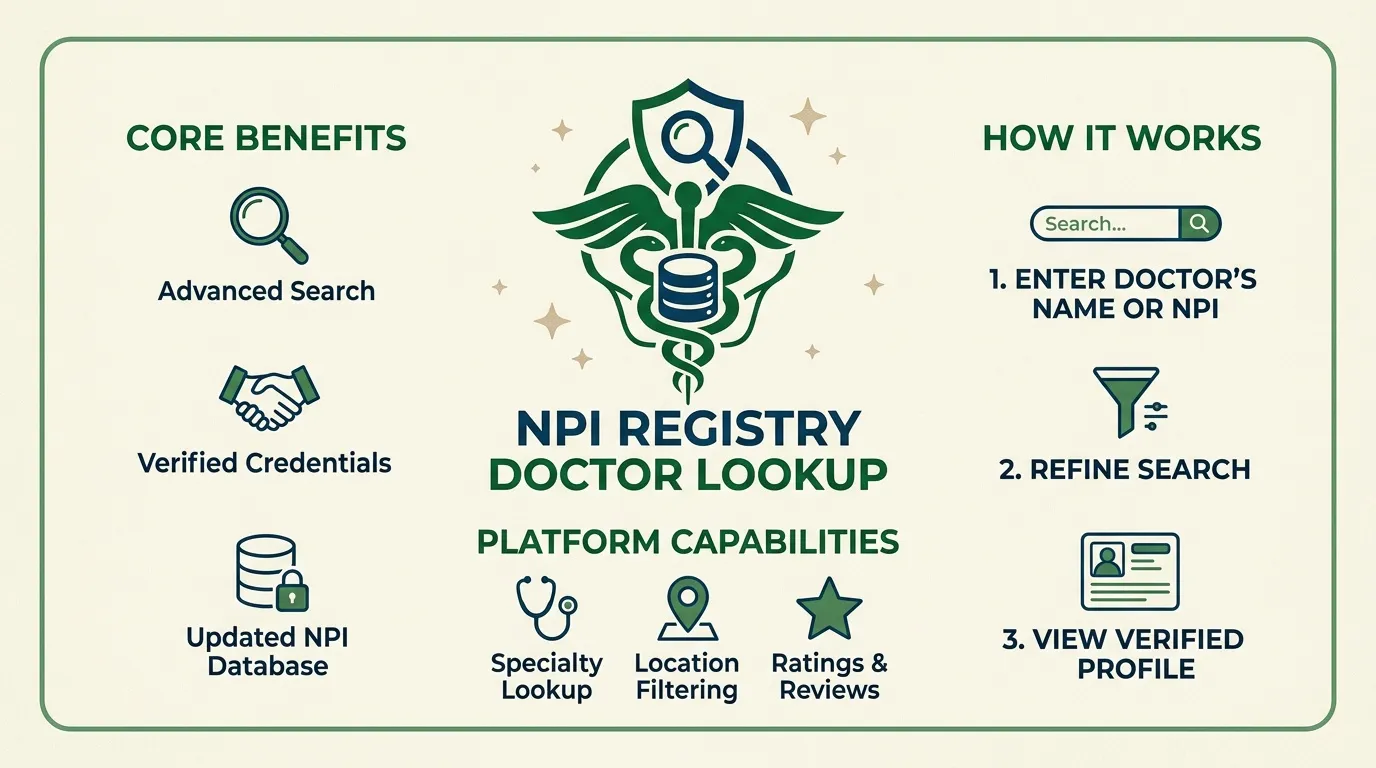
Search the public National Plan and Provider Enumeration System (NPPES) NPI Registry to collect information about healthcare providers in the United States. Filter providers by city, state, optional specialty, and last name. The scraper saves one dataset row per provider and does not require an API key or login.
Export collected records as CSV, JSON, or Excel through the Apify run interface.
Features
- Search providers by city and state.
- Filter results by taxonomy description and last name.
- Extract National Provider Identifier (NPI) numbers and provider details.
- Collect mailing addresses, practice addresses, and phone numbers when available.
- Preserve nested address, basic information, and taxonomy objects as returned by the registry.
- Skip duplicate NPI numbers within a run.
- Handle pagination, request timeouts, and temporary server errors.
- Save request failures as structured error rows.
- Support scheduled searches for refreshing provider datasets.
What Data Does This Actor Extract?
Each successful row represents a provider returned by the public NPPES NPI Registry API. Nested objects are preserved in the structure supplied by the registry. The actor adds scrapedAt and sourceUrl fields.
| Field | Type | Description |
|---|---|---|
addresses | Array | Mailing and practice addresses, including phone numbers when available |
basic | Object | Provider or organization name, status, and enumeration dates |
created_epoch | String | Record creation timestamp supplied by the registry |
endpoints | Array | Endpoint information associated with the record |
enumeration_type | String | NPI record type: NPI-1 for individuals or NPI-2 for organizations |
identifiers | Array | Additional identifiers associated with the provider |
last_updated_epoch | String | Last-updated timestamp supplied by the registry |
number | String | Provider's NPI number; used for deduplication |
other_names | Array | Other names associated with the provider |
practiceLocations | Array | Practice location information supplied by the registry |
taxonomies | Array | Taxonomy codes, descriptions, and primary classification flags |
scrapedAt | String | UTC timestamp added when the record is saved |
sourceUrl | String | API request reference associated with the record |
error | String | Error details, present when a request fails |
Phone numbers are typically stored in address objects under telephone_number when supplied by NPPES. Fields may be empty or absent depending on the provider record.
Use Cases
- Clinic outreach: Build provider lists for a specified city and state, then export available contact details.
- Specialty research: Filter providers using a taxonomy description, such as Family Medicine.
- Provider verification: Search by last name and location to identify matching registry records.
- Healthcare directory maintenance: Schedule recurring searches to refresh provider information.
- CRM matching: Use the NPI number to match records and identify duplicates.
Input Parameters
| Parameter | Type | Default | Description |
|---|---|---|---|
mode | String | search | Search mode; returns one row per provider |
state | String | MA | Two-letter US state code |
city | String | BOSTON | City name passed to the registry |
taxonomyDescription | String | Empty | Optional specialty filter passed as taxonomy_description |
lastName | String | Empty | Optional last-name filter passed as last_name |
maxItems | Integer | 100 | Maximum number of successful records to save; hard cap of 1,000 |
timeoutSecs | Integer | 300 | Maximum run duration for starting new requests, in seconds |
requestTimeoutSecs | Integer | 30 | Timeout for each individual request, in seconds |
Leave taxonomyDescription or lastName empty to omit that filter. City and state should be supplied for the intended search.
Example Input
Example Output
Pagination, Limits, and Error Handling
The scraper retrieves provider records in pages, following the registry's pagination parameters.
- Maximum page size: Up to 200 records per request.
- Pagination limit: Respects the registry's
skiplimit of 1,000. - Record limit:
maxItemsdefaults to 100 and cannot exceed 1,000. - Sequential requests: Requests run one at a time, with approximately 0.75 seconds between pages.
- Retries: HTTP 429 and 5xx responses are retried up to three times, with waits of 2 and 4 seconds and longer waits when specified by
Retry-After. - Failed requests: A failed page is recorded as an error row instead of terminating the entire run.
- No matches: An empty results array produces no provider rows and is logged as a no-match result.
- Deduplication: Duplicate NPI numbers encountered during the run are skipped.
The registry's pagination limits may restrict how many results are reachable in a single search. The actor stops when it reaches maxItems or can no longer retrieve additional records.
Data Source and Licensing
The data comes from the Centers for Medicare & Medicaid Services (CMS) National Plan and Provider Enumeration System (NPPES) NPI Registry API.
The public API does not require an API key or login for the searches supported by this actor. Each saved provider row includes a sourceUrl reference to help identify the source request.
No numeric rate limit is specified in the source information available for this actor. Use reasonable request pacing and do not use proxies to bypass source-imposed limits or restrictions.
Provider records may contain names, addresses, and telephone numbers. Users are responsible for handling this information in accordance with applicable privacy laws, source terms, and their intended use.
Frequently Asked Questions
Does the NPI Registry Scraper require an API key?
No. It uses the public NPPES API without requiring an API key or login.
How many providers can one run collect?
The default is 100 successful records, with a hard maximum of 1,000. Each page contains no more than 200 records, and pagination respects the configured skip limit.
Can I filter by specialty and last name together?
Yes. City, state, taxonomy description, and last name can be combined. Leave optional filters empty when they are not needed.
What happens if the city has no matching providers?
The scraper logs that no records matched and finishes without treating the empty result as a fatal error. Request failures are handled separately and recorded as error rows.
Can I export results to CSV, JSON, or Excel?
Yes. Use the Apify dataset export options. Nested address and taxonomy objects are retained in JSON; CSV exports may represent nested values differently.
Why might a provider have no phone number?
The registry may not supply a phone number for every address. The scraper preserves the available information rather than inventing missing values.
Changelog
Version 1.0.0
- Added provider searches by city and state.
- Added optional taxonomy description and last-name filters.
- Implemented pagination and NPI-based deduplication.
- Added request timeout handling and error rows.
Trademark Notice
NPPES, NPI Registry, CMS, and related names or marks belong to their respective owners. Their use in this documentation identifies the source of the data and does not imply affiliation, sponsorship, endorsement, or partnership.
Disclaimer
This is an independent tool and is not affiliated with, endorsed by, sponsored by, or officially associated with CMS, NPPES, or their owners.
Data is collected from a publicly accessible registry. Users are responsible for complying with applicable source terms, privacy requirements, and laws governing the collection, storage, and use of provider information.
Is Web Scraping Legal?
Accessing publicly available information does not automatically make every use of that information lawful. Legal obligations depend on the data collected, the intended use, and applicable laws and source terms.
- Personal information: Provider records can include names, addresses, and telephone numbers. Handle this information in accordance with applicable privacy and data-protection requirements.
- Permitted use: Ensure your intended outreach, marketing, research, or record-matching activities comply with relevant laws and regulations.
- Source terms: Respect applicable usage requirements, rate limits, and access restrictions.
- Legal advice: This section provides general information, not legal advice. Consult a qualified legal professional if you are unsure about a particular use case.


