
Pubchem Compound Scraper
Pricing
from $2.99 / 1,000 results
Pubchem Compound Scraper
PubChem Compound Scraper is a Python tool designed to query the NIH PubChem PUG REST API. It extracts chemical structures, molecular properties, identifiers (CIDs), and safety summaries into structured formats for chemical and pharmaceutical research
Pricing
from $2.99 / 1,000 results
Rating
0.0
(0)
Developer

real-estate-api
Maintained by CommunityActor stats
0
Bookmarked
2
Total users
1
Monthly active users
3 days ago
Last modified
Categories
Share
PubChem Compound Scraper: Chemical Compound Properties by Name
Features
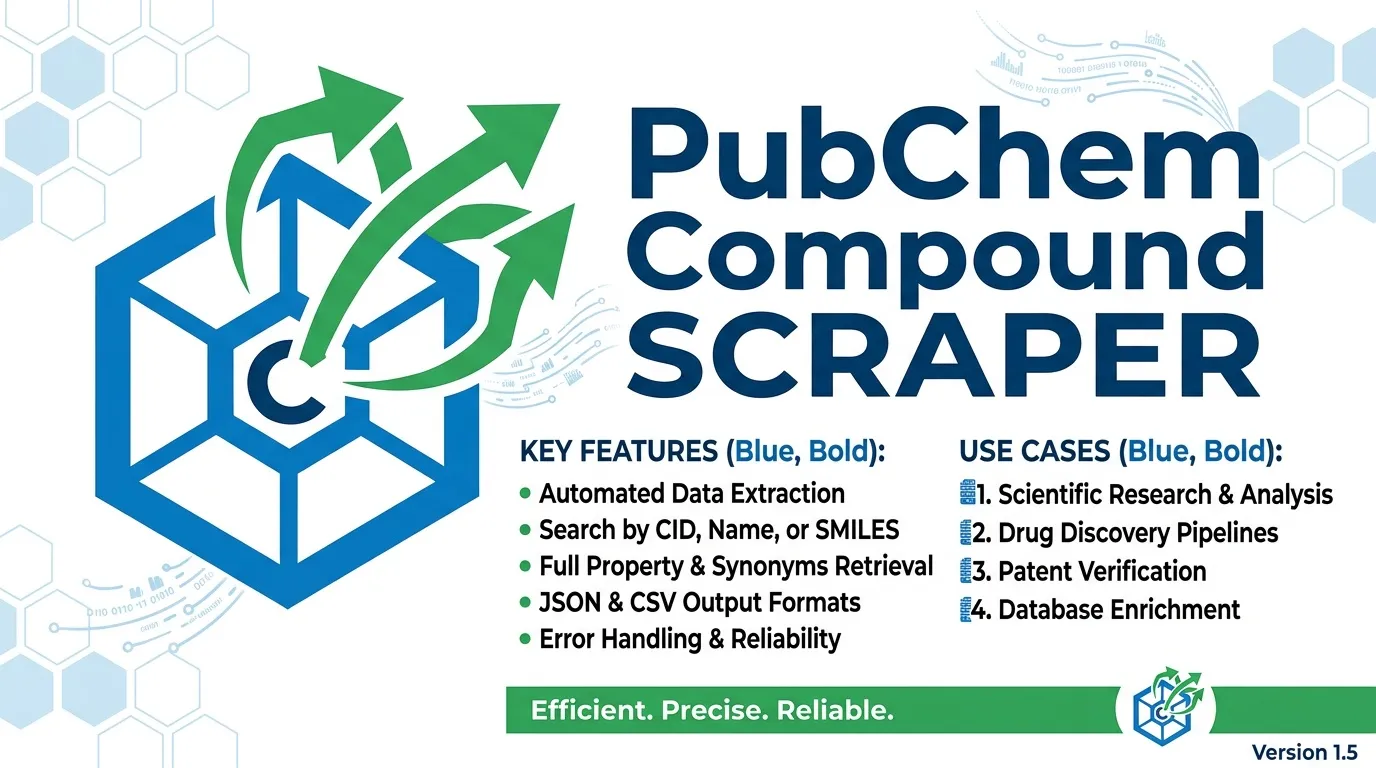
- Compound lookup: Search by common chemical names, such as aspirin or caffeine.
- CID lookup: Retrieve available properties using existing PubChem Compound IDs.
- Synonym collection: Optionally collect synonyms associated with each saved CID.
- Structured exports: Organize results for JSON, CSV, or Excel workflows.
- Duplicate handling: Store duplicate CIDs only once.
- Error handling: Record failed lookups without stopping the remaining inputs.
- Request throttling: Pace requests to reduce the risk of rate-limit errors.
- Retry handling: Retry HTTP 429 responses, server errors, and timeouts.
- Execution limits: Configure the maximum number of records and runtime.
Use Cases
- Compound research: Collect properties for lists of common chemical names.
- CID refresh: Retrieve molecular formulas and molecular weights for known CIDs.
- Synonym matching: Obtain alternate compound names for matching and data enrichment.
- Scheduled exports: Refresh compound datasets periodically.
- Cheminformatics preparation: Store SMILES and InChIKey values for downstream molecular structure workflows.
Input Parameters
| Parameter | Type | Default | Description |
|---|---|---|---|
names | Array | ["aspirin"] | Compound names to look up. |
cids | Array | [] | PubChem Compound IDs containing digits only. |
includeSynonyms | Boolean | false | Include synonym lists for saved compounds. |
maxItems | Integer | 100 | Maximum number of compound records to save. Maximum: 1,000. |
timeoutSecs | Integer | 300 | Maximum execution time in seconds. |
requestTimeoutSecs | Integer | 30 | Timeout for an individual request, in seconds. |
Names and CIDs are optional lists. Both can be supplied in the same run.
Example Input
Output
Each compound is saved as a separate dataset record. If a name or CID cannot be processed, the scraper records an error row and continues with the remaining inputs.
Example Output
Output Fields
| Field | Type | Description |
|---|---|---|
CID | Integer | PubChem Compound ID. |
MolecularFormula | String | Molecular formula of the compound. |
MolecularWeight | String | Molecular weight as returned by PubChem. |
ConnectivitySMILES | String | Connectivity SMILES representation. Name lookups request CanonicalSMILES, which PubChem may return as ConnectivitySMILES. |
InChIKey | String | InChIKey returned for name-based lookups. |
IUPACName | String | IUPAC name returned for name-based lookups. |
XLogP | Number | XLogP value returned for name-based lookups. |
synonymList | Array | Synonyms associated with the compound when enabled. |
scrapedAt | String | UTC timestamp indicating when the record was saved. |
error | String | Error description, present only when an input fails. |
input | String | Name or CID associated with a failed lookup. |
Note: CID-based lookups retrieve molecular formula and molecular weight. Name-based lookups request additional properties, including SMILES, InChIKey, IUPAC name, and XLogP. If multiple inputs resolve to the same CID, that compound is stored once.
How It Works
- Reads the supplied compound names and CIDs.
- Validates that at least one input list contains entries. If both lists are empty, it saves an error record and finishes.
- Retrieves synonyms for saved CIDs when
includeSynonymsis enabled. - Paces requests at approximately four requests per second.
- Retries HTTP 429 responses, HTTP 5xx errors, and timeouts up to three times, using increasing wait periods of 2, 4, and 8 seconds or a longer delay when specified by
Retry-After. - Maps returned SMILES values to the appropriate output field and removes HTML tags where necessary.
- Stops when the configured record limit or execution time is reached.
Limits and Terms
- Follow PubChem's published request-rate and service-usage limits, including limits of five requests per second and 400 requests per minute.
- This scraper paces requests at approximately four requests per second.
- PubChem also documents restrictions on total request-processing time within a minute.
- The maximum
maxItemsvalue is 1,000. - NCBI makes PubChem data available in the public domain. Cite PubChem when republishing records and check the applicable guidance for your intended use.
FAQ
Can I search by name and CID in the same run?
Yes. Both input lists can be supplied together. Duplicate CIDs are stored only once.
Why are SMILES, XLogP, or IUPAC names missing from a CID-based record?
CID lookups use a shorter property list that retrieves molecular formula and molecular weight. Use name-based lookups when you need the additional properties.
What is the maximum number of compounds per run?
The default limit is 100 records, and the maximum allowed value is 1,000.
What happens when a compound name is unknown?
The scraper saves an error record for that input and continues processing the remaining list.
Can I collect synonyms?
Yes. Set includeSynonyms to true to request synonym lists for saved compounds.
Trademark Notice
PubChem and related names, logos, and trademarks belong to their respective owners. Their use in this documentation is solely to identify the data source and does not imply affiliation, sponsorship, endorsement, or partnership.
Disclaimer
This scraper is an independent tool and is not affiliated with, endorsed by, sponsored by, or officially associated with PubChem or its owners. Users are responsible for complying with applicable terms, request limits, attribution requirements, and licensing conditions.
Is Web Scraping Legal?
Collecting information that is already public is generally legal. Scraping is not the same thing as hacking, and there is no single law that bans it. The limits are the usual ones: do not break into accounts, do not take private or confidential data, and be careful with personal data and copyrighted works. A site's terms can also restrict how you access it. Facts such as a public name, price, or rating are not the same thing as republishing someone's article or photo. This scraper collects compound information without logging in or bypassing access controls.
For a longer explanation, see Apify's article Is web scraping legal?.


