

The Verge News Scraper
Pricing
from $2.99 / 1,000 results
The Verge News Scraper
The Verge News Scraper is a Python tool designed to extract tech headlines, article content, authors, publication dates, and category tags from The Verge. It exports structured news data into clean CSV or JSON formats for media monitoring and analysis.
Pricing
from $2.99 / 1,000 results
Rating
0.0
(0)
Developer

real-estate-api
Maintained by CommunityActor stats
0
Bookmarked
2
Total users
1
Monthly active users
4 days ago
Last modified
Categories
Share
The Verge News Scraper: Headlines to JSON or CSV
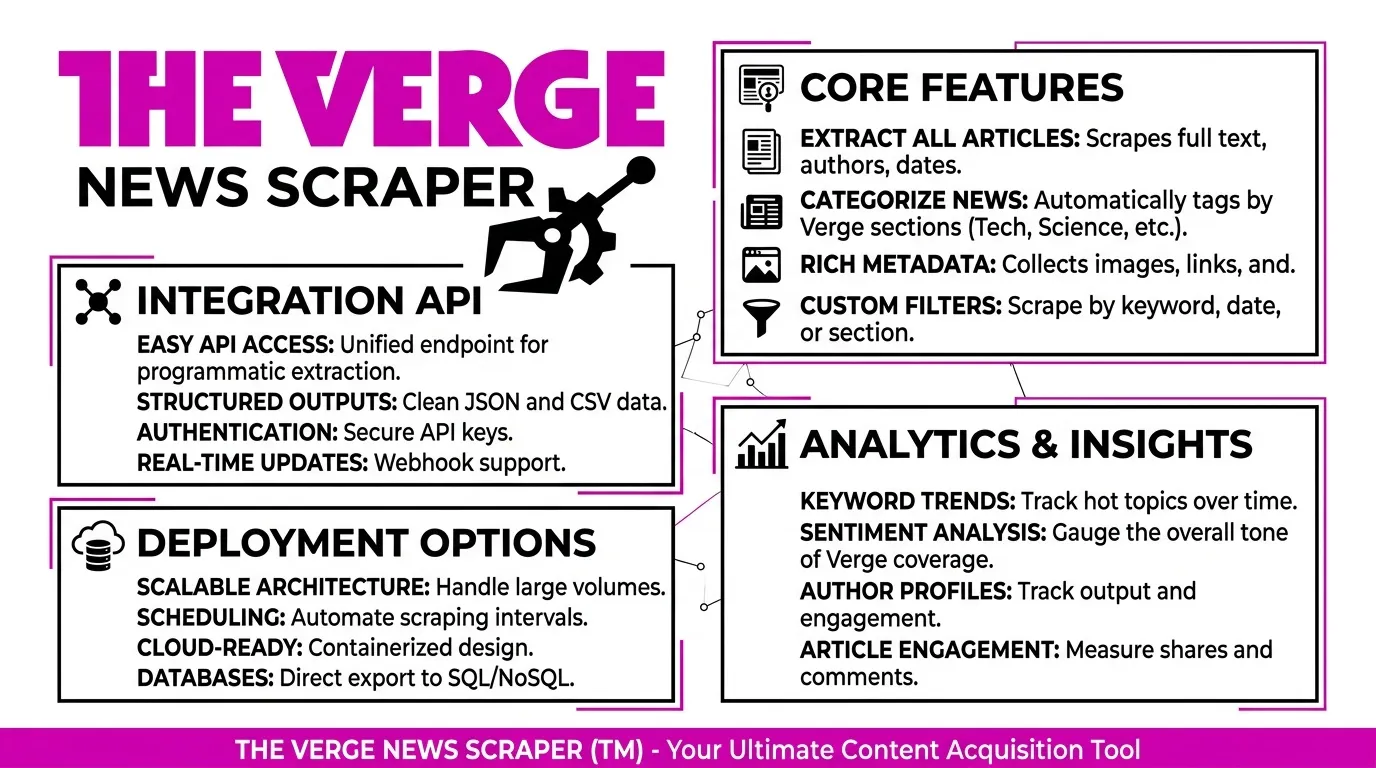
The Verge News Scraper collects headlines from The Verge's public Atom feed and saves one dataset row per story. Extract headlines, article links, publication dates, authors, and short summaries for news monitoring, research, and scheduled exports.
Export the dataset as JSON, CSV, or Excel. The feed contains recent stories rather than a complete archive, so schedule recurring runs to keep your collection current and use the id field to identify previously processed stories.
Use Cases
- News monitoring: Collect headlines on a schedule for a spreadsheet or database.
- Keyword tracking: Filter stories by words in their headlines or summaries.
- Link export: Build a list of article URLs without opening individual stories.
- Research: Collect author names and publication dates for recent coverage.
- Change tracking: Compare story IDs across runs to identify new items.
Input Parameters
| Parameter | Type | Default | Description |
|---|---|---|---|
feedUrls | Array | The Verge Atom feed | Feed URLs to process. Only the verified The Verge feed is accepted. |
keyword | String | Empty | Optional filter applied to headlines and short summaries. |
maxItems | Integer | 100 | Maximum number of headline rows to save per run. Hard limit: 1000. |
timeoutSecs | Integer | 300 | Overall run time limit in seconds. |
requestTimeoutSecs | Integer | 30 | Timeout for an individual feed request in seconds. |
Example Input
What Data Does This Actor Extract?
Each feed entry becomes a dataset row. The actor extracts the headline, story link, publication timestamp, author, short summary, and stable entry ID. HTML is removed from summary text, and full article bodies are not collected.
Example Output
Output Fields
| Field | Type | Description |
|---|---|---|
itemTitle | String | Story headline. |
link | String or null | Article URL provided by the feed. |
published | String or null | Publication timestamp as provided by the feed. |
author | String or null | Author name, when available. |
summary | String or null | Short summary with HTML removed. |
id | String or null | Stable entry identifier used for deduplication. |
sourceUrl | String | Feed URL that produced the row. |
scrapedAt | String | UTC timestamp when the row was created. |
error | String | Error description for a failed input. |
input | String | Invalid or failed input associated with an error row. |
Error Handling
An invalid feed URL, an HTTP error, or an HTML response where Atom XML is expected produces an error row. The actor continues processing other configured feed entries when possible.
How It Works
- Reads the feed list, optional keyword, item limit, and timeout settings.
- Validates the configured feed URL against the accepted The Verge feed.
- Requests the feed using a descriptive User-Agent.
- Retries HTTP 429 and 5xx responses up to three times, waiting 2, 4, and 8 seconds, or following a suitable
Retry-Aftervalue when provided. - Parses Atom entries, removes HTML from text fields, filters by keyword when configured, and removes duplicate IDs.
- Saves results until the configured
maxItemslimit is reached.
Feed Limitations
- The feed contains recent stories and does not provide a complete historical archive.
- There is no next-page cursor for retrieving older entries from this feed.
- Schedule recurring runs approximately 5–15 minutes apart for ongoing monitoring.
- Compare the
idfield across runs to identify stories that have not yet been processed.
Limits and Terms
This actor stores headlines, links, publication dates, author names, and short summaries supplied by the feed. It does not fetch or store full article bodies.
The applicable source terms should be reviewed before using exported data, particularly for commercial use, republication, attribution, and copyrighted material.
Pricing: The actor is free to run. Normal Apify platform usage charges may apply.
FAQ
Does The Verge News Scraper require a login or application key?
No. It reads The Verge's public Atom feed without requiring a login.
Can I export results to CSV or JSON?
Yes. Dataset results can be downloaded as JSON, CSV, or Excel.
Why are older stories missing?
The feed contains recent entries rather than a complete archive. Schedule repeated runs to build an ongoing collection of headlines.
What happens if a feed URL is invalid?
The invalid input is recorded in an error row. Other configured feed entries can still be processed.
Does the actor download full articles?
No. It collects feed metadata and short summaries, not full article text.
Trademark Notice
The Verge and related names, logos, and trademarks belong to their respective owners. Their use in this documentation is solely to identify the source of the data and does not imply affiliation, sponsorship, endorsement, or partnership.
Disclaimer
This actor is an independent tool and is not affiliated with, endorsed by, sponsored by, or officially associated with The Verge or its owners. Users are responsible for complying with applicable source terms, rate limits, attribution requirements, and licensing restrictions.
Is Web Scraping Legal?
Collecting information that is already public is generally legal. Scraping is not the same thing as hacking, and there is no single law that bans it. The limits are the usual ones: do not break into accounts, do not take private or confidential data, and be careful with personal data and copyrighted works. A site's terms can also restrict how you access it. Facts such as a public name, price, or rating are not the same thing as republishing someone's article or photo.
This actor collects information from public pages. It does not log in and it does not bypass access controls.
For a longer explanation, see Apify's article Is web scraping legal?.


![Google News Scraper [only $0.7/1K] avatar](https://images.apifyusercontent.com/Twu1TG04ITI_hwjby-GKjS3ch9YgJ3AaSAGKR67WRFo/rs:fill:76:76/cb:1/aHR0cHM6Ly9hcGlmeS1pbWFnZS11cGxvYWRzLXByb2QuczMudXMtZWFzdC0xLmFtYXpvbmF3cy5jb20vUmVkNnNHSEFOa0x6b3NzdkUtYWN0b3ItemVOd3Z2dk5VNnpWMWFra1MtMTBnTFVnUzdoSS1nb29nbGVfbmV3c19zY3JhcGVyX2Zhc3QucG5n.webp)


