

TikTok Video Downloader
Pricing
from $0.90 / 1,000 results
TikTok Video Downloader
TikTok Video Downloader lets you download TikTok videos in high quality without watermarks. Easily extract video URLs, captions, hashtags, metadata, and creator details for content research, data collection, and automation. 支持下载 TikTok 高清无水印视频,提取视频链接、标题、标签及创作者信息。
Pricing
from $0.90 / 1,000 results
Rating
0.0
(0)
Developer

Scraper Fleet
Maintained by CommunityActor stats
0
Bookmarked
2
Total users
1
Monthly active users
a day ago
Last modified
Categories
Features
Share
What is TikTok Video Downloader? · TikTok 视频下载工具
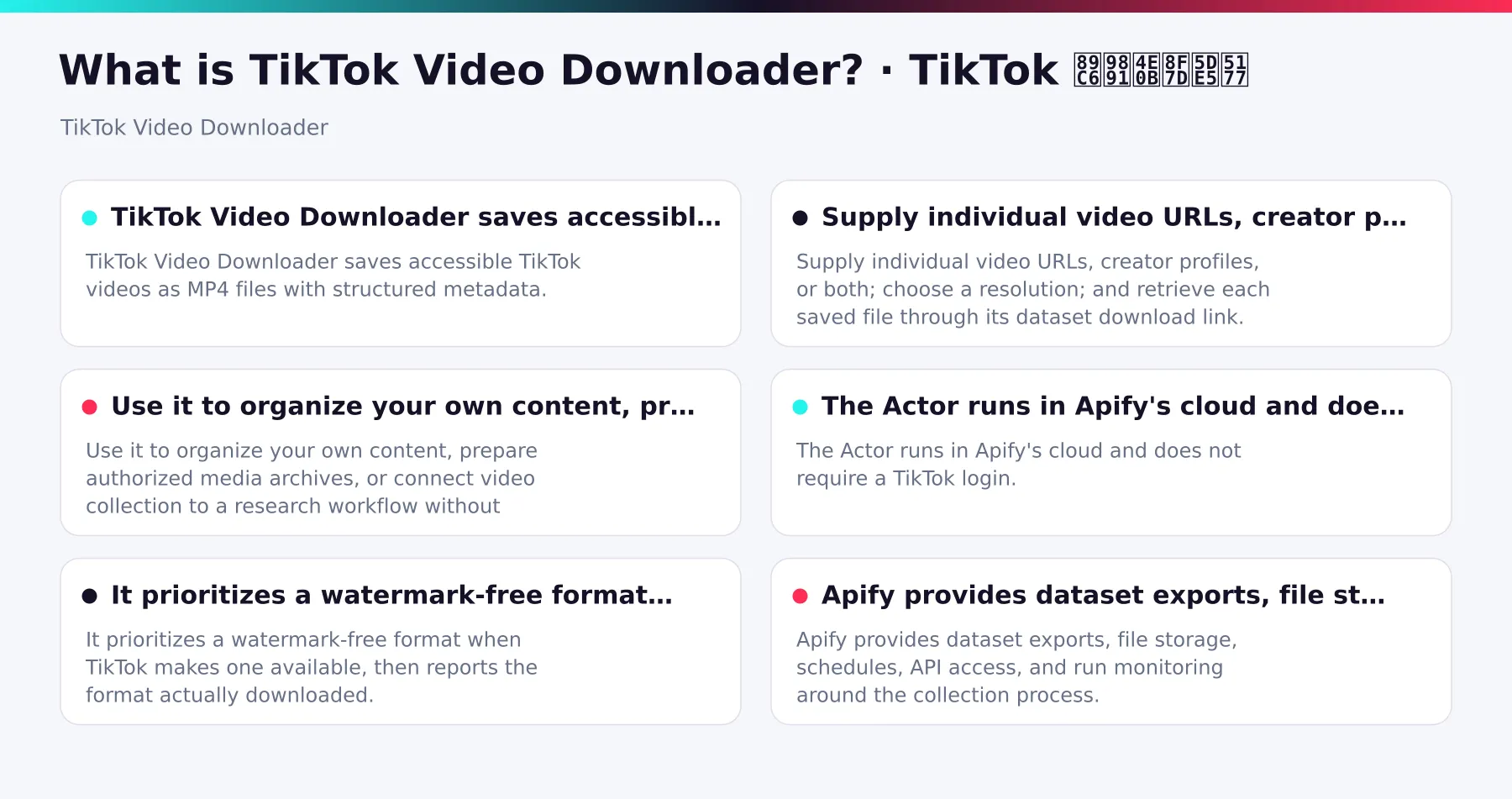 TikTok Video Downloader saves accessible TikTok videos as MP4 files with structured metadata. Supply individual video URLs, creator profiles, or both; choose a resolution; and retrieve each saved file through its dataset download link. Use it to organize your own content, prepare authorized media archives, or connect video collection to a research workflow without writing downloader code.
The Actor runs in Apify's cloud and does not require a TikTok login. It prioritizes a watermark-free format when TikTok makes one available, then reports the format actually downloaded. Apify provides dataset exports, file storage, schedules, API access, and run monitoring around the collection process.
输入 TikTok 视频链接或创作者主页,选择画质,即可获取 MP4 下载链接和结构化信息。无需提交 TikTok 登录账号;无水印版本是否可用取决于视频源,结果中的 watermarked 字段会说明实际情况。
Why use TikTok Video Downloader? · 功能与优势
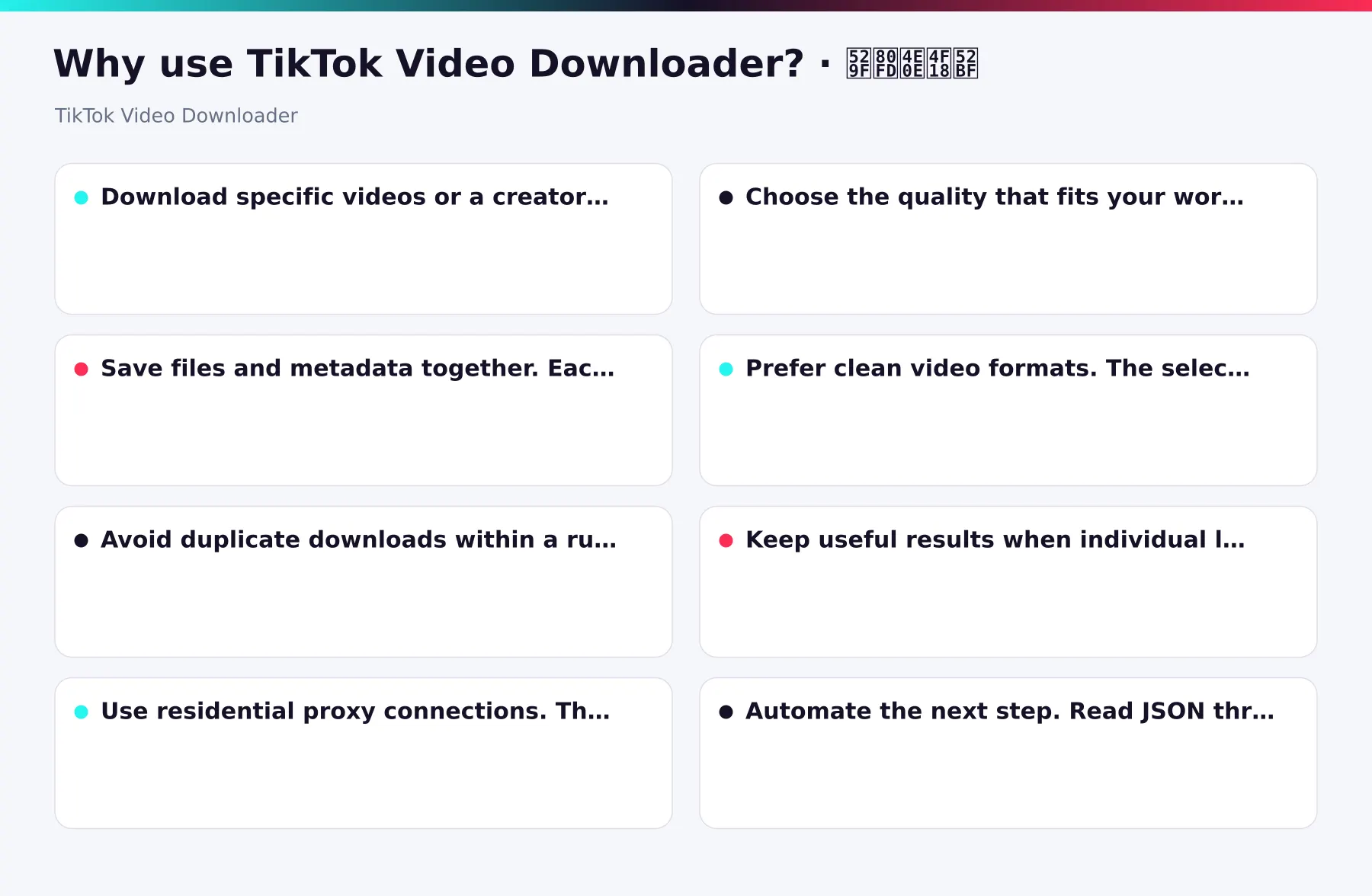
- Download specific videos or a creator's recent videos. Combine direct links with profile discovery in one configuration.
- Choose the quality that fits your workflow. Request 1080p, 720p, 480p, or 360p and inspect the actual downloaded resolution.
- Save files and metadata together. Each successful row links an MP4 file to its source URL, video identifier, caption, channel, duration, and file size.
- Prefer clean video formats. The selection process favors available formats without a watermark; the output records whether the chosen format is watermarked.
- Avoid duplicate downloads within a run. Direct links and profile-discovered videos share the same processing history.
- Keep useful results when individual links fail. Diagnostic rows explain failed entries while successfully saved files remain available.
- Use residential proxy connections. The default connection uses Apify residential proxies, with a new proxy URL requested on a retry.
- Automate the next step. Read JSON through the API, export CSV for a media inventory, or connect a completed run to your existing automation.
This tool focuses on video files and download metadata. It does not return a complete TikTok analytics report, follower history, comment threads, or every engagement metric. If your task needs those fields, choose a separate scraper that documents them rather than assuming a downloader supplies them.
What happens to a video after you submit its URL?
The Actor resolves supported links, obtains the available video formats, chooses a suitable combined audio/video file, and downloads it. It then saves the MP4 to the run's key-value store and writes the associated metadata to the dataset. You use the dataset to find and organize videos; you use the download link to retrieve the actual media file.
The same video ID is used in the storage filename, helping distinguish videos that happen to share a caption. The Actor processes direct video links before profile discovery. Successful results are saved progressively, so a later failure does not erase earlier downloads from the run.
How to download TikTok videos step by step · 快速开始
 You can configure a small video download directly in Apify Console. Choose a video you own or are authorized to use and begin with one link so you can check the resulting file before expanding the collection.
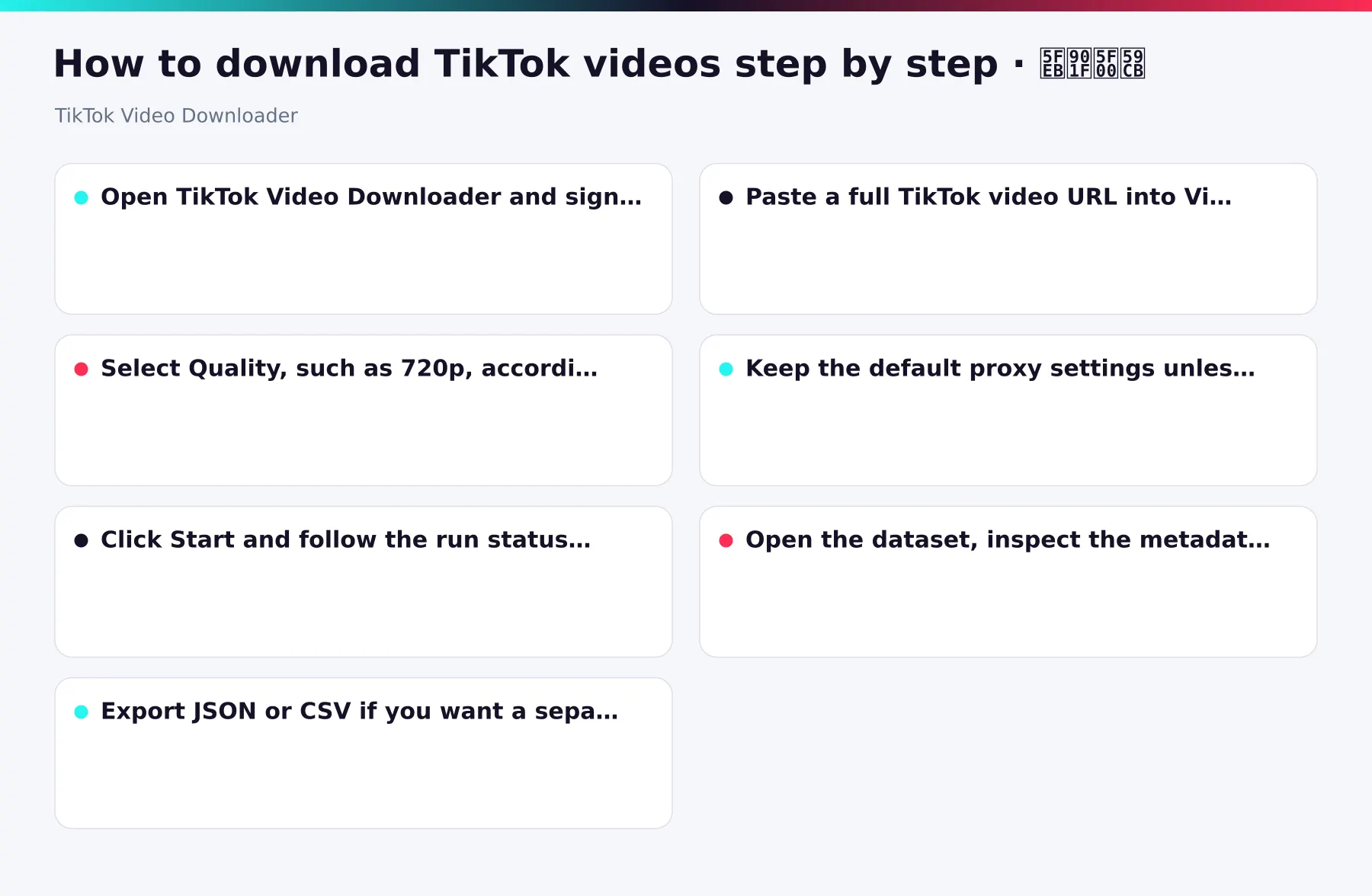
- Open TikTok Video Downloader and sign in to Apify.
- Paste a full TikTok video URL into Video links. Supported
vm.tiktok.comandvt.tiktok.comshort links also work. - Select Quality, such as
720p, according to the resolution you need. - Keep the default proxy settings unless your workflow requires another supported configuration.
- Click Start and follow the run status and logs.
- Open the dataset, inspect the metadata, and open Download video to retrieve the MP4.
- Export JSON or CSV if you want a separate record of the video files and their sources.
Download videos from creator profiles
Add profile URLs, @username values, or plain usernames to profile_urls. Set maxVideosPerProfile to the number of recent public videos you want from each creator. Five videos per profile is a practical initial configuration when you want to assess the format and storage needs.
Profile discovery selects recent accessible videos; it is not a guarantee of a creator's complete historical archive. A private profile, unavailable video, source restriction, or changed TikTok response can limit discovery. If you already know the exact videos needed, direct video URLs give you more precise control over the requested collection.
The per-profile setting defaults to 30 and is constrained to 1–100. A separate limit applies to accounts without a paid Apify plan: at most 20 successfully downloaded videos per run. That account limit is shared across direct links and all profiles, so adding several creators does not create a separate 20-video allowance for each one.
Check the first MP4 before collecting more
Open a successful row's download link and test the file in the player or editor you actually use. Confirm its audio, portrait orientation, resolution, and codec. The video_codec field helps explain why a file that downloaded successfully might need a different player or a conversion step in your own media pipeline.
For a spreadsheet inventory, keep original_url, video_id, title, channel, resolution, watermarked, and Download video. Preserve the video ID when organizing files locally so similar titles do not cause confusion. A CSV contains links and metadata; downloading the CSV does not download all the MP4 files referenced in it.
TikTok Video Downloader input parameters · 输入参数
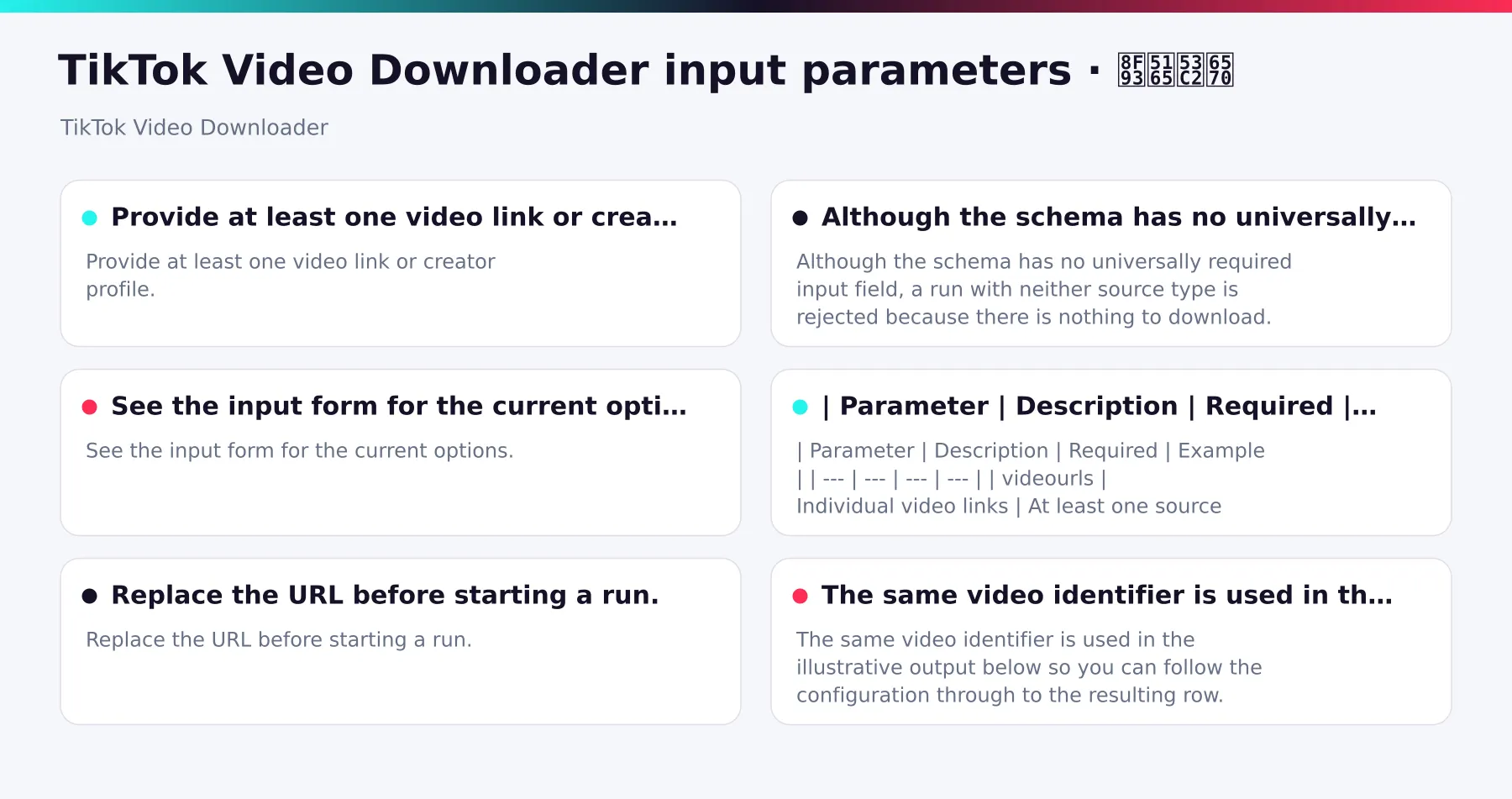 Provide at least one video link or creator profile. Although the schema has no universally required input field, a run with neither source type is rejected because there is nothing to download. See the input form for the current options.
| Parameter | Description | Required | Example |
|---|---|---|---|
video_urls | Individual video links | At least one source type | [{"url":"https://www.tiktok.com/@examplecreator/video/7473147398718573866"}] |
profile_urls | Creator profile links or usernames | At least one source type | ["@examplecreator"] |
maxVideosPerProfile | Recent videos to discover for each creator | Optional; default 30 | 5 |
desired_resolution | Preferred maximum short-side resolution | Optional; default 1080p | "720p" |
proxyConfiguration | Connection settings for discovery and downloads | Optional; residential default | Configure in the input form |
Illustrative input for one video:
The example creator and URL are placeholders for a video you choose. Replace the URL before starting a run. The same video identifier is used in the illustrative output below so you can follow the configuration through to the resulting row.
How video quality is selected
The resolution setting is measured on the shorter side of the video. A portrait file measuring 1080 × 1920 is therefore treated as 1080p. This is useful when selecting video quality for mobile-first content: the height alone would make a portrait file appear larger than the familiar quality label suggests.
The Actor chooses from available combined audio/video formats. It prefers clean formats, selects the highest suitable resolution at or below the requested limit, and uses the smallest available format if none meets that limit. Requesting 720p does not promise a newly encoded 720p file; the tool selects from the source's available versions.
Higher-quality files may use H.265. Read the codec from each result instead of assuming every MP4 uses the same encoding. Your choice of resolution affects file size and download traffic, but the source's bitrate, duration, and available formats also matter.
Proxy configuration and retry behavior
Apify residential proxy is the default when proxyConfiguration is omitted or empty. Both creator discovery and media downloads use the configured connection, so media transfer contributes to proxy traffic. Keep this in mind when collecting longer videos or requesting larger formats.
A video download receives up to three attempts. Before a retry, the Actor requests another proxy URL and waits briefly. This can help with temporary connection problems, but it cannot restore a deleted video or supply permission to a private account. Use the resulting error row to distinguish a bad input from a source or connection failure.
TikTok Video Downloader output example · 输出与文件
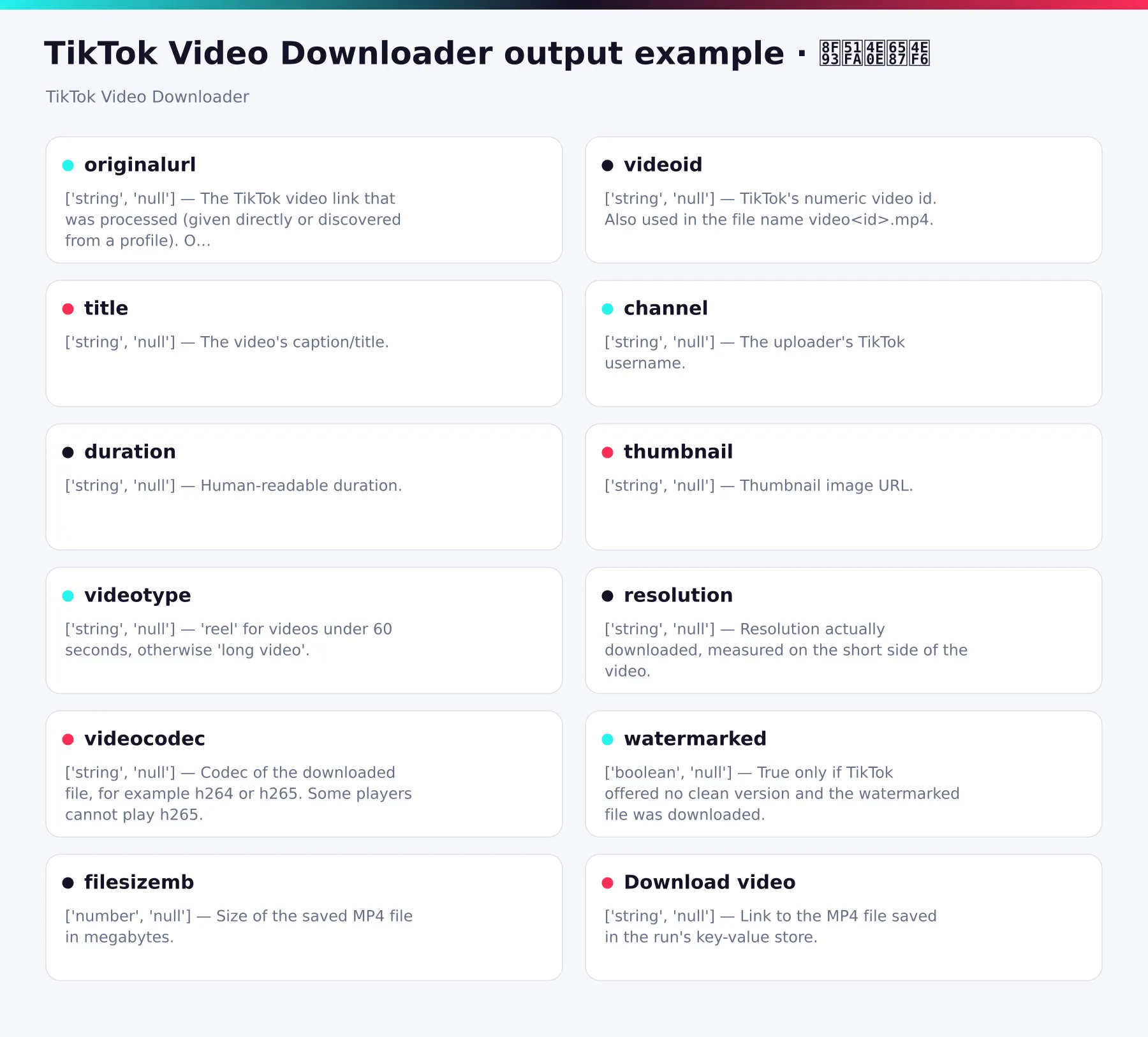
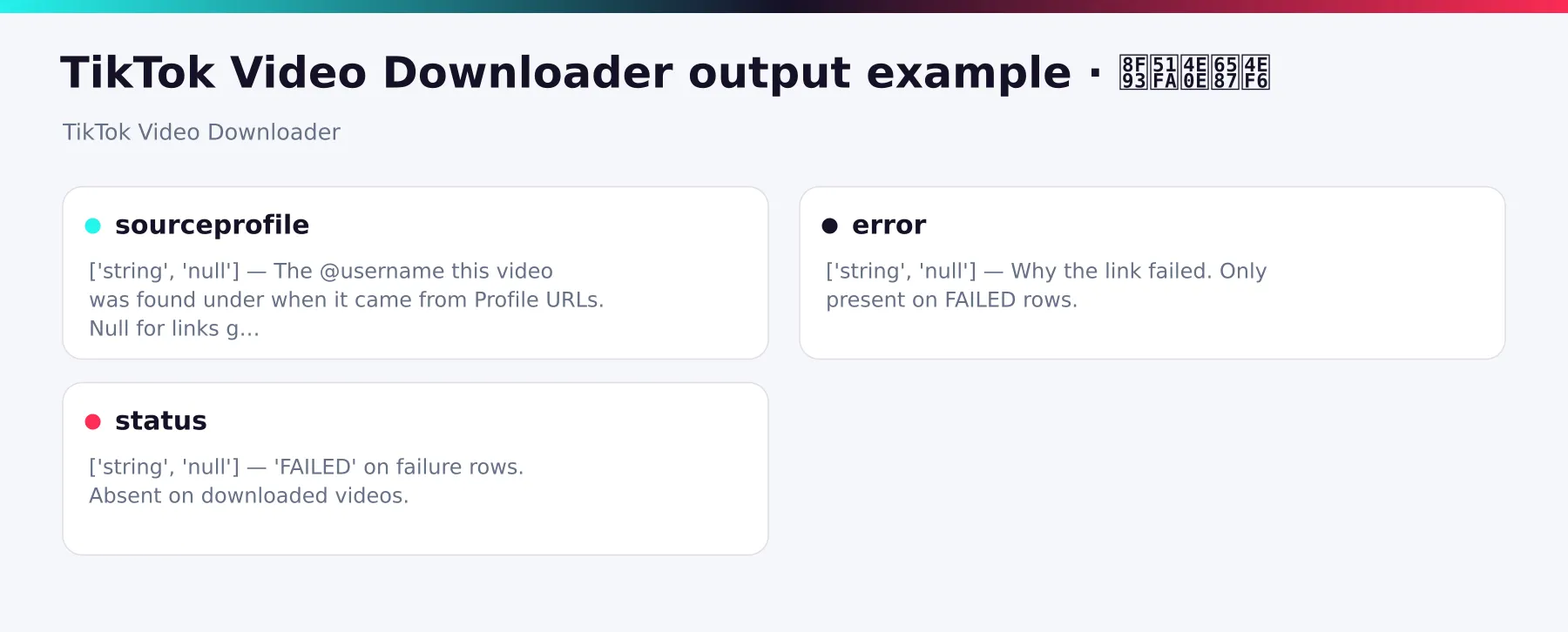 Each successful download becomes one dataset row. The row contains a link to an MP4 stored in the run's key-value store, plus metadata used to identify and organize the file. The following values are illustrative; field names and types follow the current dataset schema and row-building code.
What the output fields mean
original_url identifies the submitted or discovered source. video_id is the source identifier used in the saved filename. title contains the available caption or title, and channel identifies the uploader. These fields help connect a local file back to the video you requested.
duration is human-readable text, such as 29s or 1m 12s. video_type is a simple duration-based label: reel for a video under 60 seconds and long video otherwise. It is a label supplied by the Actor, rather than a complete classification of TikTok's content types.
resolution and video_codec describe the selected file. watermarked reports whether the chosen format was identified as watermarked. file_size_mb is a rounded size in megabytes. A thumbnail URL is separate from the video download link and should not be treated as the media file itself.
source_profile is populated when profile discovery supplied the video. It is null for a direct link. This distinction helps you see whether a row came from your explicit URL list or from a creator whose recent videos you asked the Actor to discover.
How failed links appear
An unsuccessful entry produces a row with status: "FAILED", an error explanation, the source URL, and the profile context when applicable. Successful rows do not need a success-status field. Filter on the presence of Download video when building a list of downloaded media, and handle diagnostic rows separately.
Failures do not trigger the Actor's result charge event. They can still consume run resources or proxy traffic, and the run-start event remains separate. Do not interpret an uncharged failed result as a promise that the whole attempt cost nothing.
Keep download links connected to their files
The Download video value points to a record in the run's key-value store. Keep the run ID and storage context with your exported inventory when your application needs to retrieve files later. Access and retention follow the storage permissions and terms of your Apify account; a dataset export does not turn a stored file into permanent external hosting.
If your archive needs its own retention policy, retrieve the MP4 and save it to your chosen storage while recording the video ID and source URL. Confirm the copied file is usable before treating that archive entry as complete. This creates a clear connection between the source video, the dataset metadata, and the media file your organization manages.
TikTok Video Downloader use cases · 应用场景
Video archiving for creators and production teams
Creators use the tool to organize videos they own alongside a searchable media inventory. A production team can collect selected video URLs, retain source identifiers, and store local copies according to its own archive policy. Choosing a consistent resolution makes the resulting files easier to review together.
Content research and creator research
Researchers can download authorized samples from selected creator profiles and inspect themes, presentation styles, captions, or video formats. Keep the collection scope clear: recent profile videos provide a sample of accessible content, rather than a complete history or a statistically representative view of TikTok.
Social media marketing and internal review
Marketing teams can prepare approved video examples for campaign reviews without asking colleagues to open every source link separately. The dataset provides an inventory of titles, channels, formats, and download links. Establish the reuse permission for each file before moving it into advertising, publication, or customer-facing assets.
Video analysis and dataset creation
Developers can pass downloaded MP4 files into their own transcription, classification, or media-analysis systems. The Actor supplies the files and video metadata; analysis results come from the downstream tools you configure. Keep each video ID in the output of that pipeline so conclusions remain connected to their source media.
创作者归档关注文件与来源;研究团队关注样本范围;营销团队关注授权与审阅;开发者关注下载链接、编码和后续处理。按实际用途选择画质和采集数量,避免把文件下载结果当作完整的账号分析报告。
How much does it cost to download TikTok videos? · 价格
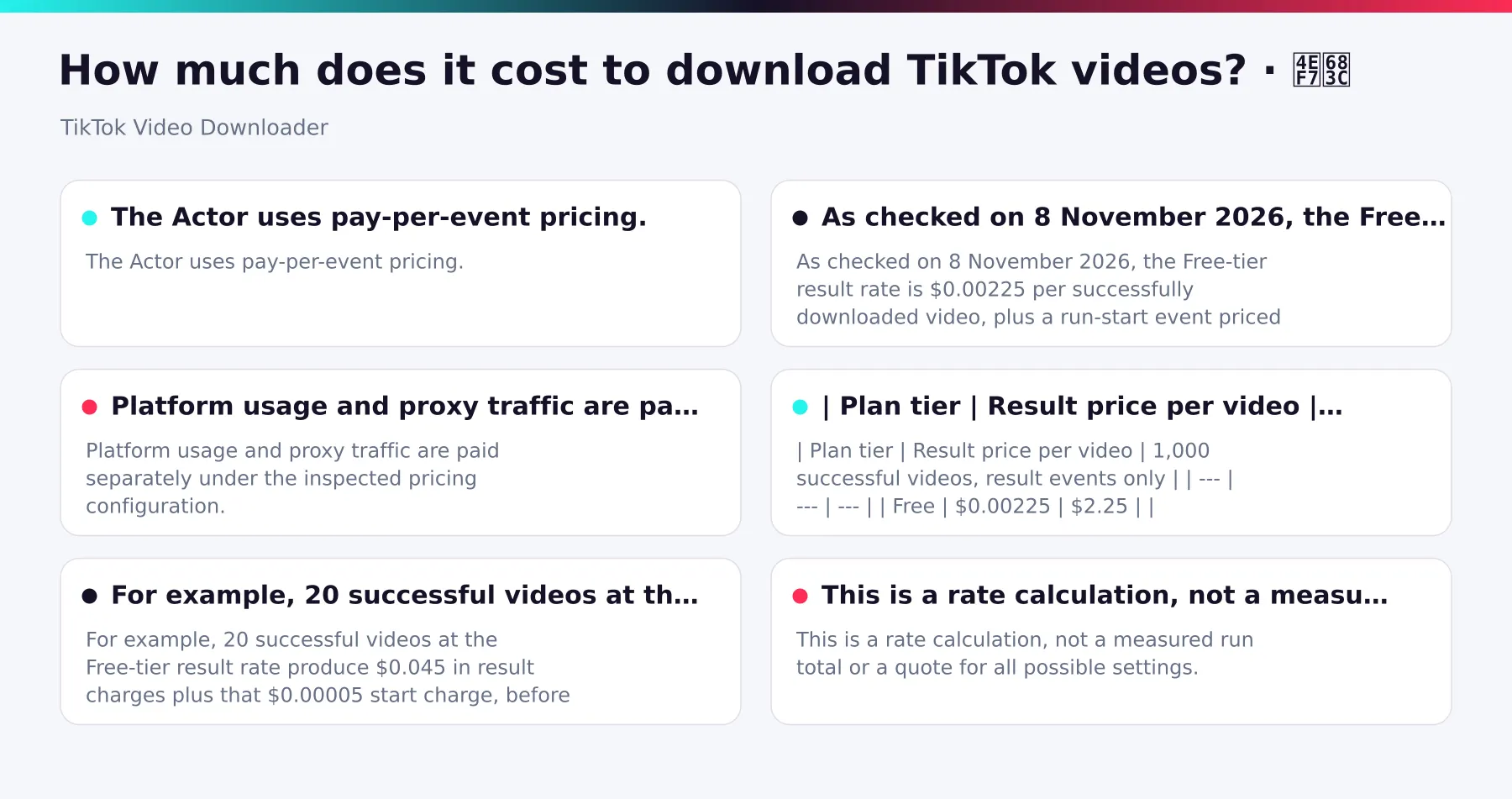 The Actor uses pay-per-event pricing. As checked on 8 November 2026, the Free-tier result rate is $0.00225 per successfully downloaded video, plus a run-start event priced at $0.00005 per GB of Actor memory, with a minimum of one event. Platform usage and proxy traffic are paid separately under the inspected pricing configuration.
| Plan tier | Result price per video | 1,000 successful videos, result events only |
|---|---|---|
| Free | $0.00225 | $2.25 |
| Bronze | $0.00203 | $2.03 |
| Silver | $0.00191 | $1.91 |
| Gold, Platinum, Diamond | $0.00180 | $1.80 |
At a 1 GB run allocation, the stated start rate adds $0.00005 per start. For example, 20 successful videos at the Free-tier result rate produce $0.045 in result charges plus that $0.00005 start charge, before platform usage and proxy traffic. This is a rate calculation, not a measured run total or a quote for all possible settings.
Is downloading TikTok videos free?
Apify's Free plan includes $5 in monthly usage credit and does not require a credit card to sign up. The Actor has paid result events, and accounts without a paid plan are limited to 20 successful downloads per run. Available credit, result-event charges, and that run limit are different constraints.
Start with a small collection and inspect the run's usage breakdown. File duration and resolution can significantly affect download traffic even when the number of result events is unchanged. Review the Actor's Pricing tab for current rates before larger jobs.
TikTok Video Downloader API and automation · API 与自动化
 Use the API tab to start the Actor and retrieve its dataset from an application. With the Apify Python client, your API integration can use the same input keys as the Console form:
Replace the example profile before use. Running this sample starts an Actor and incurs its applicable charges; merely reading the example does not run anything. Keep your token in an environment variable and retrieve media with the storage-access permissions appropriate to your account.
Scheduling, webhooks, and automated processing
Create an Apify schedule when you need repeat collections from a defined profile list. Deduplication applies within each run, so your downstream archive should compare video IDs across runs if you want to avoid downloading the same stored media again. Scheduling alone does not create a cross-run archive history or an incremental-download setting.
Use a completed-run webhook to trigger your next workflow. Make, Zapier, or n8n can retrieve dataset records, append a media inventory to Google Sheets, or notify your team through an integration you configure. Keep the MP4 links with the corresponding metadata when sending results to another destination.
Build a repeatable media collection workflow
For a recurring collection, save the profile list, resolution, and per-profile limit in an Apify task. Your automation can start that saved configuration, wait for completion, then fetch dataset records. A saved task makes settings repeatable; it does not by itself remember which videos your archive already contains.
Use video_id as a comparison key in your destination database. Separate successfully downloaded rows from failures before requesting media files, and store source_profile when discovery context matters. If your workflow retries file retrieval, retain the existing dataset row and link rather than automatically starting another charged Actor run. This separates obtaining results from downloading files that have already been saved, and makes the source of each file easier to track during later reviews.
Copy to your AI assistant · 复制给 AI 助手
TikTok MCP connection · MCP 连接
Connect an MCP-capable client to Apify with this Actor selected:
Complete the client's supported Apify authorization flow. The connection exposes the Actor's input schema to a compatible assistant; running the tool still starts a normal charged Actor run. Follow the current Apify MCP setup instructions for your client.
More scrapers by Scraper Fleet · 更多工具
| Actor | Useful next task |
|---|---|
| Bilibili Video Scraper | Collect Bilibili video statistics and optional comments |
| Facebook Group Scraper | Research available group posts, comments, and group information |
| Zhihu Scraper | Collect questions, answers, articles, and supported discussion data |
TikTok Video Downloader FAQ · 常见问题
Can I download a video without a watermark?
The Actor prefers a clean format when one is available. If TikTok offers only a watermarked suitable file, the output can be watermarked. Read watermarked on the returned row rather than treating the requested download as a guarantee of a clean file.
Does it require a TikTok account?
No TikTok account or login cookie is required as an input. Accessible source content and a working proxy connection are still necessary. Private, removed, or restricted content may fail even though the tool itself does not ask for login credentials.
Does the tool download every video from a profile?
It discovers recent public videos up to maxVideosPerProfile, subject to accessible results and the run's limits. This is not a complete-profile-history guarantee. Use known video URLs when you need a specifically chosen set.
Why does a downloaded MP4 fail in my player?
Check video_codec; H.265 support differs between players and editors. Try a compatible player or a conversion step in your own workflow. Also confirm the downloaded file completed successfully instead of opening a diagnostic row or a thumbnail URL.
Can I export all videos in one CSV?
You can export the dataset as CSV, JSON, or Excel through Apify. These exports contain metadata and individual download links. They do not package all referenced MP4 files into a single media archive.
What happens when TikTok changes its responses?
Source changes can affect format selection, profile discovery, or downloads. Keep the failing URL and a redacted error message, and report the issue to our team. A successful build or an older successful download does not guarantee every future source request will work.
Is it legal to download TikTok videos? · 使用与版权
Download and reuse content according to your permissions, TikTok's terms, applicable copyright rules, and privacy requirements. Public availability and a working download link do not transfer the creator's rights. Review the intended use before republishing files, selling a dataset, or using media in a campaign. This is general guidance, not legal advice.
Need help with TikTok Video Downloader? · 联系我们
Contact our team through this Actor's Issues tab for help, bugs, feature requests, or a custom workflow. Include the source type, requested quality, expected result, and a redacted error. For custom work, describe the media volume, required metadata, destination, and collection frequency so we can discuss the requirements directly with you.
需要帮助或定制流程,请通过本 Actor 的 Issues 联系我们的团队。请勿在公开问题中粘贴 API Token、登录凭证或其他私密信息。


