

Alt Video Downloader | How to Download Alt Videos
Pricing
Pay per usage
Alt Video Downloader | How to Download Alt Videos
Keep the Alt clip you are watching by pulling it down from your desktop browser, with no need to change tabs or sites.
Pricing
Pay per usage
Rating
0.0
(0)
Developer

SERP Downloaders
Maintained by CommunityActor stats
0
Bookmarked
2
Total users
1
Monthly active users
18 days ago
Last modified
Categories
Share
Keep the Alt clip you are watching by pulling it down from your desktop browser, with no need to change tabs or sites.
Spotted an Alt clip worth hanging on to? Skip the hassle of pasting a link into some other service. The add-on runs inside the tab you already have open, so everything stays in one place. After the player has started, it picks up any compatible sources the page makes available, and the saved file gets a name based on the Alt page title.
Get it Here
👉 Get it here: Alt Video Downloader
- ✅ Nothing you download is routed through our servers
- ✅ Free of ads, tracking and analytics
- ✅ Runs on Windows, Mac and Linux computers
Preview
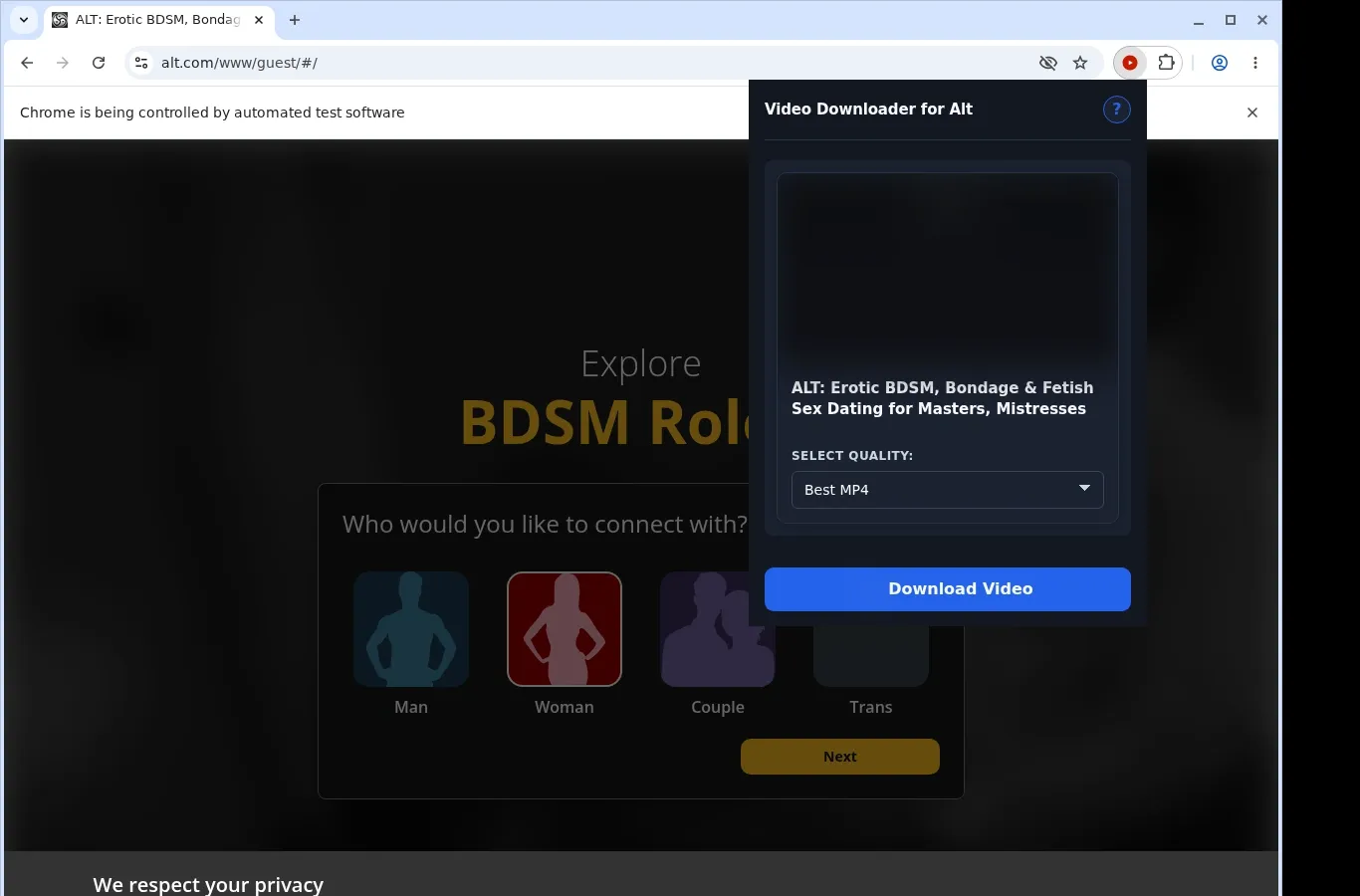
How It Works
- Load the Alt page: Navigate to the Alt page holding the video you would like to keep, then give it a moment to load as it normally would.
- Let the extension find it: Click the extension so it can scan the page for a usable video source and display the download choice for that page.
- Pick a format and save: Expand the format menu, select the file option that suits you, and the finished video is written straight to your device.
What It Does
- Copies an Alt video onto your computer's drive in a single quick action.
- Press the capture control displayed beside the playing Alt video to begin.
- The toolbar popup of the extension gives you a second way to kick things off.
- Each save deals with one Alt video, the one in your active tab.
- The transfer is carried out by the browser's ordinary download feature.
- Watch how far along an Alt download is in the browser's progress bar.
Alt Video Downloader vs. Separate downloader website
Files from this extension end up in their own Alt folder, which makes them simple to locate and open later.
| Alt Video Downloader | Separate downloader website |
|---|---|
| Files go into a folder reserved for Alt with no manual step | Downloader sites may drop files in a general downloads location |
| The original MP4 is kept as it is, with no conversion | Certain web tools may re-encode the clip or hand back a different file type |
| Saved MP4s open in whichever compatible player you prefer | A result page can leave you renaming files yourself |
| You decide where the file lives on your own machine | Delivery may hinge on temporary links from the site |
| Detection stays tied to the Alt video playing in your tab | Pasting only a page address can obscure which clip you meant |
Compatibility
Browsers: Chrome, Firefox, Edge, Brave, Opera, Whale, Yandex
Where it works:
- Alt pages served over HTTPS that the extension supports
- Desktop browsers that allow extensions
- Any video your current browser session can already play
- Pages that offer a video option you can save
- Computers running Linux, macOS or Windows
Outside its scope:
- Browsers on mobile devices, plus Safari
- Streams locked down with DRM or similar protection
- Videos that were taken down or are no longer there
- Mass crawling or scraping of galleries
- Getting around logins, paywalls, region locks, age checks or permissions
FAQ
What is the first step to save an Alt video? Go to the Alt page, wait for the video to load and start playing, then press the extension icon. It looks through the page for MP4 sources it can use and presents a save option.
Which folder do saved Alt videos end up in? The browser puts them in a folder named for Alt, using its ordinary download feature. Transfer progress shows up in the downloads panel of your browser.
Does the extension change the video format? No. It stores an MP4 taken straight from the page and runs no conversion, so the file is the same one the site supplied.
Is it possible to save several Alt videos simultaneously? Only one at a time. The extension works on the single video active in a tab, so leave that tab open until the transfer completes before moving to another video.
Know Before You Use It
- A save option has to be exposed by the page itself
- The video needs to be viewable in your browser already
- Starting playback might be necessary before a source shows up
- The quality you can get is determined by what the page supplies
Only download videos you own or have permission to save.


