

AnalVids Video Downloader | How to Download AnalVids Videos
Pricing
Pay per usage
AnalVids Video Downloader | How to Download AnalVids Videos
Download AnalVids videos from the page you are already on: open it, let the extension detect the video, then save.
Pricing
Pay per usage
Rating
0.0
(0)
Developer

SERP Downloaders
Maintained by CommunityActor stats
0
Bookmarked
2
Total users
1
Monthly active users
18 days ago
Last modified
Categories
Share
Download AnalVids videos from the page you are already on: open it, let the extension detect the video, then save.
There is no link copying and no hopping between tabs. After an AnalVids video page has loaded, the extension looks for the source available there. Ordinary MP4 files are supported, and compatible HLS streams get turned into a single playable file. When the player lists several quality levels, you see them and decide which one to save.
Get it Here
👉 Get it here: AnalVids Video Downloader
- ✅ Your downloaded videos stay away from our servers
- ✅ No advertising, tracking or analytics
- ✅ Available for Windows, Mac and Linux
Preview
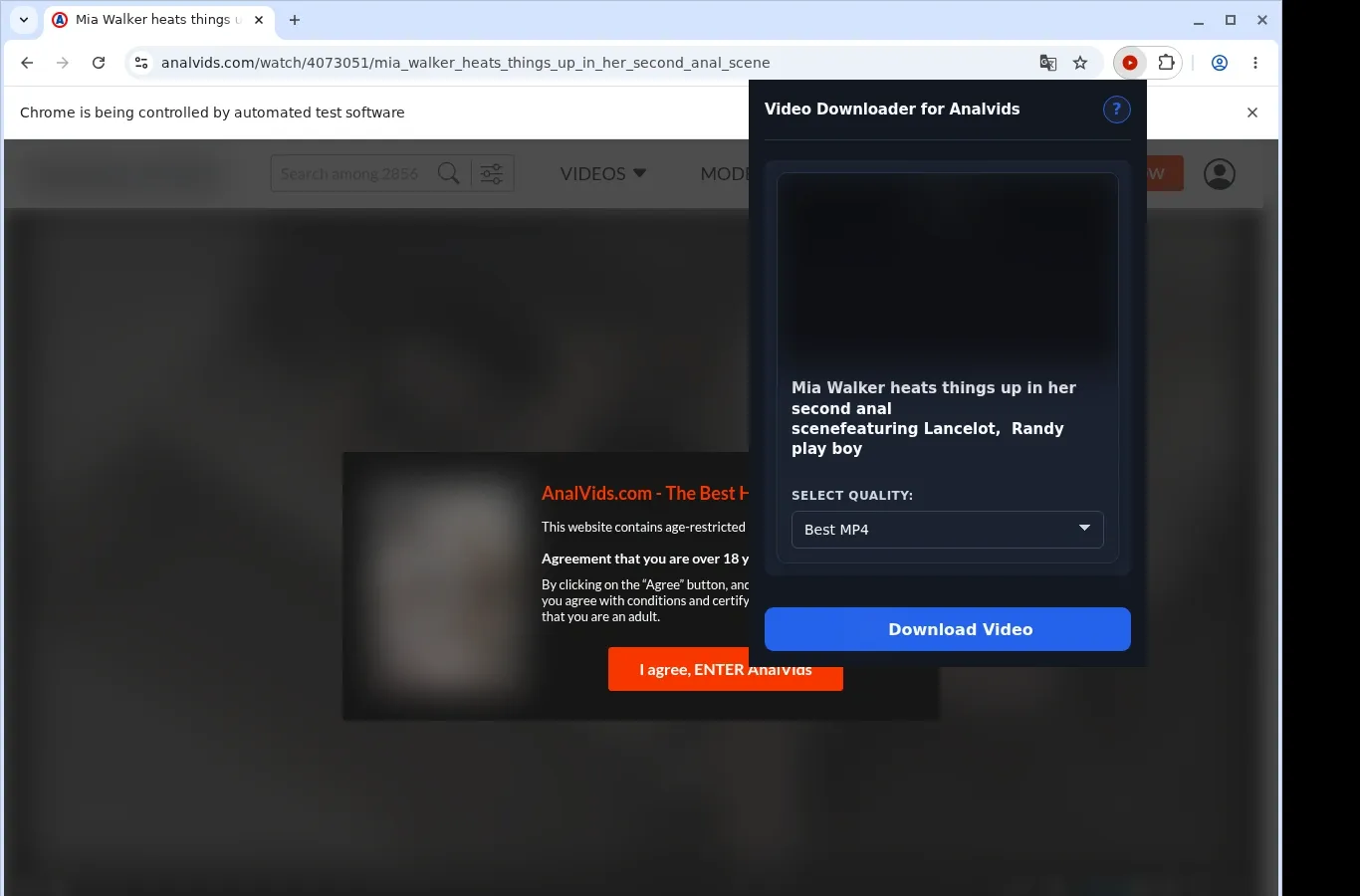
How It Works
- Open the AnalVids video: Navigate to the AnalVids page that contains the content you want, and allow it to finish loading as usual.
- Run the extension: Activate the extension. It detects the video source on the current page and then shows the download option.
- Pick a format, then download: From the format menu, choose a file option, and the finished video is written onto your device.
What It Does
- Moves AnalVids content onto your own hard disk to keep.
- The downloader can be used while a video is open on AnalVids.
- Another route in is the popup in the extension toolbar.
- Each run covers the single video in the current browser tab.
- Your browser's native download manager takes care of the file.
- A download's progress appears in your browser's list of downloads.
AnalVids Video Downloader vs. Typical Online Downloader Site
Where a download site needs the page address, the extension finds the video that is playing on your current AnalVids page by itself.
| AnalVids Video Downloader | Typical Online Downloader Site |
|---|---|
| Picks up the video from the AnalVids player that is open | You have to copy the AnalVids page link and submit it |
| Operates on whatever video your browser tab currently holds | Player session context can get lost with a pasted link |
| You remain on the AnalVids page you are watching | Using one means leaving AnalVids for a different site |
| Presents the MP4 source discovered on the current page | An outside tool can fail to find the embedded video |
| The AnalVids page address does not need copying or sharing | The AnalVids page address is handed to another service |
Compatibility
Browsers: Chrome, Firefox, Edge, Brave, Opera, Whale, Yandex
Where it works:
- AnalVids video pages
- Desktop browsers that can run extensions
- Videos your current browser session can access
- Pages with a usable video source
- Linux, macOS and Windows
Outside its scope:
- Mobile-device browsers
- Safari
- Streams with DRM encryption or other protections
- Videos that were removed or are otherwise unavailable
- Bulk crawling or scraping of galleries
- Getting around private, paid, regional, age-gated or permission restrictions
FAQ
What is the process for saving an AnalVids video? Open the video page, wait for it to load, and then turn on the extension. It finds the MP4 source that is available, and you can download straight from that page.
How do I reach the downloader during playback? Use the popup in the extension toolbar, or work from the AnalVids video you are viewing. Neither option takes you away from the page.
Which file type do I end up with? An MP4, as the site provides it. The video is delivered in its original format, with no conversion in between.
Do I get a say in the quality? If the player has more than one quality level, the extension lists each one so you can decide which to save.
Know Before You Use It
- The page you start from has to expose a video that can be saved
- Viewing the video in your browser must already be possible
- Detecting the active source might need playback to begin
- The player or host currently in use determines which quality options exist
Only download videos you own or have permission to save.


