

CzechHomeOrgy Video Downloader | Download CzechHomeOrgy Videos
Pricing
Pay per usage
CzechHomeOrgy Video Downloader | Download CzechHomeOrgy Videos
One obvious button, your browser's usual download flow, and no leaving the CzechHomeOrgy page.
Pricing
Pay per usage
Rating
0.0
(0)
Developer

SERP Downloaders
Maintained by CommunityActor stats
0
Bookmarked
2
Total users
1
Monthly active users
a month ago
Last modified
Categories
Features
Share
CzechHomeOrgy Video Downloader | How to Download CzechHomeOrgy Videos
One obvious button, your browser's usual download flow, and no leaving the CzechHomeOrgy page.
You can stay on the CzechHomeOrgy page you're watching. As the video begins loading, the extension notices the source and offers a plain save action, so there are no extra tabs or tools to juggle and you stay in charge.
Get it Here
👉 Get it here: CzechHomeOrgy Video Downloader
- ✅ Downloads bypass our servers completely
- ✅ No advertising, tracking or analytics at all
- ✅ Built for Windows, Mac and Linux
- ✅ The people behind it answer support emails
Preview
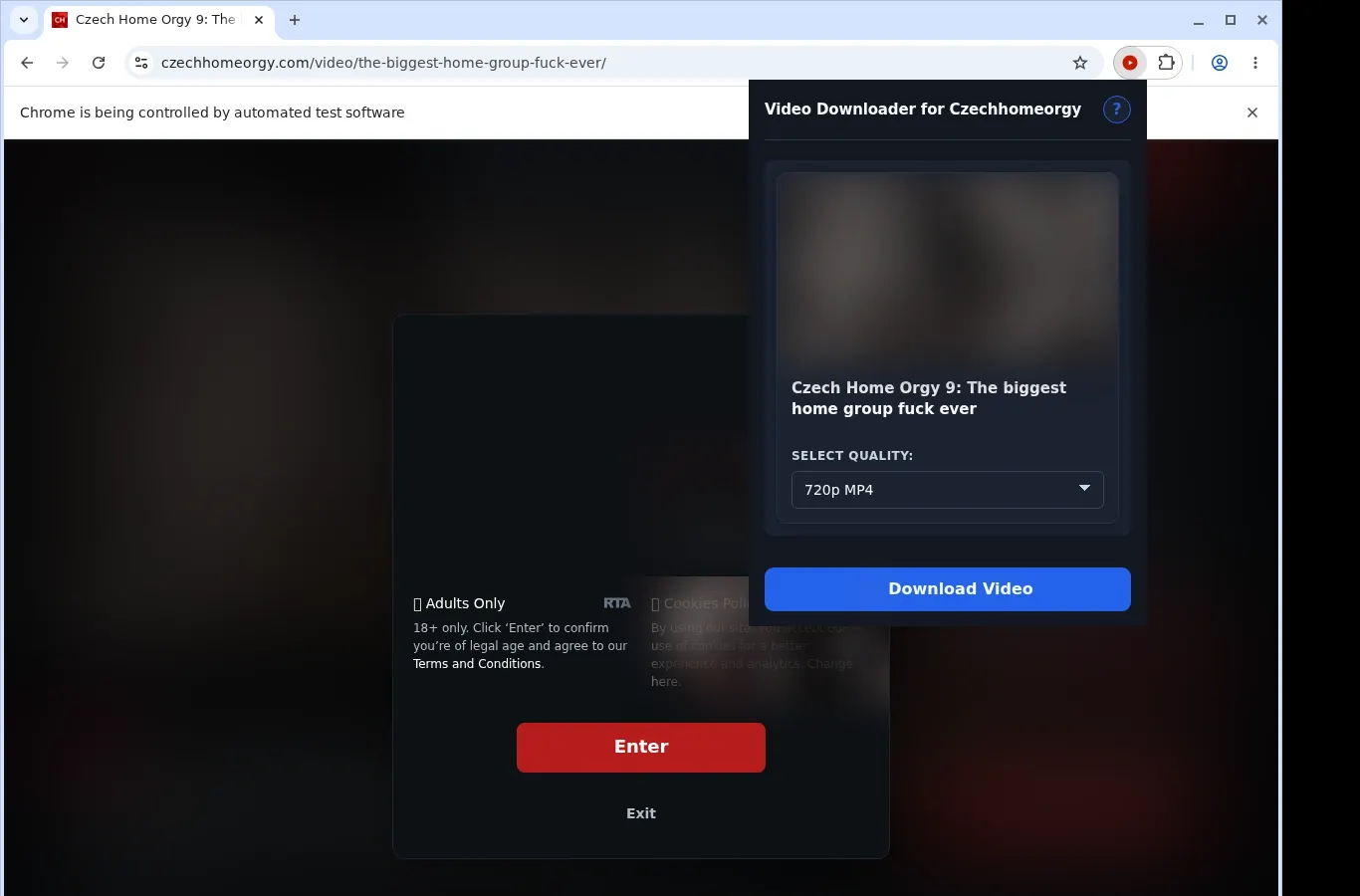
How It Works
- Open the page: Visit the CzechHomeOrgy page with the video you'd like to keep, and let your browser load it as it normally would.
- Find the source: Start the extension. It checks the page for the video source and shows the matching download option.
- Format and save: Pick a file from the format menu to store the finished video on your device.
What It Does
- Save single CzechHomeOrgy videos right onto your device.
- Click the button placed on the video page you are watching to start a download.
- You can instead reach the download controls from the extension's toolbar popup.
- Only one video downloads per run, which keeps things tidy.
- Your browser's built-in download feature takes care of the transfer.
- Download status appears in the browser's list of downloads.
CzechHomeOrgy Video Downloader vs. Using a separate online downloader
You save from the page you're on and never submit its address to another website.
| CzechHomeOrgy Video Downloader | Using a separate online downloader |
|---|---|
| A download button sits on the video page you have open. | You copy the page's address and walk away from the video. |
| The toolbar popup also gives access to downloads. | Whether the outside site's input page is up is out of your hands. |
| It targets the video you are watching. | Once page context is lost, the embedded player can be overlooked. |
| No page link ever needs copying or pasting. | Sending a page link hands it to a third-party service. |
| You remain on CzechHomeOrgy for the entire save. | Your attention moves to a different site altogether. |
Compatibility
Browsers: Chrome, Edge, Brave, Opera, Whale, Yandex
Works With:
- Video pages on CzechHomeOrgy
- Desktop browsers that can run extensions
- Videos your current browser session can access
- Pages offering a source that can be used
- Windows, macOS and Linux
Not Designed For:
- Phone and tablet browsers
- Safari
- Streams that are DRM-encrypted or otherwise protected
- Videos that have been removed or are not available
- Crawling in bulk or scraping whole galleries
- Anything private, paid, regional or age-gated, plus workarounds for permissions
FAQ
How do I begin a download? Go to the CzechHomeOrgy page with your video. When the player has loaded, click the download button shown on the page, or use the extension's popup in your toolbar.
Which video format will it be? MP4. The extension keeps the video in the original MP4 format that the site supplies and does no conversion.
Is downloading several videos at once possible? It isn't. Downloads run one video at a time, which keeps the process simple and makes sure your chosen video saves reliably.
Where do saved videos go? Into a dedicated Czechhomeorgy folder on your device. The destination can be chosen as the download starts, which helps keep your clips sorted.
Know Before You Use It
- Your source page needs to expose a video that can be saved
- Watching the video in your browser must already be possible
- The extension may only detect the active source once playback has begun
- Quality options are whatever the current player or host provides
Only download videos you own or have permission to save.
