

Donpornovideos Video Downloader
Pricing
Pay per usage
Donpornovideos Video Downloader
Save Donpornovideos clips from the very tab you have open, so the whole job happens on one page.
Pricing
Pay per usage
Rating
0.0
(0)
Developer

SERP Downloaders
Maintained by CommunityActor stats
0
Bookmarked
2
Total users
1
Monthly active users
5 days ago
Last modified
Categories
Features
Share
Donpornovideos Video Downloader | How to Download Donpornovideos Videos
Save Donpornovideos clips from the very tab you have open, so the whole job happens on one page.
Why leave a video you're already watching just to save it? Donpornovideos Downloader runs from the active tab. Once the player starts, the extension looks for compatible direct MP4 files, and nothing pulls you away from the page.
Get it Here
👉 Get it here: Donpornovideos Downloader
- ✅ Files go straight to your device and never pass through our servers
- ✅ There are no ads, tracking or analytics
- ✅ Runs on Windows, Mac and Linux
- ✅ Support comes by email from the team that made it
Preview
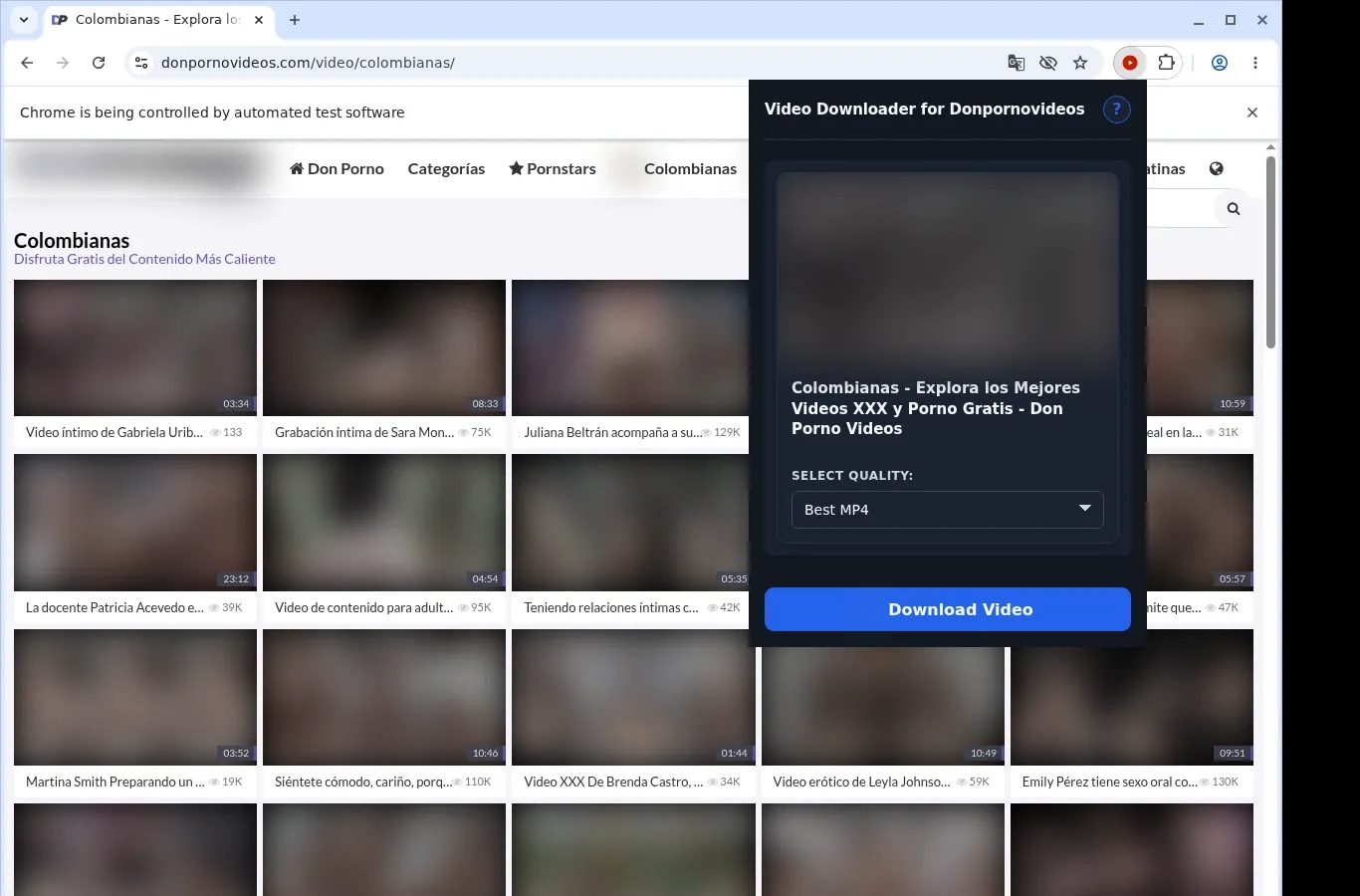
How It Works
- Go to the video page: Visit the Donpornovideos page holding the clip you'd like to keep, and wait for it to load as usual.
- Let it find the source: Click the extension so it can locate the video source available on that page and present a download choice.
- Pick a format and download: Choose a file option from the format menu, and the finished video is saved to your device.
What It Does
- Keeps Donpornovideos videos on your device so you can watch them offline any time.
- Starts grabbing the current video with one click while you're on its page.
- Lets you begin a download from the extension's toolbar popup.
- Handles a single clip per session, which keeps things straightforward.
- Relies on the browser's own download system, so there is little to learn.
- Shows progress in the built-in download list of your browser.
Donpornovideos Downloader vs. Online Downloader Site
Format choices come from what the Donpornovideos player actually offers, rather than from whatever an outside website happens to produce.
| Donpornovideos Downloader | Online Downloader Site |
|---|---|
| MP4 is listed as the format Donpornovideos provides | The formats on offer depend on which web tool is used |
| The MP4 stays as it was, with no conversion | A tool may alter the file type while processing it |
| MP4 is selected from the extension's own format menu | You get only the choices that the outside site presents |
| Finished MP4 files open in ordinary video players | Whether the output plays depends on how the tool processes it |
| Behavior stays consistent and easy to predict for Donpornovideos | Outcomes can vary from one downloader website to the next |
Compatibility
Browsers: Chrome, Edge, Brave, Opera, Whale, Yandex
Works With:
- Donpornovideos video pages that are open in the current tab
- Direct MP4 video that becomes available once the player has loaded
- Desktop browsers on Windows, macOS and Linux
- Chrome, Edge, Brave, Opera, Whale and Yandex
Not Designed For:
- Safari and mobile browsers
- Videos with no compatible direct MP4 exposed
- Content your current browser session cannot access
- Media protected by DRM
- Saving many videos in bulk across pages
FAQ
How do I begin a download from Donpornovideos? Open the video page and wait for the player to load. Then click the extension icon in the toolbar, and a download option appears in the popup once a compatible MP4 is found.
Where do the saved videos end up? They go into a Donpornovideos folder within your browser's default download location. Your browser settings let you change that location.
Is it possible to download several videos together? No. The extension takes one video per session, so finish the current download before heading to another video.
Which video format do I get? The MP4 is taken directly from the page. It isn't converted, so it stays an MP4 and is ready to play.
Know Before You Use It
- The page must expose a compatible direct MP4 for the extension to use
- A file may only show up after the player has started
- What you can watch in your session is decided by the source site
- Availability may differ from one video page to the next
Only download videos you own or have permission to save.


