

DrPornofilme Video Downloader | Download DrPornofilme Videos
Pricing
Pay per usage
DrPornofilme Video Downloader | Download DrPornofilme Videos
Download DrPornofilme videos from within your browser, staying on the page the whole time.
Pricing
Pay per usage
Rating
0.0
(0)
Developer

SERP Downloaders
Maintained by CommunityActor stats
0
Bookmarked
2
Total users
1
Monthly active users
5 days ago
Last modified
Categories
Features
Share
DrPornofilme Video Downloader | How to Download DrPornofilme Videos
Download DrPornofilme videos from within your browser, staying on the page the whole time.
Start playing a DrPornofilme video and the extension detects the active source on its own. It lists the format and quality options the player offers, you choose one, and the file shows up in the browser's regular download list.
Get it Here
👉 Get it here: DrPornofilme Video Downloader
- ✅ Nothing you download is sent through our servers
- ✅ No ads, tracking or analytics are included
- ✅ Compatible with Windows, Mac and Linux
- ✅ Support is handled by email by the creators themselves
Preview
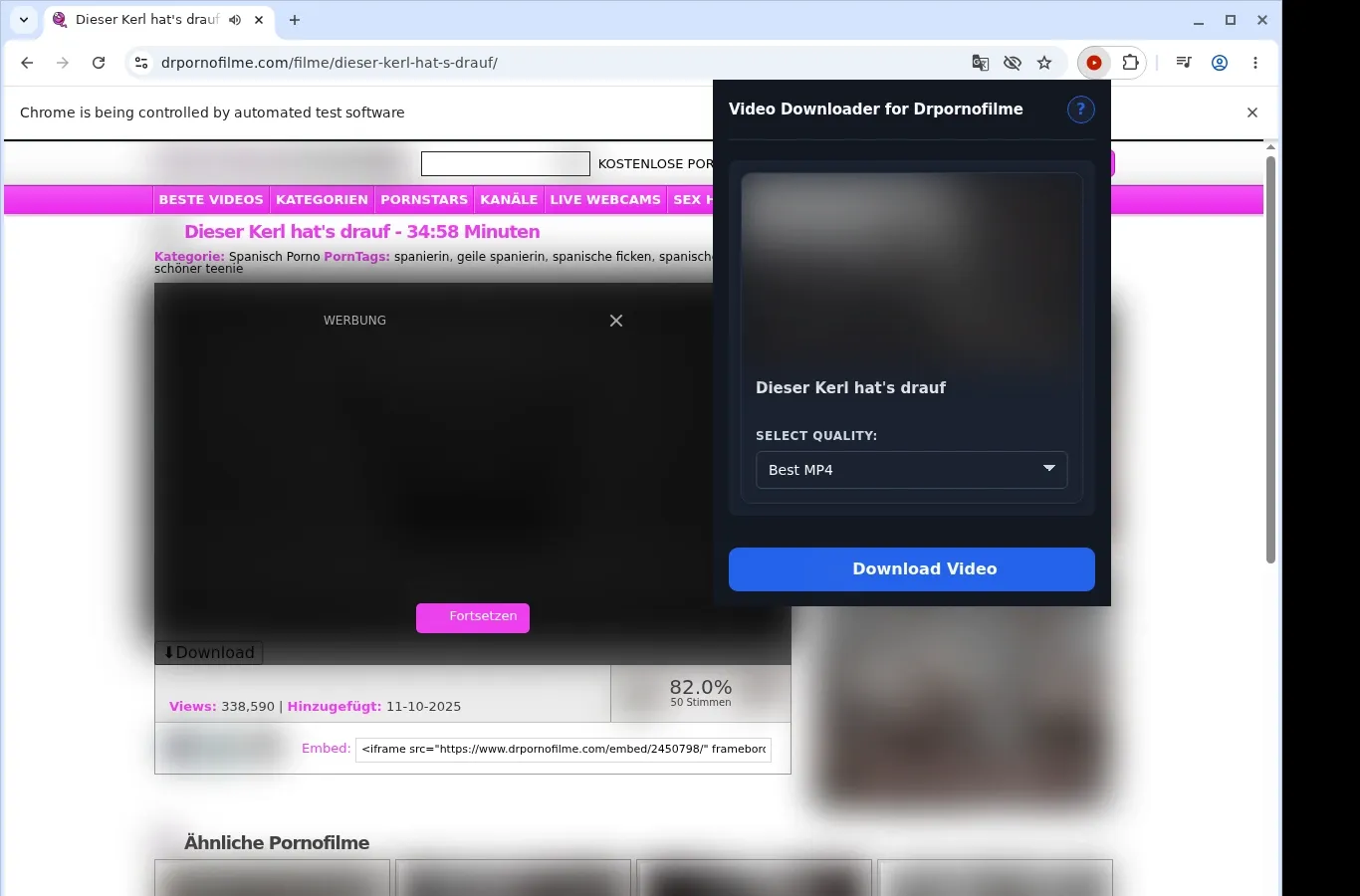
How It Works
- Head to DrPornofilme: Browse to the page with the video you want and allow it to load in the usual way.
- Find the source: Click the extension, which looks for the video source on the page and shows a download choice.
- Choose and save: Pick from the file options in the format menu, and the finished video is stored on your device.
What It Does
- Brings DrPornofilme videos onto your device.
- Starts a download from the button on the video page you're viewing.
- Offers the toolbar icon as a second way in.
- Takes one video at a time, so the process stays simple.
- Hands every transfer to the browser's built-in download manager.
- Lets you check how far along a download is in your browser's own list.
DrPornofilme Video Downloader vs. Online Downloader Website Access
The on-page button and the toolbar popup both let you begin without navigating away.
| DrPornofilme Video Downloader Access | Online Downloader Website Access |
|---|---|
| Press the button on the video page you have open. | You copy the DrPornofilme page address and exit the site. |
| The toolbar icon gives you another way in. | The only route is pasting a link into an outside site. |
| Either route works on the video that is open now. | An external tool might not identify the video from a bare page link. |
| Your DrPornofilme link isn't handed to another service. | The page address gets submitted to a third-party website. |
| Everything remains in the browser where you're watching. | The work moves to another site's controls and interface. |
Compatibility
Browsers: Chrome, Edge, Brave, Opera, Whale, Yandex
Works With:
- Video pages on DrPornofilme
- Extension-capable desktop browsers
- Videos your current browser session can view
- Pages that offer a usable video source
- Linux, macOS and Windows desktops
Not Designed For:
- Browsers on mobile devices
- Safari
- Streams that are DRM-encrypted or protected
- Videos that were removed or can't be reached
- Bulk crawling or scraping galleries
- Bypassing private, paid, regional or age-gated access
FAQ
What is the way to download a DrPornofilme video? Open the video page and wait for it to load. Once playback begins, a download button appears on the page, and the extension's toolbar icon works too.
Where on my computer do saved videos end up? Every file is placed automatically in a dedicated Drpornofilme folder inside your browser's default download location, which makes them simple to locate.
Which format will the file have? MP4, which is the format DrPornofilme provides. Nothing is converted, so the quality is unchanged.
May I download two videos simultaneously? No, one video is processed at a time. Let the current download complete before you begin another from a different page.
Know Before You Use It
- The page you're on has to offer a video option that can be saved
- You should already be able to watch the video in your browser
- The extension may need playback to start before it detects the source
- Which quality options you see depends on the player or host
Only download videos you own or have permission to save.


