

FreeOnes Forum Video Downloader
Pricing
Pay per usage
FreeOnes Forum Video Downloader
Download FreeOnes Forum videos from the very page you're viewing, with no break in your browsing.
Pricing
Pay per usage
Rating
0.0
(0)
Developer

SERP Downloaders
Maintained by CommunityActor stats
0
Bookmarked
2
Total users
1
Monthly active users
14 days ago
Last modified
Categories
Features
Share
FreeOnes Forum Video Downloader | How to Download FreeOnes Forum Videos
Download FreeOnes Forum videos from the very page you're viewing, with no break in your browsing.
The FreeOnes Forum Video Downloader blends into the page and shows a save option when you need one. It targets supported video posts and picks up compatible media that the current tab exposes. After the player loads the source, a single click saves MP4 files or HLS streams.
Get it Here
👉 Get it here: FreeOnes Forum Video Downloader
- ✅ Files go straight to your device and never pass through our servers
- ✅ Free of ads, tracking and analytics
- ✅ Runs on Windows, Mac and Linux
- ✅ Support by email, handled by the team that made the tool
Preview
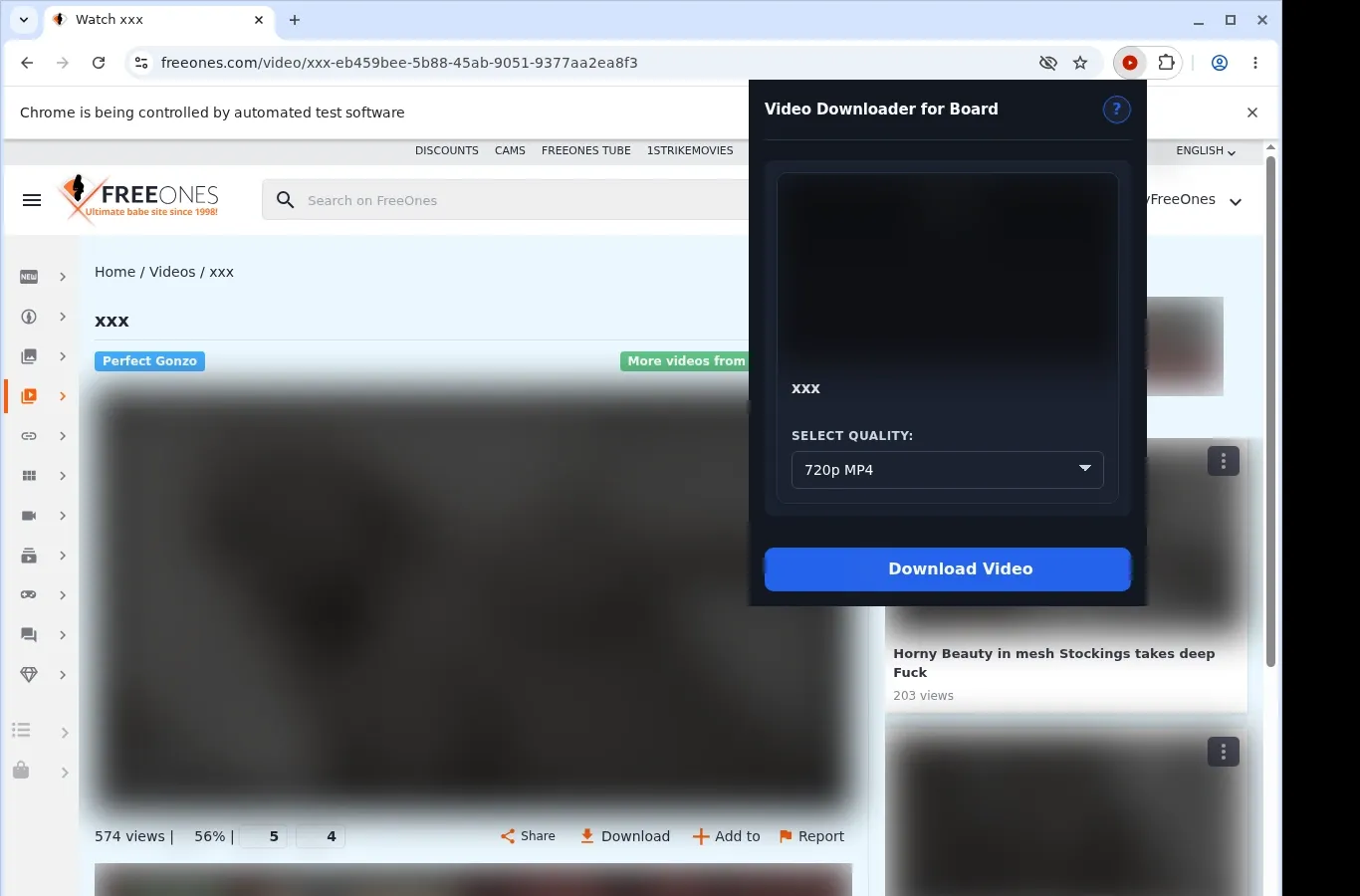
How It Works
- Find the video post: Head to FreeOnes Forum and open the video that you'd like to keep.
- Start playback: Press play so the page loads the media source completely.
- Save it: Trigger the extension and the video is saved through your browser.
What It Does
- Saves forum videos from FreeOnes Forum through your browser.
- Makes the downloader reachable while a video is playing on the forum.
- Gives you an alternative start in the extension popup on the toolbar.
- Aims at the one video open in your current browser tab.
- Passes the file to your browser's built-in download manager.
- Lets you watch the status in your browser's download list.
FreeOnes Forum Video Downloader vs. Link-Based Online Downloader
The extension sees the video that's playing on your forum page, whereas a pasted link can lose the embed context.
| FreeOnes Forum Video Downloader | Link-Based Online Downloader |
|---|---|
| Aims at the exact video open in your tab | A link you submit might leave out the active video embed |
| Works only on the current FreeOnes Forum page and the video on it | General-purpose tools often can't see your session or the state of the player |
| Reachable while you view a forum video | You have to leave the forum and paste the link somewhere else |
| Relies on the download manager already in your browser | The work is done on a separate site that you have to visit |
| Files go into their own FreeOnes Forum folder on their own | Files might end up in a generic folder or on a results page |
Compatibility
Browsers: Chrome, Edge, Brave, Opera, Whale, Yandex
Works With:
- Video pages on FreeOnes Forum
- Desktop browsers that support extensions
- Videos your current browser session can access
- Pages that offer a usable video source
- Windows, macOS and Linux
Not Designed For:
- Browsers on mobile devices
- The Safari browser
- DRM-encrypted or otherwise protected streams
- Videos that were removed or are unavailable
- Bulk crawling or scraping galleries
- Getting around private, paid, regional, age-gated or permission restrictions
FAQ
What's the way to save a FreeOnes Forum video? Open a video post on the forum and let the player load the media. Then choose the extension's save option. The video source is detected on its own once it becomes available.
Where do I find the downloader while a video plays? It shows up on the page as you watch. Alternatively, open it from the extension's toolbar popup.
Can the extension save more than one video at a time? No. It concentrates on the video that's open in your current tab, which keeps things simple and avoids mix-ups between downloads.
Which download manager handles the file? Your browser's own. The file appears in the browser's download list, where you follow its progress like you would with any other download.
Know Before You Use It
- The page has to expose a video option that can be saved
- You need to be able to watch the video in your browser already
- The extension may need playback to be running before it detects the active source
- Which quality options you see depends on the player or host
Only download videos you own or have permission to save.
