

Femdom JOI Video Downloader | How to Download Femdom JOI Videos
Pricing
Pay per usage
Femdom JOI Video Downloader | How to Download Femdom JOI Videos
Save Femdom JOI videos from the page you have open and enjoy them offline.
Pricing
Pay per usage
Rating
0.0
(0)
Developer

SERP XXX
Maintained by CommunityActor stats
0
Bookmarked
2
Total users
1
Monthly active users
14 days ago
Last modified
Categories
Features
Share
Save Femdom JOI videos from the page you have open and enjoy them offline.
Build an offline collection from what you stream, in just a few steps. On a Femdom JOI page that plays video, the extension quietly spots the active source as you watch, then lists the formats and qualities you can pick from.
Get it Here
👉 Get it here: Femdom JOI Video Downloader
- ✅ Downloads never go through our servers
- ✅ Ad-free, tracker-free, analytics-free
- ✅ Runs on Windows, Mac, and Linux
- ✅ Email support from the people who made it
Preview
How It Works
- Open the page: Go to the Femdom JOI page that has the video and let it load in your browser.
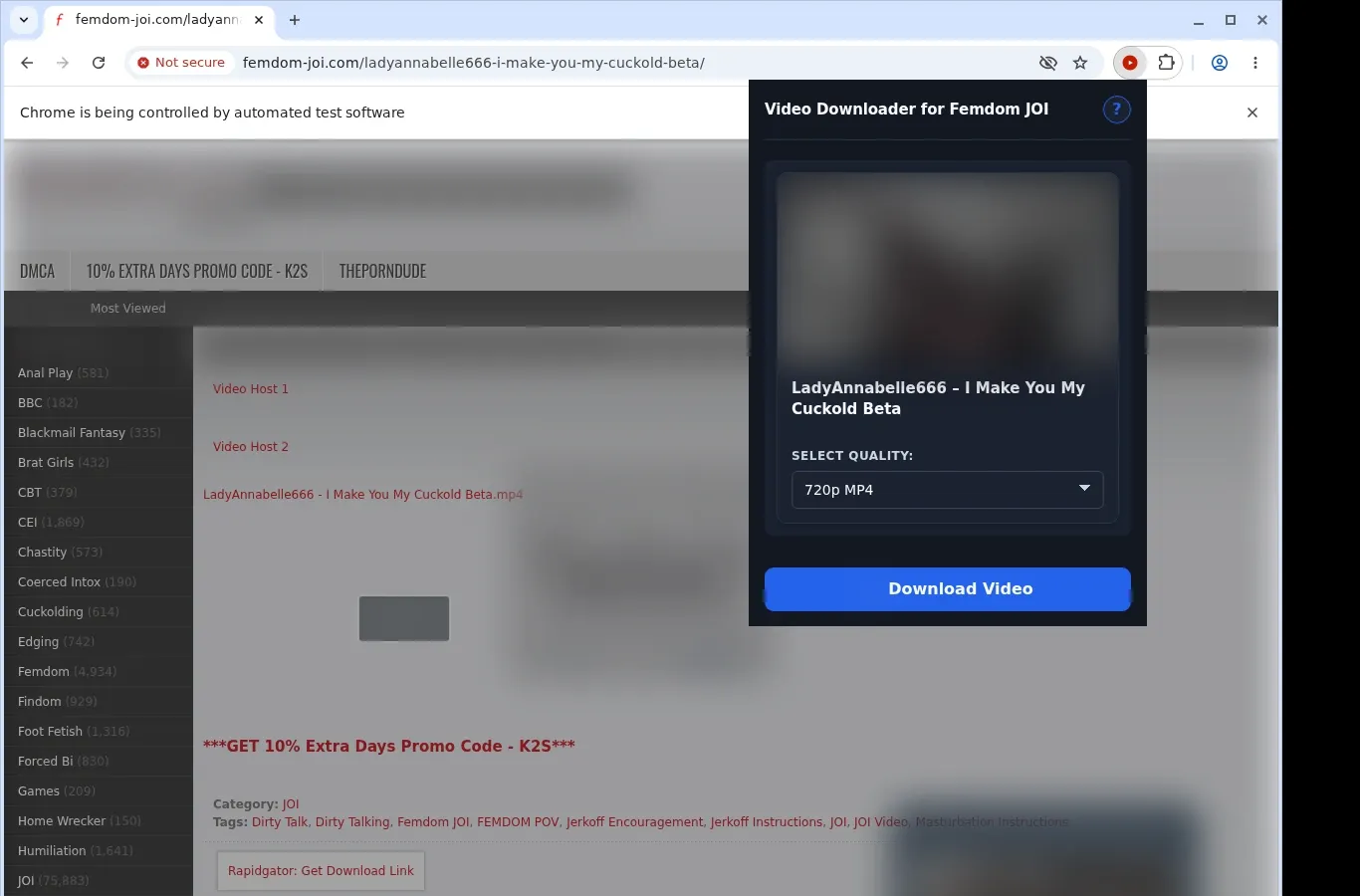
- Let it detect: Open the extension, which finds the video source and shows a download option for the page.
- Select and save: Pick a file option from the format menu and the finished video is saved to your device.
What It Does
- Keep Femdom JOI videos on your own device.
- Press the visible download control on the current video to begin saving.
- Click the toolbar icon to open a small panel that starts the transfer.
- One video per session keeps the download flow tidy.
- Each file is managed by your browser's regular download manager.
- Check how much has transferred in the usual downloads panel.
Femdom JOI Video Downloader vs. Online Downloader Website
Save Femdom JOI videos while staying on the page, with the player context intact.
| Femdom JOI Video Downloader | Online Downloader Website |
|---|---|
| Begins from the download button on the current video | You copy the page link and submit it on another site |
| Detects the video playing on the page you have open | A pasted link may lose player or session details |
| Remains within your browser's download manager | Progress relies on an outside site's interface |
| Files go to a dedicated Femdom JOI folder | The web tool decides the filename and folder |
| Keeps the MP4 format, no conversion | The output format can differ from site to site |
Compatibility
Browsers: Chrome, Edge, Brave, Opera, Whale, Yandex
Works With:
- Video pages on Femdom JOI
- Desktop browsers that support extensions
- Videos your current browser session can access
- Pages that expose a usable video source
- Windows, macOS, and Linux
Not Designed For:
- Mobile browsers
- Safari
- Streams with DRM encryption or protection
- Videos that are removed or unavailable
- Crawling in bulk or scraping galleries
- Bypassing private, paid, regional, or age-gated access
FAQ
How do I begin saving a Femdom JOI video? Open the video page and wait for it to load. Then press the download button on the page, or click the extension icon in your toolbar.
Where are my saved videos stored? In a dedicated Femdom JOI folder on your device, apart from your other downloads.
Which video format gets saved? The MP4 stream that Femdom JOI sends to your browser. The file stays MP4, with no conversion.
Is it possible to download several videos together? No. The extension works on one video per session, keeping the flow focused on the current page.
Know Before You Use It
- The page must expose a video option that can be saved
- The video has to be viewable in your browser already
- Playback might be needed before the active source is detected
- The current player or host determines the quality options
Only download videos you own or have permission to save.
