

Mobile.de Scraper — Vehicle Listings, Prices & Dealers
Pricing
from $0.42 / 1,000 vehicle listings
Mobile.de Scraper — Vehicle Listings, Prices & Dealers
Collect mobile.de vehicle prices, specifications, equipment, photos, and dealer information from searches and listing links.
Pricing
from $0.42 / 1,000 vehicle listings
Rating
0.0
(0)
Developer

Kelopr_bk
Maintained by CommunityActor stats
0
Bookmarked
2
Total users
1
Monthly active users
3 days ago
Last modified
Categories
Features
Share
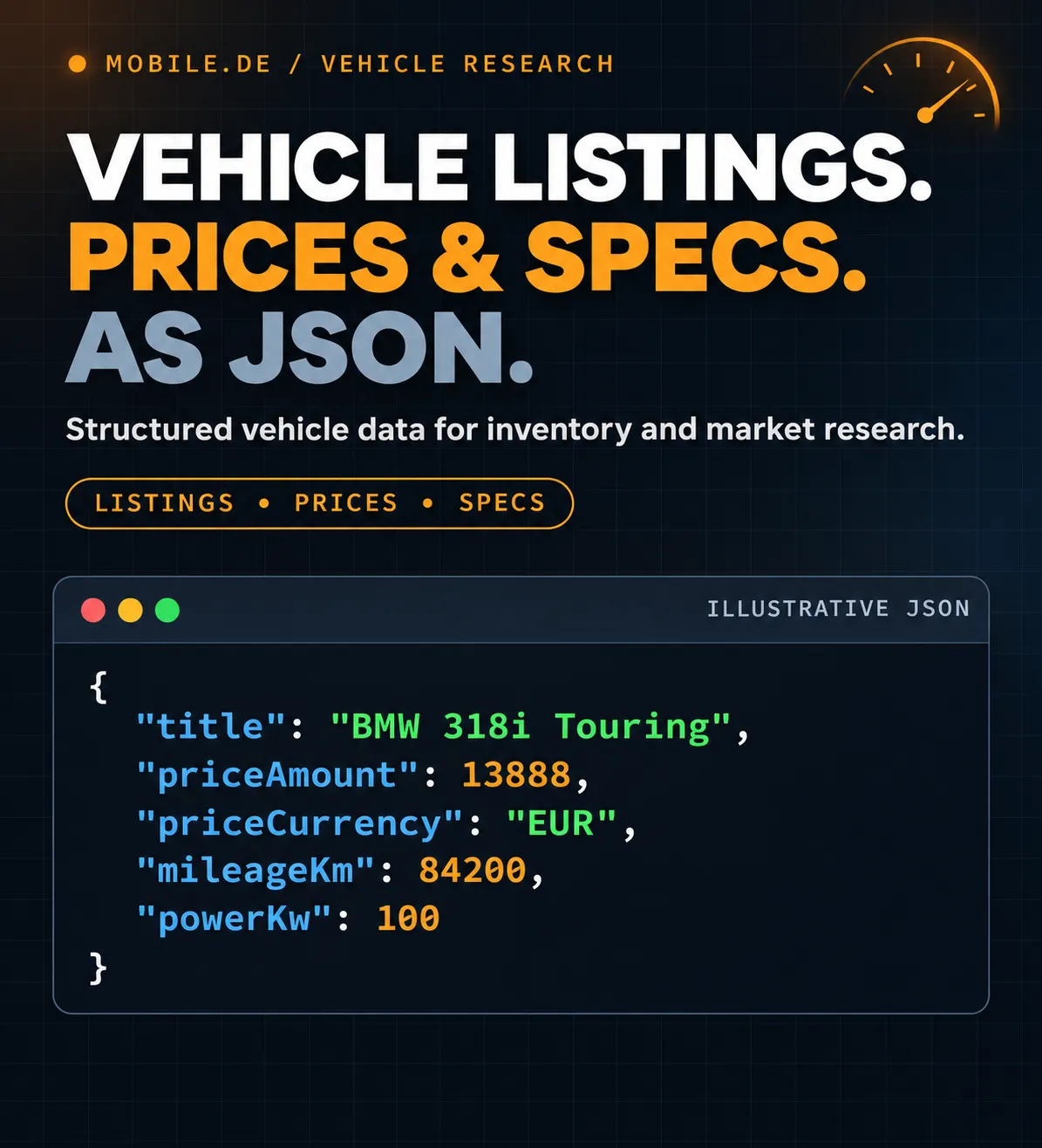
Mobile.de Scraper — Vehicle Listings, Prices & Dealers
Collect mobile.de vehicle listings for inventory research, pricing comparisons, and automotive data pipelines. Enter a search phrase, paste a filtered search link, browse a dealer's stock, or look up specific ads by link or ID. The default dataset contains one row per unique vehicle ad ID.
Listings is the quickest way to collect a shortlist. Details adds the published equipment, description, gallery, and available EV, finance, and dealer information, including public dealer reviews.
Start in Apify Console
- Select Listings or Details.
- Under Searches, listing links or dealer links, add one target per line. For a specific set of filters, apply them on mobile.de and copy the search results URL.
- Set Maximum vehicles and start the run. Open Vehicle listings for the results and Run summary to see why the run stopped.
- Export JSON for nested fields such as
seller,battery, andsourceAiSummary. Use the Vehicles table for a quick review of prices, mileage, registration, and seller information.
Choose a mode
| Mode | Use it for | What each row can include |
|---|---|---|
Listings (listings) | Building a shortlist or comparing a sample across searches or dealers | Data visible on a search card, including asking price, mileage, power, registration, seller details, and available image links. |
Details (details) | Reviewing condition, options, EV specs, advertised terms, or dealer feedback | Full listing data, including description, equipment, full available gallery, public dealer reviews, and optional fields such as battery and source AI summary. |
An individual listing URL or numeric ad ID uses Details even when Listings is selected. The row uses the Details rate. The detailsIncluded field identifies rows that were fetched from the full listing.
Input reference
| Setting | JSON key | Accepted values and behavior |
|---|---|---|
| Mode | mode | listings or details. Defaults to listings. |
| Searches, listing links or dealer links | targets | An array of 1–25 search phrases, filtered search URLs, individual listing URLs, numeric ad IDs written as strings, or public dealer links. The Console prefill uses a BMW search. |
| Maximum vehicles | maxItems | Integer from 1 to 500. The Console example starts at 5. When omitted from JSON, the runtime default is 20. This is a shared limit across the run. |
| Vehicle category | vehicleCategory | Car (default), Motorbike, or Motorhome. This applies to keyword and dealer storefront searches. A pasted search URL carries its own filters and category. |
Targets are processed in order. An early target can fill the shared limit. Run each target separately with the same limit when you need similarly sized samples. The Actor deduplicates by listing ID within a run, including cases where two searches overlap.
Search by make or model
Keyword entries use the selected vehicle category. For a motorcycle search, set "vehicleCategory": "Motorbike". For a particular model, fuel type, registration year, or mileage range, build the search on mobile.de and paste the filtered URL.
Keep a price filter and load the full ads
This example keeps the search's €8,000–€22,000 price range. The Actor uses the filters in the pasted URL and omits tracking and page-navigation parameters.
Browse a dealer's inventory
A dealer inventory search URL also works. Short home.mobile.de/<dealer> links are resolved when the storefront can be loaded. If the storefront is unavailable from Apify, use the dealer's inventory search link or a redirect URL with its numeric customerId. Extra storefront data depends on what the public page exposes.
Refresh specific ads
Links in the /auto-inserat/…/<id>.html format work too. Replace the sample IDs with IDs from your own export. Live inventory changes, so a listing can disappear between runs.
Compare electric vehicles
Set the fuel filter on mobile.de, then paste the filtered search URL and select Details. Use electricRangeKm and batteryCapacityKWh for numeric comparisons when available. The battery object can carry source-provided battery health, certification, and warranty information. Preserve the units, test cycle, and wording in attributes when comparing the advertised values.
Read the results
Open Vehicles for the main pricing and seller columns or Vehicle specs for equipment, technical attributes, battery data, and mileage metrics. The table views show selected columns. The full dataset JSON includes nested and optional fields.
Listing identity, condition, and pricing
| Field | Meaning |
|---|---|
id, url, title | Mobile.de ad ID, source URL, and advertised title. Keep the ID as a string when importing into a spreadsheet or database. |
shortTitle, subtitle, make, model, makeId, modelId | Published vehicle name, trim text, and source make and model identifiers where present. |
vehicleClass, bodyType, bodyTypeCode | Vehicle class and body style, with the source category code where available. |
priceAmount, priceCurrency, priceDisplay | Numeric gross asking price, currency code, and localized display text. Compare numeric prices within the same currency. |
priceNet, vatRate, vatDeductible, priceType | Source net price, VAT rate in percent, deductibility flag, and advertised price type when supplied. |
priceRating, priceRatingLabel, priceAssessment | Mobile.de's assessment and label. The assessment object can contain threshold labels or the source's reason for omitting a rating. |
isNew, condition, hasDamage, accidentFree, roadworthy | Separate source signals for new or used status, condition, current damage, accident history, and roadworthiness. An absent flag means the export has no value for it. |
stockNumber, kba, usedCarSealId, usedCarSeal | Seller stock reference, German type approval codes, and published used-car certification information when present. |
listingCreatedAt, listingUpdatedAt, listingRenewedAt, listingVersion | Source timestamps in UTC and the source's revision identifier. scrapedAt records when the Actor collected the row. |
Vehicle specifications and media
| Field | Meaning |
|---|---|
mileageKm, firstRegistration, constructionYear, previousOwners | Odometer reading in kilometres, first registration (typically YYYY-MM), build year, and previous owner count where published. |
powerKw, powerHp, engineCapacityCc, fuel, transmission | Power in kW and source metric horsepower (PS), engine capacity in cm³, fuel and gearbox. |
seats, doors, inspectionDue, exteriorColor, emissionClass | Seating, door configuration, advertised inspection date, paint color, and emission class. |
attributes, features, description, highlights | Source-tagged specification values, published equipment, readable ad copy, and listing highlights. An attribute contains a tag, source label, and value when supplied. |
imageUrls, imageCount, hasVideo | Unique image URLs, source image count, and available video flag. Search cards may expose fewer images than the full ad. |
battery, batteryCapacityKWh, electricRangeKm, energyConsumption, co2Emissions | Published battery and energy information. battery.stateOfHealth is a percentage when supplied and battery.certified carries the source flag. |
Seller, offers, and source AI summary
| Field | Meaning |
|---|---|
sellerType, sellerName, city, countryCode | Main location and seller columns. sellerName is available for a business seller when supplied. |
seller.id, seller.phones, seller.website, seller.hours | Public business identifiers, published phone numbers, website or storefront link, and opening hours. |
seller.addressLine1, seller.postalCode, seller.latitude, seller.longitude | Published business address and coordinates when available. Private-seller addresses, coordinates, and contact fields are excluded. |
seller.rating, seller.storefront | Source rating metadata and available storefront fields, such as address, aggregate rating, or public email. |
seller.reviews, seller.reviewCoverage | Public dealer reviews in Details and coverage for that dealer's review page. |
financeOffers, insuranceOffers, vehicleHistoryReportAvailable | Advertised offers and report availability. Financing terms are published examples and can change. |
sourceAiSummary | Optional mobile.de AI content for dealer listings in Details. Look under sourceAiSummary.highlights and sourceAiSummary.insights in the JSON export. |
sourceAiSummary is the Actor's export name for the source's aiSummary field. The Actor passes along the published content. The field appears only when mobile.de supplies it for a dealer listing, and it is outside the two preset table views.
Dealer reviews in Details
For dealer listings with a public review link, Details loads the first two review pages, up to 20 reviews per dealer. If several ads belong to the same dealer, the Actor fetches the review pages once per run and reuses those results. Use the JSON export to access seller.reviews. Listings retains the ratings and review totals published on search cards.
| Review field | Meaning |
|---|---|
id, rating, publishedAt | Public review identifier, overall score, and published date when available. |
positiveText, negativeText | The reviewer's published feedback about what went well and what could improve. |
dealerReply, dealerReplyPublishedAt | Published dealer response and its date when supplied. |
ratings.friendliness, ratings.responseTime, ratings.consulting | Individual scores published for those aspects of the experience. |
recommended, boughtVehicle, listingMatchedVehicle, helpfulCount | Available recommendation, purchase, and listing accuracy flags, plus helpful votes. |
seller.reviewCoverage shows sourceUrl, count, pagesFetched, and, when available, totalPublished and hasMore. Its status is available, empty, partial, or unavailable. If the review page cannot be read, the vehicle row and the available aggregate rating are still saved.
Calculated fields
| Field | Calculation |
|---|---|
vehicleMetrics.pricePer1000Km | Advertised gross price × 1,000 ÷ mileage in km. Requires a price and positive odometer reading. The result uses the listing's currency. |
vehicleMetrics.averageKmPerYear | Mileage × 12 ÷ elapsed months since first registration, rounded to a whole kilometre. Requires a registration month, a mileage figure, and at least 12 elapsed months. |
A missing field usually means the source or the selected mode had no value for that row. Treat a missing value separately from a reported zero or false. Source labels and free text can appear in German.
Example of a detailed record
This abbreviated example illustrates the JSON structure. Values depend on the ad and the fields mobile.de publishes.
Export and automate
Download JSON for the full record structure, including arrays and objects. For a spreadsheet, select the columns you need when exporting CSV or Excel. Use id to join exports. A recurring Apify Task can refresh the same input so you can compare priceAmount, priceCurrency, and listingUpdatedAt across runs.
Run from the API
Set APIFY_TOKEN in your environment. Start the Actor and pass the same JSON you would enter in Apify Console.
Read data.id and data.defaultDatasetId from the response. Poll GET /v2/actor-runs/{runId} until the run finishes, then request the default dataset. For larger exports, use the dataset endpoint's limit and offset parameters. Apify run API.
Pricing and run limits
| Event | Price |
|---|---|
| Actor start at default memory | $0.0001 per run |
| Vehicle listing | $0.42 per 1,000 saved vehicles |
| Vehicle details | $0.47 per 1,000 saved vehicles |
Apify platform usage is included. Each unique saved row incurs a single vehicle event at the appropriate rate. Empty runs still have the start fee. Duplicate rows, removed ads, and failed retrievals carry no vehicle event.
At these rates, a single run that saves 100 Listings costs $0.0421, including the start fee. A run that saves 100 Details costs $0.0471. Dealer reviews are included in Details. Use Apify's Maximum charge per run for a spending cap. Use Maximum vehicles when you want the same result limit across different searches.
Run summary and coverage
Open Run summary or the OUTPUT record in the default key-value store. It reports saved, listings, details, duplicatesSkipped, and unavailableListings. The sourceMatches count is the total reported for the initial search previews and can include overlap across targets. Compare saved with your requested limit for actual delivered coverage.
The review counters report how many dealers returned reviews (reviewedDealers), how many reviews were collected across those dealers (dealerReviewsFetched), and how many dealer review lookups were incomplete (unavailableDealerReviews).
| Summary status | Meaning |
|---|---|
item_limit_reached | The number of saved ads reached the requested limit. |
charge_limit_reached | The remaining Apify budget could not cover another result at the applicable rate. |
complete | The Actor finished processing the available result batches before hitting a limit. |
no_results | No rows were saved. Check sourceMatches and problems to distinguish a search with no matches from a source or availability problem. |
partial | Some rows were saved and a source error or sampling limit reduced coverage. The saved rows remain in the dataset. |
source_access_limited | Mobile.de restricted access during the run. Check the run log and the saved rows. |
invalid_input | A supplied parameter or URL format could not be validated. The summary explains what to correct. |
For searches larger than the initial source preview, the Actor samples across price ranges while retaining the search's filters and removing overlaps. Broad searches can differ from the website's ranking and may miss listings in dense price ranges. Use narrower search filters for repeatable comparisons. An ad missing from one sample can still be live.
For full review history, follow the dealer review page linked in seller.reviewCoverage.sourceUrl. Vehicle history report availability is a source flag.


