

Foodpanda Scraper: No Login, Menus, Prices, 7 Countries
Pricing
from $1.75 / 1,000 restaurants
Foodpanda Scraper: No Login, Menus, Prices, 7 Countries
Scrape Foodpanda restaurants and full menus with prices in 7 countries: PH, SG, MY, TW, HK, PK, BD. Get name, rating, reviews, delivery fee, minimum order, delivery time, address, opening hours and menu items. Pick cities from a list. No login. Export to JSON, CSV or Excel.
Pricing
from $1.75 / 1,000 restaurants
Rating
0.0
(0)
Developer

Wiseus Labs
Maintained by CommunityActor stats
0
Bookmarked
4
Total users
0
Monthly active users
a day ago
Last modified
Categories
Features
Share
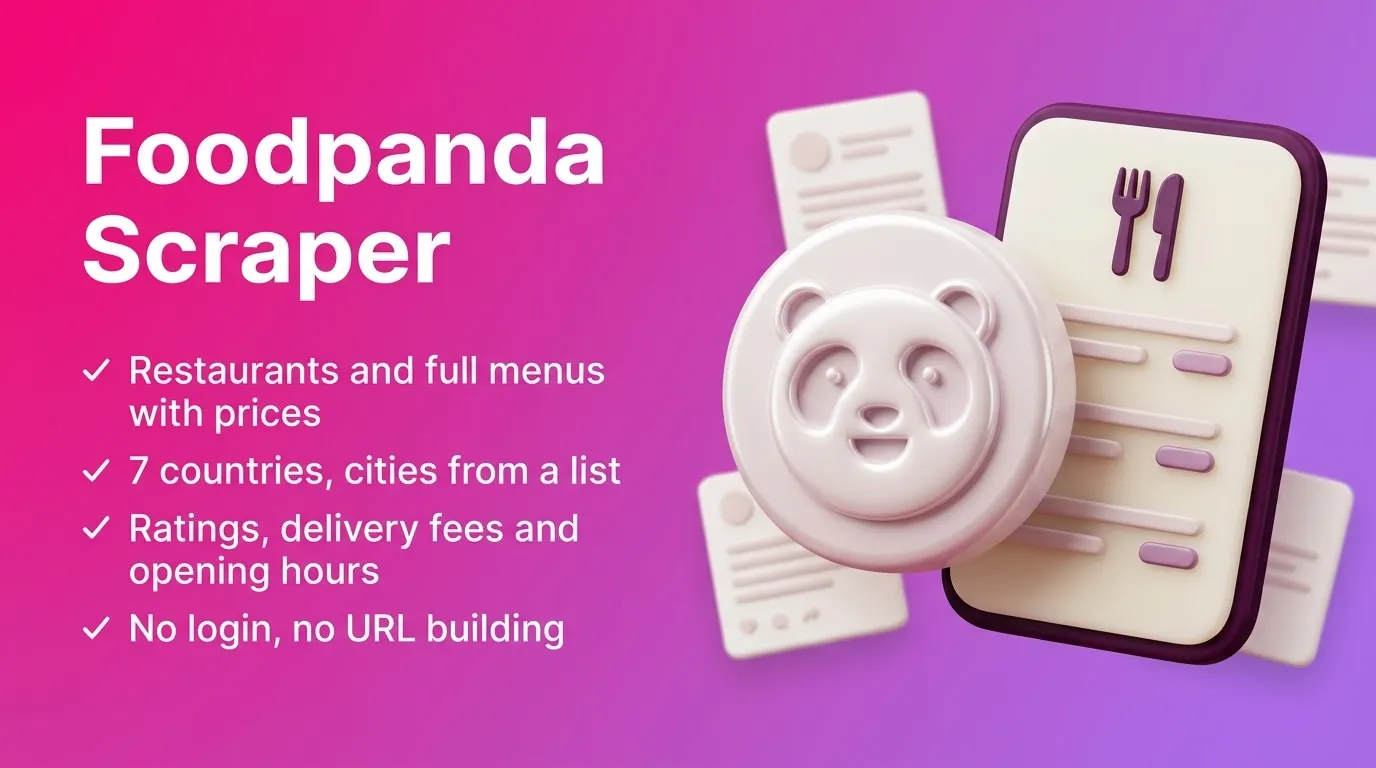
Foodpanda restaurants and menus for the cities you pick: name, rating, delivery fee, minimum order, delivery time, address, opening hours and menu items with prices, exported to JSON, CSV or Excel. Also: seven countries in one run, your own coordinates or vendor codes as input, and duplicates across search points removed.
Copy to your AI assistant
Key inputs: cities (picked from a list), maxRestaurants (default 50), scrapeMenus (default on), expeditionType (DELIVERY or PICKUP), customLocations, vendorCodes with vendorCodesCountry.
🍜 What is Foodpanda Scraper?
Foodpanda Scraper collects restaurants and their menus from Foodpanda in seven countries and saves one clean row per restaurant, ready for a spreadsheet, a dashboard or your own code.
- Seven countries: Philippines, Singapore, Malaysia, Taiwan, Hong Kong, Pakistan and Bangladesh.
- Cities from a list: pick them in the form, no links or coordinates to look up.
- Menus with prices: categories, items, prices, discounted prices and sold-out flags.
- Delivery data: delivery fee, minimum order, estimated delivery time and distance from the search point.
- Your own search points or known restaurants: add coordinates or vendor codes.
- Duplicates removed across all your cities and search points.
- No Foodpanda account, no login.
| Group | What you get |
|---|---|
| 🏪 Restaurant | 🔖 name and vendor code · 🔗 restaurant link · 🏷️ chain name and code · 🍽️ cuisines · 🟢 open or closed |
| ⭐ Rating | ⭐ rating value · 💬 number of ratings |
| 🛵 Delivery | 💸 delivery fee and fee without promo · 🧾 minimum order · ⏱️ delivery time · 📏 distance |
| 📍 Place | 🏠 address, city, postcode · 🌐 coordinates · 🕒 weekly opening hours |
| 📋 Menu | 🗂️ categories · 🍔 items with description and image · 💰 price and discounted price · 🚫 sold out, alcohol and bundle flags |
| 🖼️ Media | 🖼️ logo and listing image |
🚀 Quick start
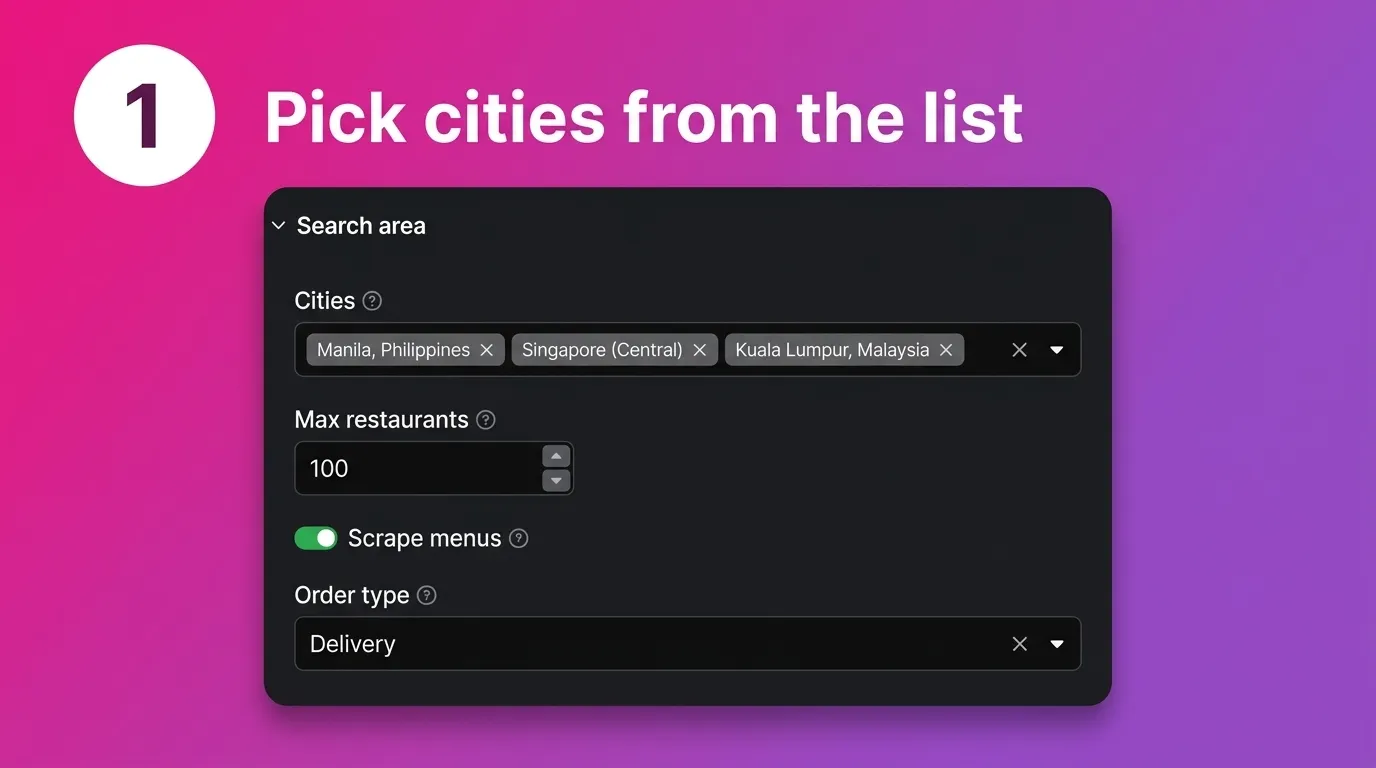
- Pick one or more cities and set how many restaurants to save.
- Click Start, or run it from your code or an AI agent.
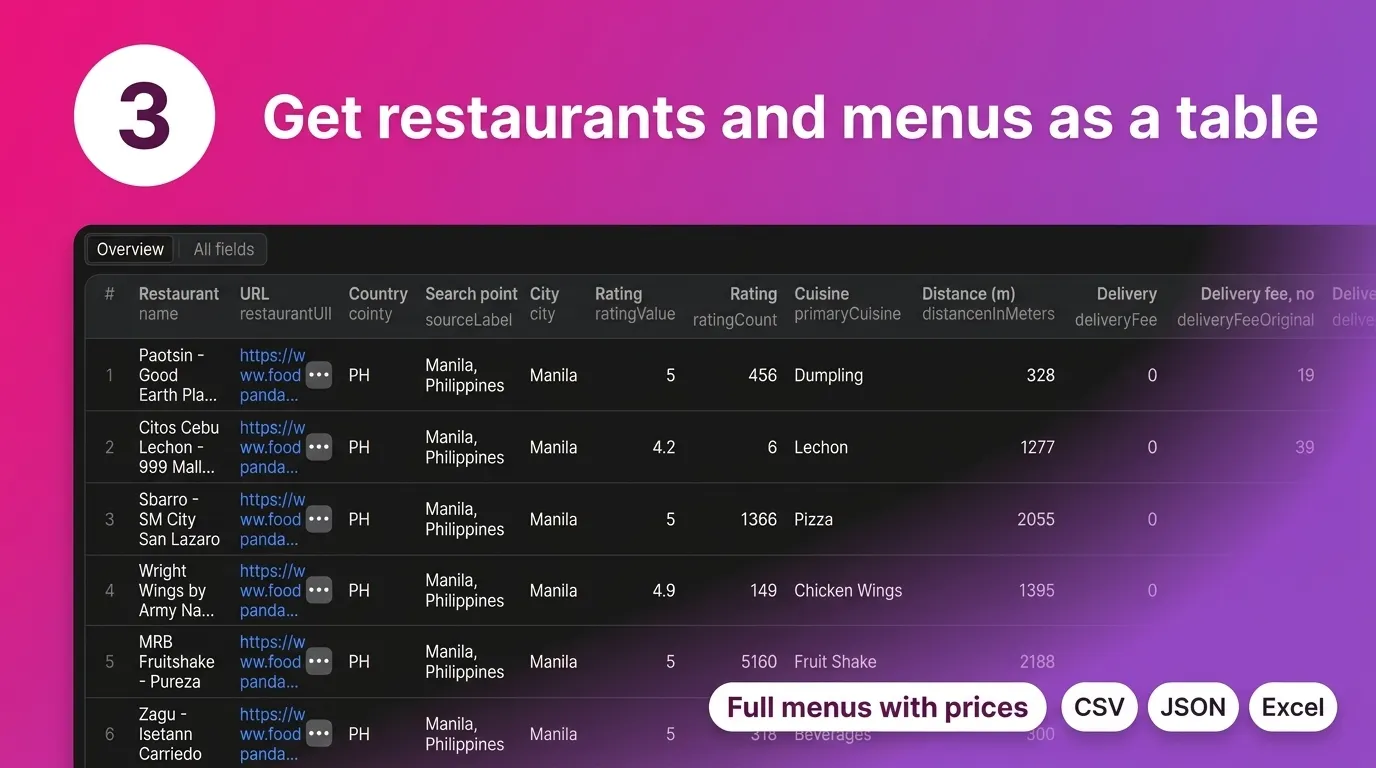
- Open the table and download it as JSON, CSV or Excel.
The form starts with Manila selected, so you can press Start right away.
🍳 How to scrape Foodpanda: input recipes
1. Restaurants and menus in one city
Menus with prices for a price comparison or a menu database.
2. Market overview across countries
Ratings, delivery fees and delivery times in several countries, without menus.
3. Pickup restaurants
Restaurants that offer pickup instead of delivery.
4. Your own search point
A neighborhood that is not in the city list, by coordinates.
5. A fixed list of restaurants
Known restaurants by vendor code, for example to track their menus and prices on a schedule.
⚙️ Input
The form opens with cities and the main options. Your own search points and vendor codes are in the sections below.
| Field | What it does | Default |
|---|---|---|
cities | Cities to search, picked from a list; the country comes from the city. | Manila |
maxRestaurants | Restaurants to save in total, shared between your cities and search points. | 50 |
scrapeMenus | Also save the menu, address, cuisines and opening hours of each restaurant. | on |
expeditionType | DELIVERY or PICKUP. | DELIVERY |
customLocations | Your own search points: country, latitude, longitude, optional label. | none |
vendorCodes | Only these restaurants, by vendor code. | none |
vendorCodesCountry | Country of the vendor codes; needed with vendorCodes. | none |
Every field is explained in the Input tab.
📦 Output example
One real restaurant from a run on Manila. Shortened: one menu category with two items and two days of opening hours.
📋 Output fields
One row per restaurant.
- Restaurant:
vendorCode,name,restaurantUrl,country,sourceLabel,expeditionType,chainCode,chainName,availabilityStatus,isSuperVendor,deliveryProvider,verticalSegment,isDeliveryEnabled,isPickupEnabled,contactNumber,description,primaryCuisine,cuisines - Rating:
ratingValue,ratingCount - Delivery:
deliveryFee,deliveryFeeOriginal,minimumOrderValue,deliveryTimeMinMinutes,deliveryTimeMaxMinutes,distanceInMeters - Place:
addressLine1,addressLine2,city,postcode,latitude,longitude,openingHours - Menu:
hasMenu,menu(categories withcode,title,description,products) - Media:
logoUrl,listingImageUrl
Each item in menu[].products[] has code, title, description, imageUrl, isSoldOut, isAlcoholicItem, isBundle, isCustomizable, price, discountedPrice, dietaryAttributes, tags.
Fields with and without menus
| Field | Scrape menus off | Scrape menus on |
|---|---|---|
| Name, vendor code, restaurant URL | Yes | Yes |
| Rating value, rating count | Yes | Yes |
| Distance from search point, open/closed status | Yes | Yes |
| Logo and listing images | Yes | Yes |
| Delivery fee, minimum order value | Yes | Yes |
| Delivery fee without an active promo | No | Yes |
| Estimated delivery time | Yes | Yes |
| Chain name, chain code | Yes | Yes |
| Cuisines, primary cuisine | No | Yes |
| Full address, city, postcode, coordinates | No | Yes |
| Weekly opening hours | No | Yes |
| Menu categories and products | No | Yes |
Restaurants from vendorCodes come with the full set of fields.
What you don't pay for
- A restaurant found from two cities or search points: it is saved and charged once.
- Vendor codes that could not be loaded and searches without restaurants.
🔌 API and integrations
Get restaurants in one call:
Python:
- Price tracking: run the same input on a schedule and compare menu prices, discounts and delivery fees over time.
- Webhooks: get notified when a run finishes. See webhooks.
- Make, Zapier, n8n: use the Apify app or node and pick this Actor to send rows to Google Sheets, Airtable or a database. See integrations.
- API reference: the API tab on this page shows ready code for every language.
Use with AI agents (MCP)
Connect the Apify MCP server to Claude, Cursor or another AI assistant and add this Actor. Then ask in plain words, for example: "Get 50 pizza places in Manila from Foodpanda and compare their delivery fees and menu prices."
❓ FAQ
Which countries and cities are supported? Philippines, Singapore, Malaysia, Taiwan, Hong Kong, Pakistan and Bangladesh. Pick major cities from the list in the form, or add your own coordinates in Alternatively, add your own search points.
Do I need a Foodpanda account or login? No. You don't log in to Foodpanda. You only need an Apify account.
How do I get menus with prices?
Keep Scrape menus on. Each restaurant row then has a menu list with categories and items, each item with price and discountedPrice.
Can I scrape several cities in one run? Yes. Pick several cities, even in different countries. Max restaurants is shared between them in turns, so every city gets its part.
How do I scrape specific restaurants? Put their vendor codes in Vendor codes and choose their country. The vendor code is the short code in the restaurant's Foodpanda link.
Why does the same city give different restaurants from different points? Foodpanda shows restaurants near a delivery point, the same way the app does. Add several points with Custom locations to cover a large city; duplicates are removed.
Can I track menu prices and promotions? Yes. Run the same input on a schedule. Discounted prices and delivery fee promos come as Foodpanda shows them at run time.
How do I export Foodpanda data to CSV or Excel? After the run, open the Output tab and click Export. Choose CSV, Excel, JSON or another format.
💬 Feedback and support
Found a bug or missing a field? Open an issue on the Issues tab and tell us what you need.
Ready to try it? Open the input form, pick a city and click Start.


