

Bilibili Scraper: Videos, Comments, Danmaku & Creators (B站)
Pricing
from $16.00 / 1,000 videos
Bilibili Scraper: Videos, Comments, Danmaku & Creators (B站)
Bilibili (哔哩哔哩, B站) data without login: search videos by keyword with plays, likes, danmaku, favorites, comments, duration, tags and date; popular videos; every comment and danmaku of a video; creator profiles. Sort by most played, newest or most danmaku.
Pricing
from $16.00 / 1,000 videos
Rating
0.0
(0)
Developer

Zaiq
Maintained by CommunityActor stats
0
Bookmarked
2
Total users
1
Monthly active users
10 days ago
Last modified
Categories
Features
Share
Bilibili Scraper: videos, comments, danmaku and creators (B站, no login)
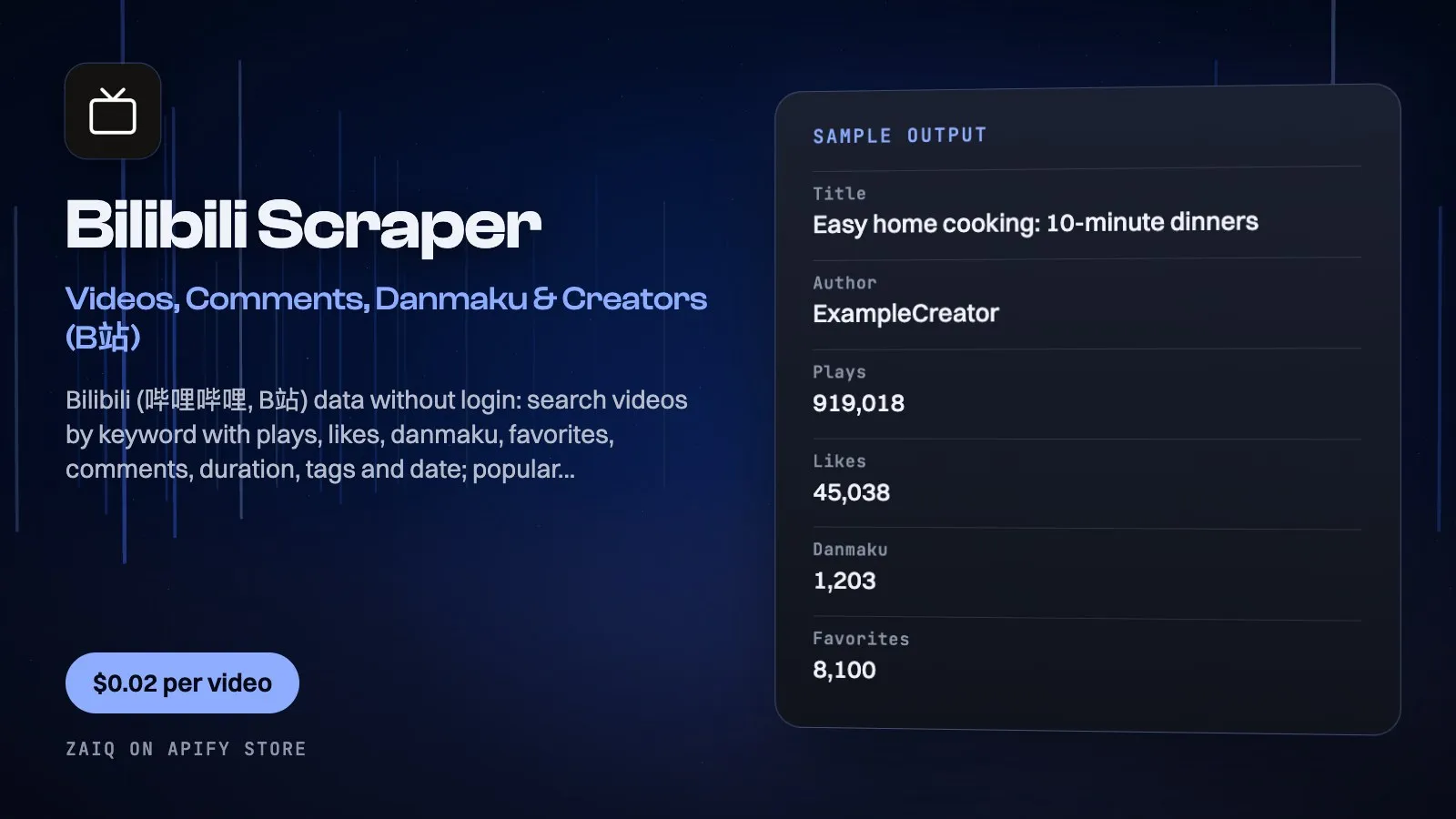
Get Bilibili (哔哩哔哩, B站) data without an account: search videos by keyword with plays, likes, danmaku, favorites, comment count, duration, tags, category and publish date; Bilibili's popular (热门) videos; every comment and danmaku (弹幕, on-screen comment) of a video; and creator (UP主) profiles with followers and video counts.
Built for China market research, brand and product monitoring on Chinese social video, influencer discovery and AI datasets. Chinese and English keywords both work; results come back in clean, consistent rows.
What you get
| Field | What it holds |
|---|---|
| Video rows | bvid, title, author, plays, likes, danmaku, favorites, comments, durationSeconds, publishedAt, category, tags, description, cover, url |
| Popular rows | the same plus coins, shares and Bilibili's recommendation reason |
| Comment rows | text, author, likes, replies, postedAt, location (IP region shown by Bilibili) |
| Danmaku rows | every on-screen comment of a video part with its time in the video (t, seconds) and when it was sent |
| Creator rows | author, followers, following, videos, likesReceived, level, verified, sign, avatar |
What people use it for
- China market research: see what Chinese viewers watch and say about a product, brand or category
- Influencer discovery: find the UP主 with the most-played videos for a keyword, then pull their profiles
- Brand monitoring: track new videos and comments that mention your brand, every day
- Content strategy: sort by most played or most danmaku to see what format works
- Audience reaction: danmaku show exactly which second of a video viewers reacted to
- AI and NLP datasets: Chinese-language comments and danmaku at scale
How to use it
- Add searches (Chinese or English), and choose the sort and video length.
- Optionally turn on Popular videos.
- For comments and danmaku, add video links (or BV ids).
- Add creator ids for profiles, then click Start.
Input
| Field | Example | Notes |
|---|---|---|
| Search videos | 美食 (food), 护肤 (skincare) | One per line; Chinese keywords find far more |
| Sort | Most played | Best match, most played, newest, most danmaku, most favorited |
| Video length | Any | Under 10 / 10-30 / 30-60 / over 60 minutes |
| Videos per search | 40 | Up to 1,000 |
| Popular videos | off | Bilibili's 热门 list |
| Video links | https://www.bilibili.com/video/BV... | For comments and danmaku |
| Comments per video link | 50 | Up to 5,000 |
| Danmaku | off | All on-screen comments, with timing |
| Creators | 546195 | mid or space.bilibili.com link |
Output
Each result is one row in the run's dataset (download it as JSON, CSV, Excel, XML or HTML, or read it through the API). An example row (values shortened):
A record named SUMMARY in the run's key-value store says what each input returned, with any notes (for example an account that does not exist), what was charged and how much traffic the run used.
Pricing
- $0.02 per video (search or popular)
- $0.003 per comment
- $0.03 per danmaku file (all on-screen comments of one video part)
- $0.02 per creator profile
- Empty searches, missing videos and refused calls are free
What typical jobs cost at the list price:
| Job | Cost |
|---|---|
| 40 videos for one keyword | $0.80 |
| 20 popular videos | $0.40 |
| 100 comments + danmaku of one video | $0.33 |
| 10 creator profiles | $0.20 |
On Apify's Scale and Business plans the per-event prices are lower (Store discounts). Set Maximum cost per run and the Actor stops cleanly when it is reached: you never pay more than that.
Tips
- Sort by Most played and set a length filter to find the format that wins in a category.
- Danmaku are the fastest way to see which moments viewers reacted to: each has its second in the video.
- Search in Chinese for the widest results (e.g. 护肤 for skincare).
Use it through the API
Python
JavaScript
HTTP (one call, results back)
Integrations and schedules
- Schedules: run it every hour, day or week from the Apify Console (Schedules) and keep a history of results.
- Make, Zapier, n8n, Google Sheets, Slack, Airtable: connect it through Apify's integrations, or send each finished run to a webhook.
- Datasets: results stay in the run's dataset; export them or read them by API whenever you need them.
Use it with AI agents (MCP)
Add Apify's MCP server (https://mcp.apify.com) to Claude, ChatGPT, Cursor, VS Code or any MCP client. The agent can find this Actor and run it for you: ask it for "the 40 most played Bilibili videos about electric cars". AI agents can also pay for runs directly through Apify's agentic payments.
Limits
- Signed out, Bilibili does not show a creator's full upload list or detailed video stats pages: use search to find a creator's videos.
- Bilibili returns up to 1,000 videos (50 pages) for one search.
- Comments: the replies Bilibili shows signed-out visitors, most-liked first.
- Public data only: you are responsible for how you use it under Bilibili's terms and the laws that apply to you, including China's PIPL.
FAQ
Do I need a Bilibili account or a Chinese IP?
No. Public data, read signed out from outside China.
Can I search in English?
Yes; Chinese keywords give the widest results.
What is danmaku?
Bilibili's on-screen comments (弹幕): viewers' comments pinned to a moment of the video.
Why do some videos show no danmaku?
New or small videos may have none; you are not charged.
Related Actors from Zaiq
- tiktok-transcript-scraper: TikTok videos and transcripts
- google-trends-scraper: how a topic trends on Google and YouTube
- amazon-product-scraper: what sells on Amazon in 23 countries
Support
Questions, a site that changed, or a field you need? Open an issue on this Actor's Issues tab: we answer there, usually within a day.
Also found as: bilibili scraper, b站 爬虫, bilibili api, bilibili comments, bilibili danmaku, 哔哩哔哩 数据, china social media scraper.


