

TikTok Transcript Scraper: Videos to Text by Hashtag or Link
Pricing
from $2.40 / 1,000 videos
TikTok Transcript Scraper: Videos to Text by Hashtag or Link
Turn TikTok videos into text: what is said in the videos of any hashtag, or in any video by its link, with plays, likes, comments, shares, saves, caption and music. Any language, no login. Optional comments. Pay per video and per transcribed minute.
Pricing
from $2.40 / 1,000 videos
Rating
0.0
(0)
Developer

Zaiq
Maintained by CommunityActor stats
0
Bookmarked
2
Total users
1
Monthly active users
6 days ago
Last modified
Categories
Security
Limited permissionsShare
TikTok Transcript Scraper: videos to text, by hashtag or link
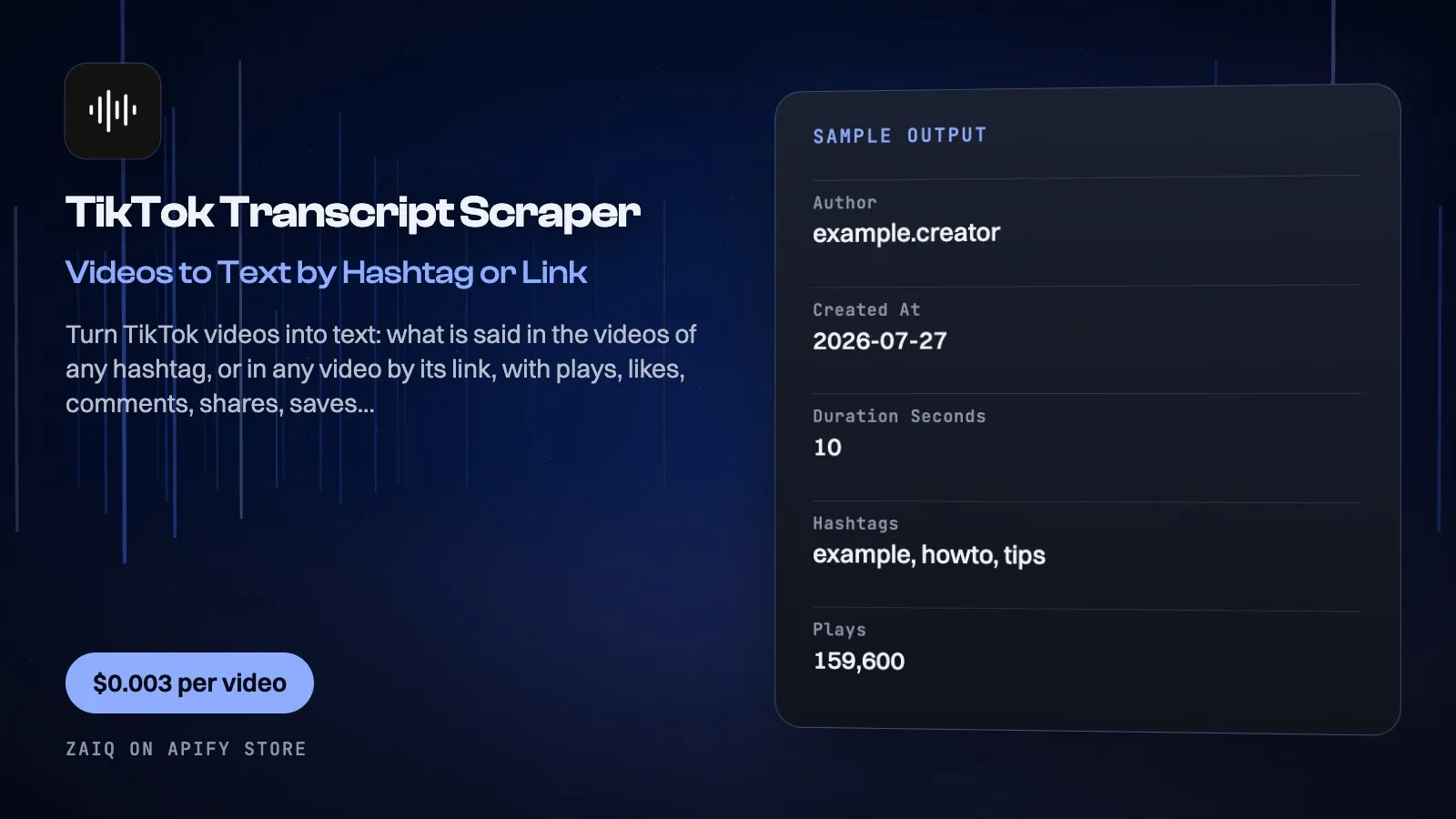
Turn TikTok videos into text. Give it hashtags or video links and get back what is said in every video, word for word and in the language spoken, with each video's plays, likes, comments, shares, saves, caption, hashtags, music and author. Add a video's comments too. No TikTok account, no cookies, no login.
Made for marketers, creators, researchers and AI pipelines that need the spoken content of TikTok videos, not only their numbers.
What you get
| Field | What it holds |
|---|---|
transcript | Everything said in the video, word for word (empty for music-only videos) |
hook, hookStartSeconds | The opening line: what is said in the first 3 seconds of speech, run on to the end of its sentence, and the second it starts |
segments, srt (Timestamps on) | Each sentence with its start and end in seconds, and an SRT subtitle file |
translation (optional) | The transcript in the language you pick, with transcriptLanguage and translationLanguage |
caption, hashtags, mentions | The video's own text |
plays, likes, comments, shares, saves | Engagement as shown publicly |
createdAt, durationSeconds | When it was posted and how long it is |
author, authorName | Who posted it |
music | The sound: title, author, original or not |
url, coverUrl | Links to the video and its cover |
| Hashtag row | The hashtag's total views and video count |
commentList (video links) | Comments with text, date, likes and replies |
What people use it for
- Trend research: read what the top videos of a hashtag actually say, then make your own
- Hooks and scripts: collect the first lines of winning videos in your niche
- Brand and product mentions: find what creators say about a product on camera
- UGC and ads: turn product videos into scripts for your own ads
- Content repurposing: turn TikTok videos into captions, blog posts and threads
- AI and research datasets: feed video transcripts and comments to an AI model or a dashboard
How to use it
- Add hashtags (without or with #) and/or video links.
- Choose how many videos per hashtag, keep Transcripts on, and for video links choose how many comments.
- Click Start. A hashtag's videos take about half a minute to list; each transcript a few seconds.
- Download the results as JSON, CSV or Excel, or send them to Sheets, Make, Zapier or your app.
Input
| Field | Example | Notes |
|---|---|---|
| Hashtags | cooking | TikTok's popular and recent videos for it |
| Video links | https://www.tiktok.com/@user/video/... | Any public video; vm.tiktok.com links work |
| Videos per hashtag | 20 | Up to 300 |
| Transcripts | on | Speech written down, any language |
| Timestamps and subtitles | on | Segments and an SRT file; no extra charge |
| Translate transcripts to | English | Optional, 19 languages; no extra charge from this Actor |
| Comments per video link | 0 | Up to 2,000 |
Output
Each result is one row in the run's dataset (download it as JSON, CSV, Excel, XML or HTML, or read it through the API). An example row (values shortened):
A record named SUMMARY in the run's key-value store says what each hashtag or link returned, with notes (for example a video with no speech, which is free), what was charged and how much traffic the run used. The example row is from a run on 17 October 2026 (creator name removed): a 10-second video whose speech is a sung line; 1 video and 1 transcript minute were charged.
Pricing
- $0.003 per video (each video or hashtag row returned)
- $0.15 per video list opened (once per hashtag: the list is read in a real browser)
- $0.01 per started minute of speech written down, with timestamps, SRT, the opening line and the translation (only with Transcripts on)
- $0.004 per 20 comments (video links, only when asked for)
- Music-only videos and hashtags TikTok shows nothing for are free
- The AI model that writes the speech down (Google's Gemini Flash) is billed by Apify at its exact cost: about $0.004 a minute with timestamps on paid Apify plans (measured 17 October 2026); Apify charges free-plan accounts 10 times that
What typical jobs cost at the list price:
| Job | Cost |
|---|---|
| 20 videos of a hashtag, no transcripts | about $0.21 |
| 20 videos of a hashtag with 1-minute transcripts | about $0.41 |
| 10 video links of 30-60 seconds with transcripts | about $0.13 |
On Apify's Scale and Business plans the per-event prices are lower (Store discounts). Set Maximum cost per run and the Actor stops cleanly when it is reached: you never pay more than that.
Tips
- Run a hashtag without transcripts first, then send the best videos' links back in with transcripts on.
- Several related hashtags in one run give a broader picture of a niche.
- Schedule it daily on a few hashtags to catch rising videos early.
- Comments are often more useful than the video: ask for 100 on the videos you study.
Use it through the API
Python
JavaScript
HTTP (one call, results back)
Integrations and schedules
- Schedules: run it every hour, day or week from the Apify Console (Schedules) and keep a history of results.
- Make, Zapier, n8n, Google Sheets, Slack, Airtable: connect it through Apify's integrations, or send each finished run to a webhook.
- Datasets: results stay in the run's dataset; export them or read them by API whenever you need them.
Use it with AI agents (MCP)
Add Apify's MCP server (https://mcp.apify.com) to Claude, ChatGPT, Cursor, VS Code or any MCP client. The agent can find this Actor and run it for you: ask it for "the transcripts of the top 10 #cooking TikToks". AI agents can also pay for runs directly through Apify's agentic payments.
Limits
- Public videos only, signed out. TikTok does not show signed-out visitors a profile's video list, so give video links for a creator's videos.
- A hashtag lists TikTok's popular and recent videos for it (about 30 a scroll), not every video ever posted.
- Videos up to 30 minutes are written down in full: long speech goes to the AI in 2-minute pieces, so it is not cut off.
- Public data only: you are responsible for how you use it under TikTok's terms and the privacy laws that apply to you.
FAQ
Do I need a TikTok account?
No. It reads public pages signed out.
Which languages work?
Any: the speech is written down in the language spoken.
How accurate are the transcripts?
Written by Google's newest Gemini Flash model from the video's own audio, word for word. Loud music can drop words.
Why is a transcript empty?
The video has no speech, only music or sounds. You are not charged for it.
Can I get all videos of a creator?
Give their video links. TikTok no longer shows a profile's video list to signed-out visitors.
How many comments can I get?
Up to 2,000 per video link.
Related Actors from Zaiq
- instagram-transcript-scraper: the same for Instagram reels
- youtube-transcript-scraper: YouTube transcripts and subtitles
- x-video-transcript-scraper: X posts and what is said in their videos
- google-trends-scraper: whether a topic is rising on Google and YouTube
Support
Questions, a site that changed, or a field you need? Open an issue on this Actor's Issues tab: we answer there, usually within a day.
Also found as: tiktok transcript, tiktok video to text, tiktok transcription, tiktok hashtag scraper, tiktok comments scraper, tiktok scraper api.


