

Facebook Reels Scraper: $2 per 1,000 Reels
Pricing
from $1.60 / 1,000 reels
Facebook Reels Scraper: $2 per 1,000 Reels
Paste links to Facebook reels or videos and get each one's play count, reactions, comments and shares, the page, date and caption, plus the change since your last run. For agencies and brands tracking campaigns and creators. No login or cookies. $2 per 1,000 reels, no start fee.
Pricing
from $1.60 / 1,000 reels
Rating
0.0
(0)
Developer

Zaiq
Maintained by CommunityActor stats
0
Bookmarked
2
Total users
1
Monthly active users
11 days ago
Last modified
Categories
Features
Share
Facebook Reels Scraper API: play counts, views, reactions and shares by link
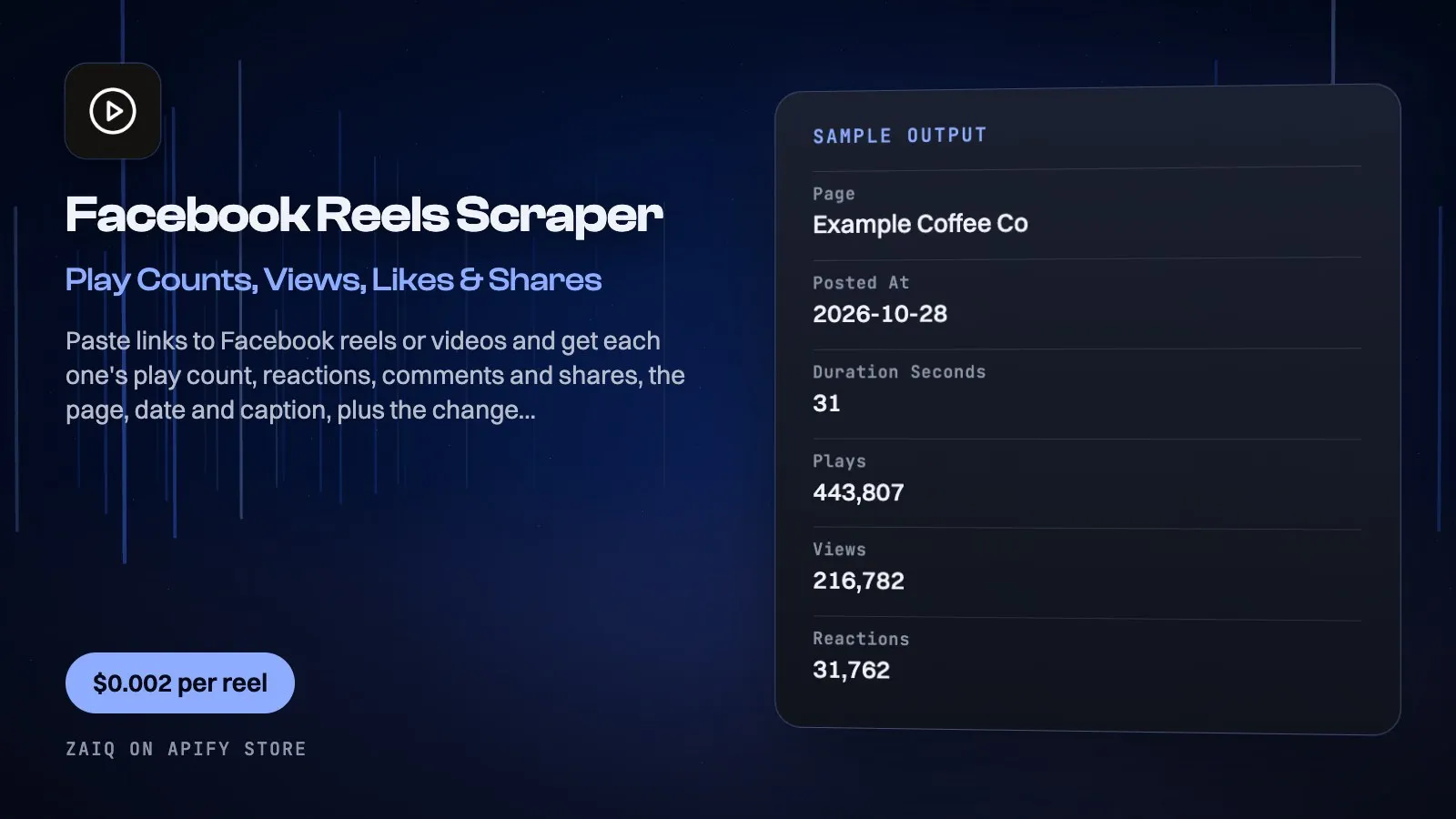
Paste links to Facebook reels or videos and get each one's play count, views, reactions (with the breakdown by type), comments and shares, plus the page, the date, the length and the caption.
Run it again under the same tracking name and every row shows the change since the last run, so a daily schedule becomes a play-count tracker. Built for influencer agencies, brands checking creators' reach, and media teams reporting on campaigns. No login, no cookies, and no start fee per run.
What you get
| Field | What it holds |
|---|---|
| The reel | url, reelId, page, pageUrl, postedAt, durationSeconds, caption, hashtags |
| The counts | plays, views, reactions, reactionsByType, comments, shares |
| The change | playsChange, viewsChange, reactionsChange, commentsChange, sharesChange, lastCheckedAt |
| The summary (a free row) | reels, total plays, views, reactions, comments, shares and their change, previousRunAt |
What people use it for
- Campaign reporting: track the reels a creator posted for you, every day, and report plays and their growth
- Creator vetting: check how many plays a creator's recent reels really get before you book them
- Competitor watching: follow rival brands' reels and see which ones take off
- Dashboards and alerts: call it from the API on a schedule and feed the counts into your own reports
How to use it
- Add reel or video links: facebook.com/reel/..., facebook.com/watch?v=..., a page's /videos/ link or fb.watch.
- Give a tracking name so the next run can show what changed.
- Run it now, or schedule it daily. Each reel read is one charged row.
Input
| Field | Example | Notes |
|---|---|---|
| Reel or video links | https://www.facebook.com/reel/1234567890123456/ | One per line. Repeats are read once. |
| Tracking name | spring-campaign | Runs under the same name show the change since the last run. |
| Include captions | true | Add each reel's caption. |
Output
Each result is one row in the run's dataset (download it as JSON, CSV, Excel, XML or HTML, or read it through the API). An example row (values shortened):
A record named SUMMARY in the run's key-value store says what each input returned, with any notes (for example an account that does not exist), what was charged and how much traffic the run used.
Pricing
- $2 per 1,000 reels on Free and Bronze, $1.80 on Silver, $1.60 on Gold and above.
- No start fee per run, so checking one reel at a time costs the same as a batch.
- Links that are private, gone or show no counts, and the summary row, are free.
- The Free plan reads 10 links a run.
What typical jobs cost at the list price:
| Job | Cost |
|---|---|
| One reel | $0.002 |
| 100 reels | $0.20 |
| 50 campaign reels, checked daily for a month | $3.00 a month |
On Apify's Scale and Business plans the per-event prices are lower (Store discounts). Set Maximum cost per run and the Actor stops cleanly when it is reached: you never pay more than that.
Tips
- Keep the same tracking name for a campaign:
playsChangethen shows growth since the last run. - Plays count every play; views is the separate number Facebook keeps. Report the one your client uses.
- A page's own /videos/ links work as well as /reel/ links.
Use it through the API
Python
JavaScript
HTTP (one call, results back)
Integrations and schedules
- Schedules: run it every hour, day or week from the Apify Console (Schedules) and keep a history of results.
- Make, Zapier, n8n, Google Sheets, Slack, Airtable: connect it through Apify's integrations, or send each finished run to a webhook.
- Datasets: results stay in the run's dataset; export them or read them by API whenever you need them.
Use it with AI agents (MCP)
Add Apify's MCP server with this Actor already pinned (https://mcp.apify.com?tools=zaiq/facebook-reels-scraper) to Claude, ChatGPT, Cursor, VS Code or any MCP client. The agent can find this Actor and run it for you: ask it for How many plays did these five Facebook reels get, and how much did they grow since yesterday?. AI agents can also pay for runs directly through Apify's agentic payments.
Limits
- Only what Facebook shows a signed-out visitor. Reels that are private, age-gated or region-locked come back as free notes.
- Counts, not people: no comment text and no lists of who reacted.
FAQ
Do I need a Facebook account or cookies?
No. It reads the reel's public page.
What is the difference between plays and views?
Facebook keeps two counters on a reel: plays counts every play, views is the number of views. Both are in each row.
Can it list every reel of a page?
Not yet: give the links to the reels you want read.
Can I schedule it?
Yes. Each run charges per reel read; the summary row and failed links are free.
Related Actors from Zaiq
- post-metrics-tracker: the same counts for posts on Instagram, TikTok, YouTube and X
- facebook-pages-scraper: a page's followers, contact details and category
- facebook-ads-library-scraper: the ads a page is running now
Support
Questions, a site that changed, or a field you need? Open an issue on this Actor's Issues tab: we answer there, usually within a day.
Also found as: Facebook reels scraper, Facebook reels play count, Facebook video views scraper, Facebook reels API, Facebook reels analytics, reel play count tracker, Facebook video scraper, influencer campaign tracking.


