

Pinterest Scraper $0.04/1K Pins: Search, Pins, Boards
Pricing
from $0.03 / 1,000 pins
Pinterest Scraper $0.04/1K Pins: Search, Pins, Boards
Get public Pinterest pins from keywords, boards, profiles and pin links. Image and video links, descriptions, engagement, creators and shopping data when available. No login. Pay only for delivered pins; board and profile summaries are free. $0.04 per 1,000 pins.
Pricing
from $0.03 / 1,000 pins
Rating
0.0
(0)
Developer

Zaiq
Maintained by CommunityActor stats
0
Bookmarked
2
Total users
1
Monthly active users
12 days ago
Last modified
Categories
Features
Share
Pinterest Scraper: search, pins, boards and profiles
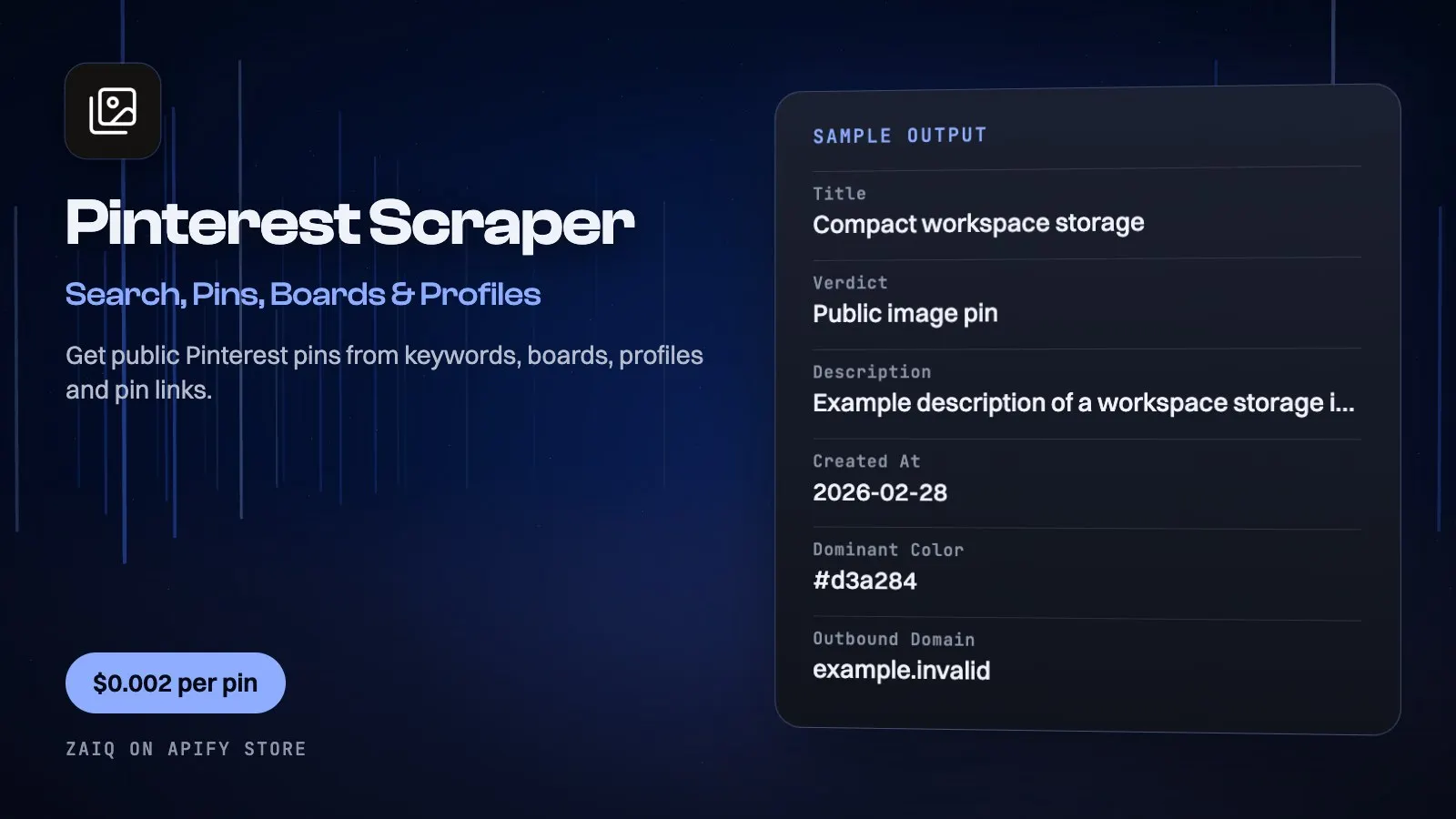
Get public Pinterest pins from keywords, boards, profiles or individual pin URLs. Each pin includes its text, image links and sizes, available video links and duration, creator and board, outbound website, and the engagement or shopping fields Pinterest exposes signed out.
$0.00004 per delivered pin ($0.04 per 1,000), the same price on every Apify plan. Board and profile summaries and unavailable-input notes are free. Apify’s $0.00005 start charge per run counts towards your Maximum cost per run.
Start with {"searches": ["desk setup"], "maxPinsPerInput": 25}: the default run returns 25 pins in a few seconds.
What you get
| Field | What it holds |
|---|---|
| Result and identity | verdict, kind, pinId, pinIdType, url, stable resultId |
| Text and date | title, description, createdAt, altText, dominantColor |
| Images | imageUrl, images[] with source URLs, width, height and size label. Files are never downloaded. |
| Videos | videoUrl, videoDurationSeconds, videos[]. Both MP4 and HLS links are returned when supplied. |
| Outbound website | outboundLink, outboundDomain |
| Engagement | saves, saveCountSource, repinCount, reactions, reactionCounts, commentCount. Missing counts are null, not zero. |
| Creator and saver | creator and savedBy with public username, display name and follower count when supplied. creatorSource distinguishes the original creator from a saver fallback. |
| Board | board with name, URL, ID and available counts |
| Shopping | product and taggedProducts[]: available price, currency, stock, brand and offers. Tagged products retain their own source pin IDs and links. |
| Provenance | input, inputType, position, relatedToPinId, sourceResource, observedAt, unavailableFields, note |
| Free summaries | One kind: board or kind: profile row per successful board or profile input. Profile summaries include the first 25 public boards and a truncation flag. |
| SUMMARY | Per-input outcome, delivered counts, request count, bytes, source timing, observed country and locale, charges and spending-limit status. |
What people use it for
- Content planning: Collect ideas and public media links for a keyword or topic.
- Trend research: Compare results for the same multilingual keywords over time, retaining their positions and observation dates.
- E-commerce research: Inspect outbound product links and the offer fields Pinterest exposes, including products tagged inside a pin.
- Board and creator monitoring: Collect a public board or a profile’s saved pins and compare separately scheduled exports.
How to use it
- Add a keyword in Search keywords, or put full URLs in Board URLs, Profile URLs or Pin URLs.
- Set Maximum pins per input and Maximum cost per run. The default is 25 pins per input.
- Start the Actor and open Pins and notes. Filter
kindtopinfor paid results, or tonote,boardorprofilefor free rows. - Download JSON, CSV or Excel. Read the
SUMMARYrecord for incomplete inputs and stopping reasons.
Input
| Field | Example | Notes |
|---|---|---|
| searches | ["desk setup"] | Keyword searches; each string is a separate input. |
| boardUrls | ["https://www.pinterest.com/example_profile/workspace-ideas/"] | Public boards. Use a board’s full URL. |
| profileUrls | ["https://www.pinterest.com/example_profile/"] | Public saved pins; this is not a created-pins-only filter. |
| pinUrls | ["https://www.pinterest.com/pin/900000000000000001/"] | Numeric pin IDs expose standalone details. Opaque e1_ IDs do not. |
| maxPinsPerInput | 25 | 1–1,000 pins per input. Related pins count towards the same limit. |
| includeRelated | false | For pinUrls only. Adds related pins after the original pin, without recursive expansion. |
| language | "en-US" | Language preference. German, French, Japanese and Brazilian Portuguese requests were tested. Content is not translated. |
| country | "DE" | Optional country for residential fallback addresses. It does not force the direct route into that country; SUMMARY shows the observed country. |
| maxChargeUsd | 0.05 | Optional extra spending cap. The lower of this and Apify Maximum cost per run applies. |
Output
Each result is one row in the run's dataset (download it as JSON, CSV, Excel, XML or HTML, or read it through the API). An example row (values shortened):
Example based on a real numeric-pin test on 25 October 2026. Names, handles, IDs, site and media addresses, title and descriptive copy were replaced; measured counts, dimensions and timestamps were retained. This is a shortened row. The SUMMARY record in the run’s key-value store explains every input’s result and what was charged.
Pricing
- $0.00004 per delivered pin, the same price on every Apify plan. Related pins use the same event.
- Board summaries, profile summaries, unavailable items, invalid inputs and failure notes have no pin charge.
- Apify’s $0.00005 start charge per run counts towards the buyer’s Maximum cost per run.
- A restarted run skips rows already delivered to its dataset, without pushing or charging them again. A new, separately scheduled run is a new collection and is charged normally.
- No AI model or media-download charges.
- Launch price. It may rise later; Apify emails every user 14 days before any price increase takes effect, and a rise can happen at most once a month.
What typical jobs cost at the list price:
| Job | Cost |
|---|---|
| One delivered pin | $0.00009 including the start charge |
| 25 delivered pins | $0.00105 including the start charge |
| 1,000 delivered pins | $0.04005 including the start charge |
| Only missing or invalid inputs | No pin charges; the $0.00005 start charge still applies |
The Actor checks the remaining budget before requesting more pins. Set Maximum cost per run to $0.00014 to allow one pin at this price. Free notes still explain skipped inputs after the budget is exhausted.
Tips
- Use direct numeric pin URLs when you need the richest available engagement and date fields.
- For broad collection, use search, boards or profiles. Check unavailableFields instead of interpreting a null value as zero.
- A profile’s original creator can differ from the person who saved a pin. Use creatorSource and savedBy to distinguish them.
- Keep inputs small when testing a new topic, then increase Maximum pins per input. A 1,000-pin board test used 41 requests.
- For an individual board discovered in a profile summary, add its URL to boardUrls in another run.
Use it through the API
Python
JavaScript
HTTP (one call, results back)
Integrations and schedules
- Schedules: run it every hour, day or week from the Apify Console (Schedules) and keep a history of results.
- Make, Zapier, n8n, Google Sheets, Slack, Airtable: connect it through Apify's integrations, or send each finished run to a webhook.
- Datasets: results stay in the run's dataset; export them or read them by API whenever you need them.
Use it with AI agents (MCP)
Add Apify's MCP server with this Actor already pinned (https://mcp.apify.com?tools=zaiq/pinterest-scraper) to Claude, ChatGPT, Cursor, VS Code or any MCP client. The agent can find this Actor and run it for you: ask it for "public pins for desk setup, with media links, creator information and clear notes for missing fields". AI agents can also pay for runs directly through Apify's agentic payments.
Limits
- Only public, signed-out data is accessed. No account, login, CAPTCHA solving or verification bypass is used. Missing and private inputs may look the same to a signed-out visitor.
- Pinterest often returns opaque e1_ pin IDs for searches and boards. Those source IDs are preserved, but numeric IDs and standalone details are unavailable; their links may open a signed-out page without details.
- Search responses often omit saves and comments. Board feeds may omit creation dates, comments and creator follower counts. Profiles and numeric pin details generally expose more fields. Unknown fields remain null and are listed in unavailableFields.
- Product offers, availability and brands are optional source data. A placeholder zero price is not treated as a free product. Tagged-product prices belong to the tagged item, not the parent pin.
- Maximum 100 inputs, 1,000 pins per input, 150 source requests and 10 minutes of source work per run. Returned pins remain available if the run reaches a limit.
- Profile summaries show at most 25 public boards. Board counts can include pins not available signed out. Repeated bookmarks and stalled pagination produce a free note.
- Language is a preference; source text is never translated. A country setting targets residential fallback only. Direct and datacenter results follow the serving address.
- Images and videos are returned as links only. Links, counts, prices and search ordering can change after collection.
- If Pinterest refuses direct access, the Actor can try datacenter and fresh residential addresses. A rate-limit response triggers a backoff and ends further source requests.
FAQ
Do I need a Pinterest account?
No. The Actor reads public signed-out responses.
Can I collect hundreds of pins from a board?
Yes, while Pinterest supplies new pages. A test collected 1,000 pins from a board with more than 2,500 pins. Set maxPinsPerInput up to 1,000; larger jobs can be split by board or profile.
Why are some engagement values null?
Pinterest’s search, board, profile and detail responses expose different fields. The note and unavailableFields explain what the source omitted. Null does not mean zero.
Are board and profile summaries charged?
No. Only delivered pin rows generate the pin event.
Does includeRelated expand every result?
No. It applies only to pinUrls, expands one level, and shares maxPinsPerInput with the original pin.
Why can a pin have both creator and savedBy?
A person can save another creator’s pin. The Actor preserves both identities when Pinterest supplies them.
Can I use regional URLs or short links?
Supported regional pinterest.com subdomains are normalized to the main site. Use full board, profile or pin URLs; pin.it links are not expanded.
Will a restart bill the same pin twice?
Rows with the same input and source pin ID already in the run’s dataset are skipped. The same pin collected through two different inputs is one result for each input and can be charged twice.
Related Actors from Zaiq
- threads-scraper: public profiles, posts and replies
- google-trends-scraper: search interest by time and region
Support
Questions, a site that changed, or a field you need? Open an issue on this Actor's Issues tab: we answer there, usually within a day.
Also found as: pinterest scraper, pinterest search scraper, pinterest pins, pinterest board scraper, pinterest profile scraper, pinterest video links, pinterest product data.


