

YouTube Comments Scraper & Analyzer: Questions, Complaints
Pricing
from $0.64 / 1,000 comments
YouTube Comments Scraper & Analyzer: Questions, Complaints
Every comment and reply under any YouTube video, without login or API key: text, likes, replies, date, author, pinned and creator replies. Optional AI insights per video: sentiment, themes, top questions, complaints, requests, praise and buying signals, counted from every comment.
Pricing
from $0.64 / 1,000 comments
Rating
0.0
(0)
Developer

Zaiq
Maintained by CommunityActor stats
0
Bookmarked
2
Total users
1
Monthly active users
10 days ago
Last modified
Categories
Features
Share
YouTube Comments Scraper & Analyzer: comments, replies and what they add up to (no API key)
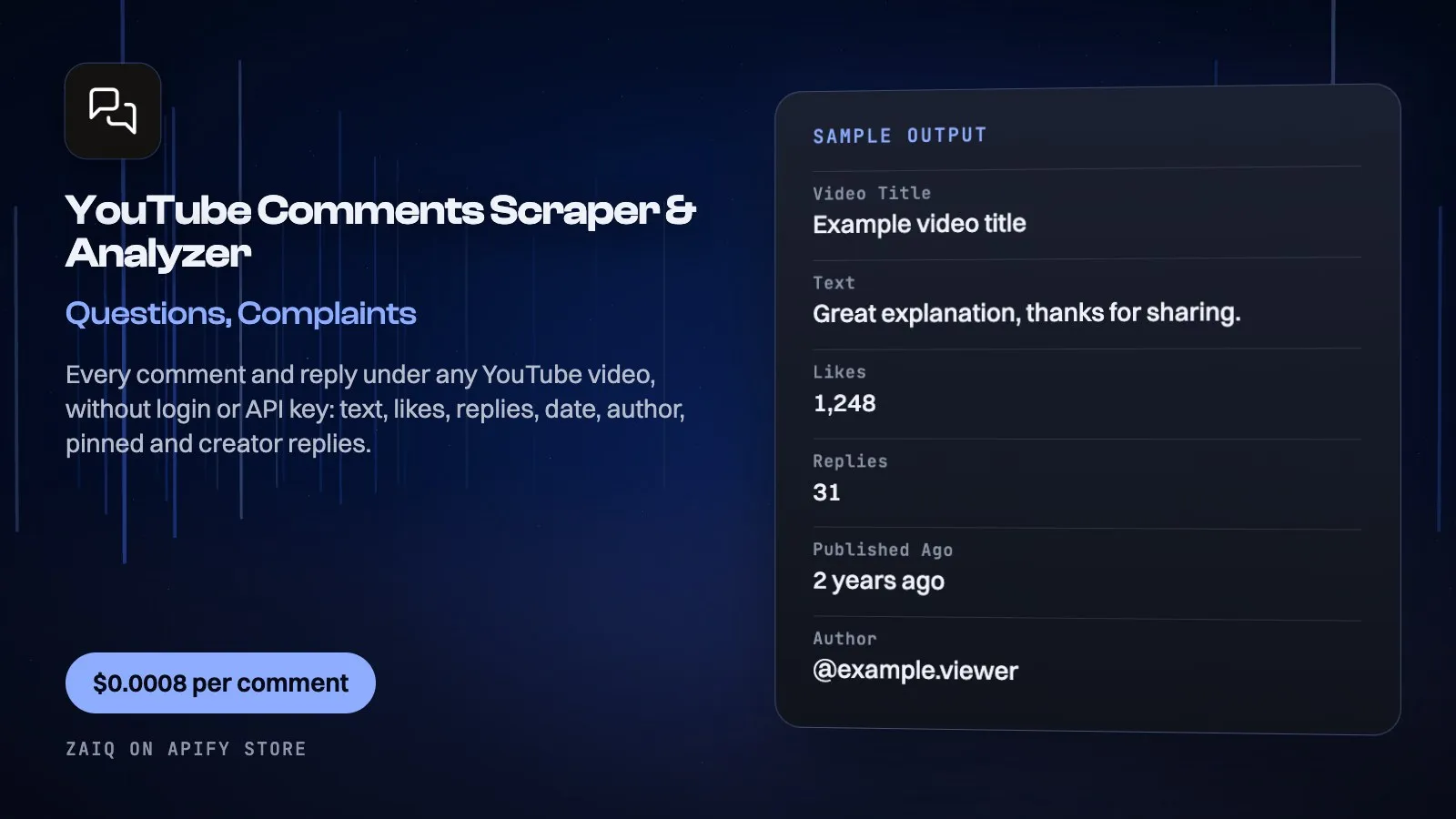
Get every comment and reply under any YouTube video, without an API key or quota: the text, likes, reply count, when it was posted, author, whether it is pinned and whether the creator wrote it. Top comments or newest first, with as many replies as you want.
Turn on the insights report and each video also gets what its comments add up to: sentiment, themes, the top questions, complaints, requests, praise and buying signals, each with real example comments, counted from every comment. For creators, brands, agencies, product and research teams.
What you get
| Field | What it holds |
|---|---|
| Comment and reply rows | text, likes, replies, publishedAgo, author, authorChannelId, authorVerified, byCreator, pinned, replyTo, url, with videoUrl, videoTitle, channelName |
| Video row | title, channelName, viewCount, commentCount, publishedText, commentsRead |
| Insights row (optional) | summary, sentiment, kinds (counted), themes with counts and shares, topTopics, questions, complaints, requests, praise, purchaseIntent, each with example comments |
| SUMMARY | what each link returned, notes and what was charged |
What people use it for
- Audience research: what viewers ask, want and dislike
- Video ideas: the questions in the comments are your next videos
- Product feedback: complaints and requests under reviews and launches
- Competitor analysis: what a rival channel's audience says
- Sentiment tracking: how a video or a campaign lands
- AI agents: YouTube comments and their meaning in any workflow
How to use it
- Paste YouTube video links (watch, youtu.be or shorts) or video IDs.
- Set Comments per video, the Order and how many Replies per comment.
- Keep Insights report on, click Start, then open the Comments or Insights table.
Input
| Field | Example | Notes |
|---|---|---|
| Video links | https://www.youtube.com/watch?v=... | Watch, youtu.be, shorts or IDs |
| Comments per video | 100 | Up to 10,000, replies included |
| Order | top | Or newest first |
| Replies per comment | 0 | Up to 100 |
| Insights report | on | One report per video |
Output
Each result is one row in the run's dataset (download it as JSON, CSV, Excel, XML or HTML, or read it through the API). An example row (values shortened):
With insights on, each video also gets one insights row. From a run on 17 October 2026 (120 comments and replies of YouTube's first video): sentiment 25% positive, 71.7% neutral, 3.3% negative; 9 questions, 3 complaints, 19 praise; themes "Algorithm recommendations" 42 (35%), "Viewer check-ins" 27, "Video history" 16; top question "Why did the algorithm recommend this video to me now?"; complaint "spam bots and self-promoters in the comments". A record named SUMMARY in the run's key-value store says what each link returned and what was charged.
Pricing
- $0.0008 per comment or reply ($0.80 per 1,000)
- $0.03 per insights report (one per video, only when asked for; failed reports are free)
- Removed and private videos, and videos with comments off, cost nothing
- The AI model that writes the report (Google's Gemini Flash) is billed by Apify at its exact cost: about $0.01 a report on 60 to 150 comments (measured 17 October 2026), more for more comments; Apify charges free-plan accounts 10 times that
What typical jobs cost at the list price:
| Job | Cost |
|---|---|
| 100 comments of one video | $0.08 |
| 100 comments with the insights report | $0.11 |
| 10 videos, 500 comments each, with reports | $4.30 |
| 1,000 comments | $0.80 |
On Apify's Scale and Business plans the per-event prices are lower (Store discounts). Set Maximum cost per run and the Actor stops cleanly when it is reached: you never pay more than that.
Tips
- Sort by newest and schedule a daily run to follow the conversation under a launch.
- Read replies (Replies per comment) on tutorials: that is where the follow-up questions are.
- Compare the insights of your videos with a competitor's.
Use it through the API
Python
JavaScript
HTTP (one call, results back)
Integrations and schedules
- Schedules: run it every hour, day or week from the Apify Console (Schedules) and keep a history of results.
- Make, Zapier, n8n, Google Sheets, Slack, Airtable: connect it through Apify's integrations, or send each finished run to a webhook.
- Datasets: results stay in the run's dataset; export them or read them by API whenever you need them.
Use it with AI agents (MCP)
Add Apify's MCP server (https://mcp.apify.com) to Claude, ChatGPT, Cursor, VS Code or any MCP client. The agent can find this Actor and run it for you: ask it for "get the top 500 comments of this YouTube video and list the questions people ask". AI agents can also pay for runs directly through Apify's agentic payments.
Limits
- Public videos only, signed out; videos with comments off return their details and a note.
publishedAgois YouTube's own wording ("7 years ago"); YouTube shows no exact date to signed-out visitors.- The report's counts come from the AI's label for each comment: close, not perfect, on slang and sarcasm.
- Public data only: you are responsible for how you use it under YouTube's terms and the privacy laws that apply to you.
FAQ
Do I need a YouTube API key?
No. No key and no quota: the Actor reads what YouTube shows a signed-out visitor.
How many comments can I get?
Up to 10,000 per video, replies included.
How are the insights counted?
Every comment is labelled (sentiment, kind, topic) and the counts are added up from those labels.
Can I skip the report?
Yes: turn Insights report off and pay only per comment.
Related Actors from Zaiq
- youtube-transcript-scraper: YouTube transcripts and subtitles
- tiktok-comments-scraper: TikTok comments with the same insights
- instagram-reel-script-analyzer: any reel as its script
- app-reviews-analyzer: App Store and Google Play reviews with a report
Support
Questions, a site that changed, or a field you need? Open an issue on this Actor's Issues tab: we answer there, usually within a day.
Also found as: youtube comments scraper, youtube comment scraper, youtube comments export, youtube comments api, youtube comment analysis, youtube sentiment analysis, youtube audience research, download youtube comments.


