

Nytimes Rss Scraper
Pricing
from $2.99 / 1,000 results
Nytimes Rss Scraper
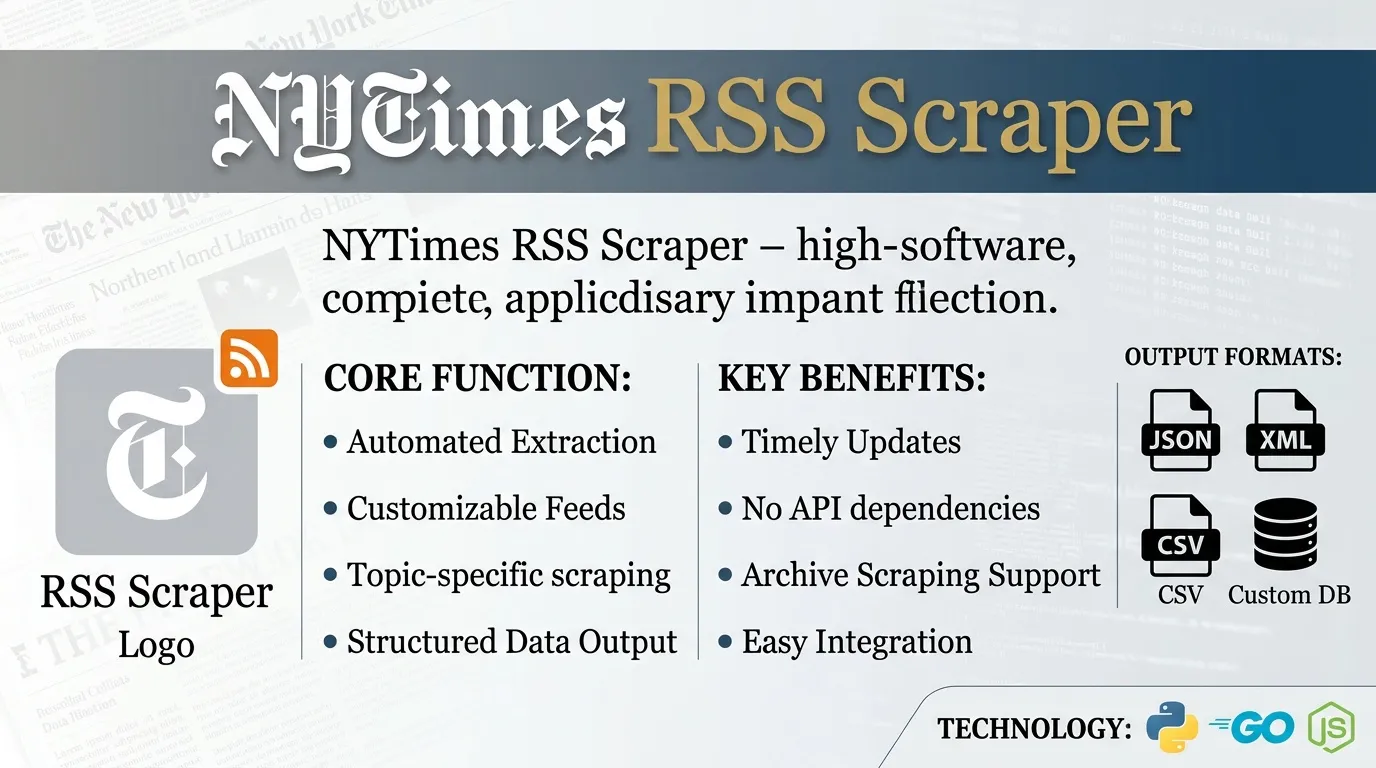
NYTimes RSS Scraper is a Python tool designed to parse section feeds from The New York Times. It automatically extracts news headlines, article summaries, publication dates, and category tags into clean CSV or JSON formats for media tracking and trend analysis.
Pricing
from $2.99 / 1,000 results
Rating
0.0
(0)
Developer

ZeroBreak
Maintained by CommunityActor stats
0
Bookmarked
2
Total users
1
Monthly active users
5 days ago
Last modified
Categories
Share
NYTimes RSS Scraper: New York Times Section Headlines and Metadata
Overview
NYTimes RSS Scraper collects recent headlines from supported New York Times section feeds and saves structured records containing article titles, links, publication dates, bylines, categories, image references, and short summaries.
The Actor does not require login credentials and does not collect full article text. It focuses on the metadata and short descriptions available in the section feeds.
Each feed contains recent items rather than a complete historical archive. For ongoing monitoring, schedule recurring runs and use the guid field to identify previously collected stories.
Features
- Collects headlines from supported New York Times sections.
- Extracts article links, publication dates, and bylines.
- Captures category labels and available image references.
- Converts HTML-formatted descriptions into plain text.
- Filters headlines and summaries by keyword.
- Supports configurable item limits and timeouts.
- Deduplicates stories using their
guidvalues. - Records feed errors without necessarily stopping the entire run.
- Retries temporary download failures and handles rate-limit responses.
- Supports JSON, CSV, and Excel dataset exports.
- Supports recurring collection for news monitoring.
Use Cases
- News monitoring: Track World and Technology headlines on a recurring schedule.
- Keyword monitoring: Identify stories whose headlines or summaries contain relevant terms.
- Article link collection: Build structured lists of article links without opening individual stories.
- Research and analysis: Organize current headlines by publication date, author, and category.
- Change tracking: Compare records across runs using
guidvalues to identify new stories. - Dataset creation: Export headline metadata for spreadsheet analysis and downstream workflows.
Filtering Options
| Parameter | Description |
|---|---|
keyword | Optional text filter applied to headlines and short summaries. An empty value disables keyword filtering. |
Keyword filtering helps narrow the dataset to relevant stories. It does not search the full text of individual articles.
Input Parameters
| Parameter | Type | Default | Description |
|---|---|---|---|
feedUrls | Array | World and Technology section feeds | List of supported New York Times section feed URLs. |
keyword | String | Empty | Optional keyword filter for headlines and short summaries. |
maxItems | Integer | 100 | Maximum number of headline records to save. Hard maximum: 1,000. |
timeoutSecs | Integer | 300 | Maximum overall run duration in seconds. |
requestTimeoutSecs | Integer | 30 | Timeout for an individual feed download, in seconds. |
Only supported New York Times section feeds are accepted. Unsupported URLs or invalid feed content produce error records.
Example Input
Replace the descriptive feed placeholders with the supported section feed URLs in the Actor's input configuration.
Extracted Data
Each successful record represents one story and contains its headline, article link, stable identifier, short description, byline, publication date, categories, image reference, source feed, and collection timestamp.
The Actor does not download complete article bodies. Descriptions are cleaned of HTML markup, and duplicate stories are removed using their guid values.
Example Output
This example illustrates the record structure. Actual values depend on the stories available in the selected feeds.
Field Reference
| Field | Type | Description |
|---|---|---|
itemTitle | String | Story headline. |
link | String or null | Article URL provided by the feed. |
guid | String or null | Story identifier used for deduplication. |
itemDescription | String or null | Short story summary with HTML markup removed. |
author | String or null | Article byline, when available. |
pubDate | String or null | Publication date as provided by the feed. |
categories | Array | Category labels associated with the story. |
image | String or null | Image reference supplied with the story, when available. |
sourceUrl | String | Source feed associated with the record. |
scrapedAt | String | UTC timestamp indicating when the record was created. |
error | String | Error description included in a failure record. |
input | String or other input value | Input associated with a failed feed operation. |
Fields that are unavailable in a source item may be null or empty, depending on the field and the source content.
Error Records
An invalid feed address, failed download, HTTP error, or HTML page where feed content is expected can produce an error record rather than a successful story record.
For example:
The exact error message depends on the failure. Other feeds in the same run can continue processing.
Dataset Views and Exports
The Actor saves collected records to an Apify dataset.
Supported export formats include:
- JSON
- CSV
- Excel
You can use these exports to review headlines, organize article metadata, compare collection runs, or maintain a structured news monitoring dataset.
Collection and Rate Limits
Feed coverage
Each section feed contains recent stories, not a complete historical archive. Older stories may no longer appear in the feed.
Adding more supported section feeds expands section coverage. Increasing maxItems does not retrieve stories that are absent from the feed.
Recommended collection interval
Schedule recurring runs approximately every 5–15 minutes. Avoid polling more frequently than recommended.
Retry behavior
The Actor retries HTTP 429 and 5xx responses up to three times, with delays of approximately 2, 4, and 8 seconds. When the feed provides a Retry-After value, the Actor may use that value for the retry delay.
Timeouts
- Overall run timeout: 300 seconds by default.
- Individual feed download timeout: 30 seconds by default.
Processing behavior
- The Actor waits approximately two seconds between feeds in a single run.
- Duplicate stories are skipped using
guidvalues. - Collection stops when the configured item limit is reached.
- The feeds do not provide a historical archive through additional pages.
Attribution and Source Restrictions
The New York Times RSS feeds are offered for personal, non-commercial use. Users should review and respect the applicable source terms and restrictions before collecting, storing, or redistributing data.
When using collected records:
- Attribute stories to the New York Times.
- Preserve links to the original articles.
- Avoid republishing complete copyrighted articles without permission.
- Handle image references and summaries responsibly.
- Respect applicable restrictions on commercial use and redistribution.
The Actor collects headline metadata and short feed summaries rather than full article text.
Free Usage Limits
The Actor is free to run. Standard Apify platform usage charges may still apply depending on your account, platform usage, and applicable plan.
FAQ
Does NYTimes RSS Scraper require login credentials?
No. The Actor collects publicly available content from supported section feeds without requiring login credentials.
Can I export the results to CSV or JSON?
Yes. Dataset exports support JSON, CSV, and Excel formats.
Why are older stories missing?
The section feeds contain recent items rather than a complete historical archive. Schedule recurring runs to maintain a growing collection of stories.
What happens if a feed URL is incorrect?
The Actor records an error for the affected input. Other supported feeds can continue processing.
Can I collect multiple sections?
Yes. Add supported section feeds to feedUrls to collect headlines from multiple sections in the same run.
Does the Actor collect full article text?
No. It collects headlines, links, identifiers, dates, bylines, categories, available image references, and short descriptions. It does not download complete article bodies.
How are duplicate stories handled?
The Actor uses guid values to identify and skip duplicate stories during a run. If a source item does not provide a stable identifier, deduplication may be limited.
How often should I schedule collection?
An interval of 5–15 minutes is recommended for ongoing monitoring. Avoid polling more frequently than recommended.
Trademark Notice
The New York Times, NYTimes, and associated names, logos, and trademarks belong to their respective owners. They are referenced solely to identify the source of the collected information. This Actor is independent and is not affiliated with, sponsored by, endorsed by, or officially associated with The New York Times Company or its owners.
Disclaimer
This Actor is an independent tool for collecting publicly available headline metadata. Feed availability, content, and structure may change over time, and uninterrupted or complete collection is not guaranteed.
Users are responsible for complying with applicable laws, source terms, copyright restrictions, attribution requirements, and data-handling obligations when collecting, storing, using, or redistributing the results.
Is Web Scraping Legal?
Collecting information that is already public is generally legal. Scraping is not the same thing as hacking, and there is no single law that bans it. The limits are the usual ones: do not break into accounts, do not take private or confidential data, and be careful with personal data and copyrighted works. A site's terms can also restrict how you access it. Facts such as a public name, price, or rating are not the same thing as republishing someone's article or photo.
This actor collects information from public pages. It does not log in and it does not bypass access controls.
For a longer explanation, see Apify's article Is web scraping legal?.


