

We Mean Business Coalition Scraper
Pricing
from $2.10 / 1,000 results
We Mean Business Coalition Scraper
⚡ Fast We Mean Business Coalition scraper. No login, no API key. Extract 24,000+ climate-committed companies by directory URL or company name, with region, country, GRI sector and commitment filters. Get SBTi, RE100, EV100, EP100 and net zero initiatives per company for ESG research.
Pricing
from $2.10 / 1,000 results
Rating
0.0
(0)
Developer

Aboo Script
Maintained by CommunityActor stats
0
Bookmarked
2
Total users
1
Monthly active users
17 days ago
Last modified
Categories
Features
Share
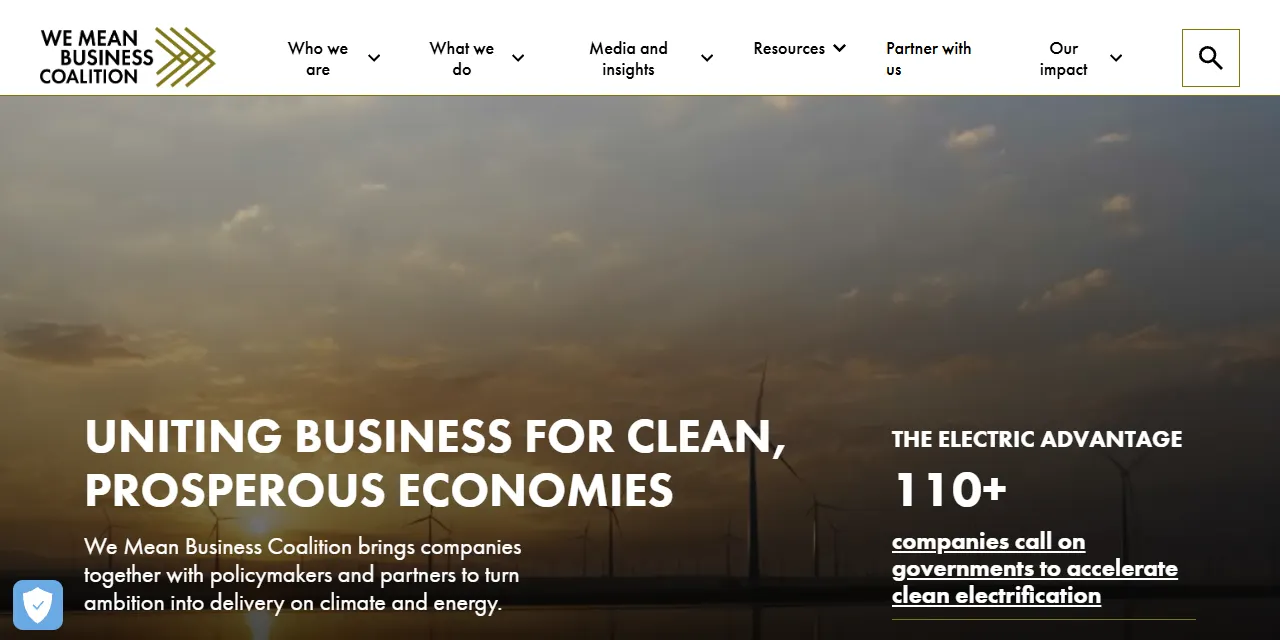
We Mean Business Coalition Scraper extracts companies with climate commitments from the We Mean Business Coalition committed companies directory into clean, structured data you can download as JSON, CSV, Excel, or HTML. Paste a directory URL or type a company name, and get the company name, region, country, GRI sector, and every climate initiative it has joined (SBTi, RE100, EV100, EP100, The Climate Pledge, SME Climate Hub and more). No account or login required.
Introduction
We Mean Business Coalition is a global nonprofit coalition that works with thousands of companies to cut emissions and speed up the move to a net zero economy. Its committed companies directory lists more than 24,000 businesses that have signed up to science-based targets, renewable power, electric vehicles, smart energy use, net zero pledges, and other climate initiatives.
This actor collects the same public information you see in your browser and turns it into a ready-to-use dataset. You can run it once, schedule it to run daily, or connect it to your own tools.
What data can you extract from We Mean Business Coalition?
- 🏢 Company name and company ID
- 🌍 Region and country or territory
- 🏭 GRI sector (industry)
- 🌱 Every climate initiative the company has joined, with the commitment made (for example "RE100: Commit to renewable power")
- 🔗 Link to each initiative page
- 🔗 Directory URL the company was found on
Use Cases
- 📈 ESG and climate research: measure how many companies in a sector, country, or region have committed to science-based targets or renewable power.
- 🕵️ Competitor monitoring: check which competitors, suppliers, or customers have made climate commitments, and which ones.
- 🤝 Lead generation: build lists of climate-committed companies for sustainability services, renewable energy, EV fleets, or green finance.
- 🗂️ Database building: keep your own searchable list of committed companies and track new commitments over time.
- 🤖 AI and automation: feed clean, structured data into spreadsheets, dashboards, or AI workflows.
How to scrape We Mean Business Coalition step by step
- Paste one or more committed companies URLs into Start URLs, or type company names into Search queries.
- Optionally pick filters (regions, countries, GRI sectors, commitments, years, updated since) for your search queries.
- Set Maximum number of results to how many companies you want per URL or per query.
- Click Start and wait for the run to finish.
- Download your data in JSON, CSV, Excel, or HTML from the Output tab.
Input
- Start URLs: committed companies directory URLs (
https://www.wemeanbusinesscoalition.org/who-we-are/committed/). Any filters you apply on the website (region, country, GRI sector, commitment, year of first or latest commitment, updated since, search) are kept in the results, and so is the page you start from. - Search queries: company names or keywords to search in the directory, one per line. Each query is scraped separately.
- Maximum number of results: how many companies to collect for each start URL or search query. Set 0 for unlimited.
- Regions, Countries / territories, GRI sectors, Commitments: pick one or more values. A company matches when it fits any of the selected values.
- Year of first commitment and Year of latest commitment: only companies whose first or latest commitment was made in that year.
- Updated since: only companies whose commitment data was updated on or after this date.
Filters apply to search queries only. Start URLs keep the filters that are already in the URL. You can use start URLs, search queries, or both in the same run.
Input Examples
Scrape a filtered directory page (companies in Germany committed to RE100):
Search by company name or keyword:
Search with filters (European companies with a near-term science-based target commitment):
Output
Each company is saved as one item in the dataset. Here is an example of a single item:
You can download the dataset in JSON, CSV, Excel, XML, or HTML, or access it through the Apify API.
Notes
- Only the committed companies directory is supported. Other pages of the website are skipped.
- Companies do not have their own profile pages on the website, so
urlis the directory page (with your filters) where the company was found. - A small number of companies have no region or country on the website; these fields are returned as
null. - Some company names are shown with broken characters (such as
??) on the website itself, and are returned exactly as shown. - The year of first and latest commitment can be used as filters, but the website does not show these years for each company.
- Each company appears once per start URL or search query, even if it shows up on several pages.
Why use the We Mean Business Coalition Scraper?
- ✅ No login needed: works with public data only, so there is no account to manage.
- 🎯 Keeps your filters: paste any directory URL from your browser and get exactly what you see there.
- 🔎 Search that works: find companies by name, combined with region, country, sector, commitment, and year filters.
- 🧹 Clean data: every initiative is split into the initiative name and the commitment, ready for filtering and counting.
- ⚡ Fast: collects hundreds of companies per minute, so the full directory takes only a few minutes.
- 🔄 Ready for automation: schedule runs, export to Google Sheets, or connect to Make, Zapier, and n8n.
FAQ
How many results can I scrape?
You can set any number in Maximum number of results, or 0 for unlimited. The full directory has more than 24,000 companies.
Do I need a We Mean Business Coalition account?
No. The actor only collects publicly available data. You do not need to log in or provide any account details.
Can I scrape data on a schedule?
Yes. Use Apify Schedules to run the actor every day, week, or month, and use the Updated since filter to collect only recently updated companies.
Can I request a new feature or filter?
Yes. Right now the actor supports start URLs, search queries, and all directory filters. If you need other data or inputs, get in touch and they can be added.
Can I get a custom or private version?
Yes. The actor can be customized for your workflow, delivered as a private version, or a new scraper can be built for a different website. Use the contact details below.
Need to scrape other company directories?
- 1pacteclimat.fr Scraper - Signatory Companies: French companies that signed the climate pact, with sector, size, and type.
- amfori Members Scraper: amfori member companies with country, website, and logo.
- 50/50 Women on Boards Scraper - US Public Companies: board gender diversity data for US public companies.
Need help or want a custom solution?
- 📧 Email: aboo.script@gmail.com
- 🧩 More scrapers: Apify profile
Image Credit
Image credit: We Mean Business Coalition


