

Us Treasury Fiscal Data Scraper
Pricing
from $2.99 / 1,000 results
Us Treasury Fiscal Data Scraper
Extract official US Treasury debt totals and exchange rates effortlessly. Filter records by date, handle errors smoothly, and instantly export complete fiscal archives to JSON, CSV, or Excel datasets for reliable financial research and tracking.
Pricing
from $2.99 / 1,000 results
Rating
0.0
(0)
Developer

B2B Lead Generation
Maintained by CommunityActor stats
0
Bookmarked
2
Total users
1
Monthly active users
3 days ago
Last modified
Categories
Share
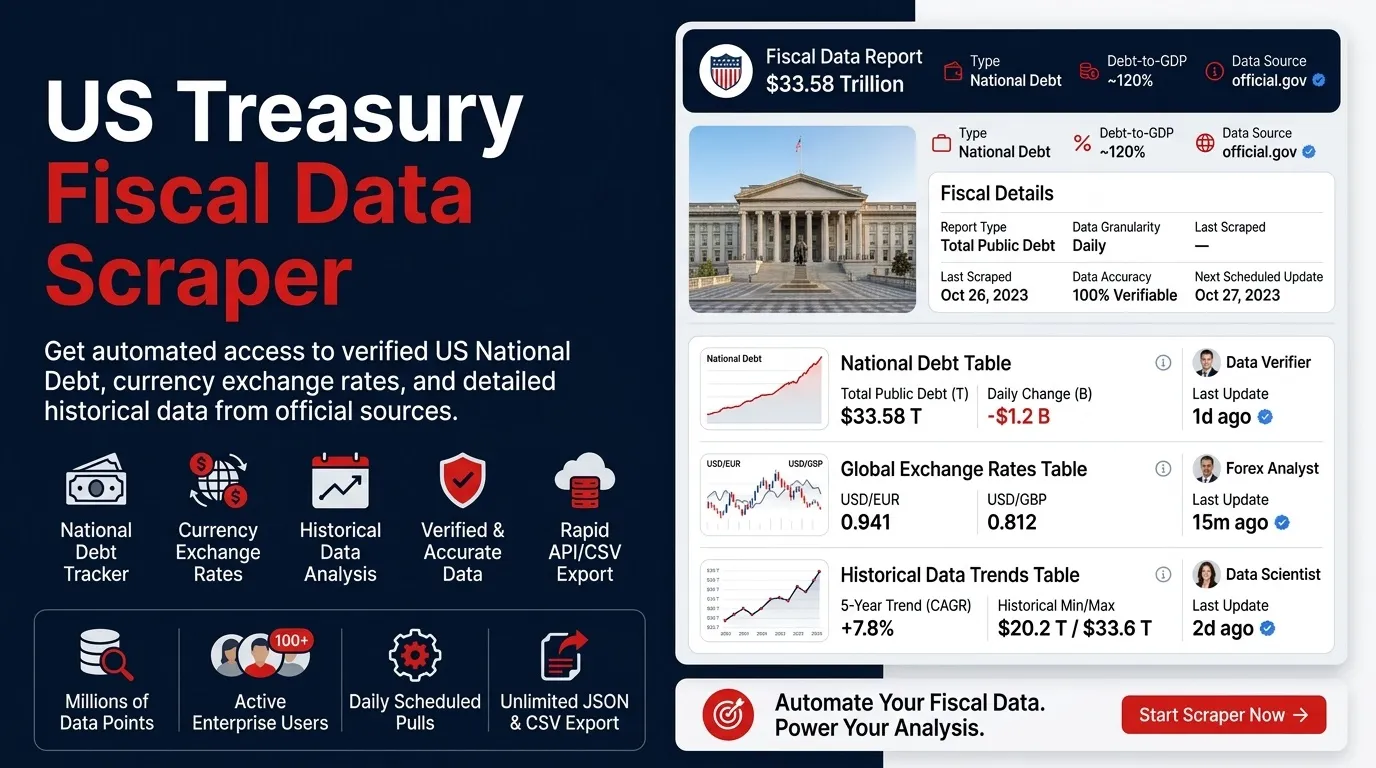
An efficient tool designed to pull historical financial tracking records, national debt breakdowns, and foreign exchange rates, saving them directly into a clean dataset ready for export to JSON, CSV, or Excel.
What Data Does It Extract?
This tool focuses on core macroeconomic metrics, structured neatly for analysis:
- Debt Tracking: Comprehensive daily national debt figures, including breakdowns of debt held by the public and intragovernmental holdings.
- Exchange Rates: Official currency conversion rates organized by country, currency, and effective date.
Key Use Cases
- Debt Archiving: Maintain a consistent, long-term archive of daily national debt figures.
- FX Reference: Quickly export exchange rate tables by country and currency for specific date ranges.
- Scheduled Runs: Set automated runs to keep your financial datasets updated over time.
- Research & Analysis: Download clean CSV or Excel files instantly without dealing with manual pagination or data formatting headaches.
- Pipeline Monitoring: Capture unexpected response codes or invalid filters as separate error rows so you can track run health easily.
Input Configuration
| Parameter | Type | Default | Description |
|---|---|---|---|
mode | string | dataset | Selects the mode for pulling rows into your dataset. |
endpoint | string | debt_to_penny | Choose between debt tracking records and exchange rates. |
filter | string | empty | Custom record date filters (e.g., record_date:gte:2025-01-01). |
sort | string | -record_date | Sorting expression. A leading minus sign sorts in descending order. |
maxItems | integer | 100 | Row cap for a single run (hard maximum of 1000). |
timeoutSecs | integer | 300 | Stops the run after this many seconds. |
requestTimeoutSecs | integer | 30 | Timeout limit per individual request before retrying. |
Output Structure
Successful runs populate your dataset with structured fields containing the requested records, timestamps, and source tracking URLs. If a specific request encounters an issue, an error row is logged so the rest of your run continues smoothly without interruption.
Reliability & Limits
- Smart Pagination: The tool requests data in manageable page sizes, automatically walking through pages until your row cap or the end of the series is reached.
- Automatic Retries: Temporary connection drops or rate-limiting responses are automatically retried with smart backoff intervals.
- Duplicate Prevention: Duplicate entries (matching dates, lines, or currencies) are automatically filtered out in memory to keep your final dataset clean.
Frequently Asked Questions
- How many rows can a single run save? The row cap defaults to 100 and can be adjusted up to 1000 items per run.
- Can I schedule automated exports? Yes, you can set recurring schedules on your platform and download the resulting dataset as JSON, CSV, or Excel whenever needed.
- What happens if my filter is incorrect? The tool records a clear error row with the status snippet and continues running rather than crashing the entire job.
Is Web Scraping Legal?
Collecting publicly available data is a common practice for research, reporting, and data analysis, but how you handle and use the data matters:
- Personal Data: Ensure compliance with local privacy regulations (such as GDPR or CCPA) if any personal information is ever captured in your datasets.
- Copyright: Respect intellectual property rights and do not republish copyrighted content without explicit permission.
- Terms of Use: Always adhere to reasonable usage limits and respect the terms provided by data publishers.
- Disclaimer: This tool is an independent utility. Users are solely responsible for ensuring their data collection and usage comply with all applicable regulations and terms of service.


