

Usgs Water Levels Scraper
Pricing
from $0.99 / 1,000 results
Usgs Water Levels Scraper
Extract USGS streamflow and gage height data by entering a site number or state code. Automatically archives river discharge and stage readings into structured datasets ready for export as JSON, CSV, or Excel for easy water monitoring and analysis.
Pricing
from $0.99 / 1,000 results
Rating
0.0
(0)
Developer

B2B Lead Generation
Maintained by CommunityActor stats
0
Bookmarked
2
Total users
1
Monthly active users
3 days ago
Last modified
Categories
Share
USGS Water Data Scraper: Streamflow & Gage Height
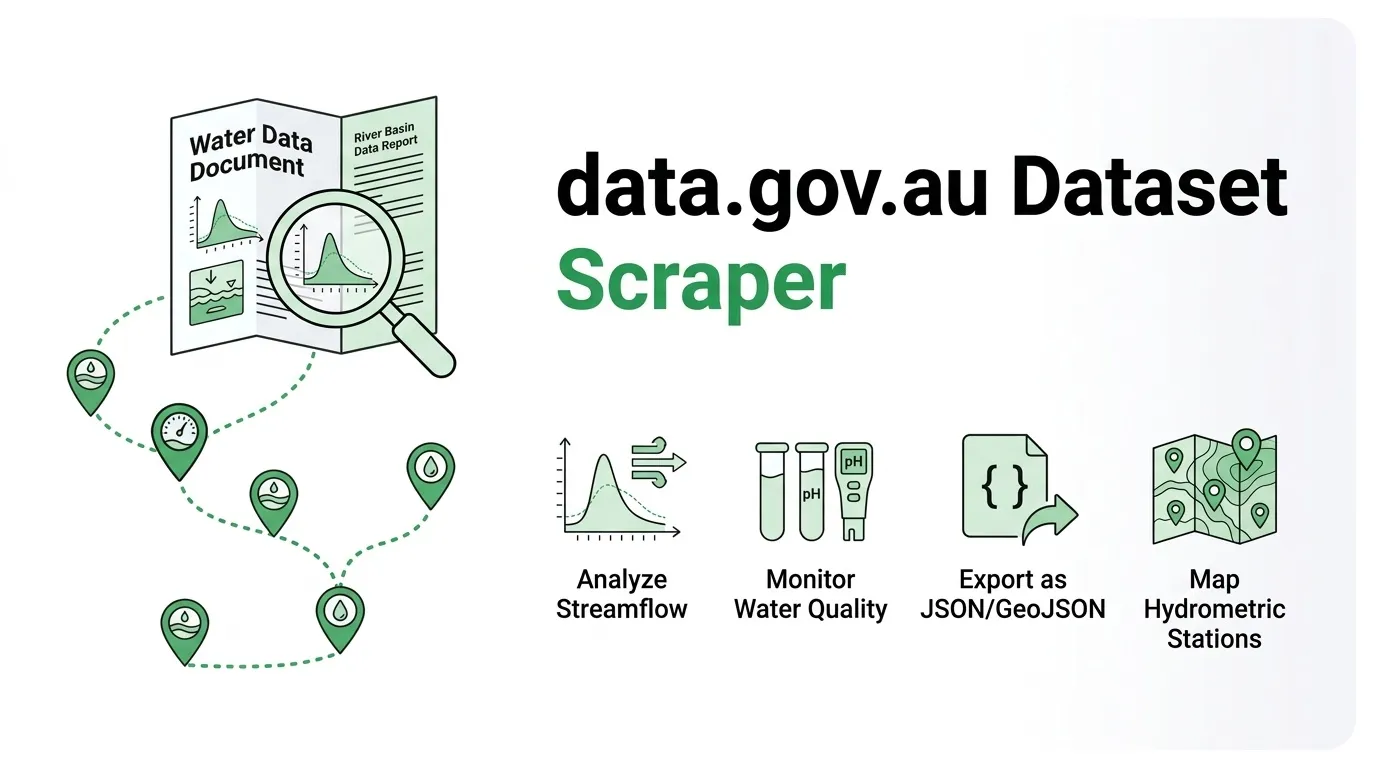
Effortlessly pull instantaneous USGS water monitoring data, including streamflow and gage height, for specific tracking sites or entire U.S. states. Export structured hydrological readings directly into JSON, CSV, or Excel for analysis and archiving.
Instead of manually copying tables from web pages, this tool collects standardized time-series records in bulk, keeping your environmental workflows organized and up-to-date.
Use Cases
- Streamflow tracking: Archive discharge data for specific monitoring gages on a consistent schedule.
- Statewide sweeps: List active stream sites across any state to pull the latest instantaneous measurements in bulk.
- Gage height monitoring: Quickly switch parameter codes to track water stage instead of volume.
- Operations & reporting: Streamline data pipelines by exporting structured records directly into spreadsheets or data warehouses.
Extracted Data Points
Each record captures complete time-series metadata, including:
- Site name, network identifiers, and agency codes
- Variable descriptions, parameters, and measurement units
- Timestamped readings and quality qualifiers
Input Parameters
| Parameter | Type | Default | Description |
|---|---|---|---|
mode | string | iv | Instantaneous values mode (one row per site and parameter series). |
stateCd | string | empty | Two-letter state code. When specified, lists active stream sites in that state automatically. |
sites | array | ["11447650"] | Specific USGS site numbers to query (used when stateCd is empty). |
parameterCd | string | 00060 | Parameter code (00060 for discharge in cubic feet per second, 00065 for gage height in feet). |
period | string | PT2H | ISO-8601 duration window (e.g., the last two hours). |
maxItems | integer | 100 | Maximum dataset rows limit (hard cap at 1000). |
timeoutSecs | integer | 300 | Wall-clock limit for the run in seconds. |
Example Input
Output Format
How It Works
- Reads configuration parameters and applies row limits and timeouts.
- Retrieves site lists or queries instantaneous values efficiently in structured batches.
- Handles temporary network interruptions smoothly with built-in retry intervals.
- Logs empty series and records errors cleanly without interrupting the overall execution flow.
- Generates an export-ready dataset available in JSON, CSV, or Excel formats.
Frequently Asked Questions
How do I export data for an entire state?
Set the stateCd parameter to a target state abbreviation (such as ri) and leave the sites array empty.
What is the difference between parameter codes 00060 and 00065?
00060 measures discharge in cubic feet per second, while 00065 measures gage height in feet.
Can I export to Excel or CSV?
Yes. Datasets can be downloaded instantly in JSON, CSV, or Excel formats from your run overview.
Legal & Compliance
Trademark Notice
USGS Water Levels and related names, logos, and trademarks belong to their respective owners. Their use in this documentation is solely to identify data compatibility and does not imply affiliation, sponsorship, or endorsement.
Disclaimer
This tool is an independent utility and is not affiliated with, endorsed by, or officially connected to third-party data providers. Users are responsible for ensuring their usage complies with relevant terms of service and usage guidelines.
Is web scraping legal?
This tool collects publicly available hydrological data without bypassing access controls. Collecting public data is standard practice, but proper compliance requires considering how the data is used:
- Personal data: Ensure dataset usage respects regional privacy regulations when combining outputs with personal records.
- Copyright & Terms: Respect the terms of use, usage limits, and licensing terms set by data providers.
- Legal advice: This summary is provided for general informational purposes and does not constitute formal legal counsel.


