

Pinterest Pin, Board & Profile Scraper
Pricing
from $30.00 / 1,000 results
Pinterest Pin, Board & Profile Scraper
Scrape Pinterest pins, boards, and user profiles via the internal Pinterest API. Supports search (pins/boards), board feed, and user profile modes. Extracts full pin details including image URLs, save counts, rich pin data, hashtags, pinner info, and more. Includes analytics: top domains, trendin...
Pricing
from $30.00 / 1,000 results
Rating
0.0
(0)
Developer

Yuliia Kulakova
Maintained by CommunityActor stats
0
Bookmarked
5
Total users
0
Monthly active users
5 months ago
Last modified
Categories
Share
Pinterest Scraper — Pins, Boards & Profiles
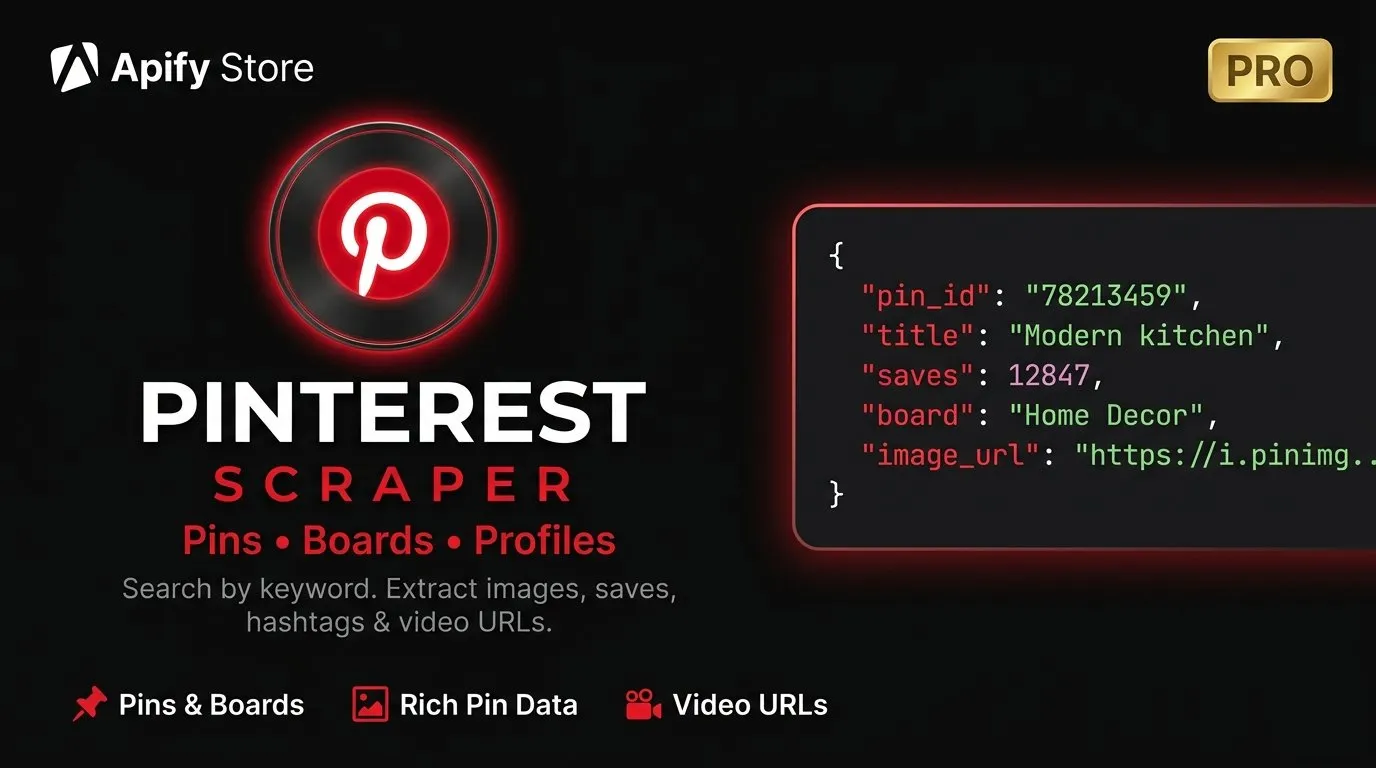
Scrape Pinterest at scale. Search pins by keyword, discover boards, or analyze any public profile. Extract high-res images, save counts, hashtags, video URLs, rich pin data, pinner info, and more.
What can this scraper do?
- Search pins by any keyword — get images, saves, comments, hashtags, and original source links
- Search boards — find boards by topic with pin counts, follower counts, and owner info
- Scrape user profiles — collect all boards and pins from any public Pinterest account
- Built-in analytics — automatic stats summary: top domains, trending hashtags, saves distribution, video ratio, and more
Why use Pinterest Scraper?
| Use case | How it helps |
|---|---|
| Content research | Find trending pins and hashtags in your niche |
| Brand monitoring | Track pins linking to your domain |
| Competitor analysis | Analyze competitor profiles and their top-performing pins |
| Visual trend analysis | Discover trending styles via color and category analytics |
| Influencer research | Find top pinners and engagement metrics |
| Market research | Understand what content performs best by category |
Output data
Pin data
Each pin includes all available metadata:
| Field | Description |
|---|---|
| Pin ID & URL | Unique identifier and direct link |
| Title & description | Full text content of the pin |
| Image URL | High-resolution image (up to original size) |
| Saves & comments | Engagement metrics including reactions |
| Original link & domain | Source website the pin links to |
| Video URL | For video pins — all quality levels |
| Rich pin data | Article title, site name for rich pins |
| Pinner info | Username, followers, verified status |
| Board name & URL | Which board the pin belongs to |
| Hashtags & auto-tags | Pinterest-detected tags and user hashtags |
| Category & date | Content category and creation date |
| Dominant color | Primary color from the image |
Board data
| Field | Description |
|---|---|
| Board ID, name & URL | Board identification |
| Description | Board description |
| Pin count | Total pins on the board |
| Follower count | Board followers |
| Cover image | Board cover image URL |
| Owner info | Username, display name, followers, verified status |
Built-in analytics
Every run can include an automatic analytics summary:
- Top source domains across all pins
- Saves distribution histogram
- Trending hashtags
- Category breakdown
- Video vs static pin ratio
- Rich pin percentage
- Top pinners in your result set
Scraping modes
| Mode | What it does | Input |
|---|---|---|
search_pins | Search for pins by keyword | queries |
search_boards | Search for boards by keyword | queries |
user_profile | Scrape all boards and pins from a user | usernames |
Filters & sorting
| Filter | Description |
|---|---|
| Minimum saves | Only include pins with N+ saves |
| Domain filter | Only pins linking to a specific domain |
| Video filter | Include or exclude video pins |
| Date filter | Only pins created after a specific date |
| Sort by | Relevance, recent, or popular |
How much does it cost?
Pinterest Scraper uses a pay-per-result model at $0.03 per result (pin or board). No monthly fees — you only pay for the data you collect.
| Results | Cost |
|---|---|
| 100 pins | $3.00 |
| 500 pins | $15.00 |
| 1,000 pins | $30.00 |
| 10,000 pins | $300.00 |
Platform costs (compute + proxy) are included in the per-result price.
Input examples
Search pins by keyword
Find boards by topic
Brand monitoring — find pins linking to your website
Competitor analysis — full profile scrape
Tips for best results
- Start small — test with
maxItems: 25to verify your filters before scaling up - Use specific queries — more specific keywords yield more relevant results
- Domain filter — great for tracking which of your pages are being pinned
- Combine modes — use
search_pinsfor discovery, thenuser_profilefor deep dives on interesting pinners - Popular sort — use
sortBy: "popular"withminSavesto find only high-performing content
Limitations
- Only public Pinterest data is accessible (no private boards or profiles)
- Pinterest may rate-limit requests — the scraper handles this with automatic retries and residential proxies
- Analytics summary is included as the last record in the dataset (field
type: "analytics")


