
YouTube Email Scraper — Channels, Keywords & Niches
Pricing
from $35.00 / 1,000 results
YouTube Email Scraper — Channels, Keywords & Niches
Find verified creator emails from any YouTube channel — by keyword search, niche, or direct URL. Extracts emails from descriptions, Linktree, external websites & contact pages. Includes contactability scoring, social links, channel metadata, and analytics report. No API key needed.
Pricing
from $35.00 / 1,000 results
Rating
0.0
(0)
Developer

Yuliia Kulakova
Maintained by CommunityActor stats
1
Bookmarked
5
Total users
3
Monthly active users
4 months ago
Last modified
Categories
Share
YouTube Email Scraper — Find Creator Contact Emails at Scale
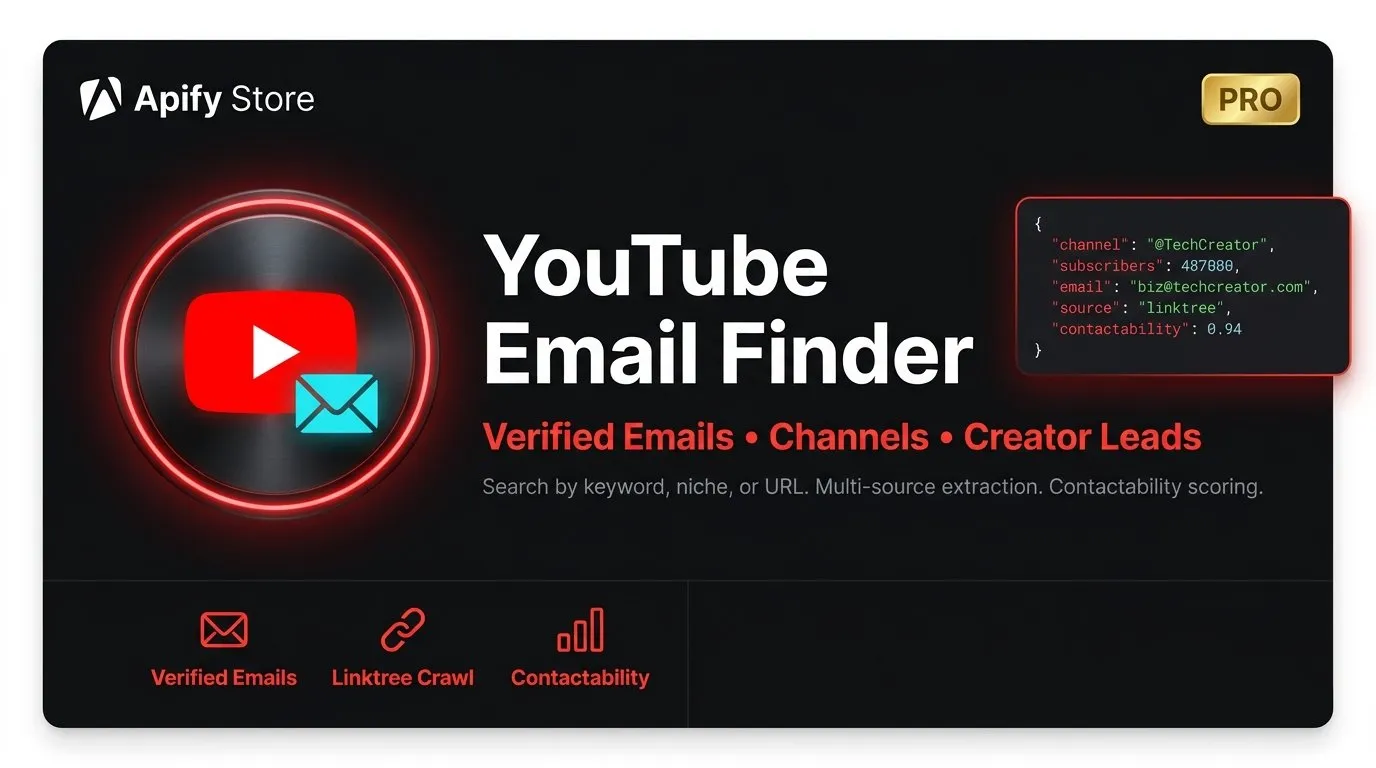
Find the right creators. Get their real emails. Start the conversation. The fastest way to build targeted outreach lists from YouTube — no API key, no browser, no manual work.
The Problem
You need to reach YouTube creators for brand deals, sponsorships, or partnerships. But finding their actual contact emails is painful — buried in descriptions, scattered across Linktree pages, hidden on personal websites, or obfuscated with [at] and (dot) tricks. Doing it manually takes hours. Hiring a VA takes days. Other tools miss half the emails or give you garbage addresses.
The Solution
This scraper does what a team of researchers would do — but in minutes, not days. Give it keywords, niches, or channel URLs, and it digs through every possible source to find verified creator emails. It checks channel descriptions, follows Linktree and Beacons links, visits personal websites, scans /contact pages — and filters out the junk so you only get emails that actually reach someone.
How It Works
Step 1 — Tell it who you're looking for
Three ways to find channels:
- Keywords — search YouTube like a user would (
"vegan cooking","tech review","fitness motivation") - Niches — pick from 20 built-in categories (gaming, beauty, finance, education, travel, and more)
- Direct URLs — paste specific channel URLs you already have
Step 2 — The scraper goes to work
For every channel it finds, the scraper:
- Reads the full channel description for emails and social links
- Follows Linktree, Beacons, Bio.link, and 15+ other link aggregators
- Visits external websites linked from the channel page
- Checks /contact, /about, and /reach pages on those sites
- Decodes obfuscated emails (
business [at] creator [dot] com→business@creator.com) - Scores every email for contactability (0–100)
- Removes garbage: noreply@, info@, support@, and disposable domains
Step 3 — You get a clean, ready-to-use list
Every result includes the email, where it was found, how likely it is to reach a real person, plus full channel metadata — subscribers, video count, social links, website links, and more.
What Makes This Different
| Other scrapers | This scraper | |
|---|---|---|
| Email from channel description | ✅ | ✅ |
| Linktree / Beacons / link aggregators | ❌ | ✅ |
| External website crawling | ❌ | ✅ |
| /contact page scanning | ❌ | ✅ |
| Email deobfuscation | ❌ | ✅ |
| Contactability scoring | ❌ | ✅ |
| Role email filtering | ❌ | ✅ |
| Social links extraction | ❌ | ✅ |
| Analytics & insights report | ❌ | ✅ |
| Works without API key | Sometimes | ✅ Always |
Most scrapers only grab emails from the channel description. That misses 30–40% of available contacts. This scraper follows every link trail — descriptions, link aggregators, personal sites, contact pages — so you get the most complete list possible.
Who Is This For
- Influencer marketing agencies — build targeted outreach lists of creators in any niche, filtered by subscriber count, country, and contactability score
- Brand partnership managers — find the right micro and mid-tier creators for sponsorship campaigns without spending hours on manual research
- PR & communications teams — identify YouTubers covering your industry for product launches, press coverage, and reviews
- Podcast booking agents — discover YouTube creators who also host podcasts, with verified contact info ready for outreach
- Talent agencies & MCNs — scout unsigned creators with real contact details, not just DMs that get buried
- SaaS & app companies — find creators who review tools in your category for authentic product integrations
- E-commerce brands — build influencer affiliate programs by finding creators in your product niche who are open to partnerships
Smart Filters — Get Exactly Who You Need
Target by audience size:
- Set subscriber minimums and maximums to focus on micro-influencers (10K–100K), mid-tier (100K–1M), or major channels (1M+)
Filter by quality:
- Contactability score threshold — only get emails that are likely to reach a real person
- Exclude role emails — skip generic addresses like info@, contact@, noreply@
- Email domain filter — target only gmail.com, custom domains, or specific providers
Focus by geography:
- Country filter — build region-specific lists for local campaigns
Example: Find Fitness Creators for a Brand Deal
What You Get Back
Every channel comes with:
- Verified emails sorted by contactability score, with the best one marked as
primaryEmail - Email source tracking — know exactly where each email was found (description, Linktree, website, /contact page)
- Contactability score (0–100) — prioritize your outreach by who's most likely to respond
- Full channel metadata — subscribers, video count, country, keywords, social links, website links
- Niche/keyword matching — see which search term or niche category found each channel
Built-In Analytics Report
Every run generates a comprehensive insights report saved to the Key-Value store:
- Email hit rate — what percentage of channels had a reachable email
- Source breakdown — which extraction method found the most emails (description vs Linktree vs website)
- Top email domains — gmail.com, yahoo.com, custom domains distribution
- Subscriber distribution — email availability across micro, mid-tier, and macro channels
- Contactability distribution — how many high, medium, and low-quality contacts you found
- Keyword performance — which search terms delivered the best results
Use these insights to optimize your next run and focus on the keywords and niches that deliver the highest email hit rate.
Tips for Best Results
Targeting micro-influencers? Set minSubscribers: 10000 and maxSubscribers: 500000. Micro and mid-tier creators respond to outreach 3–5x more than major channels. Enable excludeRoleEmails: true and minContactabilityScore: 50 for a clean, actionable list.
Want maximum email coverage? Keep both followExternalLinks and followLinktree enabled. Multi-source extraction typically boosts your email hit rate by 15–25% compared to description-only approaches.
Running a large campaign? For 500+ channels, set requestDelayMs: 2000 and split into multiple runs of 100–200 channels each. This keeps results reliable and avoids rate limiting.
Combining niches + keywords? Use both for laser-targeted results. For example, niche gaming + keyword "Minecraft tutorial" finds gaming channels specifically about Minecraft, not general gaming commentary.
Understanding contactability scores:
- 70–100 — Strong. Personal or business email found in description or Linktree. High response probability.
- 40–70 — Good. Found on external website, may be a team inbox. Still worth reaching out.
- 0–40 — Low. Generic role email or found deep on a site. Consider as a backup.
Pricing
| Event | Price |
|---|---|
| Channel scraped (with email extraction & enrichment) | $0.035 |
| Actor start | $0.01 |
Residential proxies are included in the run cost via Apify platform. No additional proxy setup needed.
Lightweight & Cost-Efficient
Unlike competitors that spin up heavyweight Chromium browsers (1–4 GB RAM per run), this scraper runs on pure HTTP requests with just 512 MB of memory. That means faster runs, lower compute costs, and more channels scraped per dollar.
No YouTube API key required. No browser. No OAuth. Just results.
This Actor accesses only publicly available YouTube data — the same information visible to anyone browsing YouTube without an account. No authentication or private data is accessed. Please use responsibly and in compliance with applicable laws and platform policies.


![[Fast & Cheap] Youtube Email, Socials & Urls Scraper avatar](https://images.apifyusercontent.com/rx0JCkzYfpu0Scg6D1br1HLEB0aSvfnhtPvFGYnvycI/rs:fill:76:76/cb:1/aHR0cHM6Ly9hcGlmeS1pbWFnZS11cGxvYWRzLXByb2QuczMudXMtZWFzdC0xLmFtYXpvbmF3cy5jb20vVTFNcFdtQ29zM1h5d0VRSlEtYWN0b3ItdmE0Tkkya2pQdmNTT0o1TksteEVvc0ZkRjV1Vy1hcGlmeV95dF9hcGlfbG9nby5wbmc.webp)


