

MAX Messenger Number Checker - Bulk Validation
Pricing
from $11.99 / 1,000 number checkeds
MAX Messenger Number Checker - Bulk Validation
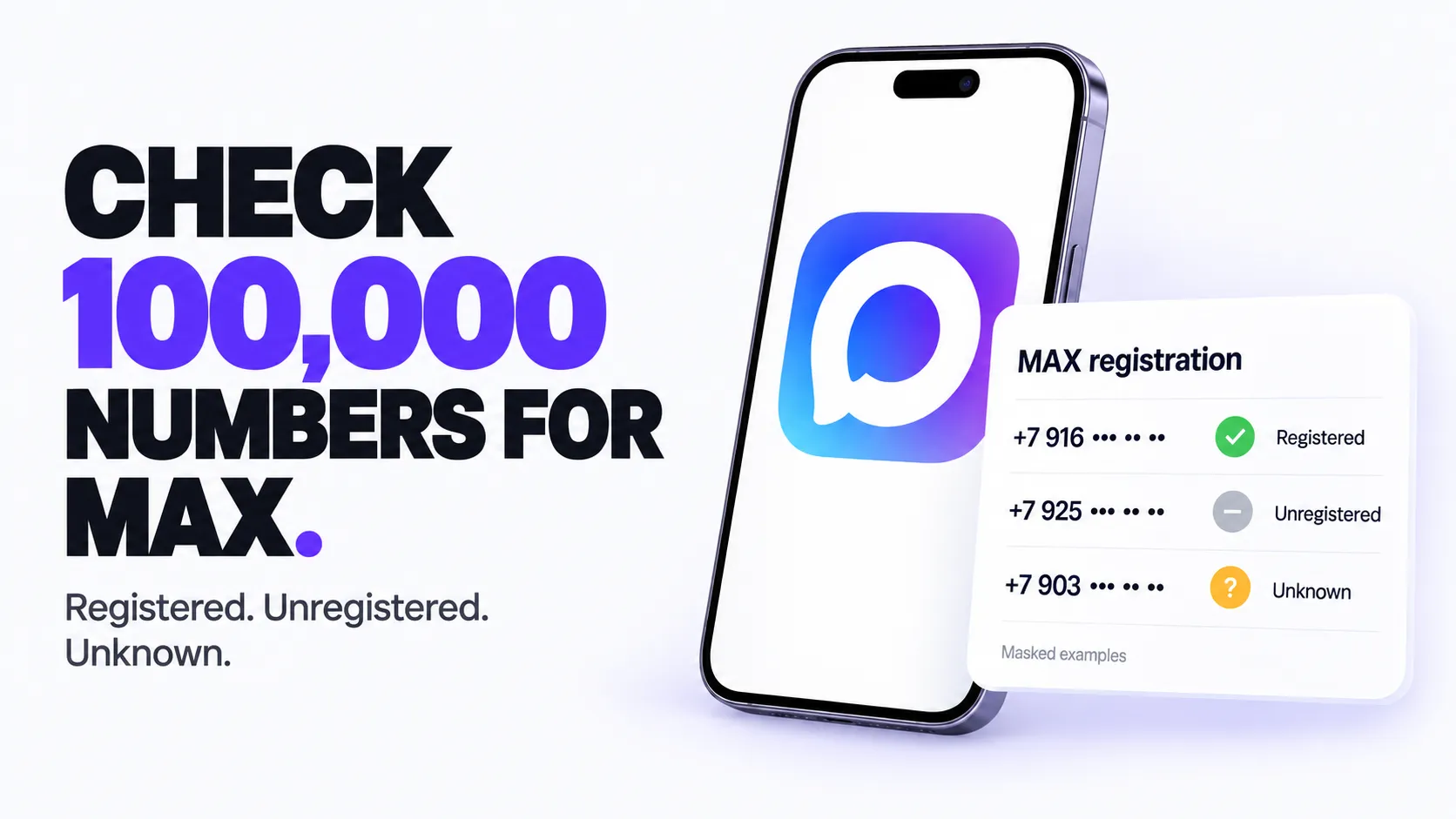
Check phone numbers in bulk for MAX messenger registration. Find which numbers have a MAX account, clean contact lists, and verify leads. Export results to CSV, JSON, or Excel. Up to 100,000 numbers per run, no proxy or login required.
Pricing
from $11.99 / 1,000 number checkeds
Rating
0.0
(0)
Developer

ClearPath
Maintained by CommunityActor stats
0
Bookmarked
23
Total users
1
Monthly active users
19 days ago
Last modified
Categories
Share
MAX Messenger Number Checker
Built by Clearpath, creators of WhatsApp Number Validator and Telegram Number Validator, with 11,000+ combined lifetime runs across those two actors. Check your MAX contacts with the same team's phone-data tools.
Why choose this actor?
- Check up to 100,000 numbers per run. Get MAX registration status for each checked number:
registered,unregisteredorunknown. Results include the normalized phone number, country code and check time. - Turn a spreadsheet into a checked contact list. Upload CSV/XLSX or paste your numbers. Automatic phone-column detection, number formatting and duplicate removal prepare the batch. Invalid and non-mobile entries are identified as skipped.
- Export the contacts registered on MAX. Enable
onlyRegisteredNumbersto return registered accounts, or keep all statuses for review. Download JSON, CSV or Excel to update your CRM or contact list.

See the three registration statuses
Open actor input and keep Test Mode enabled to inspect three fixed sample records. No real numbers are checked or billed as number checks. For real checks, disable Test Mode and provide 1,000–100,000 valid unique mobile numbers on a paying Apify account. Set defaultCountryCode when your list uses national-format numbers.
unknown means the check was inconclusive. Registration does not establish recent account activity. Registered-only filtering still bills every number checked. See pricing for current charges.
| Clearpath · Phone & Account Intelligence | |||
 MAX MAXYou are here |  Telegram TelegramUsernames & Premium |  WhatsApp WhatsAppAccount checks |  Phone Status Phone StatusActive-number checks |
Copy to your AI assistant
Quick Start
Preview sample output without checking real numbers:
Check a direct list (abbreviated below; real runs require at least 1,000 valid unique mobile numbers):
Upload CSV/XLSX with at least 1,000 valid unique mobile numbers and apply a default country code:
Input
For real runs, at least one of phoneNumbers or csvFile is required.
The actor is fully hosted on Apify. You provide phone numbers or an uploaded file; no extra credentials are required.
| Parameter | Type | Description |
|---|---|---|
testMode | boolean | Returns fixed sample output without real checks or number-check charges. |
phoneNumbers | array | Phone numbers with country code. Real runs require at least 1,000 unique numbers and process the first 100,000 after dedupe. |
csvFile | string | Uploaded CSV or Excel file with phone numbers. |
defaultCountryCode | string | Country code to prepend to numbers without a + prefix. |
onlyRegisteredNumbers | boolean | Output only numbers where maxStatus is registered. |
CSV/Excel File Requirements
- Supported formats:
.csv,.xlsx - Delimiters: Comma, semicolon, tab, pipe (auto-detected)
- Column detection: Automatically finds phone columns including:
- Standard:
phone,mobile,cell,tel,telephone,whatsapp - Variations:
phone number,mobile number,cell phone,contact number - CRM exports:
mobile phone,direct phone,work phone,personal phone,primary phone - International:
telefon,telefono,téléphone,celular,handy
- Standard:
- No headers? Scans content to find phone-like columns automatically
Output
Output Fields
| Field | Description |
|---|---|
phoneNumber | Normalized E.164 phone number (null when the input could not be read as a valid number). |
originalInput | Original value supplied by the user. |
countryCode | Detected country code (null for unreadable numbers). |
isValidFormat | Whether the input was recognized as a valid phone number. |
maxStatus | registered, unregistered, or unknown; null when the number was not checked. |
isRegistered | true when registered on MAX, false when unregistered, null when unknown or not checked. |
skipReason | Why a number was not checked: not_mobile (landline or other non-mobile line) or invalid_format (could not be read); null for checked numbers. |
checkedAt | ISO timestamp of the check. |
MAX accounts only exist on mobile numbers. Landlines and other non-mobile lines are listed with skipReason: "not_mobile", and numbers that cannot be read are listed with skipReason: "invalid_format". These rows are not submitted for checking and are never charged, so nothing in your input silently disappears. Only mobile numbers count toward the per-run minimum.
Pricing
The actor charges one number_checked event per number checked. See the Pricing tab for current plan-specific rates. Real checks require a paying Apify account.
Duplicates are removed before checking. Number-check charges apply to every number checked, including unknown results and numbers excluded by registered-only filtering.
Notes
unknownmeans the registration status could not be determined for that number; it still counts as a checked number.- Uploaded CSV/XLSX files can use common phone columns such as
phone,mobile, ortelephone. onlyRegisteredNumbersfilters output rows, but billing still applies to every checked number.
FAQ
Q: What is MAX? A: MAX is a messaging platform. This actor checks, in bulk, which phone numbers have a registered MAX account.
Q: How accurate are the results? A: Statuses reflect MAX registration at the time of the check.
Q: What countries are supported?
A: Worldwide. Numbers must include a country code, or set defaultCountryCode for national-format lists.
Q: How fast is it? A: A 1,000-number batch typically completes within a few minutes. Larger batches scale accordingly.
Q: What about duplicates? A: Auto-removed after normalization. You are only charged for unique numbers.
Q: What does unknown mean?
A: The registration status could not be determined for that number. It still counts as a checked number.
Q: Is there a minimum batch size? A: Yes, 1,000 unique numbers per run. The maximum is 100,000.
Q: My run failed and said none of my numbers were checked. What should I do? A: That is a temporary problem on our side, not a problem with your list. None of your numbers were checked, so none were charged. Leave your list as it is and start the run again in a few minutes.
Related Actors
More from Clearpath (Email tools):
- Email Account Checker - Check emails for real account registration on Gmail, Outlook, Yahoo, iCloud, Mail.ru.
- Email Address Validator - Bulk email deliverability validation (syntax, MX, SMTP, catch-all, disposable).
- Email Finder & Verifier - Find and verify B2B email addresses by name and domain.
📧 Support
- Email: max@mapa.slmail.me
- Feature Requests: Email or submit via issues
- Response Time: Typically within 24 hours
Legal
This actor checks MAX messenger registration status. Users are responsible for complying with applicable data protection regulations (GDPR, CCPA) when processing phone number lists.


