

LinkedIn Jobs & Hiring Signals Scraper
Pricing
from $1.80 / 1,000 job-results
LinkedIn Jobs & Hiring Signals Scraper
Scrape LinkedIn job listings by keyword, location, or search URL and turn them into clean, CSV-ready hiring-signal data - no LinkedIn login or cookies required.
Pricing
from $1.80 / 1,000 job-results
Rating
0.0
(0)
Developer

Delowar Munna
Maintained by CommunityActor stats
0
Bookmarked
2
Total users
0
Monthly active users
5 months ago
Last modified
Categories
Share
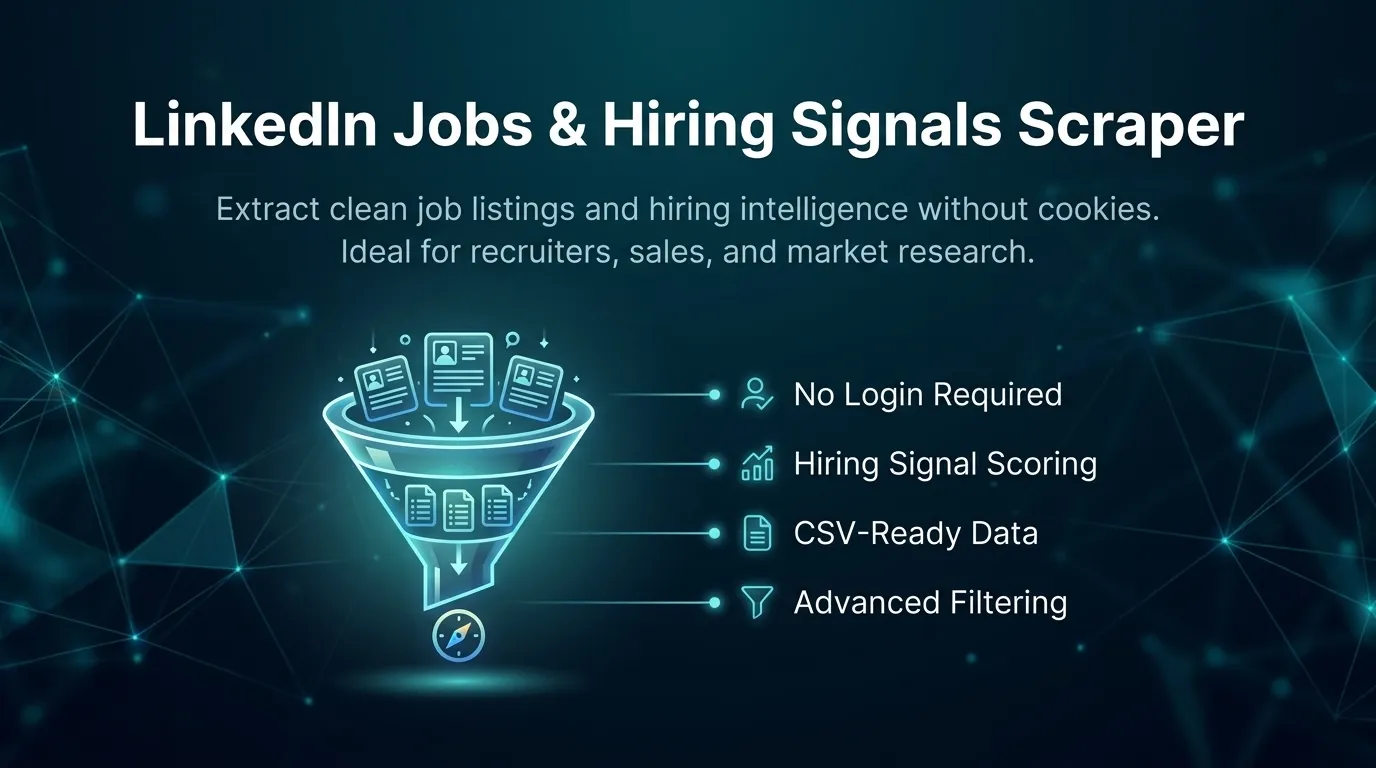
Scrape LinkedIn job listings by keyword + location or by direct jobs search URL, and turn them into clean, flat, CSV-ready rows — plus lightweight hiring-signal fields (company jobs in run, seniority, role category, remote flag, hiring-signal score + reason tags). Built for recruiters, sales teams, staffing agencies, and market researchers.
No LinkedIn login, no cookies, no session IDs. The actor uses LinkedIn's public guest jobs surface over HTTP, so it stays fast and cost-predictable. You pay one flat event per unique job row that passes your filters.
✨ Why this scraper
- Jobs-first, hiring-intelligence focused — not a generic profile scraper. Every row carries derived signals that make the data useful for sales, recruiting, and market research.
- Two input modes — keyword + location, or paste LinkedIn jobs search URLs directly (filters preserved).
- 30 flat fields — job identity, company, role metadata, posting details, and hiring signals. No nested objects, drops straight into Sheets/Excel/CRMs.
- Pay-Per-Event — one flat
job-resultevent per saved unique job. Duplicates and filtered rows are never charged. - No login / cookies / sessions — just keywords or URLs.
- Transparent hiring-signal score — rule-based (no AI), explained below.
🚀 Quick start — sample inputs
Example 1 — keyword + location
Example 2 — direct LinkedIn jobs search URL + custom residential proxy via your own provider
Provide at least one of
searchQueries(with optionallocations) orjobSearchUrls. If you provide both, the actor runs both and deduplicates across the whole run.
The actor blocks Apify Residential proxy; if you need residential routing, supply your own provider via
proxyConfiguration.proxyUrlsas shown. See 🚦 Proxy policy below.
📦 Output
The dataset has one view: Jobs & hiring signals — a 30-column flat table.

Output fields (30)
search_query, search_location, source_url, job_id, job_url, job_title, company_name, company_linkedin_url, company_id, job_location, country_hint, workplace_type, employment_type, seniority_level, job_function, industries, posted_time_text, posted_at_estimate, applicants_count, salary_text, easy_apply, description_text, description_length, role_category, is_remote, company_jobs_in_run, hiring_signal_score, hiring_signal_label, reason_tags, scraped_at.
Sample record — Jobs & hiring signals
🎯 Hiring-signal score
Transparent rule-based score (0–100) computed from extracted fields — no AI, no external enrichment.
| Signal | Points |
|---|---|
| Company has 3+ jobs in this run | +25 |
| Company has 2 jobs in this run | +15 |
| Posted within the last 7 days | +15 |
| Full-time role | +10 |
| Senior / director / executive seniority | +10 |
| Description length ≥ 500 chars | +10 |
| Company LinkedIn URL present | +10 |
| Applicants count present and under 100 | +10 |
| Remote role | +10 |
Score is capped at 100.
Labels: strong (80–100) · good (60–79) · moderate (40–59) · weak (0–39).
reason_tags is a comma-separated list explaining the score — e.g. multiple_open_roles, fresh_posting, full_time_role, senior_role, detailed_description, company_profile_available, low_applicant_count, remote_role, plus target_company_match / target_title_match when your include filters matched.
💰 Pricing
Pay-Per-Event. One flat event per saved row (final per-event price is configured on the Apify console):
| Event | Charged when |
|---|---|
job-result | Once per unique job row that passed all filters and was successfully written to the dataset. |
So your bill is simply results_saved × price_per_event. The actor honors the user-configured per-run spending cap (Apify eventChargeLimitReached) and stops cleanly when reached.
Not charged:
- Duplicates (deduplicated by
job_id, canonicaljob_url, and title+company keys). - Rows filtered out by keyword / workplace / employment / date filters.
- Rows missing a
job_idorjob_title. - Failed or blocked requests.
🚦 Proxy policy
Use Apify Datacenter proxy or no proxy for normal runs — both work for LinkedIn's public guest jobs surface at this actor's conservative concurrency.
Apify Residential proxy is not supported. The actor will fail at startup if proxyConfiguration.apifyProxyGroups includes RESIDENTIAL. Reason: in pay-per-event actors, residential bandwidth (~/GB) is billed to the developer, not the run user, so a single bandwidth-heavy run could exceed the per-result event revenue.
If you genuinely need residential routing, supply your own residential provider via the proxy editor's Custom proxy URLs field — that traffic goes through your provider, not Apify, and is unaffected:
📊 Run summary
After each run, a RUN_SUMMARY entry is written to the key-value store:
charged_events equals the number of successfully saved unique rows.
⚙️ Filters
| Filter | Stage | Effect |
|---|---|---|
datePosted | Source-side | any / past24h / pastWeek / pastMonth. Enforced at LinkedIn where stable. |
workplaceTypes | Source + post | remote / hybrid / onsite. |
employmentTypes | Source + post | full_time / part_time / contract / temporary / internship / volunteer / other. |
titleIncludeKeywords / titleExcludeKeywords | Pre-extraction | Case-insensitive substring on job title. Exclusion wins. |
companyIncludeKeywords / companyExcludeKeywords | Pre-extraction | Case-insensitive substring on company name. Exclusion wins. |
saveOnlyUniqueItems | Both stages | Drop duplicates across queries (recommended ON). |
Filters are applied before any dataset push or event charge.
🚧 Limitations (V1)
- Public guest data only: no login, cookies, or member-only content. Some fields (employment type, seniority, industries, applicants count, description) come from the job detail page and only populate when
includeDescription(or an employment/workplace filter) triggers a detail visit. easy_applycomes from the job detail page (true= applied on LinkedIn / Easy Apply,false= redirects to the company site). It staysnullwhen detail pages are not visited (includeDescription: falseand no employment/workplace filter) or for expired listings.salary_textis kept as raw text (no min/max/currency split) and is only present when LinkedIn shows it.- No recruiter/contact extraction, email enrichment, company-website crawling, or AI scoring.
- LinkedIn guest pagination tops out around ~1,000 results per search source; split broad searches into narrower queries for more coverage.
maxResultscaps saved unique rows across the whole run (not per query).
❓ FAQ
Do I need a LinkedIn account or cookies? No. The actor only uses LinkedIn's public guest jobs endpoints.
Why are some rows missing description / seniority / employment type?
Those come from the job detail page. They populate when includeDescription: true (default) or when you set an employment/workplace filter. With includeDescription: false and no such filter, runs are faster but return card-only fields.
How is company_jobs_in_run computed?
It counts how many saved jobs in this run belong to the same company — a simple, cheap hiring-demand signal. It is computed across the run's saved set; no extra company-page requests are made.
Can I paste a LinkedIn jobs search URL?
Yes — put it in jobSearchUrls. Its existing filters are preserved and the actor paginates it for you.
Can I export to CSV?
Yes — every field is flat (no nested objects). Use Apify's CSV / Excel export, or call the dataset API with format=csv.
Will I get blocked? The actor uses conservative concurrency, realistic headers, session rotation, and retry/backoff. Default Apify Proxy is sufficient for typical small/medium runs. For large runs, split searches and/or supply your own proxy provider.
🛠️ Technical notes
- Stack: Node.js 22 · Apify SDK 3 · Crawlee
CheerioCrawler· Cheerio + native fetch. No browser. - Endpoints: LinkedIn public guest
seeMoreJobPostings(search) andjobPosting(detail). - Concurrency:
min=1,max=5(conservative; tune after real runs). - Memory: 1 GB min · 2 GB default · 4 GB max.
- Proxy: Apify Proxy enabled by default; custom configs accepted; Apify Residential rejected at startup.


![🚀 Indeed jobs scraper [PPR] avatar](https://images.apifyusercontent.com/PEDOk9MmTf1yHtczA1A4wQEoGyAKCe5Aft1HzkhwROk/rs:fill:76:76/cb:1/aHR0cHM6Ly9hcGlmeS1pbWFnZS11cGxvYWRzLXByb2QuczMudXMtZWFzdC0xLmFtYXpvbmF3cy5jb20vTVhMcG5nbVZwRThXVEVTUXIvQjFrZ3BRS1p5dzJvVEpJUmctTG9nby1IZXJvLVN0YXRpYy1lemdpZi5jb20td2VicC10by1qcGctY29udmVydGVyLmpwZw.webp)


![LinkedIn Jobs API & Scraper [NO COOKIES] ✅ avatar](https://images.apifyusercontent.com/NKfvWcCujNjiTmEWKy2pbPm5S3PwlphrBPipDzNxcVk/rs:fill:76:76/cb:1/aHR0cHM6Ly9hcGlmeS1pbWFnZS11cGxvYWRzLXByb2QuczMudXMtZWFzdC0xLmFtYXpvbmF3cy5jb20vc0NDU2R3bm1LTUoxUTJzVG4tYWN0b3ItekI2UXhSRDZHalNpVGZ2MlYtdFBwamJhSFBxTi1TcGFyc2VfaW5zdHJ1bWVudGF0aW9uX19kaXJlY3RfbHlyaWNzX191cmJhbl9yZWFsaXNtX195b3V0aGZ1bF9y.webp)


