
FLUX.2 Klein Image Generator (Text-to-Image & Image-to-Image)
Pricing
from $3.00 / 1,000 image generateds
FLUX.2 Klein Image Generator (Text-to-Image & Image-to-Image)
Fast, cheap AI image generator & editor powered by FLUX.2 Klein. Text-to-image and image-to-image in seconds, just $4/1000 images. No GPU or subscription — a pay-as-you-go Midjourney, DALL-E & Flux alternative.
Pricing
from $3.00 / 1,000 image generateds
Rating
0.0
(0)
Developer

daniel tr
Maintained by CommunityActor stats
1
Bookmarked
418
Total users
137
Monthly active users
17 hours
Issues response
8 days ago
Last modified
Categories
Share
FLUX.2 Klein AI Image Generator — Text-to-Image & Image-to-Image ⚡
AI image generator and editor powered by FLUX.2 Klein — create stunning images from a text prompt, or transform an existing photo, in just a few seconds. No GPU, no subscription, no monthly fees: you pay a tiny fixed price per image. A fast, affordable alternative to Midjourney, DALL·E 3, and Adobe Firefly.
Two modes in one Actor:
- 🖋️ Text to Image — describe anything and get a high-quality image.
- 🖼️ Image to Image — edit, restyle, or transform a photo you already have (just add an image URL).
Perfect for social media content, product shots, blog and ad creatives, thumbnails, app assets, faceless content pipelines, and n8n / Make / Zapier workflows and AI agents.
Examples
Every image below was generated by this Actor with the default 4 steps — each took only a couple of seconds.
Text to Image
| Prompt | Size | Result |
|---|---|---|
| "A beautiful sunset over a calm ocean, cinematic, highly detailed, golden hour" | landscape_16_9 | 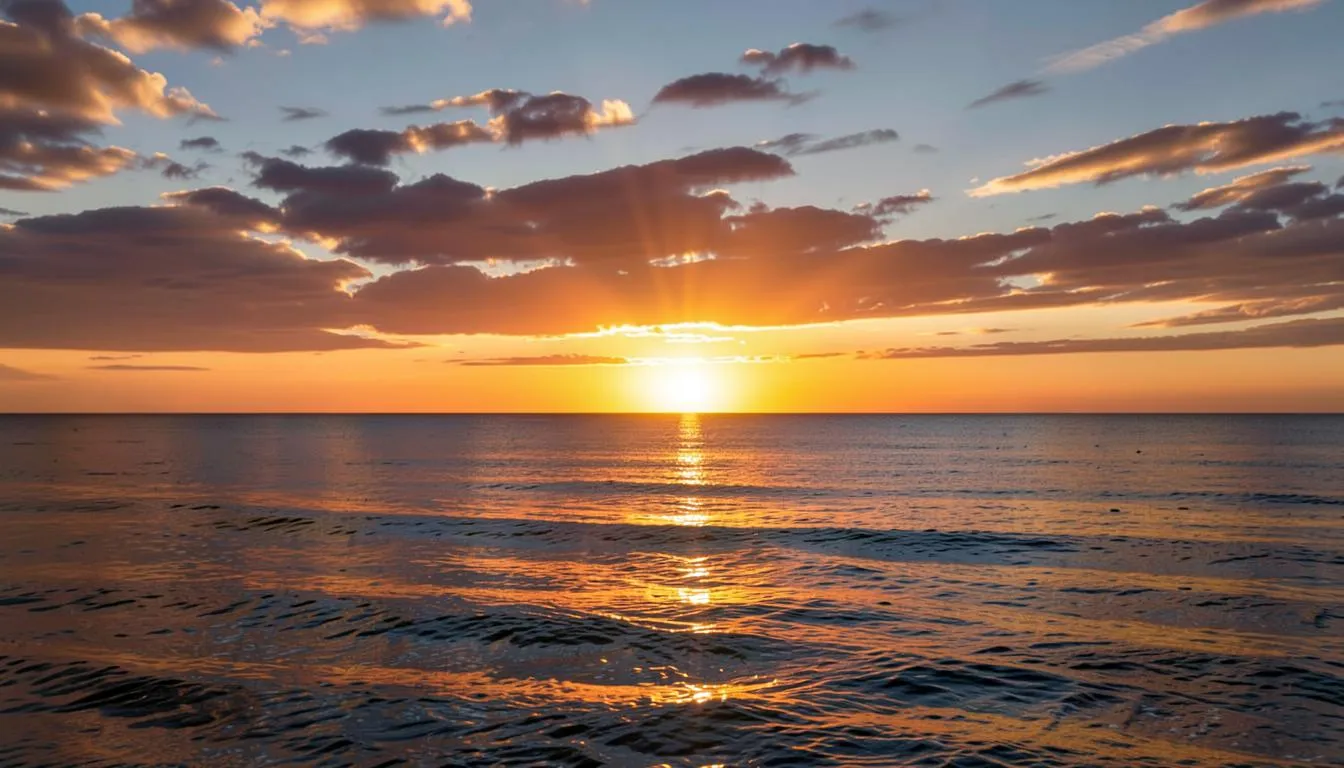 |
| "A red fox sitting in a snowy pine forest at golden hour, shallow depth of field, photorealistic" | square_hd | 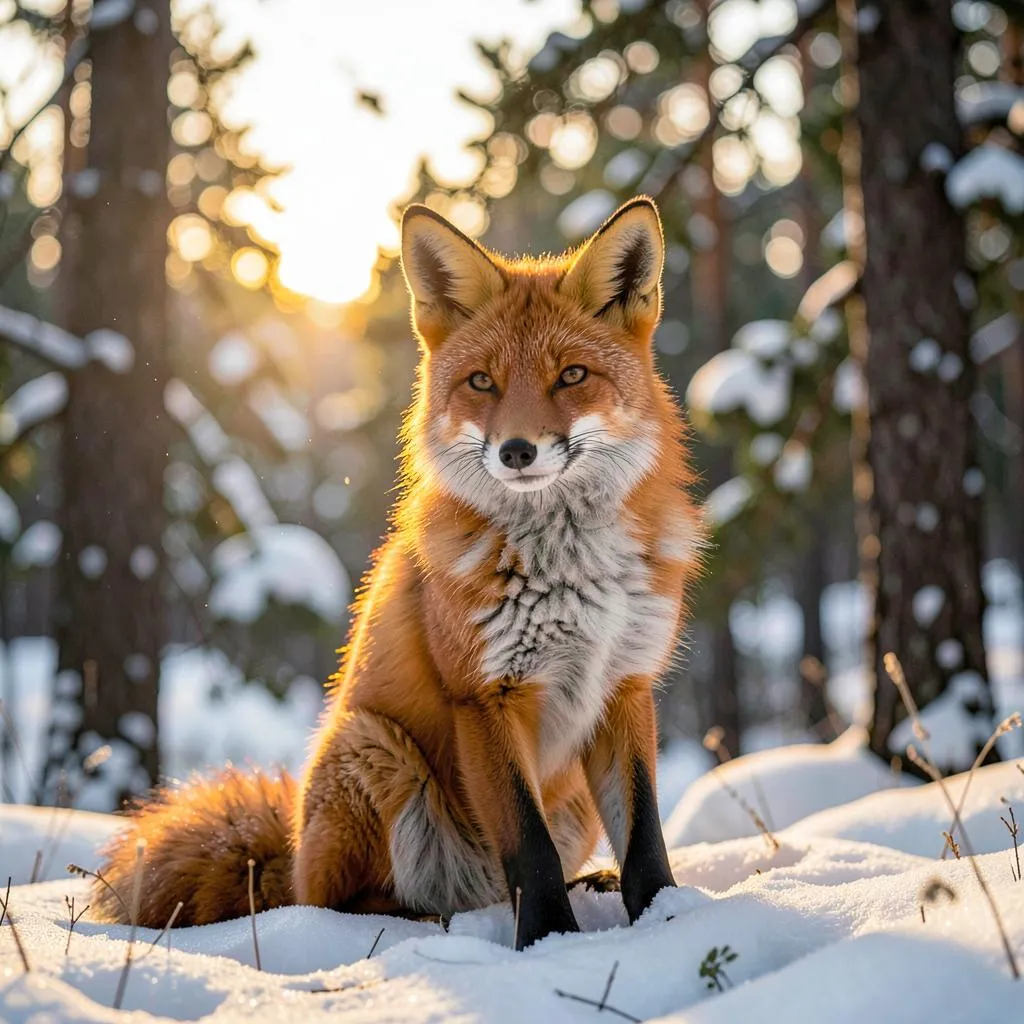 |
| "Neon cyberpunk city street at night, rain reflections, cinematic, ultra detailed" | portrait_16_9 | 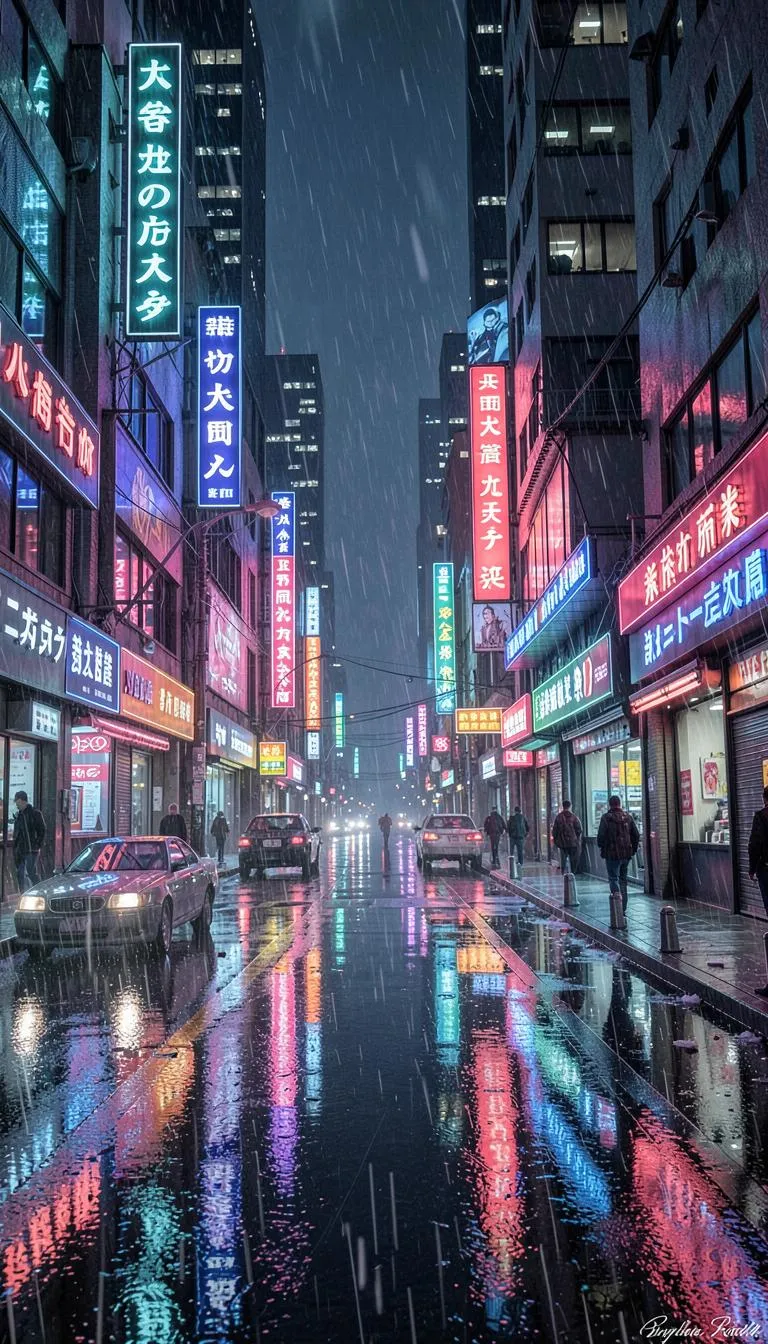 |
| "A cozy coffee shop logo with the text "FLUX BREW" in elegant lettering, minimal, vector style" | square | 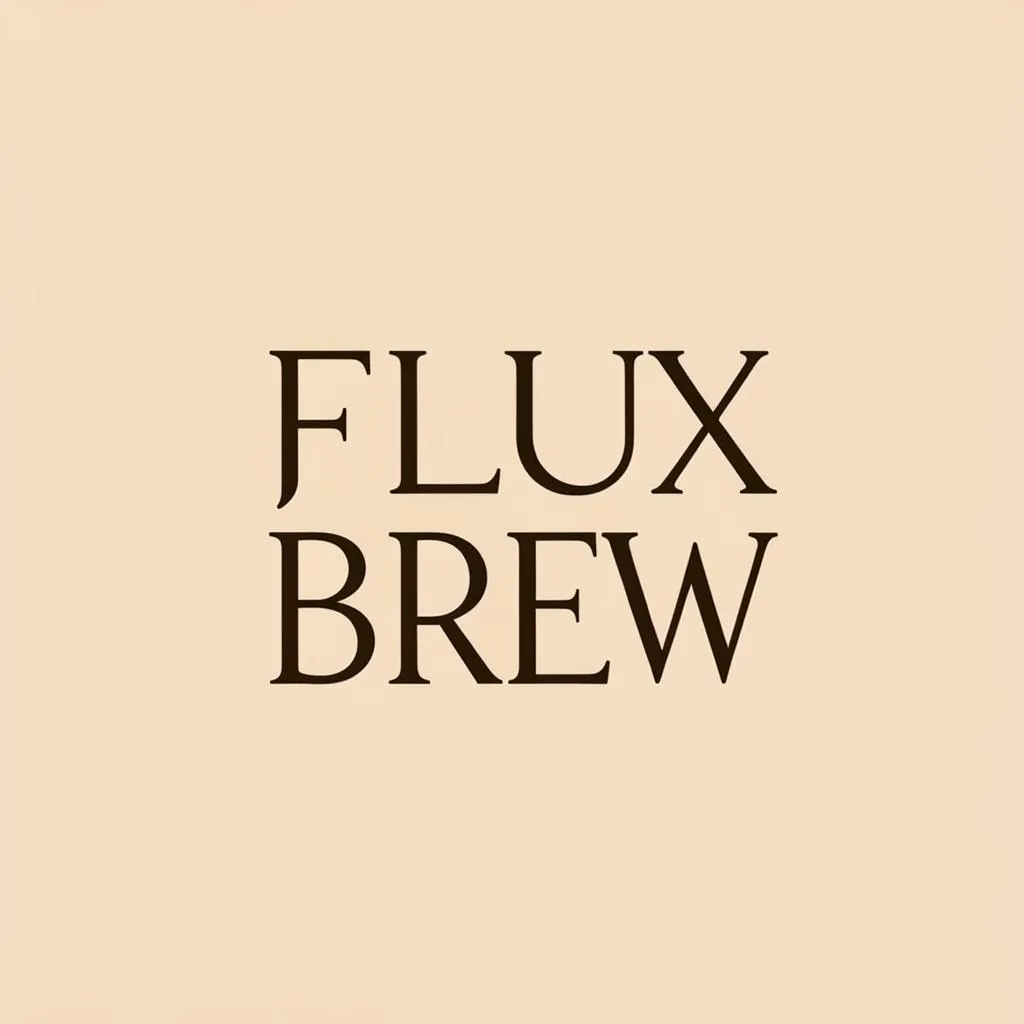 |
Image to Image
Start from one photo and restyle it with a prompt — the input below is the demo image from the imageUrl field:
| Source image | Prompt | Result |
|---|---|---|
 | "turn it into a vibrant watercolor painting" | 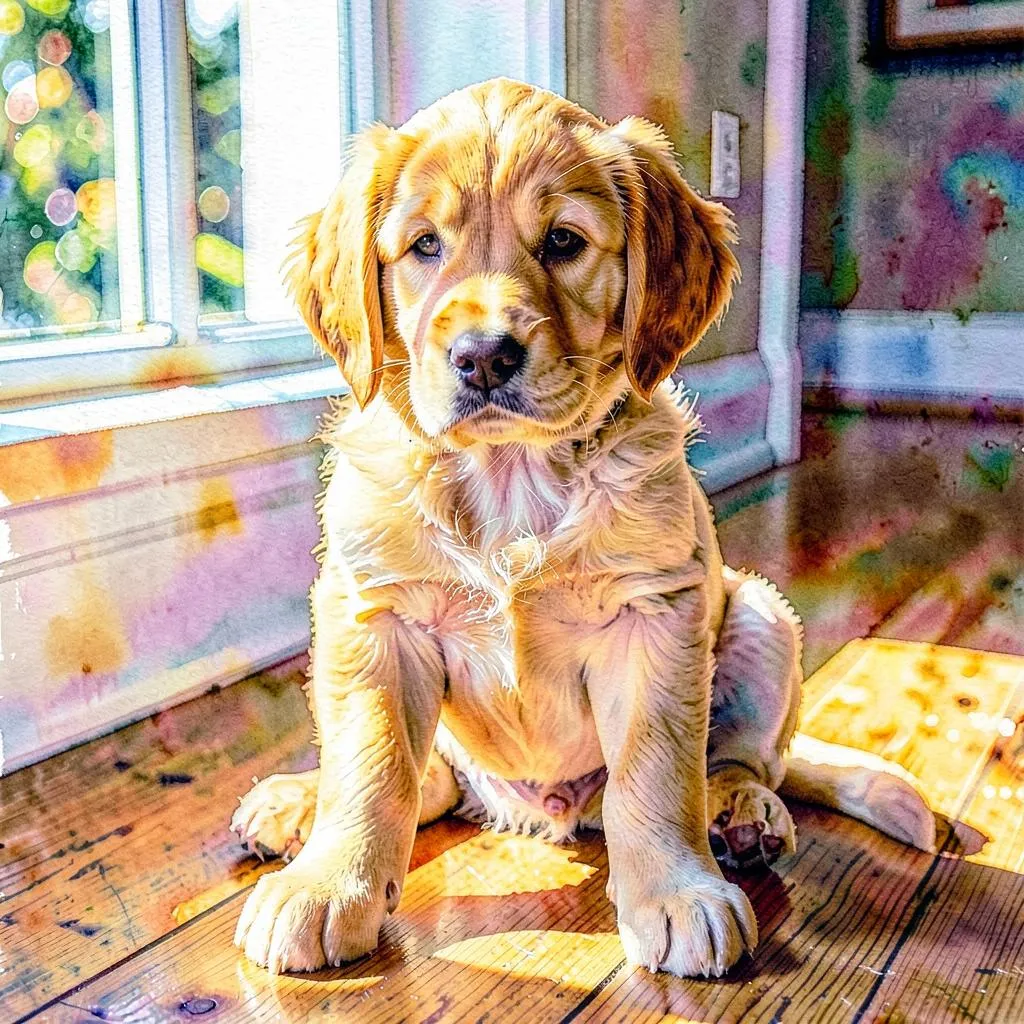 |
| "convert to a detailed black-and-white pencil sketch" | 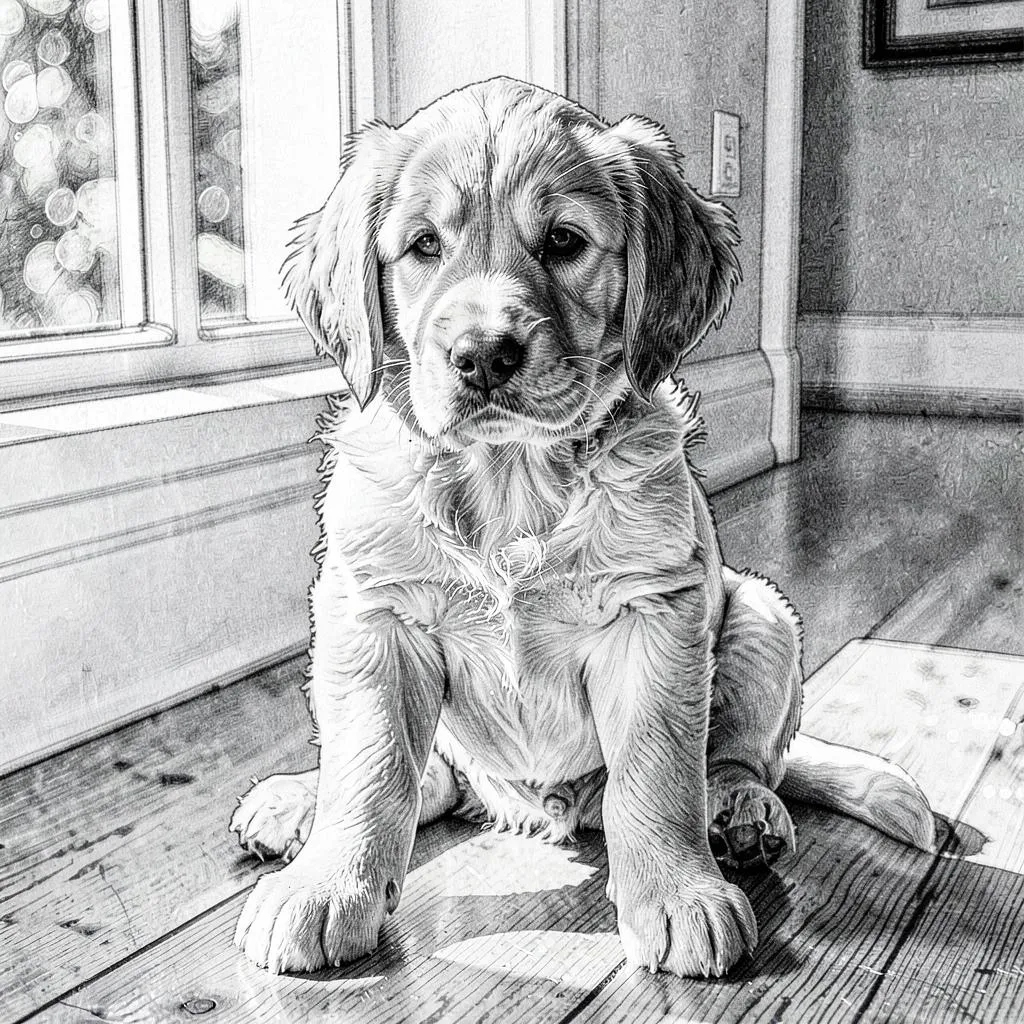 |
Gallery — one model, every style
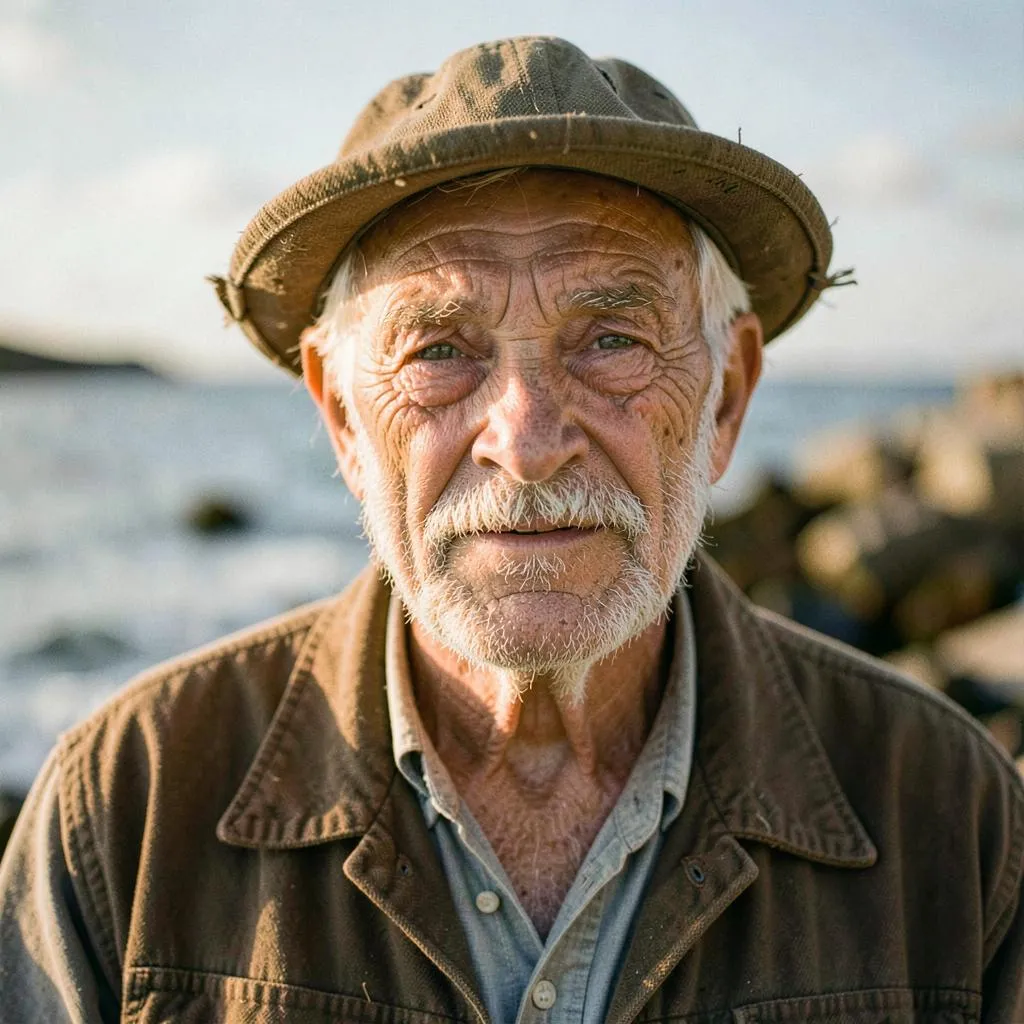
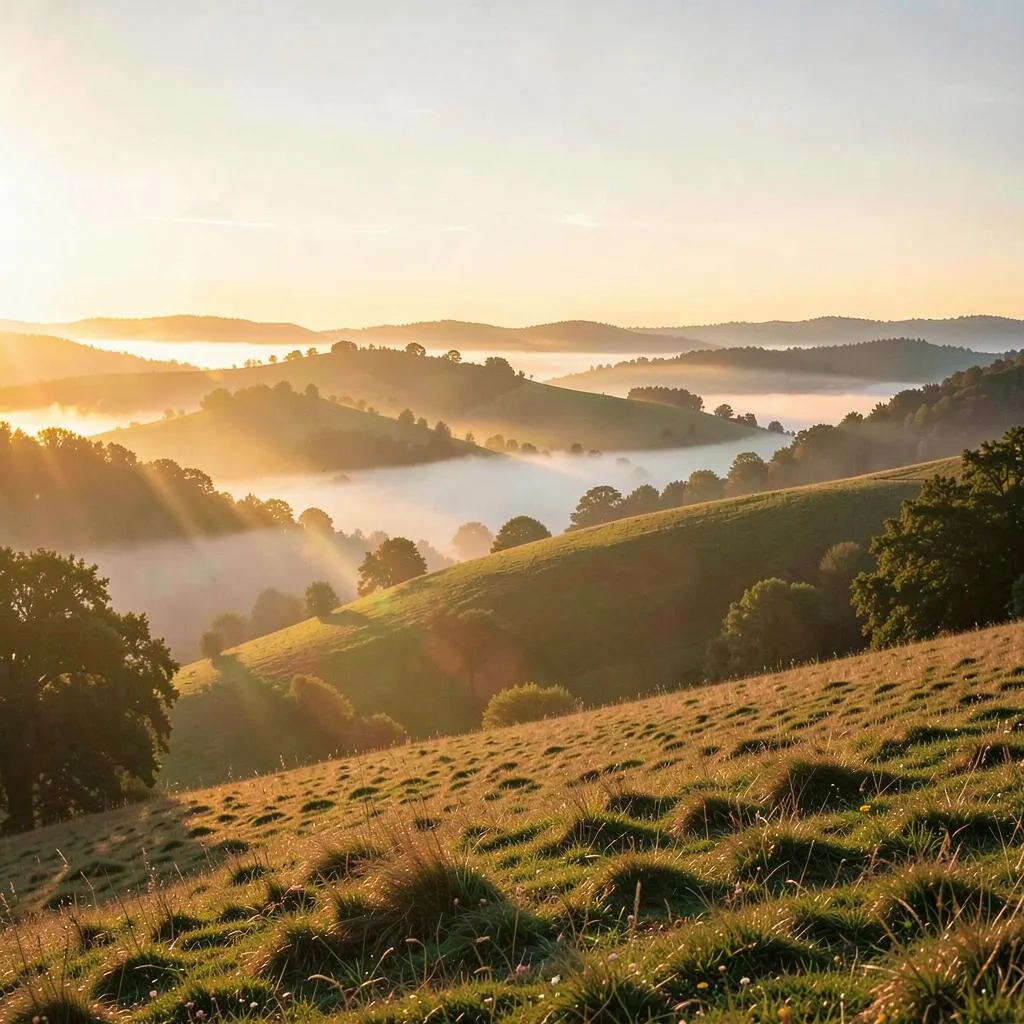
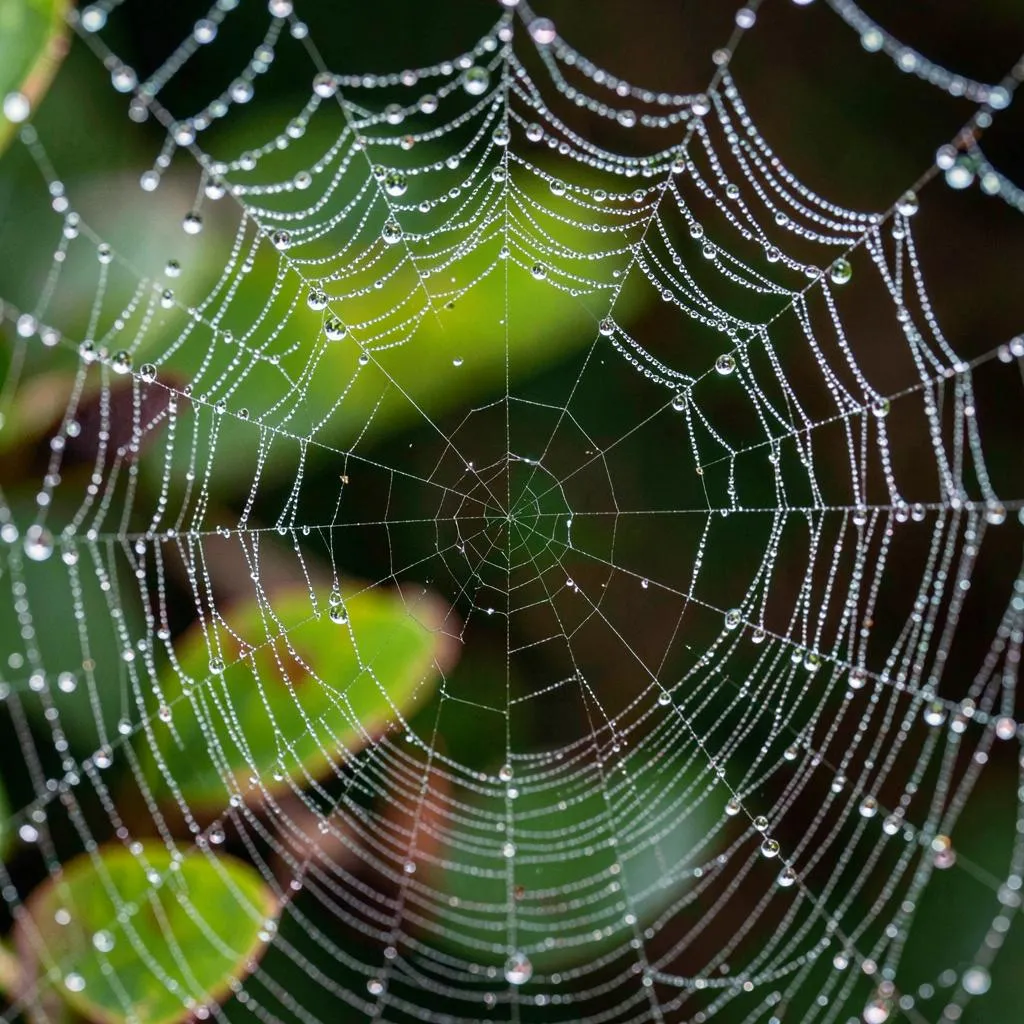
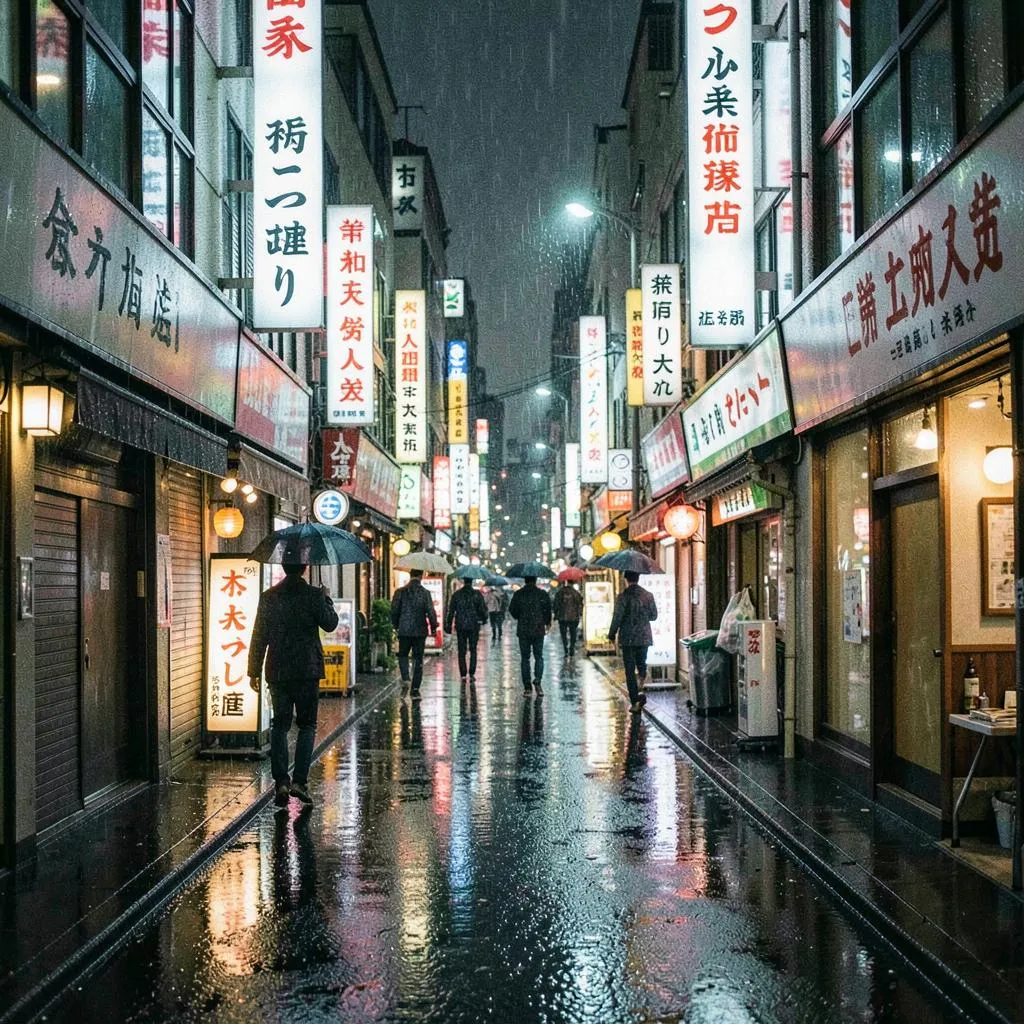
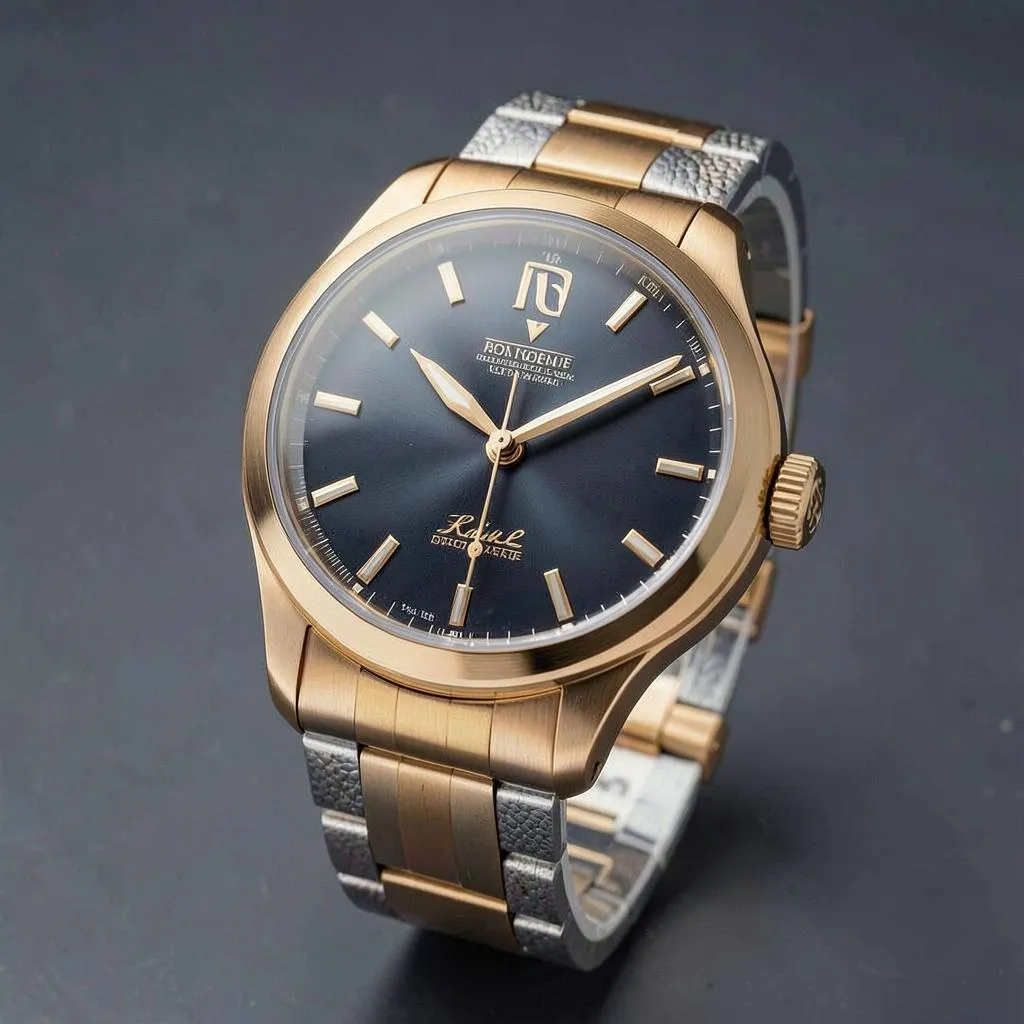
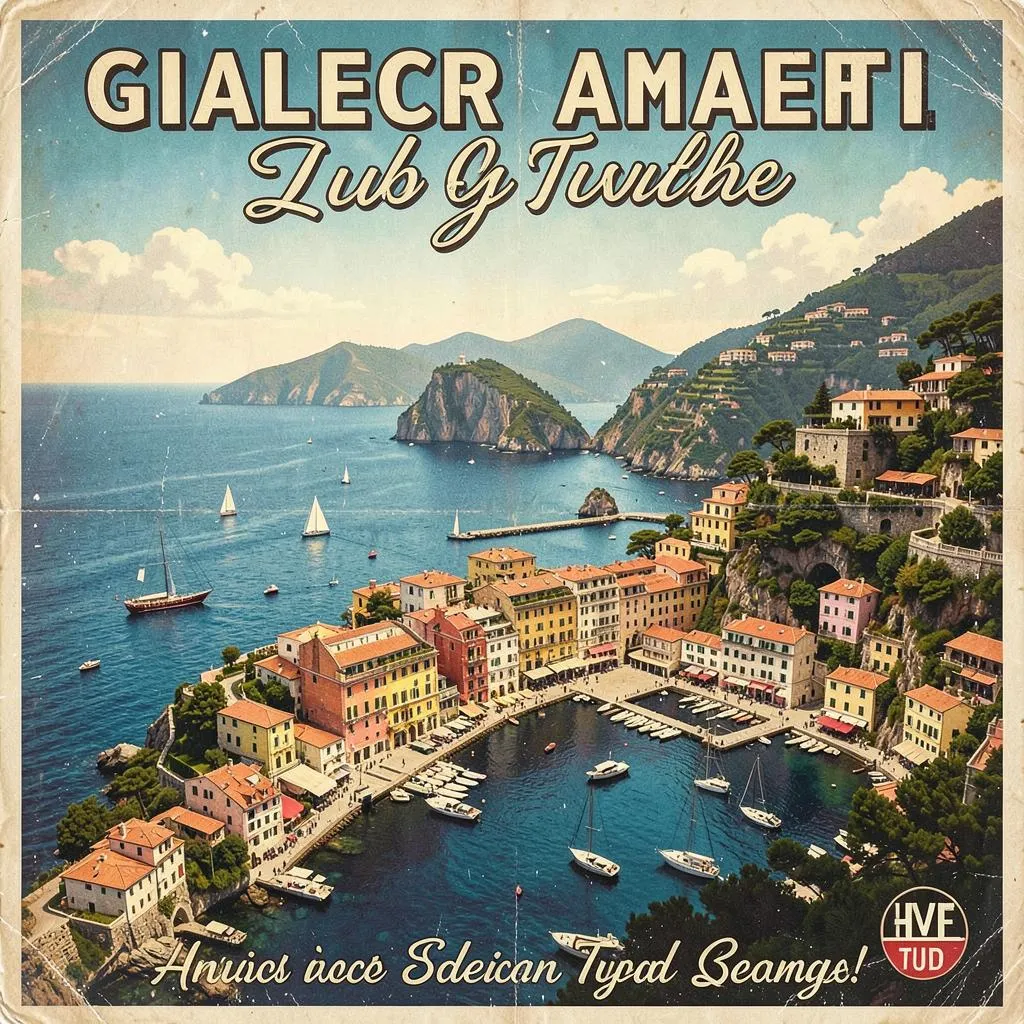
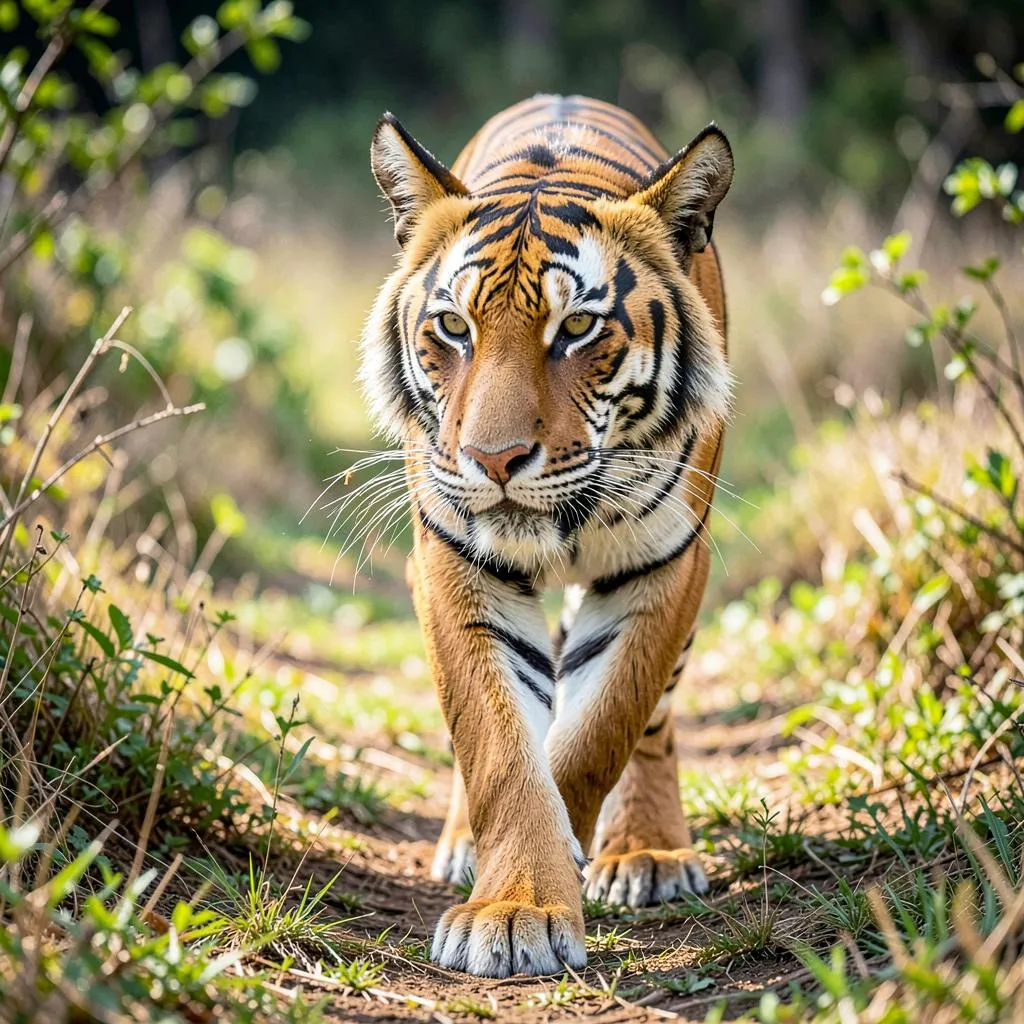
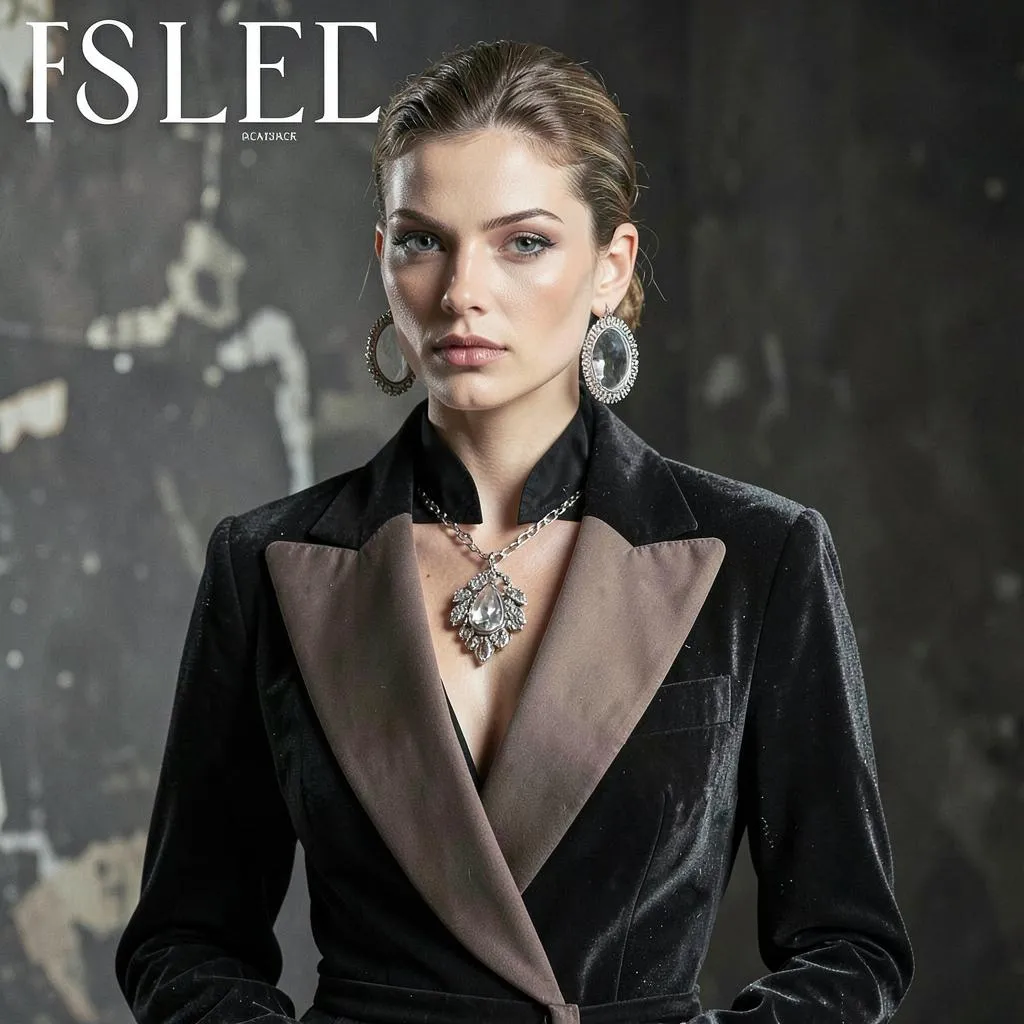
A few of the styles and domains FLUX.2 Klein handles out of the box — photography, illustration, 3D, concept art, design, and more. Every image below was generated by this Actor at the default 4 steps, square_hd (1024×1024), in about a second each:
 |  |  |  |
 |  | 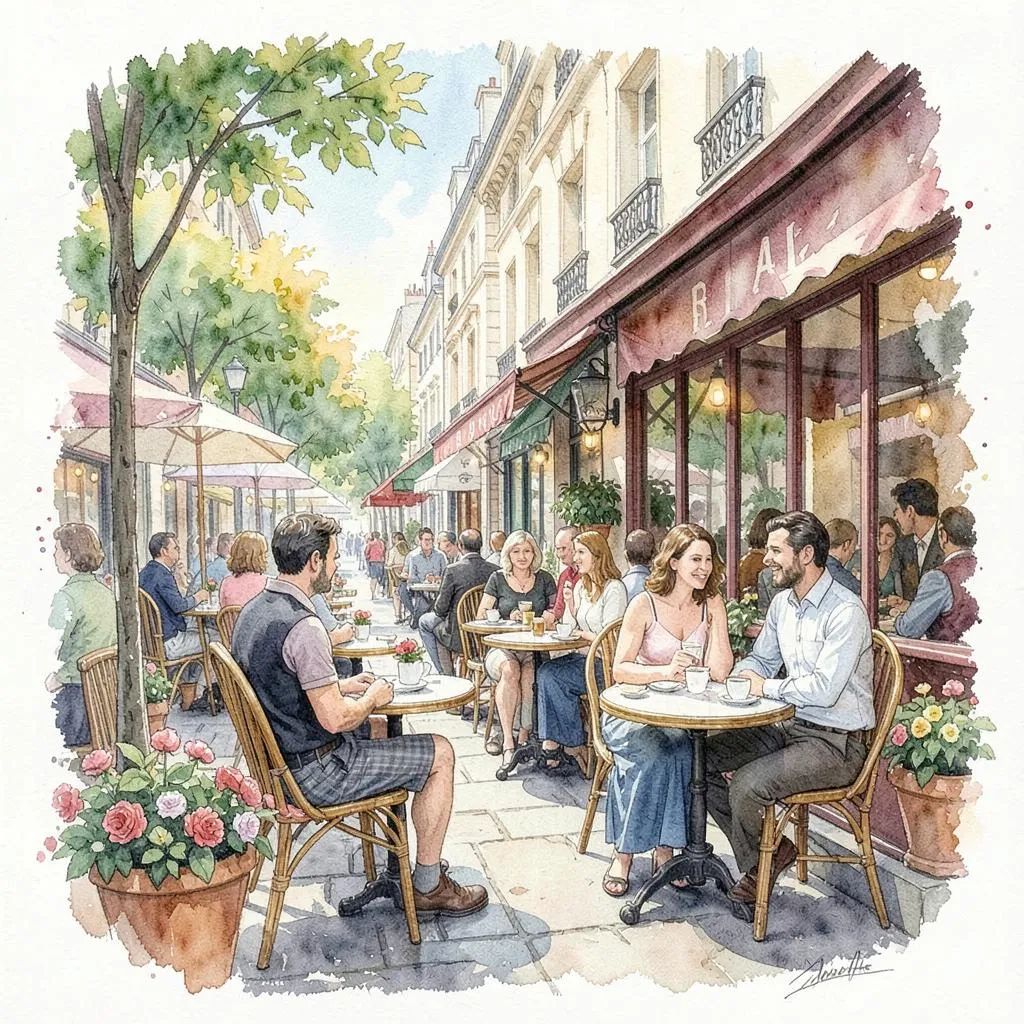 | 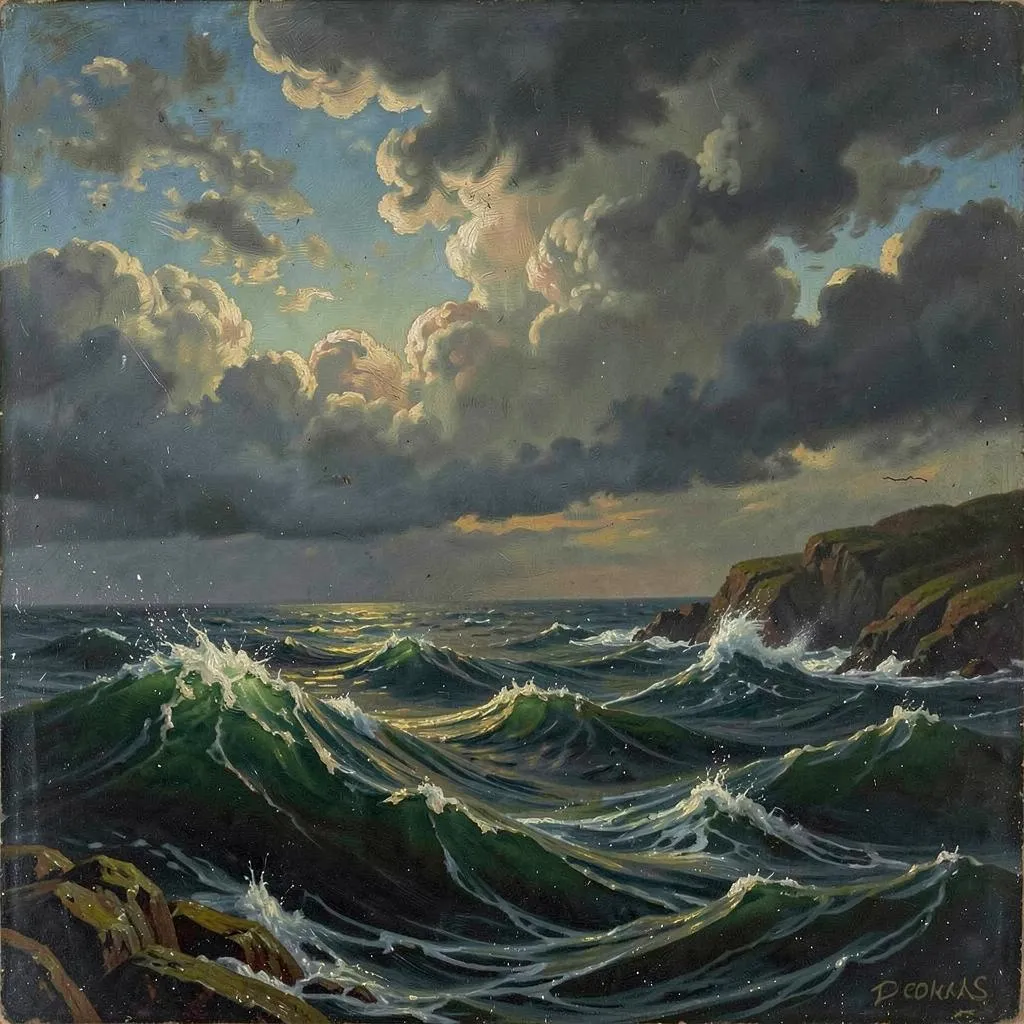 |
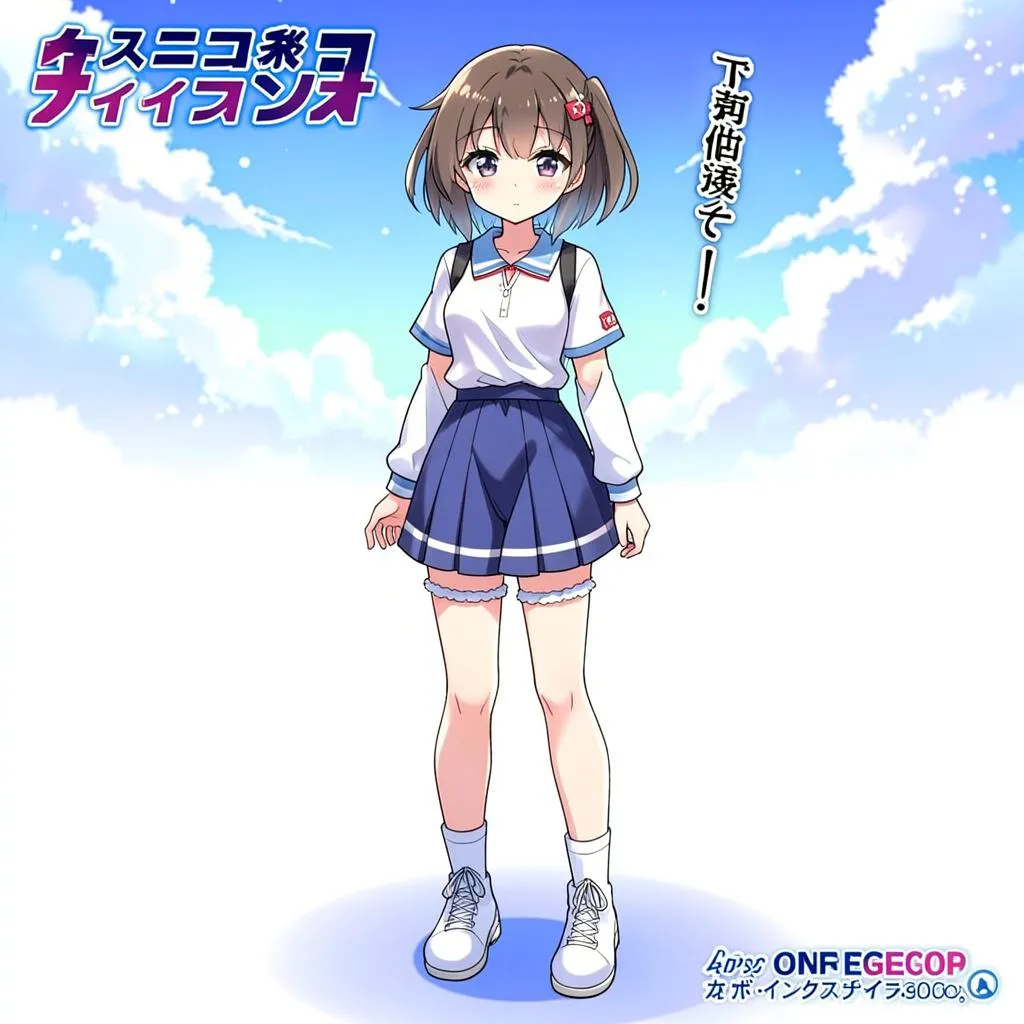 | 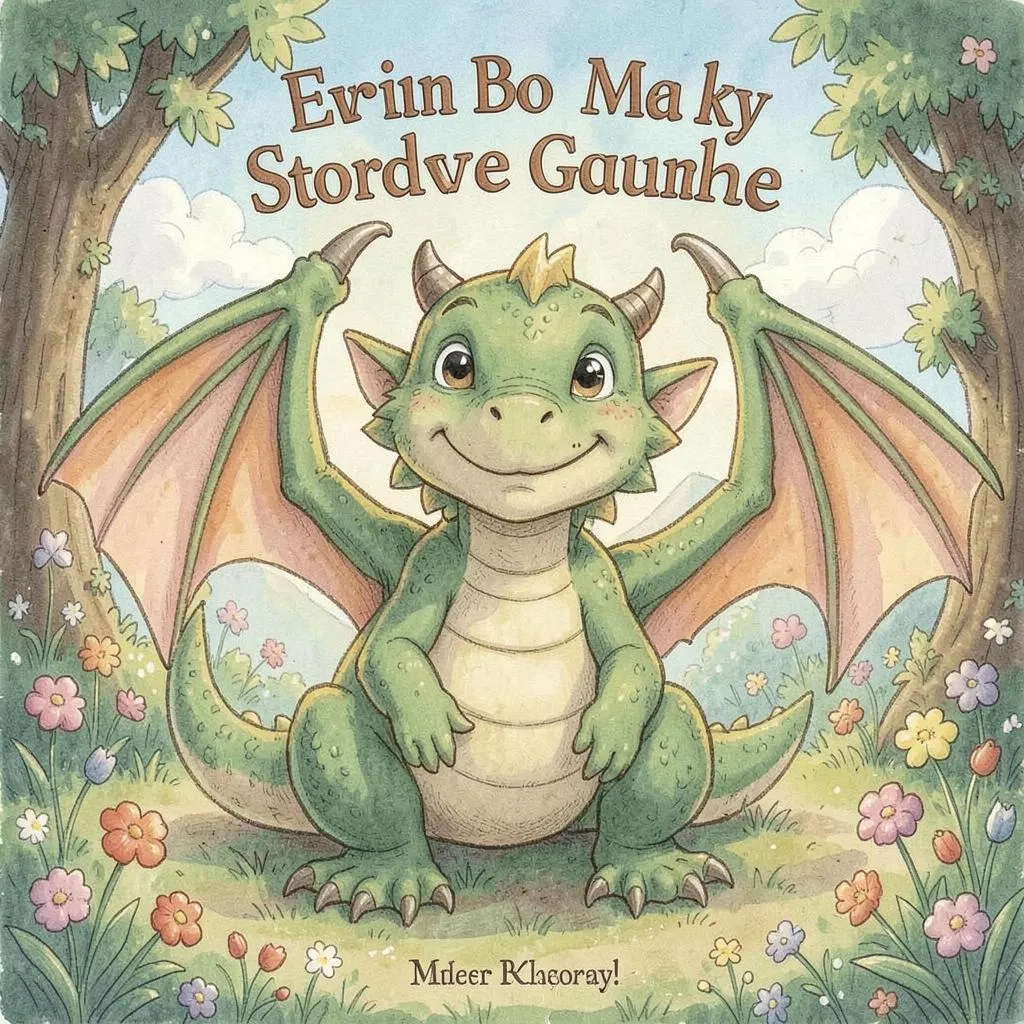 |  |  |
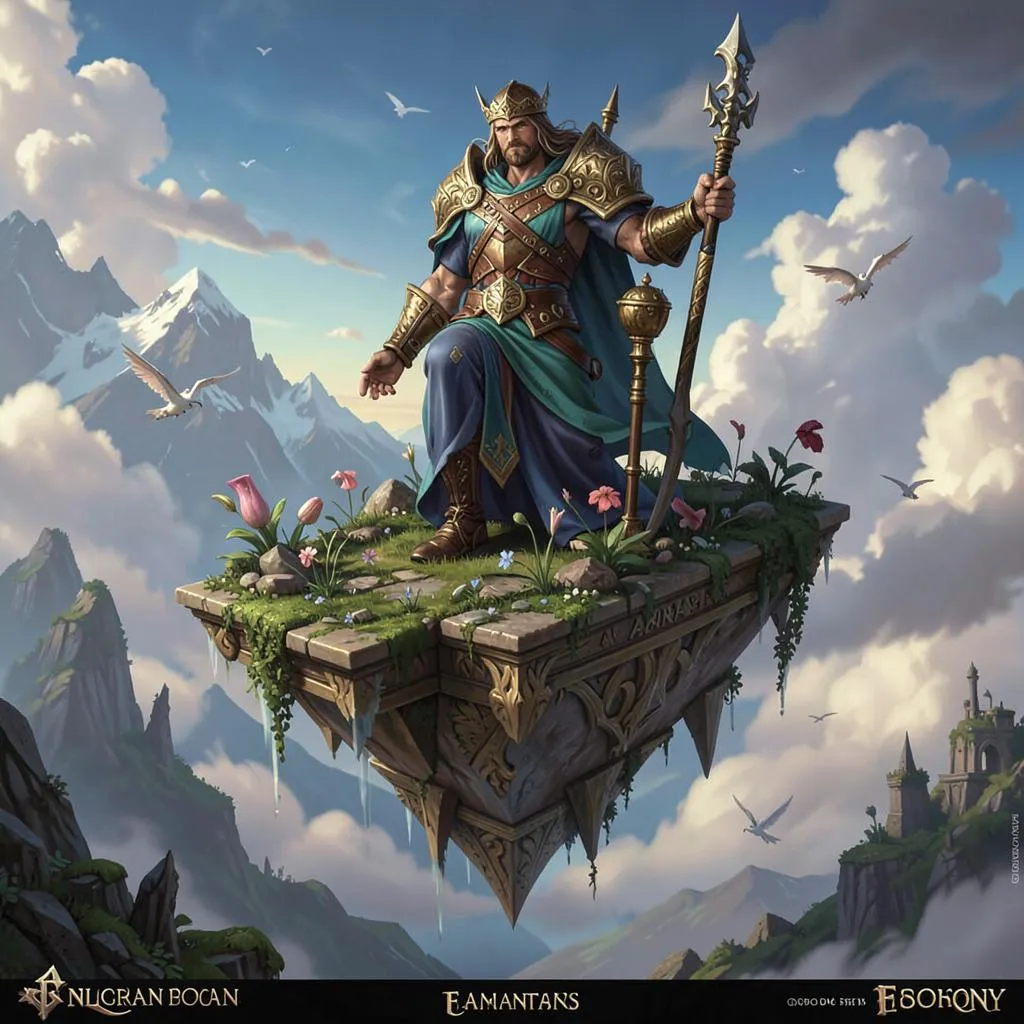 | 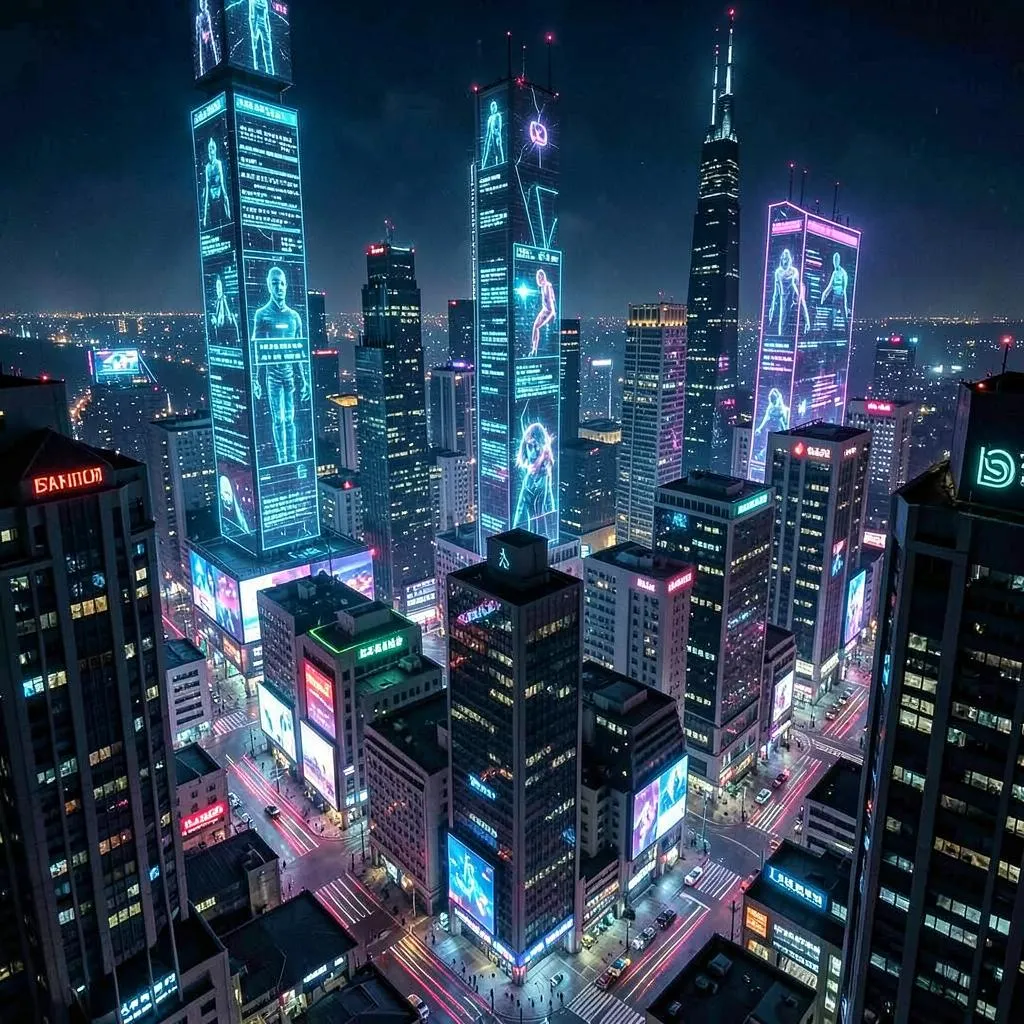 | 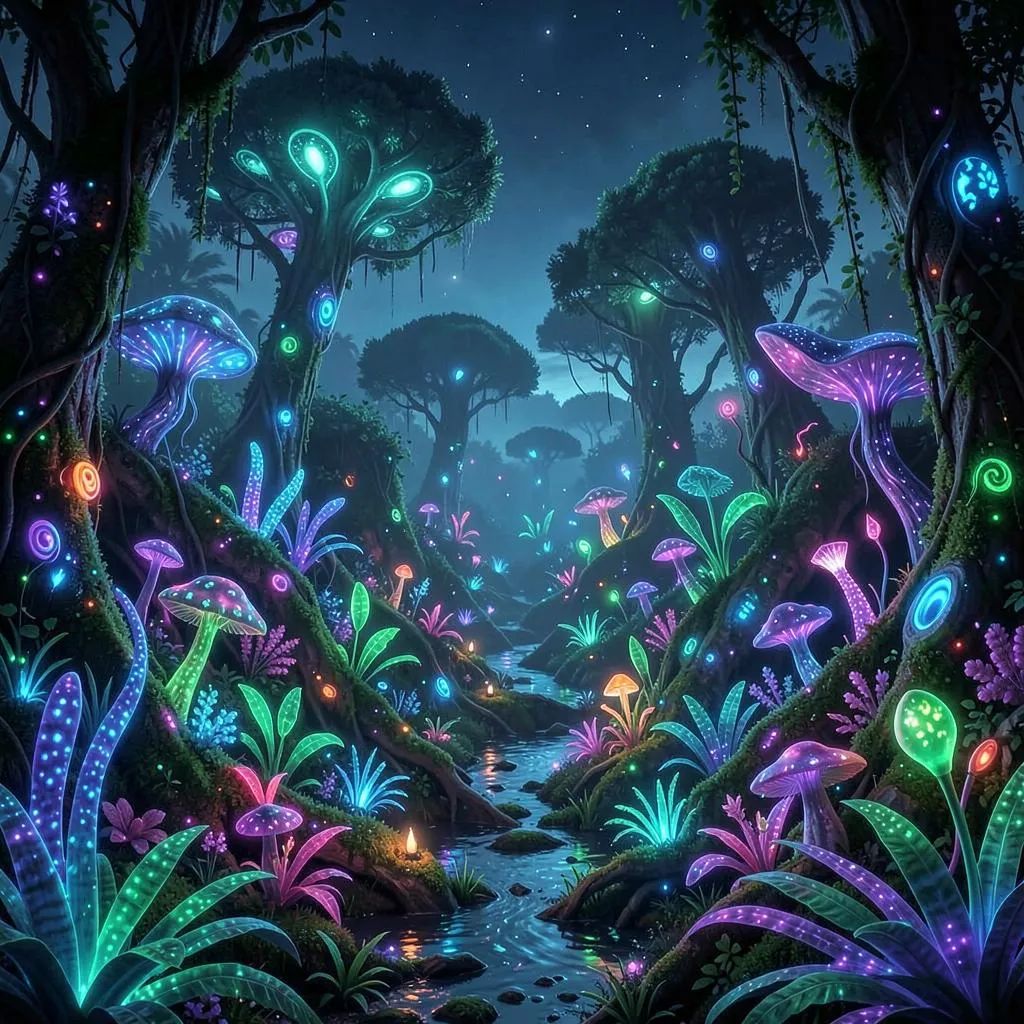 |  |
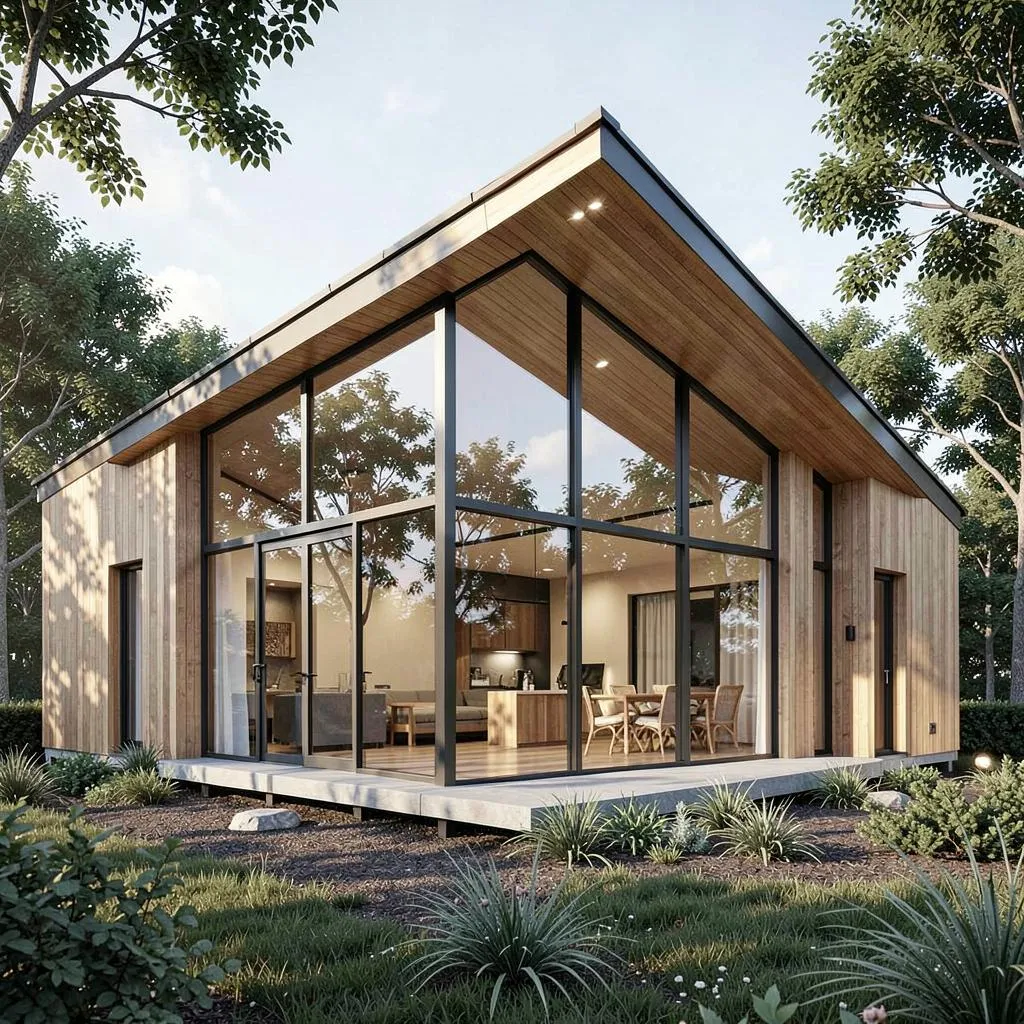 |  |  |  |
Why this Actor?
- ⚡ Fast — FLUX.2 Klein is distilled for speed and runs in as few as 4 steps, generating an image in a few seconds (most hosted endpoints take much longer).
- 💸 Cheap — from $0.003 per image (as low as $3 per 1,000) for both text-to-image and image-to-image. Pay only for successful images; failed runs are never charged.
- 🎨 Quality — FLUX.2 Klein delivers sharp detail, strong prompt following, and excellent text rendering.
- 🔌 Automation-ready — call it from the Apify API, n8n, Make, Zapier, LangChain, or any AI agent via MCP.
- 📐 Flexible formats — square, portrait, and landscape sizes for text-to-image; 15 aspect ratios for image-to-image.
- 🖼️ Batch — generate up to 4 images per run.
How it compares
| This Actor (FLUX.2 Klein) | Midjourney / DALL·E / Firefly | |
|---|---|---|
| Pricing model | Pay per image (from $0.003) | Monthly subscription / credits |
| Commitment | None — pay only for what you run | Recurring plan, credits expire |
| Failed runs | Never charged | Often consume credits |
| Speed | A few seconds | Seconds to minutes |
| API & automation | Native Apify API, n8n, Make, Zapier, MCP | Varies / limited |
| Text-to-image & image-to-image | Both, one Actor | Varies |
| Watermark | None | Often on lower tiers |
Great when you want image generation on demand without a subscription — ideal for occasional use, automated pipelines, and pay-as-you-go scaling.
How it works
- Pick a Mode — Text to Image or Image to Image — and write a prompt.
- For Image to Image, add a public image URL to edit (Mode switches automatically when an image is provided).
- The Actor generates your image(s) and stores them in the run's dataset and key-value store.
- Download the file(s) from the output, or pipe the URL into the next step of your workflow.
Input example — Text to Image
Input example — Image to Image
Output sizes
FLUX.2 Klein renders at roughly 1 megapixel. For Text to Image, pick imageSize:
imageSize | Output (px) | Best for |
|---|---|---|
square_hd | 1024 × 1024 | avatars, icons, square posts |
square | 1024 × 1024 | square posts |
landscape_4_3 | 1152 × 896 | classic landscape |
landscape_16_9 | 1344 × 768 | YouTube thumbnails, banners, wallpapers |
portrait_4_3 | 896 × 1152 | classic portrait |
portrait_16_9 | 768 × 1344 | phone wallpapers, Reels/Shorts covers |
auto | model decides (~1 MP) | let the model choose |
For Image to Image, the output stays ~1 MP and follows aspectRatio (auto preserves the input image's ratio).
Output example
Pricing
You are charged per generated image — for both text-to-image and image-to-image — at a price that drops with your Apify plan. The price is the same whether you generate 1 or 4 images per run.
| Apify plan | Price per image | Per 1,000 images |
|---|---|---|
| Free | $0.0040 | $4.00 |
| Bronze | $0.0038 | $3.80 |
| Silver | $0.0035 | $3.50 |
| Gold / Platinum / Diamond | $0.0030 | $3.00 |
Generate up to 4 images per run. Failed generations are never charged — you only pay for images you actually receive. (Apify also applies its standard tiny platform fees for the Actor start and each dataset record.)
Tips for great results
- Be specific — describe subject, style, lighting, and mood: "a red fox in a snowy forest at golden hour, cinematic, shallow depth of field".
- For Image to Image, describe the change you want ("turn it into a watercolor", "make it night time"), not the whole scene.
- Use the negative prompt (text-to-image) to suppress artifacts: "blurry, low quality, distorted, extra fingers".
- Keep steps at 4 for the fastest, cheapest results; raise them only if you want extra detail.
- Set a seed to reproduce or iterate on a result you like.
🎬 Bring your images to life — Wan 2.2 Image to Video
Generated an image you love? Animate it. Our companion Actor, Wan 2.2 Image to Video Generator (Lightning), turns any still image into a smooth MP4 video in 15–60 seconds — perfect for TikTok, Reels, and YouTube Shorts.
- ⚡ Fast — Lightning-distilled Wan 2.2 on dedicated GPUs.
- 💸 Cheap — pay per second of video, from $0.02/s. No subscription.
- 🎞️ Built for social — 16:9, 9:16, 1:1, 4:3, 3:4 formats.
- 🔗 Chains perfectly — generate here, then pipe the
imageUrlstraight into Wan 2.2 to get a finished video.
The complete pipeline:
👉 Try Wan 2.2 Image to Video →
Use it from the API
Works the same from the Apify n8n node, Make, Zapier, LangChain, or the Apify MCP server for AI agents.
For the full request/response shape (run-sync, async, polling, downloading the image), see the OpenAPI spec at ./openapi.yaml — import it into Postman, Insomnia, or any OpenAPI client.
Templates & integrations
Drop this Actor into a no-code workflow to automate image creation end to end. In each tool, search for the Apify connector, authenticate with your Apify API token, and select danitn11/flux2-klein-image-generator with the action Run Actor (or Run Actor and get dataset items to receive the image URL back).
- n8n — add the Apify node → Run Actor, map
prompt(andimageUrlfor editing) from a previous step (e.g. a new row in a Sheet or a form submission), then push the resultingimageUrlto your publishing node. - Make.com — use the Apify › Run an Actor module, then a Watch / Get dataset items module to read back
imageUrl. Chain into Buffer, Google Drive, or a social uploader. - Zapier — trigger (new row, form submission, etc.) → Apify: Run Actor → action (post to social, save to Drive, send a Slack message).
Common pattern — automated image pipeline:
Use with AI agents (MCP server)
This Actor works as a tool for any MCP-compatible AI agent (Claude, Cursor, VS Code Copilot, custom agents) through Apify's hosted MCP server. Your agent can generate or edit images as part of a larger task — "design a thumbnail and post it" — with billing through your Apify account.
Server URL (with this Actor preselected as a tool):
Authenticate with OAuth (you'll be redirected on first connect) or an Authorization: Bearer <APIFY_TOKEN> header.
Claude Code
Claude Desktop / claude.ai — add a custom connector with the server URL above (OAuth flow handles auth).
Cursor / VS Code — add to .cursor/mcp.json (or "MCP: Open User Configuration" in VS Code):
Local stdio (npx)
Then just ask your agent: "Generate a 16:9 image of a sunset over the ocean, cinematic." The agent calls the Actor, waits for the result, and gets back the image URL from the output schema.
FAQ
How long does it take to generate an image? Typically just a few seconds — FLUX.2 Klein is distilled to run in as few as 4 steps on dedicated GPUs.
What's the difference between Text to Image and Image to Image? Text to Image creates a brand-new image from your prompt. Image to Image takes a photo you supply (via URL) and transforms or restyles it according to your prompt.
What image formats are supported? Input (for editing): JPG, PNG, and WebP via a publicly accessible URL. Output: JPEG, PNG, or WebP — your choice.
Can I generate more than one image at a time? Yes — up to 4 images per run. You're charged per image, from $0.003 depending on your Apify plan.
Is there a watermark? No. The output images are clean and ready to publish.
What model is used? FLUX.2 Klein — a fast, distilled image generation model for both text-to-image and image-to-image.


