
Image EXIF Injector — Add Copyright & Metadata
Pricing
from $0.0025 / image tagged
Image EXIF Injector — Add Copyright & Metadata
Bulk-write EXIF metadata into images: copyright, author, description, software and comments. Stamp ownership across photo sets in one run.
Pricing
from $0.0025 / image tagged
Rating
0.0
(0)
Developer

hiper soft
Maintained by CommunityActor stats
0
Bookmarked
2
Total users
0
Monthly active users
5 days ago
Last modified
Categories
Share
Image EXIF Injector — Add Copyright, Author & Metadata
Write EXIF metadata into images in bulk — stamp copyright, author, caption, software and comments across an entire photo set in one run and get back tagged JPEG files ready to publish or deliver. The companion to stripping metadata: this one adds the ownership and attribution data you want images to carry.
What it does
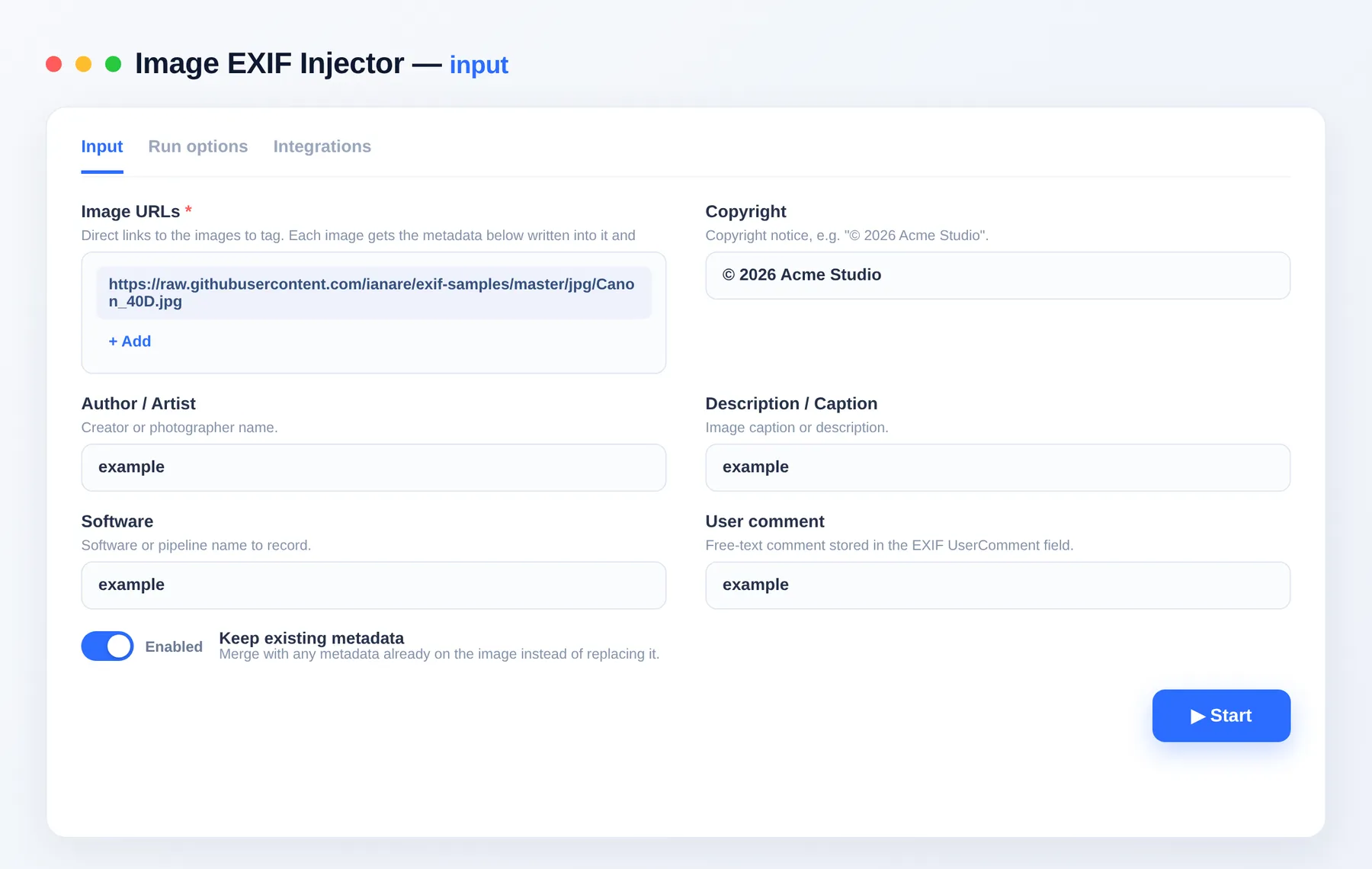
- Writes copyright and author/artist into each image's EXIF.
- Adds a description/caption, software name and a free-text comment.
- Optionally keeps existing metadata and merges the new fields in.
- Corrects orientation and outputs clean, web-ready JPEGs.
- Returns a per-image report of which fields were written.
Use cases
- Photographers & studios — stamp copyright and author across thousands of exports before delivery.
- Stock & DAM pipelines — apply consistent attribution and captions to catalog images.
- Agencies & brands — mark ownership on campaign assets in bulk.
- Publishers — embed credit lines so attribution travels with the file.
Input
| Field | Type | Description |
|---|---|---|
imageUrls | array | Direct links to the images to tag. |
copyright | string | Copyright notice written to EXIF. |
artist | string | Author / photographer name. |
description | string | Image caption / description. |
software | string | Software or pipeline name. |
userComment | string | Free-text EXIF comment. |
keepExisting | boolean | Merge with existing metadata instead of replacing. Default true. |
Output
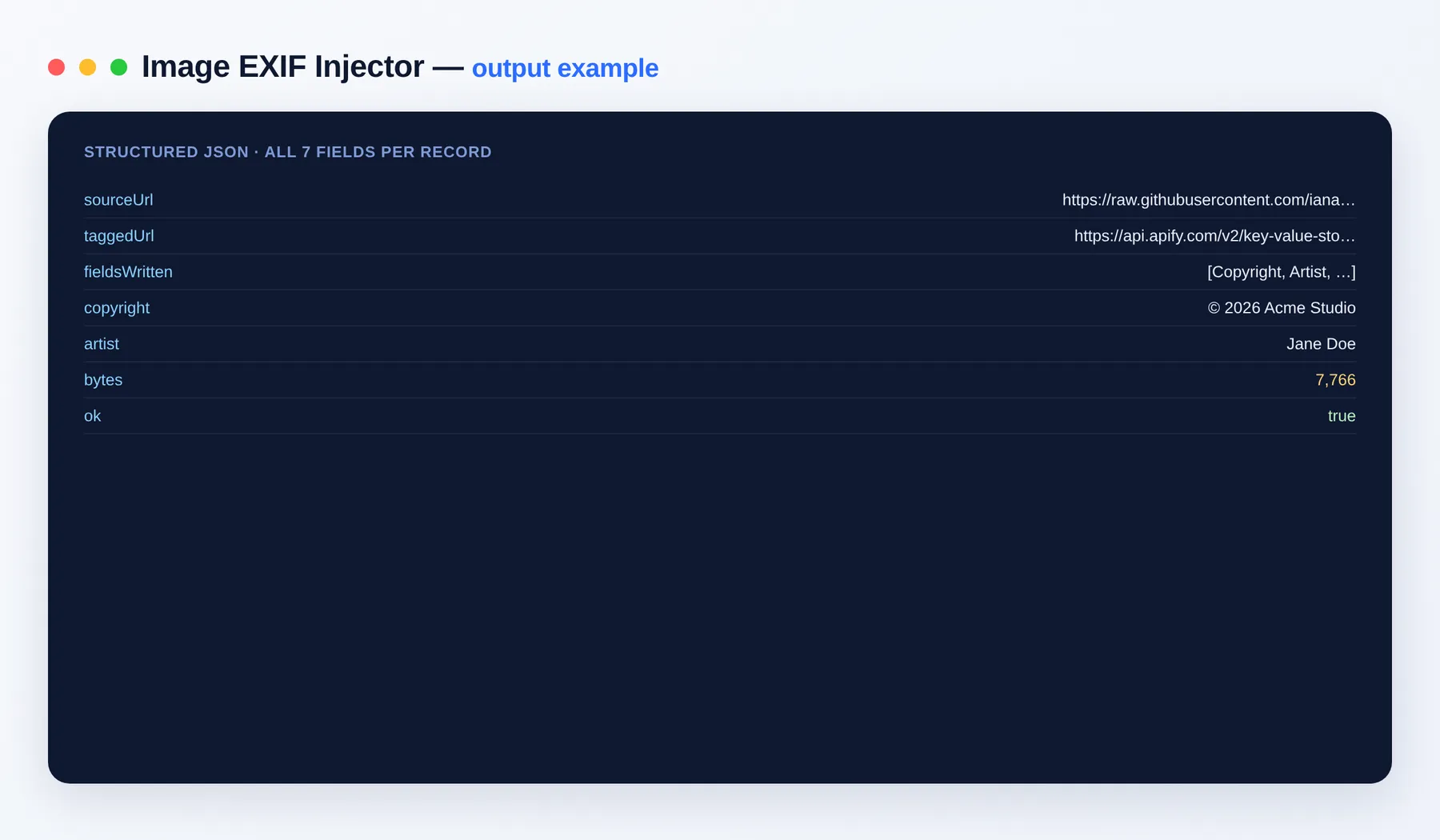
Each image becomes one dataset item, and the tagged file is saved to your key-value store.
Output schema
| Field | Type | Description |
|---|---|---|
sourceUrl | string (URL) | The original image URL. |
taggedUrl | string (URL) | Link to the tagged image in your key-value store. |
fieldsWritten | array | EXIF fields written. |
copyright | string | Copyright value applied. |
artist | string | Author value applied. |
bytes | integer | Output file size. |
ok | boolean | Whether the image was processed successfully. |
FAQ
Which fields can I write? Copyright, author/artist, description/caption, software and a free-text user comment — the standard EXIF attribution fields.
Does it keep the existing metadata?
By default yes — the new fields are merged. Turn off keepExisting to write only your fields.
What format are the results? Tagged images are saved as JPEG in the key-value store; the report dataset exports to JSON, CSV, Excel and XML.
Can I automate or integrate it? Yes. Connect it with almost any app via integrations on the Apify platform — Make, Zapier, Slack, Google Drive and more, plus the Apify API.
Notes
Original clean-room implementation. You are responsible for how you use the processed images. Pairs with the Image Metadata Remover.