

Sanctions Screening — OFAC SDN & UN Sanctions List Name Check
Pricing
Pay per event
Sanctions Screening — OFAC SDN & UN Sanctions List Name Check
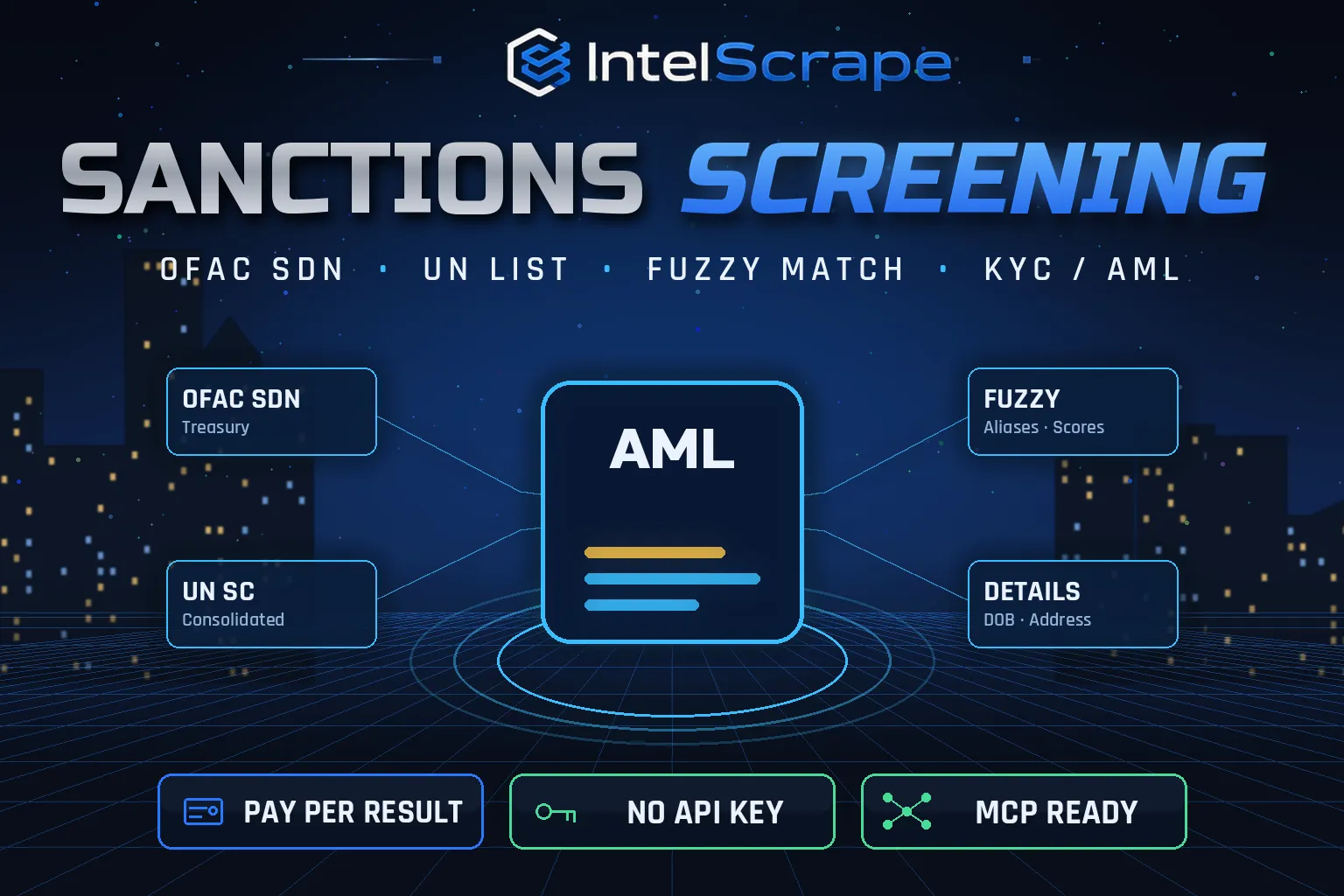
Sanctions Screening: check names of people, companies and vessels against the OFAC SDN list, OFAC non-SDN consolidated lists and the UN Security Council list with fuzzy matching, aliases and match scores, plus programs, addresses, DOB and remarks. Bulk KYC/AML. Official sources. No API key.
Pricing
Pay per event
Rating
0.0
(0)
Developer

IntelScrape
Maintained by CommunityActor stats
0
Bookmarked
2
Total users
1
Monthly active users
2 days ago
Last modified
Categories
Share
🇨🇳 制裁名单筛查:将个人、公司和船舶名称与美国 OFAC SDN 名单、OFAC 非 SDN 综合名单以及联合国安理会制裁名单进行比对,支持模糊匹配、别名和匹配分数,并返回制裁项目、地址、出生日期和备注。批量 KYC/AML,数据来自官方来源,无需 API 密钥。
🇸🇬 Saringan Sekatan: semak nama individu, syarikat dan kapal terhadap senarai OFAC SDN, senarai gabungan OFAC dan senarai Majlis Keselamatan PBB dengan padanan kabur, alias, skor, program, alamat dan tarikh lahir. Sumber rasmi.
🤖 NEW: Connect This To Your AI!
Use this actor from Claude, ChatGPT, Cursor or any MCP client through the IntelScrape MCP Server, or call it directly over the Apify API.
🏆 Featured Bots by IntelScrape
- Skip Trace Pro
- TruePeopleSearch Scraper
- TikTok Email Scraper
- Amazon Product Reviews Scraper
- Website Contact Scraper
- Skip Trace MCP Server
⚡ Works with n8n, Make, Zapier, Google Sheets and the Apify API.




Bulk sanctions screening against the official OFAC SDN, OFAC consolidated and UN lists, with fuzzy alias matching and full listing details.
Honest coverage & billing: Name matching only; there is no ID-number or date-of-birth filter on input yet. You pay only for results actually delivered, and a built-in cost guard stops the run at your max-charge limit.
🌍 Built for teams in the US, China and Singapore, and anyone who needs this data in a spreadsheet or pipeline.
⭐ Found it useful? Please leave a review; it helps others find it.
⚖️ Lawful business use only. Collect public data only, and comply with the source site's terms, copyright and data-protection laws (GDPR, CCPA, China PIPL, Singapore PDPA).
Examples below are illustrative; names and values may be fictional or out of date.
What is Sanctions Screening?
Every business that onboards customers, pays suppliers or ships goods internationally is expected to screen counterparties against sanctions lists. Enterprise screening tools cost thousands per year. Sanctions Screening downloads the official OFAC and UN lists fresh on every run and fuzzy-matches your names against every primary name and alias, so you get a clear, potential-match or match result with scores and the full listing details, at a few dollars per thousand names.
What does it do?
- Official lists, downloaded fresh each run: OFAC SDN (about 18,000 parties), OFAC non-SDN consolidated lists (SSI, NS-MBS, CAPTA and others) and the UN Security Council consolidated list
- Fuzzy matching on primary names and every alias (aka, fka, nka) using token-aware Jaro-Winkler, robust to word order, accents, punctuation and company suffixes like LLC, Ltd, JSC
- Clear / potential match / match status with a 0 to 1 score
- Match details (on by default): programs, aliases, addresses, nationality, date of birth, remarks (passport and ID numbers often appear here), vessel flag and source link
- Filters: entity type (individual, entity, vessel, aircraft) and adjustable threshold
- Bulk: thousands of names per run, in seconds after the lists load
Why choose us over cheaper scrapers?
- Honest output: limits are documented, missing data is labeled, never invented
- Clean, consistent schema ready for Excel, Sheets, BI tools or an LLM
- No account risk: no logins, no cookies, no API keys
- Pay per result with a built-in cost guard; no subscription, failed items are never charged
- Fast and light: no residential proxy, so runs finish in seconds and stay cheap
- Maintained by IntelScrape and fixed fast when the source changes
Who is it for?
- KYC & customer onboarding for fintechs, marketplaces and crypto platforms
- Supplier and vendor due diligence
- Export compliance: screen consignees and vessels
- Payments: screen payees before payout
- Periodic re-screening of your whole customer base on a schedule
- Journalism and research on sanctioned networks
How to use it
In Apify Console (no code)
- Click Try for free / Start. The form is prefilled with a working example.
- Change the inputs (see examples below).
- Click Start, then export the results as JSON, CSV, Excel, XML or HTML, or open them in Google Sheets.
- Optional: Schedule the actor to run hourly, daily or weekly.
Via API
Or use the official Apify JavaScript and Python clients:
With AI agents (MCP)
Add Apify's MCP server (https://mcp.apify.com) or the IntelScrape MCP Server to Claude Desktop, Cursor, ChatGPT or any MCP client, then ask in plain language, e.g. "Run intelscrape/sanctions-screening with the default input and summarise the results."
Input examples
Default: four sample names
Strict vessel screening on OFAC only
Output fields
| Field | Description |
|---|---|
query | The name you submitted |
status | clear, potential match (score below 0.97) or match |
topScore / matchCount | Best score and number of listed parties above the threshold |
matches[].list / uid / name | Which list and the official entry |
matches[].matchedName / matchedOn / score | The exact primary name or alias that matched |
matches[].type / programs | individual, entity, vessel or aircraft; sanctions programs (e.g. RUSSIA-EO14024, SDGT) |
matches[].aliases / addresses / nationality / dateOfBirth / remarks / sourceUrl | Match details |
listsChecked / listSizes | Audit trail of what was screened against |
screenedAt | Timestamp for your records |
Sample output
Pricing (pay per event)
| Event | When it is charged | Price |
|---|---|---|
| Actor start | once per run | $0.005 |
| Name screened | per name checked against all selected lists | $0.004 |
| Match details | per name with at least one match (on by default; turn off to skip) | $0.002 |
Cost examples
| Run | Cost |
|---|---|
| Default run: 4 names, 3 with matches | $0.027 |
| 1,000 customers, about 2% with matches | $4.045 |
| Monthly re-screen of 20,000 names | $80.8 |
Platform usage is included in these prices. Set Max charge per run in the run options to cap spend; the actor stops cleanly when the limit is reached and keeps everything collected so far.
Tips for best results
- Screen full legal names; add common transliterations as separate lines for higher recall.
- Use 0.95 or higher for automatic decisions and 0.85 to 0.9 for analyst review queues.
- Keep the run output: screenedAt, listsChecked and listSizes give you an audit trail.
- Schedule a daily re-screen; lists change several times a week.
FAQ
Is this legal advice or a certified screening service?
No. It is a fast data tool. A potential match must be reviewed by a person against the official listing; final compliance decisions are yours.
How fresh are the lists?
They are downloaded from the official OFAC and UN endpoints at the start of every run.
Does it include EU or UK lists?
Not yet; OFAC and UN are covered today.
Why did a common name match?
Fuzzy matching is deliberately sensitive. Check date of birth, nationality and remarks in match details before deciding.
Are my names stored?
Only in your own run dataset in your Apify account.
Is a clear result charged?
Yes, every screened name is charged; match details are only charged when there is a match.
Honest limits
- Name matching only; there is no ID-number or date-of-birth filter on input yet.
- Non-Latin scripts are matched only through the Latin aliases the lists provide.
- Very short names (one token) produce more potential matches.
- The first minute of each run is spent downloading about 10 MB of official lists.
Related IntelScrape bots
- Email Verifier: check if emails are deliverable
- Skip Trace Pro: people lookup
- WHOIS Domain Lookup: registrar, dates & owner data
- SPF DMARC Checker: email security records per domain
- Skip Trace MCP Server: IntelScrape tools for AI agents
Legal
This actor collects publicly available data only. You are responsible for using the results lawfully and in line with the source's terms and applicable privacy laws (GDPR, CCPA, PIPL, PDPA). Process personal data only with a legitimate purpose. IntelScrape is not affiliated with, endorsed by or sponsored by the data source; all trademarks belong to their owners.


