

YouTube Comments Scraper — Export Video Comments & Likes
Pricing
Pay per event
YouTube Comments Scraper — Export Video Comments & Likes
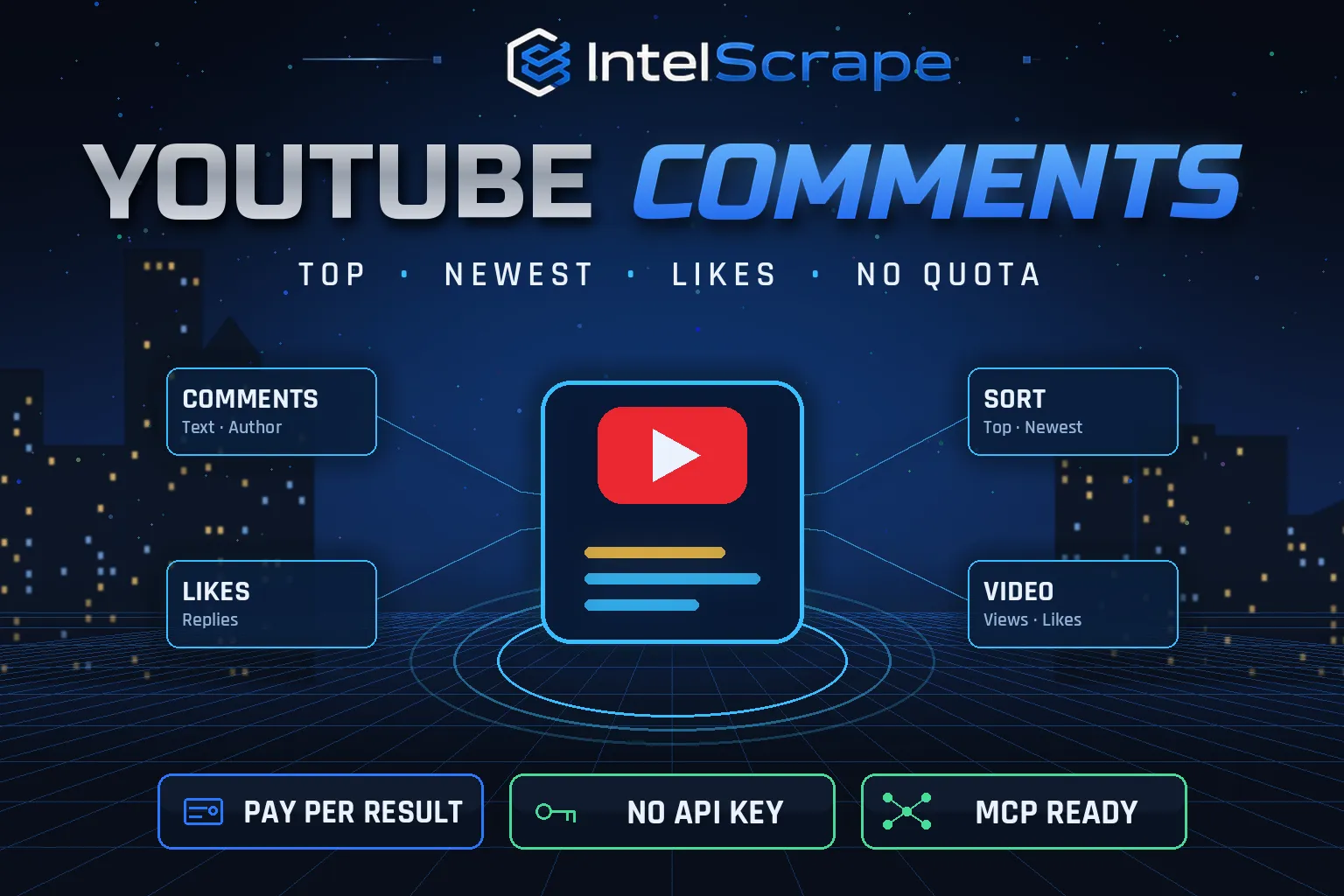
YouTube Comments Scraper: export comments from any YouTube video, sorted by top or newest, with text, author, channel ID, likes, reply count, verified and channel-owner flags and age, plus a video details row with views, likes, comment count and top commenters. No API key, no quota.
Pricing
Pay per event
Rating
0.0
(0)
Developer

IntelScrape
Maintained by CommunityActor stats
0
Bookmarked
2
Total users
1
Monthly active users
2 days ago
Last modified
Categories
Share
🇨🇳 YouTube 评论采集器:导出任意 YouTube 视频的评论,可按热门或最新排序,包含正文、作者、频道 ID、点赞数、回复数、认证和频道主标记以及发布时间,并附带视频详情行:播放量、点赞数、评论总数和最活跃评论者。无需 API 密钥,无配额限制。
🇸🇬 Pengikis Komen YouTube: eksport komen daripada mana-mana video YouTube, susunan teratas atau terbaharu, dengan teks, pengarang, ID saluran, suka, bilangan balasan dan bendera pencipta, serta baris butiran video. Tiada kunci API, tiada kuota.
🤖 NEW: Connect This To Your AI!
Use this actor from Claude, ChatGPT, Cursor or any MCP client through the IntelScrape MCP Server, or call it directly over the Apify API.
🏆 Featured Bots by IntelScrape
- Skip Trace Pro
- TruePeopleSearch Scraper
- TikTok Email Scraper
- Amazon Product Reviews Scraper
- Website Contact Scraper
- Skip Trace MCP Server
⚡ Works with n8n, Make, Zapier, Google Sheets and the Apify API.




Bulk YouTube comment export (top or newest) with likes, replies and authors, plus video stats, without API keys or quotas.
Honest coverage & billing: YouTube may temporarily block heavy traffic; the actor retries and does not charge failed videos. You pay only for results actually delivered, and a built-in cost guard stops the run at your max-charge limit.
🌍 Built for teams in the US, China and Singapore, and anyone who needs this data in a spreadsheet or pipeline.
⭐ Found it useful? Please leave a review; it helps others find it.
⚖️ Lawful business use only. Collect public data only, and comply with the source site's terms, copyright and data-protection laws (GDPR, CCPA, China PIPL, Singapore PDPA).
Examples below are illustrative; names and values may be fictional or out of date.
What is YouTube Comments Scraper?
Comments are where viewers say what they actually think: product feedback, feature requests, objections, praise and questions. The YouTube Data API makes you manage keys and quotas to read them. YouTube Comments Scraper reads them the way the YouTube website does, top or newest first, and returns clean rows with likes, reply counts and author channel IDs, plus a video details row with views, likes and the most active commenters.
What does it do?
- Any public video: watch URLs, youtu.be links, Shorts, live replays or IDs
- Top or newest ordering, exactly as YouTube shows it
- Comment data: comment ID, text, author handle, author channel ID and URL, likes, reply count, verified flag, channel-owner flag, posted time text, approximate age in days, edited flag, direct comment link
- Video details (on by default): title, channel, views, likes, total comment count, publish date, category, duration, keywords, average comment likes, top commenters and comment-to-view ratio
- Bulk: thousands of videos per run
Why choose us over cheaper scrapers?
- Honest output: limits are documented, missing data is labeled, never invented
- Clean, consistent schema ready for Excel, Sheets, BI tools or an LLM
- No account risk: no logins, no cookies, no API keys
- Pay per result with a built-in cost guard; no subscription, failed items are never charged
- Fast and light: no residential proxy, so runs finish in seconds and stay cheap
- Maintained by IntelScrape and fixed fast when the source changes
Who is it for?
- Product and market research: what viewers like and dislike about products in reviews
- Brand monitoring on influencer videos
- Sentiment analysis and AI datasets from real audience language
- Creators: find frequently asked questions for the next video
- Lead generation: find engaged commenters in a niche (respect platform rules)
- Competitor analysis: audience reaction to competitor launches
- Education and research: public discourse datasets around news and science videos
How to use it
In Apify Console (no code)
- Click Try for free / Start. The form is prefilled with a working example.
- Change the inputs (see examples below).
- Click Start, then export the results as JSON, CSV, Excel, XML or HTML, or open them in Google Sheets.
- Optional: Schedule the actor to run hourly, daily or weekly.
Via API
Or use the official Apify JavaScript and Python clients:
With AI agents (MCP)
Add Apify's MCP server (https://mcp.apify.com) or the IntelScrape MCP Server to Claude Desktop, Cursor, ChatGPT or any MCP client, then ask in plain language, e.g. "Run intelscrape/youtube-comments-scraper with the default input and summarise the results."
Input examples
Two videos, top comments (default)
Newest 1,000 comments on a launch video
Output fields
| Field | Description |
|---|---|
videoId / videoTitle / commentId / commentUrl | Identity |
text / publishedTimeText / approxAgeDays / edited | Comment |
author / authorChannelId / authorChannelUrl / authorIsVerified / authorIsChannelOwner | Author |
likes / replyCount | Engagement |
type = video-details rows | title, channel, views, likes, commentCount, publishDate, category, durationSeconds, keywords, avgCommentLikes, topCommenters, commentToViewRatio |
Sample output
Pricing (pay per event)
| Event | When it is charged | Price |
|---|---|---|
| Actor start | once per run | $0.005 |
| Comment | per top-level comment | $0.0005 |
| Video details | per video details row (on by default; turn off to skip) | $0.002 |
Cost examples
| Run | Cost |
|---|---|
| Default run: 200 comments + 2 video rows | $0.109 |
| 50 videos × 500 comments | $12.605 |
| Daily newest 100 on 10 videos | $0.525 |
Platform usage is included in these prices. Set Max charge per run in the run options to cap spend; the actor stops cleanly when the limit is reached and keeps everything collected so far.
Tips for best results
- Use newest with a schedule to monitor fresh reactions to a launch.
- Top comments surface the most-liked opinions quickly.
- Replies are counted (replyCount) but not exported in this version.
- Like counts above 1,000 are rounded by YouTube (e.g. 69K).
FAQ
Do I need a YouTube API key?
No, and there is no daily quota.
Are replies included?
Reply counts are; reply texts are not in this version.
What if comments are off?
The video is listed with a note and not charged.
Why are like counts rounded?
YouTube shows rounded counts above 1,000 (e.g. 69K); we convert them to numbers.
Can I scrape a whole channel's comments?
Get video URLs with our YouTube Channel Scraper, then pass them here.
Is it legal?
It reads publicly visible comments. Use personal data lawfully.
How do I find the most liked comments?
Keep sortBy on top: YouTube ranks by a mix of likes, replies and recency, so the first rows are the most influential opinions. Sort the dataset by likes for a strict ranking.
Can I analyse sentiment?
Export the text column to your favourite NLP tool or LLM. Comment text is returned clean, without HTML, ready for analysis.
Honest limits
- YouTube may temporarily block heavy traffic; the actor retries and does not charge failed videos.
- Replies are not exported.
- Comment timestamps are relative (e.g. "2 years ago"); approxAgeDays converts them roughly.
- Very large comment sections take longer; cap with maxCommentsPerVideo.
Related IntelScrape bots
- YouTube Channel Scraper: subscribers, views & engagement per channel
- YouTube Shorts Scraper: every Short on a channel with views
- YouTube Playlist Scraper: all videos in any playlist
- YouTube Transcript Scraper: captions & timestamps in bulk
- Brand Mentions Monitor: mentions from news, HN & Bluesky
- Skip Trace MCP Server: IntelScrape tools for AI agents
Legal
This actor collects publicly available data only. You are responsible for using the results lawfully and in line with the source's terms and applicable privacy laws (GDPR, CCPA, PIPL, PDPA). Process personal data only with a legitimate purpose. IntelScrape is not affiliated with, endorsed by or sponsored by the data source; all trademarks belong to their owners.


