

YouTube Playlist Scraper — All Videos, Views & Durations
Pricing
Pay per event
YouTube Playlist Scraper — All Videos, Views & Durations
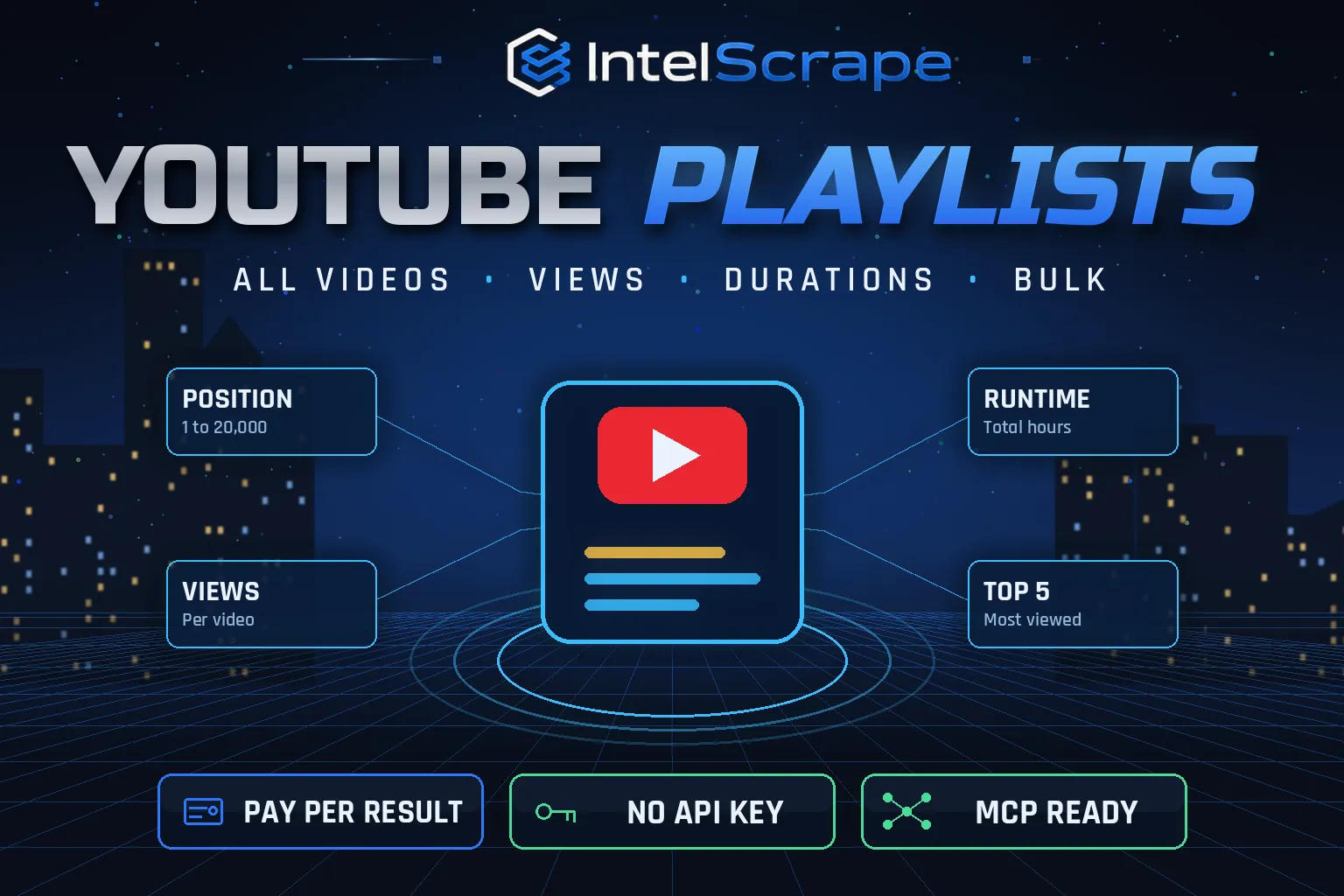
YouTube Playlist Scraper: export every video in any public YouTube playlist with position, title, channel, views, duration and URL, plus a playlist summary (total runtime, total and average views, most-viewed videos). Bulk playlists, no API key, no quota. Pay per video.
Pricing
Pay per event
Rating
0.0
(0)
Developer

IntelScrape
Maintained by CommunityActor stats
0
Bookmarked
2
Total users
1
Monthly active users
20 hours ago
Last modified
Categories
Share
🇨🇳 YouTube 播放列表采集器:导出任意公开 YouTube 播放列表中的全部视频,包括序号、标题、频道、播放量、时长和链接,并生成播放列表汇总(总时长、总播放和平均播放、最受欢迎视频)。支持批量,无需 API 密钥,无配额,按视频付费。
🇸🇬 Pengikis Senarai Main YouTube: eksport setiap video dalam mana-mana senarai main awam dengan kedudukan, tajuk, saluran, tontonan dan tempoh, serta ringkasan senarai main. Tiada kunci API.
🤖 NEW: Connect This To Your AI!
Use this actor from Claude, ChatGPT, Cursor or any MCP client through the IntelScrape MCP Server, or call it directly over the Apify API.
🏆 Featured Bots by IntelScrape
- Skip Trace Pro
- TruePeopleSearch Scraper
- TikTok Email Scraper
- Amazon Product Reviews Scraper
- Website Contact Scraper
- Skip Trace MCP Server
⚡ Works with n8n, Make, Zapier, Google Sheets and the Apify API.




Full, ordered export of any public YouTube playlist with views and durations, plus total runtime and top videos.
Honest coverage & billing: View counts are rounded as YouTube shows them in lists. You pay only for results actually delivered, and a built-in cost guard stops the run at your max-charge limit.
🌍 Built for teams in the US, China and Singapore, and anyone who needs this data in a spreadsheet or pipeline.
⭐ Found it useful? Please leave a review; it helps others find it.
⚖️ Lawful business use only. Collect public data only, and comply with the source site's terms, copyright and data-protection laws (GDPR, CCPA, China PIPL, Singapore PDPA).
Examples below are illustrative; names and values may be fictional or out of date.
What is YouTube Playlist Scraper?
Playlists are how YouTube organises courses, series, podcasts, music charts and brand campaigns. Exporting one by hand is tedious, and the YouTube Data API needs a key, a quota and many paginated calls. YouTube Playlist Scraper exports every video of any public playlist, in order, with views, durations and channels, and adds a summary with total runtime and the most-watched videos, so you can audit a course, plan a binge, build a dataset or feed transcripts to AI in one step.
What does it do?
- Any public playlist: playlist URLs, watch URLs with &list=, or IDs (PL…, UU… uploads, OL… albums)
- Ordered videos with position, video ID, title, channel, view count, duration (text and seconds), live flag, URL and thumbnail
- Automatic pagination for long playlists (up to 20,000 videos)
- Playlist metadata: title, owner, video count and total views as shown by YouTube
- Summary row (on by default): total runtime, sum and average of views, top 5 videos and the channels featured
- Bulk: many playlists in one run
Why choose us over cheaper scrapers?
- Honest output: limits are documented, missing data is labeled, never invented
- Clean, consistent schema ready for Excel, Sheets, BI tools or an LLM
- No account risk: no logins, no cookies, no API keys
- Pay per result with a built-in cost guard; no subscription, failed items are never charged
- Fast and light: no residential proxy, so runs finish in seconds and stay cheap
- Maintained by IntelScrape and fixed fast when the source changes
Who is it for?
- Educators & learners: audit course playlists and total watch time
- Podcasters & media: export episode lists with performance
- Music & charts: track chart playlists and positions
- Marketing teams: report on campaign playlists
- AI pipelines: get every video ID to fetch transcripts in bulk
- Researchers: build video datasets from curated playlists
How to use it
In Apify Console (no code)
- Click Try for free / Start. The form is prefilled with a working example.
- Change the inputs (see examples below).
- Click Start, then export the results as JSON, CSV, Excel, XML or HTML, or open them in Google Sheets.
- Optional: Schedule the actor to run hourly, daily or weekly.
Via API
Or use the official Apify JavaScript and Python clients:
With AI agents (MCP)
Add Apify's MCP server (https://mcp.apify.com) or the IntelScrape MCP Server to Claude Desktop, Cursor, ChatGPT or any MCP client, then ask in plain language, e.g. "Run intelscrape/youtube-playlist-scraper with the default input and summarise the results."
Input examples
One playlist with summary (default)
Channel uploads playlist (UU…) as a full video list
Output fields
| Field | Description |
|---|---|
playlistId / playlistTitle / playlistOwner / playlistVideoCount / playlistViews / playlistUrl | Playlist metadata |
position | Order in the playlist |
videoId / title / channelName | Video identity |
viewCount / viewCountText | Views (rounded as shown, e.g. 2.6M) |
durationText / durationSeconds / isLive | Length and live flag |
publishedTimeText | Relative upload time when shown |
url / thumbnailUrl | Links |
type = playlist-summary rows | videosScraped, totalDurationSeconds, totalDurationText, sumOfVideoViews, avgViews, mostViewed[], channels[] |
Sample output
Pricing (pay per event)
| Event | When it is charged | Price |
|---|---|---|
| Actor start | once per run | $0.005 |
| Video | per playlist video row | $0.0005 |
| Playlist summary | per playlist summary row (on by default; turn off to skip) | $0.001 |
Cost examples
| Run | Cost |
|---|---|
| Default run: 1 playlist of ~10 videos | $0.011 |
| A 200-video course | $0.106 |
| 50 playlists × 100 videos | $2.555 |
Platform usage is included in these prices. Set Max charge per run in the run options to cap spend; the actor stops cleanly when the limit is reached and keeps everything collected so far.
Tips for best results
- Every channel has an uploads playlist: replace "UC" in the channel ID with "UU" to export all its videos.
- Pair with our YouTube Transcript Scraper to turn a whole playlist into text.
- Views are rounded by YouTube in playlist views; open the video for the exact number.
- Private and deleted videos are skipped automatically.
FAQ
Do I need a YouTube API key?
No. The actor reads the public playlist page and its continuation pages.
Why fewer videos than the playlist count?
Private, deleted or region-blocked videos are counted by YouTube but not shown; they are skipped.
Are views exact?
Playlist views are rounded (2.6M). We return the number and the text.
Does it work for Mix (RD) playlists?
Auto-generated mixes are personalised and may differ per run; standard playlists work best.
Is a missing playlist charged?
No, it is logged and skipped.
Can I export the uploads of a channel?
Yes, with the UU… uploads playlist ID.
Honest limits
- View counts are rounded as YouTube shows them in lists.
- Upload dates are shown only as relative text when YouTube provides them.
- Private/unlisted-only playlists are not accessible.
- Very long playlists are capped by maxVideosPerPlaylist.
Related IntelScrape bots
- YouTube Channel Scraper: subscribers, views & engagement per channel
- YouTube Shorts Scraper: every Short on a channel with views
- YouTube Transcript Scraper: captions & timestamps in bulk
- YouTube Search Scraper: find videos & channels by keyword
- PDF Text Extractor: PDF URLs to clean text & metadata
- Skip Trace MCP Server: IntelScrape tools for AI agents
Legal
This actor collects publicly available data only. You are responsible for using the results lawfully and in line with the source's terms and applicable privacy laws (GDPR, CCPA, PIPL, PDPA). Process personal data only with a legitimate purpose. IntelScrape is not affiliated with, endorsed by or sponsored by the data source; all trademarks belong to their owners.


