

Fotocasa Scraper
Pricing
from $0.70 / 1,000 results
Fotocasa Scraper
[💰$1 / 1K] ⚡ Fast, cheap Fotocasa scraper for Spain property listings. No login, no API key. Homes, rooms, garages, offices and land for sale or rent by location or search/listing URL. Get price, rooms, m², floor, energy rating, amenities, GPS, photos and agency phone.
Pricing
from $0.70 / 1,000 results
Rating
0.0
(0)
Developer

jooah code
Maintained by CommunityActor stats
0
Bookmarked
2
Total users
1
Monthly active users
2 days ago
Last modified
Categories
Features
Share
Scrape Spanish property listings for sale and rent from Fotocasa and download them as JSON, CSV, Excel, or HTML. No account or login required.
What does Fotocasa Scraper do?
Fotocasa Scraper turns Fotocasa property listings into a clean, structured dataset. Paste a Fotocasa search or listing URL, or simply type a location like "Valencia" and pick your filters, and you get the price, bedrooms, bathrooms, size, floor, energy rating, amenities, full address with GPS coordinates, photos, and the advertiser's name and phone number for each property.
Fotocasa is a major Spanish real estate portal where agencies and private owners advertise homes, rooms, garages, offices, shops, and land, both for sale and for rent. Its listings show what sellers and landlords are asking across Spanish cities and neighborhoods. The scraper collects the same public details you see in your browser, so you can run it once, put it on a schedule, or plug it into your own tools.
Features
- Locations or URLs: type a city, district, or neighborhood, or paste any Fotocasa search page or single listing.
- Keeps your filters: price, bedrooms, size, and sort order set on the website stay in the results.
- Built-in filters for locations: choose operation, property type, price, bedrooms, bathrooms, size, and sort order without building a URL.
- Full details in one run: floor, energy certificate, amenities, and advertiser phone are included by default.
- Clean data: prices and sizes are numbers, dates follow one standard format, and text has no HTML.
- Small, cheap runs: set a result limit per URL or location and pay only for what you need.
- Automation ready: schedule runs, export to Google Sheets, or connect to Make, Zapier, and n8n.
Data fields
- Listing:
url,id,title,transactionType,propertyType,propertySubtype,description,reference,publishedAt - Price:
price,priceCurrency,pricePeriod,priceDrop - Size and layout:
rooms,bathrooms,size,floor,orientation - Building and condition:
condition,buildingAge,heating,hotWater,constructionType,isNewConstruction - Energy certificate:
energyRating,energyConsumption,emissionsRating,emissionsValue - Amenities:
amenities - Location:
street,neighborhood,district,city,province,region,zipCode,country,latitude,longitude - Media:
images,imageCount,hasVideo,hasVirtualTour,hasFloorPlans - Occupancy and sale status:
occupancyStatus,isBareOwnership,isOccupied,isAuctioned,isRentedWithTenants,isTemporaryRental - Advertiser:
advertiserName,advertiserId,advertiserType,advertiserPhone,advertiserUrl,advertiserLogo
Who uses this Fotocasa scraper?
- Real estate analysts follow asking prices, rents, and price per square meter by city or neighborhood.
- Investors look for price drops, auctions, and properties sold with tenants in place.
- Sales teams build contact lists of real estate agencies with their phone numbers and active listings.
- Property platforms keep their own catalog of Spanish properties with photos and map coordinates.
- Data and AI teams load ready-to-use listing data into spreadsheets, dashboards, or AI workflows.
How to use Fotocasa Scraper
Step 1. Paste one or more Fotocasa URLs into Start URLs, or type places into Locations and set the filters you need.
Step 2. Set Maximum number of results to how many listings you want per URL or per location.
Step 3. Click Start and wait for the run to finish.
Step 4. Download the data in JSON, CSV, Excel, or HTML from the Output tab.
Input parameters
startUrls(Start URLs): Fotocasa URLs to scrape. Supported pages: search result pages (any location, operation, and property type) and single listing pages. Filters applied on the website are kept, and a search page opened at a later page number continues from there.searchQueries(Locations): places to search, one per line, such as a city, province, district, or neighborhood ("Barcelona", "Málaga", "Chamberí"). Each location is scraped separately.operation(Operation): buy, rent, share, or transfer. Default: buy. Used for locations only.propertyType(Property type): homes, garages, commercial premises, offices, land, storage rooms, or buildings. Default: homes. Used for locations only.minPrice(Minimum price (€)) andmaxPrice(Maximum price (€)): price range in euros. Used for locations only.minRooms(Minimum bedrooms) andmaxRooms(Maximum bedrooms): bedroom range. Used for locations only.minBathrooms(Minimum bathrooms): lowest number of bathrooms. Used for locations only.minSize(Minimum size (m²)) andmaxSize(Maximum size (m²)): surface range in square meters. Used for locations only.sortBy(Sort by): relevance, newest first, price low to high or high to low, size large to small or small to large. Default: relevance. Used for locations only.includeDetails(Include full listing details): on by default. Opens each listing to add the title, floor, orientation, condition, building age, heating, energy certificate, reference, street, and all amenities. Turn it off for a quicker run with only the data shown in search results.maxResults(Maximum number of results): how many listings to collect for each start URL or location. Default: 5. Set 0 for no limit.
Start URLs and locations can be combined in one run.
Example input
Scrape a Fotocasa search page
Search by location
Sample output
Every listing becomes one dataset item, for example:
Export the dataset as JSON, CSV, Excel, XML, or HTML, or read it through the Apify API.
Good to know
- Only Fotocasa search result pages and single listing pages are supported; any other URL is skipped.
- A location that Fotocasa does not recognize is skipped, and the log shows a warning.
- The location filters (operation, property type, price, bedrooms, bathrooms, size, sort order) do not change start URLs; those keep the filters already in the URL.
- When Include full listing details is off, the title, floor, orientation, condition, building age, heating, hot water, construction type, occupancy status, energy certificate, street, and reference come back as
null. - Titles and descriptions stay in Spanish, as the advertiser wrote them. Listings opened from a page in another language (for example
/en/) keep that language in their URL. - Every search page shows one promoted listing; it is saved only once and never counted twice.
- Some advertisers hide the exact address, phone number, or energy certificate, so those fields are
nullfor their listings. - Listings already removed from Fotocasa are skipped.
Frequently asked questions
How many results can I scrape?
Any number you set in Maximum number of results, or 0 for no limit. The scraper stops at your limit or at the last page of the search. For bigger datasets, split a broad search by city, district, or price range.
Do I need a Fotocasa account?
No. Only public listing data is collected, so you do not need to log in or share any account details.
Can I run it on a schedule?
Yes. Apify Schedules can run it every hour, day, or week, so new listings arrive automatically.
Why are some fields empty?
Not every listing shows every detail. A field that is missing on the website is returned as null.
Can you add a new filter or input?
Yes. The scraper supports start URLs, locations, and the filters above today. Other inputs, such as publication date or specific amenities, can be added on request.
Can I get a custom or private version?
Yes. It can be adapted to your workflow, delivered as a private version, or a new scraper can be built for another website. See the contact details below.
Support and custom scrapers
Need another field, a private version, or a scraper for a different website? Get in touch:
- Email: jooah.code@gmail.com
- Apify profile: joaah-code
Image credit
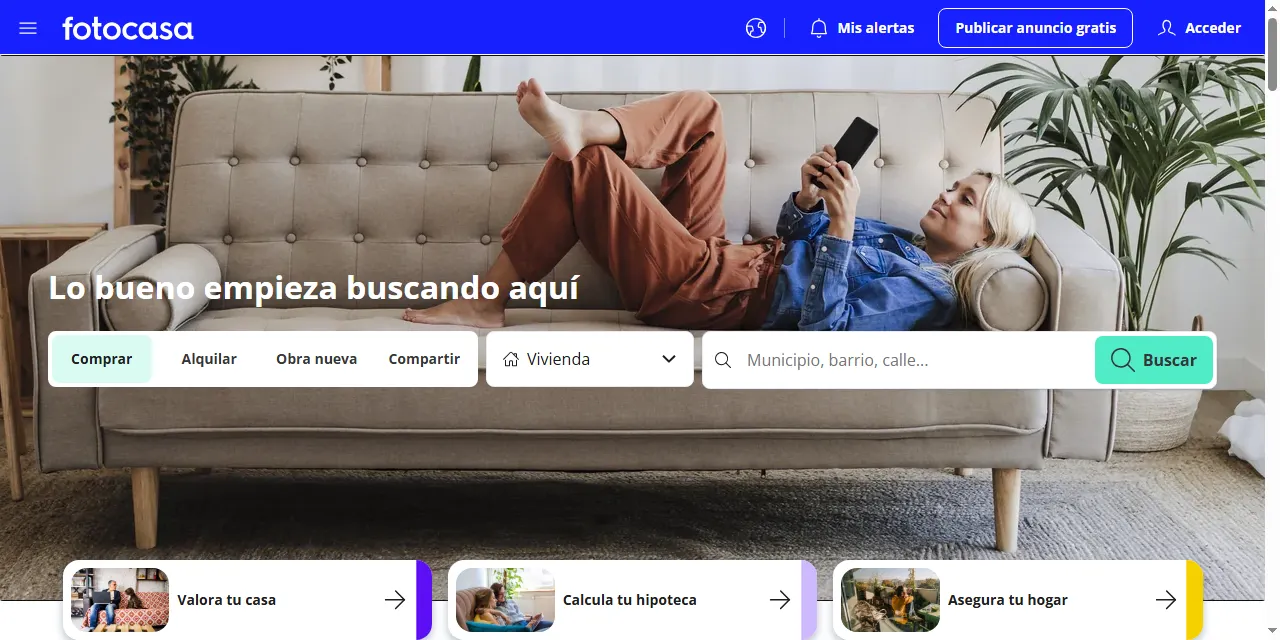
Banner: screenshot of Fotocasa.


