

Eurostat Statistics Scraper
Pricing
from $2.99 / 1,000 results
Eurostat Statistics Scraper
Collect public EU statistics datasets like national accounts or labor figures. Simply enter a dataset code with your chosen dimension filters, run the actor, and download or export your results as CSV, JSON, or Excel files.
Pricing
from $2.99 / 1,000 results
Rating
0.0
(0)
Developer

Kawsar
Maintained by CommunityActor stats
0
Bookmarked
2
Total users
1
Monthly active users
3 days ago
Last modified
Categories
Share
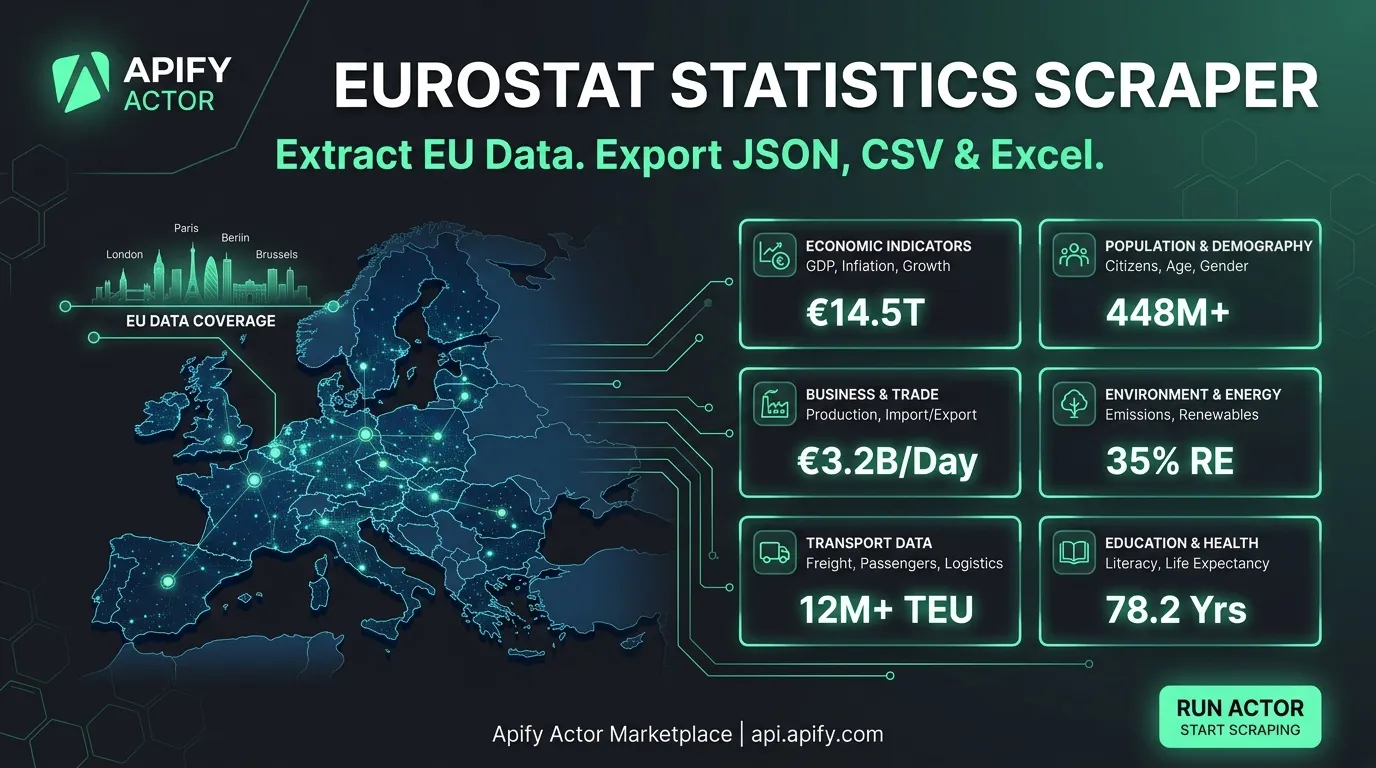
Eurostat Statistics Scraper allows you to collect structured EU statistical datasets and convert them into clean formats like JSON, CSV, or Excel. Simply provide a dataset code and your desired dimension filters to retrieve and store the exact metrics you need.
Key Features & Use Cases
- National Accounts: Pull GDP metrics across different countries by applying unit and indicator filters (e.g., using
nama_10_gdp). - Labour Market Trends: Track unemployment statistics over time with custom start periods (e.g., using
une_rt_a). - Automated Archiving: Periodically rerun your saved filters to capture updated figures and timestamps automatically.
- Dataset Structure Lookup: Use catalogue mode to explore all available dimensions inside a dataset before refining your filters.
- Flexible Data Export: Easily plug extracted data directly into downstream workflows, spreadsheets, or automation pipelines.
Input Parameters
| Parameter | Type | Default | Description |
|---|---|---|---|
mode | String | values | values extracts standard dataset rows. catalogue saves one row per dimension contained in the dataset. |
datasetCode | String | nama_10_gdp | The code identifying the dataset to fetch. |
filters | Object | {"geo": ["DE"], "unit": ["CP_MEUR"], "na_item": ["B1GQ"]} | Specific dimension filters to apply. Lists are passed as repeating filter parameters. |
sinceTimePeriod | String | "" | Optional starting period (e.g., 2021). |
lang | String | EN | Language for labels (EN, FR, or DE). |
maxItems | Integer | 100 | Maximum number of rows to save (capped at 1000). |
requestDelaySecs | Number | 0.5 | Pause duration between consecutive requests (minimum 0.5s). |
timeoutSecs | Integer | 300 | Total run time limit in seconds before stopping new requests. |
requestTimeoutSecs | Integer | 30 | Timeout duration for individual HTTP requests. |
proxyConfiguration | Object | {"useApifyProxy": false} | Custom proxy settings if required. |
Example Input Configuration
Sample Extracted Data
Below is an example output record collected in values mode:
Output Fields Explanation
version: Payload format version.class: Dataset categorization flag.label: Human-readable dataset title.source: Data source provider.updated: Timestamp showing when the source last modified the data.value: Map of numerical data observations keyed by index.status: Observation flags or status indicators.id: Array defining dimension order.size: Array indicating size per dimension.dimension: Category indices and label definitions.extension: Dataset metadata details.mode: Extraction mode used (valuesorcatalogue).scraped_at: UTC timestamp when the row was extracted.
How It Works
- Parameters: Reads dataset codes, filters, language preferences, and optional time periods.
- Execution: Issues structured retrieval requests while respecting your configured delays.
- Resilience: Features automatic retry handling with exponential backoff for rate limits or server blips.
- Error Handling: Gracefully logs missing datasets or structural errors into clear error rows without crashing your entire run.
- Batch Processing: Outputs clean, deduplicated rows in manageable batches until reaching your set item limits.
Frequently Asked Questions
How up-to-date are the numbers?
Every record contains an updated timestamp directly from the origin source so you always know how fresh your data is.
What happens if I enter an invalid dataset code?
The actor captures the response status into a single structured error row and completes cleanly instead of failing the job.
Legal & Compliance
- Attribution: Always provide proper credit when publishing or sharing figures collected using this scraper.
- Terms & Fair Use: Respect established rate limits and applicable licensing or usage policies when reusing collected metrics.
- Disclaimer: This actor is an independent utility and is not affiliated with, endorsed by, or officially associated with Eurostat or any related entity.
Trademark Notice
Eurostat Statistics and related names, logos, and trademarks belong to their respective owners. Their use in this documentation is solely to identify the source of the data and does not imply affiliation, sponsorship, endorsement, or partnership.
Disclaimer
Disclaimer: This Actor is an independent tool and is not affiliated with, endorsed by, sponsored by, or otherwise officially associated with Eurostat Statistics or its owners. All data is collected from publicly available sources. Users are responsible for complying with the source's terms of use, rate limits, and attribution or licensing requirements.


