

Google Hotels Scraper
Pricing
from $3.99 / 1,000 results
Google Hotels Scraper
Google Hotels Scraper extracts hotel prices, ratings, exact review counts, and amenities from Google Hotels search results, so travel marketers, price analysts, and SEO teams can compare properties and track rates across any city or date.
Pricing
from $3.99 / 1,000 results
Rating
0.0
(0)
Developer

Kawsar
Maintained by CommunityActor stats
0
Bookmarked
3
Total users
1
Monthly active users
4 months ago
Last modified
Categories
Share
Google Hotels Scraper: Extract Hotel Prices, Ratings, and Reviews at Scale
Google Hotels Scraper collects hotel data from Google Hotels search results and returns it as a clean, structured dataset. Give it any location or hotel search, set your check-in and check-out dates, and it pulls back hotel names, nightly prices, guest ratings, exact review counts, star class, amenities, deal badges, and thumbnails. It is a practical Google Hotels data extraction tool for anyone who tracks accommodation pricing, builds travel products, or does market research.
No API key and no proxy setup. Paste one or more searches, run it, and export the results to JSON, CSV, or Excel.

What this actor does
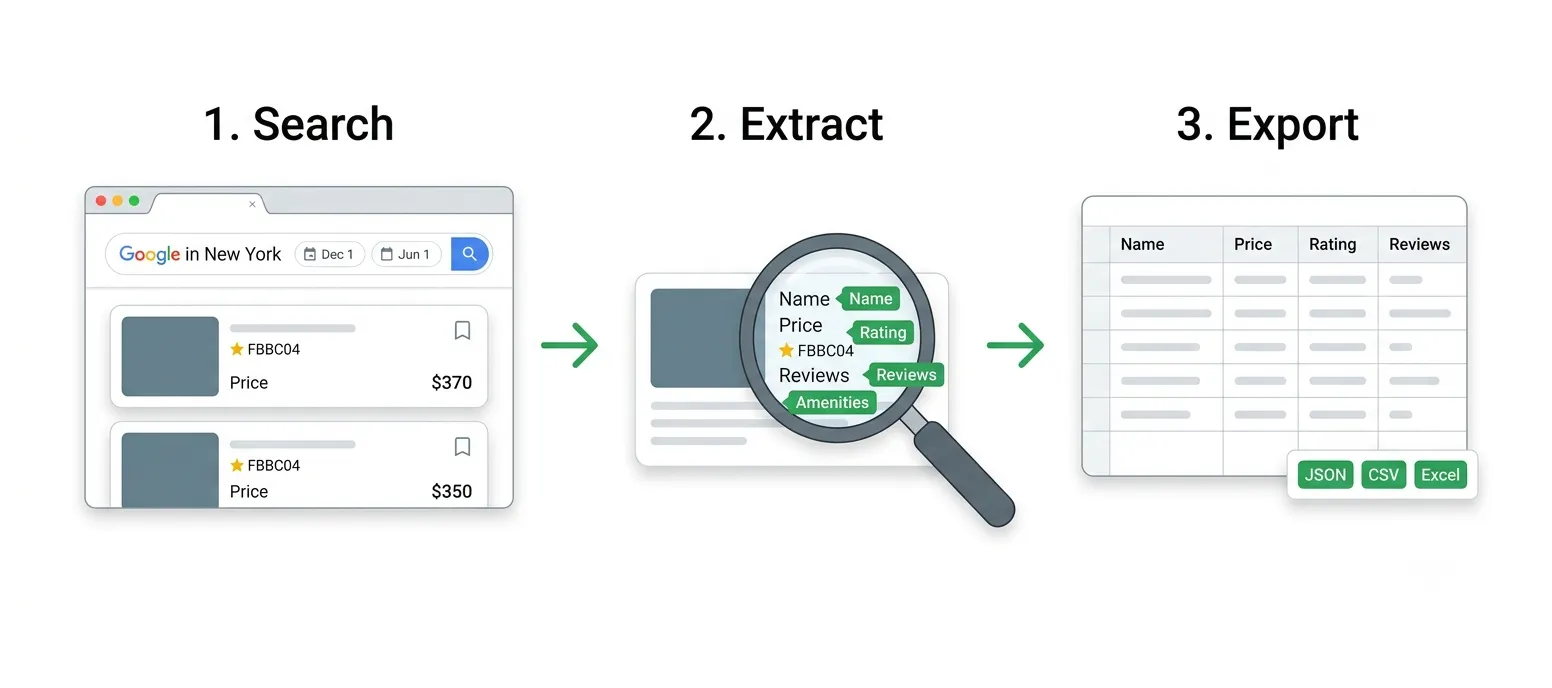
Google Hotels is a JavaScript-heavy search product with no public API, so the data is hard to get at in bulk. This actor drives a real browser, opens each search the way a person would, pages through the results, and reads every hotel card into a tidy row. You get consistent fields you can sort, filter, and feed into a spreadsheet or a pricing model.
- Search by city, region, landmark, neighborhood, or a specific hotel name
- Set check-in and check-out dates and the number of adults
- Collect price, rating, exact review count, star class, amenities, and more
- Page through results up to the limit you set, with duplicates removed
- Export to JSON, CSV, Excel, or an API feed through Apify
Use cases
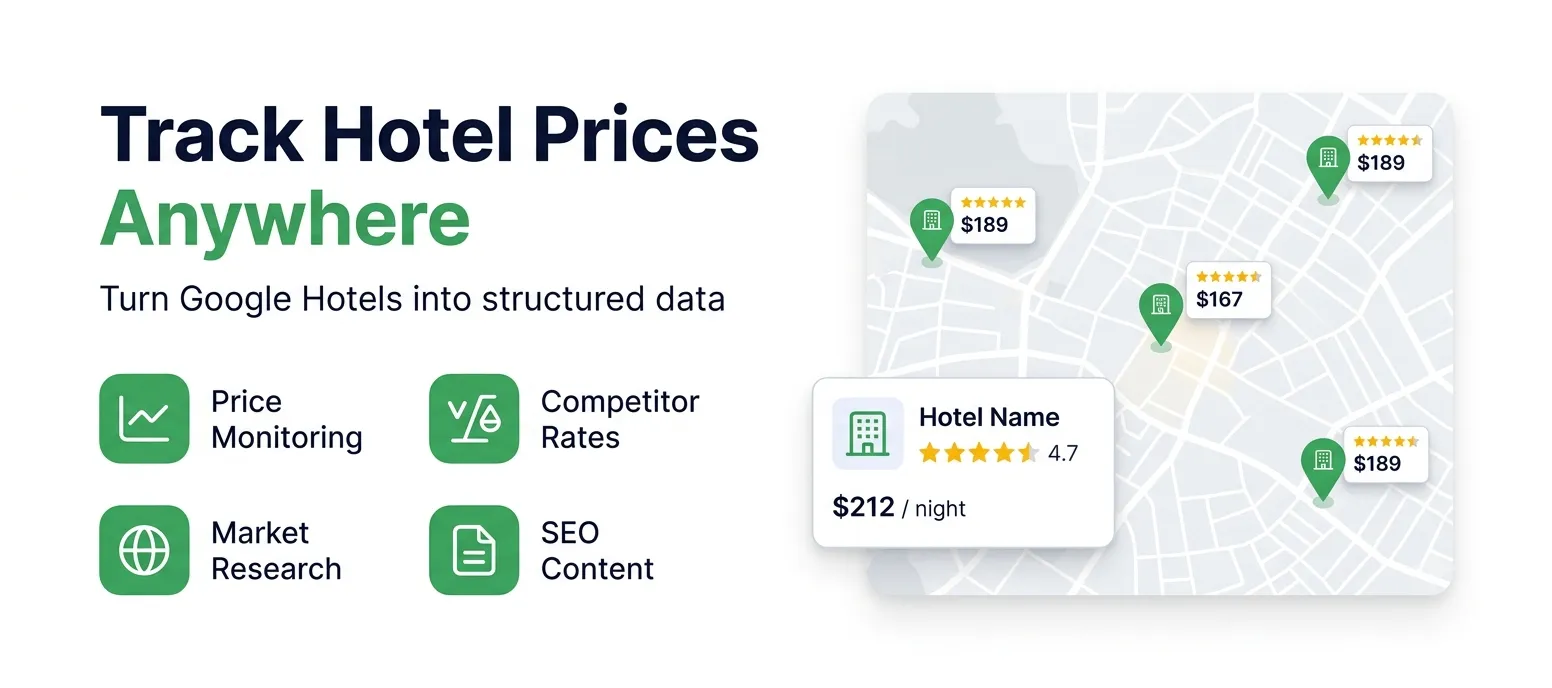
- Hotel price monitoring: track nightly rates across cities and dates to spot pricing trends and seasonal swings
- Competitor rate tracking: watch how rival properties price rooms and adjust your own rates with real market data
- Travel market research: gather ratings, reviews, and amenities to understand what drives bookings in a region
- SEO and content: build hotel comparison pages, city guides, and listings backed by fresh Google Hotels data
- Revenue management: feed structured hotel prices into your pricing models and dashboards
- Affiliate and OTA sites: keep large hotel catalogs current with names, ratings, and price signals
Input
| Parameter | Type | Default | Description |
|---|---|---|---|
searchQueries | array | required | Locations or hotel searches, one per line, for example "Hotels in New York". |
checkInDate | string | empty | Check-in date in YYYY-MM-DD format. Leave empty to let Google pick default dates. |
checkOutDate | string | empty | Check-out date in YYYY-MM-DD format. |
adults | integer | 2 | Number of adult guests to price the stay for. |
currency | string | USD | Preferred currency code, such as USD, EUR, or GBP. Google may still display its own currency (see notes). |
gl | string | us | Two-letter country code for the Google region. |
hl | string | en | Two-letter language code for result text. |
maxItems | integer | 50 | Maximum hotels to collect per search query, up to 1000. |
timeoutSecs | integer | 300 | Overall run time budget in seconds. |
requestTimeoutSecs | integer | 60 | Page load timeout per query in seconds. |
Example input
What data does this actor extract?
The actor stores results in a dataset. Each entry describes one hotel:
| Field | Type | Description |
|---|---|---|
searchQuery | string | The search query this hotel was returned for. |
name | string | Hotel or property name. |
price | number | Nightly price as a number. |
priceText | string | Raw price text as shown on Google Hotels, including the currency symbol or code. |
currency | string | Currency symbol or code Google displayed for the price. |
rating | number | Average guest rating out of 5. |
reviewsCount | integer | Exact number of guest reviews. |
hotelClass | string | Star class of the property when Google shows one, for example "4-star hotel". |
hotelType | string | Property type, Hotel or Vacation rental. |
amenities | array | Amenities shown for the property, such as Free Wi-Fi, Pool, or Parking. |
dealLabel | string | Deal badge such as DEAL, GREAT PRICE, or GREAT DEAL, when shown. |
priceNote | string | Price context such as "22% less than usual" or "for a 4-star hotel", when shown. |
thumbnail | string | URL of the property thumbnail image. |
detailsUrl | string | Link to the property page on Google Hotels. |
checkInDate | string | Check-in date used for the price lookup. |
checkOutDate | string | Check-out date used for the price lookup. |
scrapedAt | string | UTC timestamp when the record was scraped. |
How it works
- You provide one or more search queries, plus optional dates, guest count, and currency.
- The actor opens each Google Hotels search in a real browser and clears the cookie consent screen.
- It reads every hotel card on the page, then clicks through to the next page of results until it reaches your
maxItemslimit. - For each property it parses the name, price, exact rating and review count, star class, amenities, deal badge, and thumbnail.
- Duplicates are removed and every hotel is saved to the dataset, ready to export.
Tips for best results
- Keep queries specific. "Hotels in Lisbon" or "Boutique hotels in Rome" return cleaner sets than very broad terms.
- Always set dates. Prices depend on check-in and check-out. Without them Google picks its own default range, so your prices may not match what you expect.
- Use
maxItemsto control cost. Google paginates about 20 hotels per page. A limit of 100 loads roughly five pages. Higher limits take longer. - Run multiple cities in one go. Add one query per line in
searchQueriesand the actor handles each search in turn. - Schedule it. Use Apify Schedules to re-run daily or weekly and build a price history over time.
Notes and limits
- Currency follows the run's location. Google shows prices in the currency tied to the request's region, so the
currencyfield reports what Google actually displayed, which may differ from thecurrencyyou requested. - Some fields are only present when Google shows them. Budget or independent listings may have no star class or amenity list. Those values come back empty or null rather than breaking the run.
- Coordinates and full addresses are not in the search view. Google only exposes those on individual property pages, so they are not included here.
- Layouts change. Google updates its markup from time to time. The actor is built to degrade gracefully and logs a clear message with a saved screenshot if a page ever stops matching.
FAQ
Does this scrape live Google Hotels prices? Yes. Each run loads Google Hotels in a browser for the dates you set, so prices reflect what Google shows at that moment.
How many hotels can it collect per query?
Set maxItems, up to 1000 per query. Google shows about 20 per page, and the actor pages through until it hits your limit.
Do I need a proxy or an API key? No. The actor runs without any proxy or key. Just provide your search queries and run it.
Can I scrape several cities at once?
Yes. Add one query per line in searchQueries and each search is scraped in turn, with results tagged by searchQuery.
Why is the currency not the one I picked?
Google prices in the currency tied to the request's location. The currency field always reports what Google actually displayed.
What if a field is empty? Google does not show every detail for every property. Missing values come back empty or null, and the rest of the record is still complete.
Integrations
Connect Google Hotels Scraper with other apps and services using Apify integrations. You can integrate with Make, Zapier, Slack, Airbyte, GitHub, Google Sheets, Google Drive, and many more. You can also use webhooks to trigger actions whenever results are available.
Start scraping Google Hotels today to turn live hotel prices, ratings, and reviews into data you can act on.


